Desert Online General Trading LLC
Dubai, United Arab Emirates
Desert Online General Trading LLC
Dubai, United Arab Emirates





🔧 Diagnose like a pro, drive with confidence!
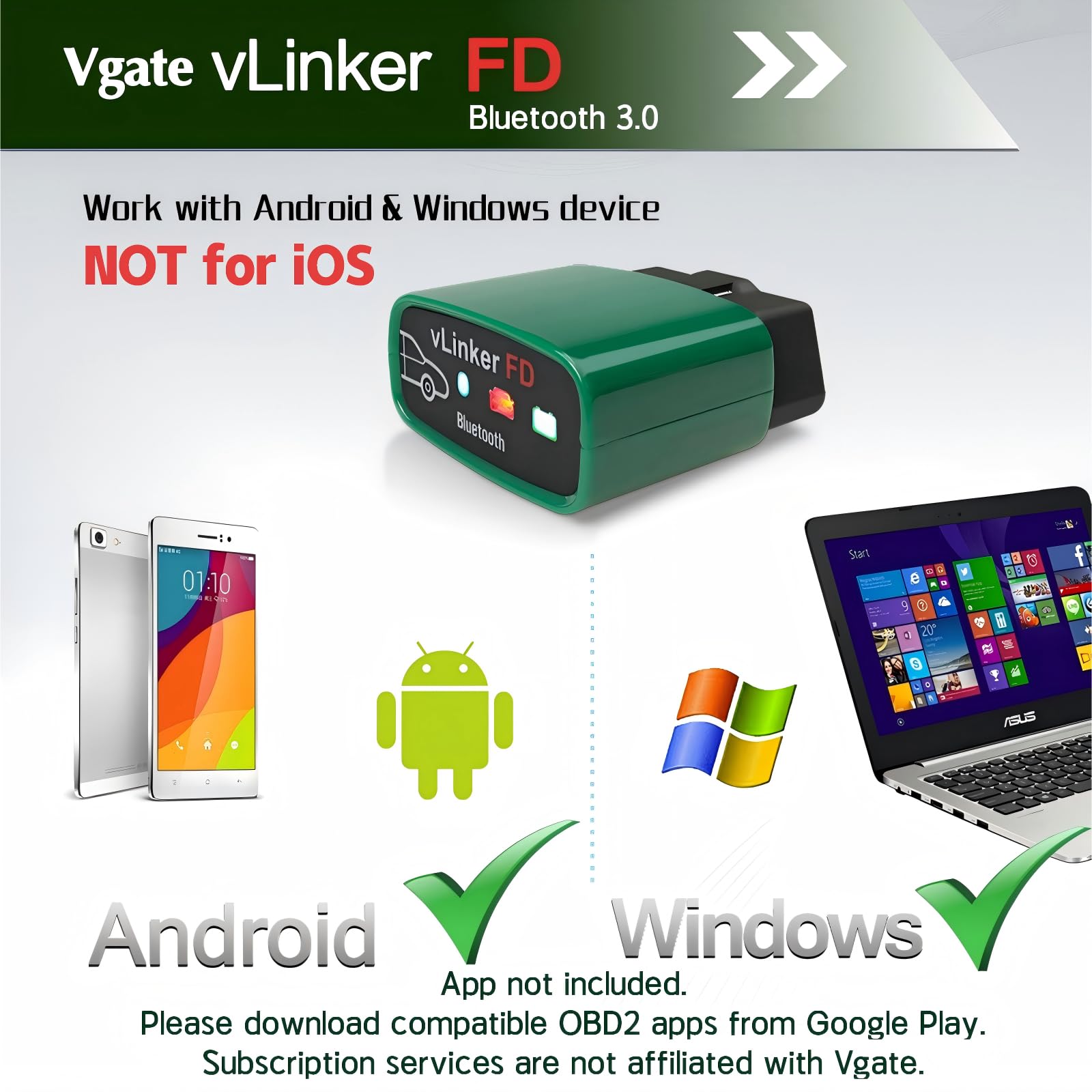
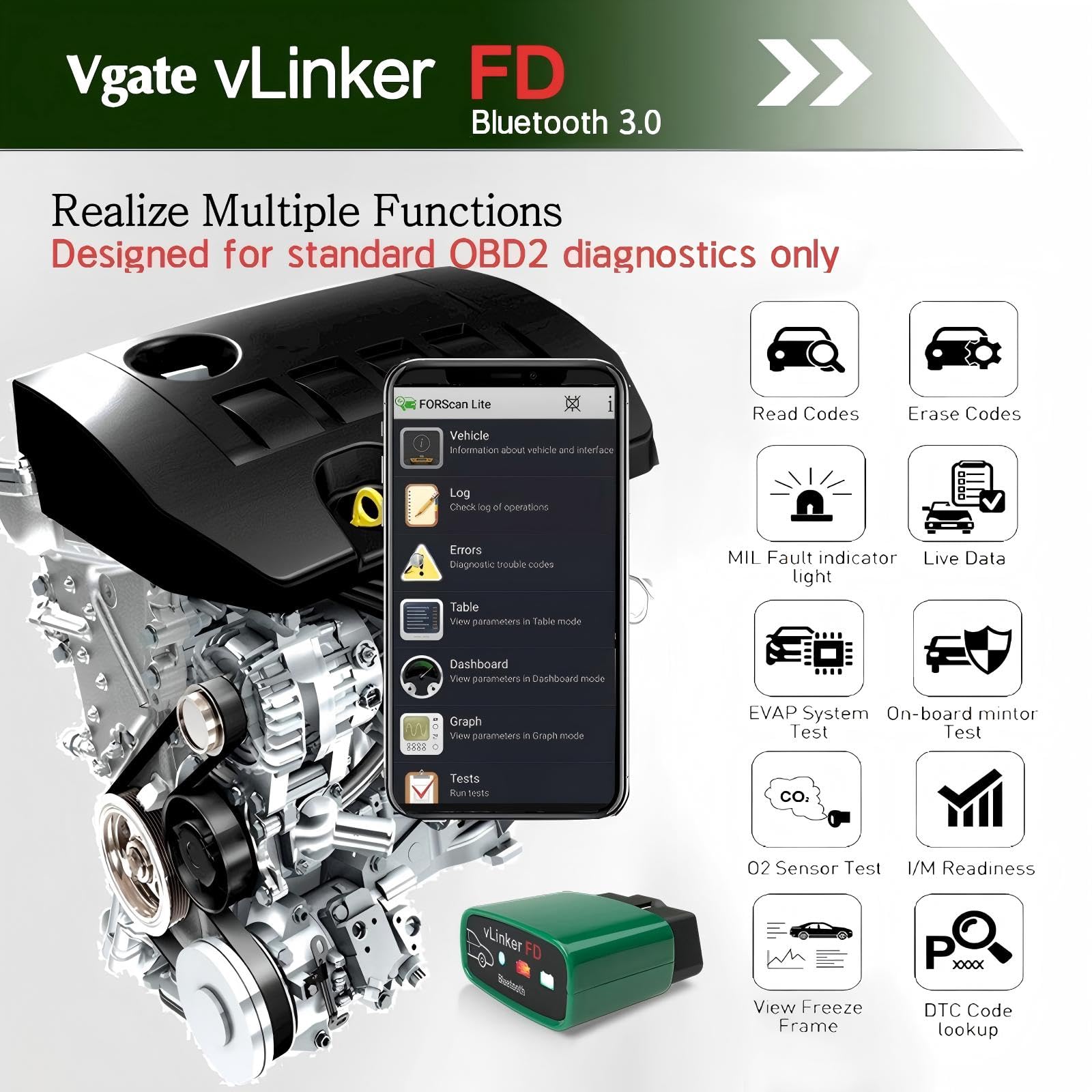
The Vgate vLinker FD is a compact, Bluetooth 3.0 OBD2 scanner designed exclusively for Android and Windows users. It offers essential engine diagnostics, freeze frame data, and I/M readiness checks for most 1996+ gasoline vehicles, with specialized MS-CAN support for Ford models. Compatible with popular ELM327 apps and equipped with robust safety features, it ensures reliable, real-time vehicle health monitoring and easy firmware upgrades for sustained performance.


| Manufacturer | Vgatemall |
| Brand | vgate |
| Product Dimensions | 4.6 x 2.2 x 5.2 cm; 81.65 g |
| Item model number | vLinker FD BT3.0 |
| Manufacturer Part Number | vLinker FD BT3.0 |
| Assembly Required | No |
| Manufacturer | Vgatemall |
| Country of Origin | USA |
| Item Weight | 81.6 g |
M**W
Best obd dongle you can get
Bought this to use with forscan lite on my phone, does everything I need it to. Pulls abs codes, let’s me do test procedures that are available with for scan and works great with garage pro as well. I’m able to pull abs codes off of gms and dodges, something you can’t do with cheaper dongles. The price to what you get is unbeatable.
M**S
2022 Ford F150 - Forscan
Works great and super easy to set up. I've used it on both Forscan Lite and Forscan windows without any issues. I've also left it plugged into the truck for the last week without any issues. At this price, it was a no brainer.
J**F
Unclear Instructions, But Works Well Once Figured Out
It took me a minute to figure out what I needed to do to get it to work. At first, I couldn't get it to connect to my Android phone using Forscan Lite after plugging it into the OBDII port. The product is described as "made for Forscan," which I used.After I couldn't get it to connect, I read some of the other reviews on here of other people saying they couldn't get it to connect either. But I suspect their issue was the same as mine. So here's how I got it to work.Plugged it in to the OBD II port on my truck and followed the instructions given. Went into my phone's Bluetooth settings and connected it using the pin # 1234 as the instructions stated. Then went into Forscan and attempted to get it to connect, and it kept telling me no adapters found. So that's where I thought it was stuck. But here's what you have to do. You then have to go into the settings on Forscan Lite and click on Bluetooth. But then you have to go to another setting on a different screen and actually manually choose the particular Bluetooth adapter you want Forscan to connect to. It doesn't do it automatically, as one would expect and the vague instructions suggest.So if you're having trouble getting it to connect, make sure you not only connect the adapter to your phone using the phone's Bluetooth settings, but also two different settings in Forscan Lite app itself must be set. So three steps total.After I got it to connect, it seems to be working perfectly. My only suggestion is for this company to write better instructions.
J**N
Won't connect
Have Samsung S22 Ultra. It's pairs with my phone fine. But when I try to connect ForScan lite to it. It won't connect. It connects fine to my Torque app so I'm alittle confused.
A**G
Good bluetooth scan tool
works well, used it to view forscan on my phone on my ford f250
Trustpilot
1 week ago
3 weeks ago
5 days ago
1 day ago