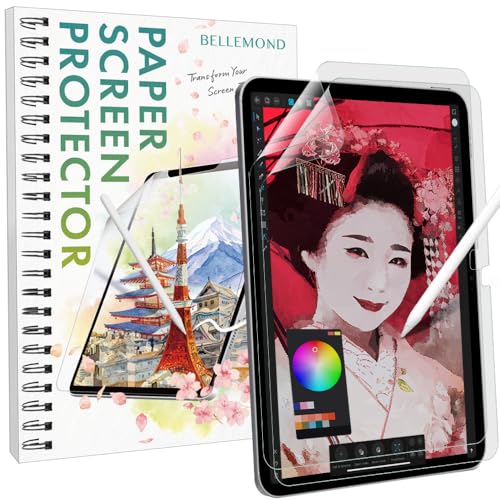

✍️ Elevate your iPad writing game with Japan’s original paper screen protector!
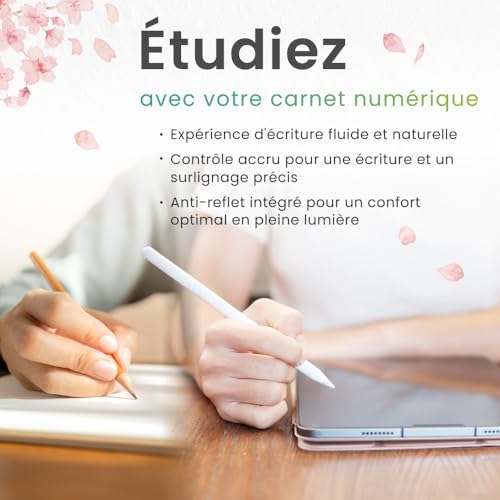
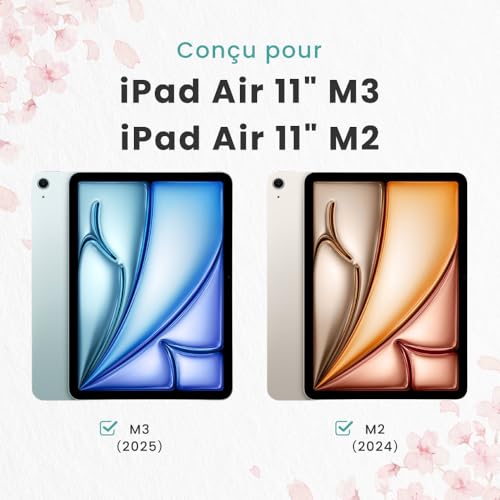
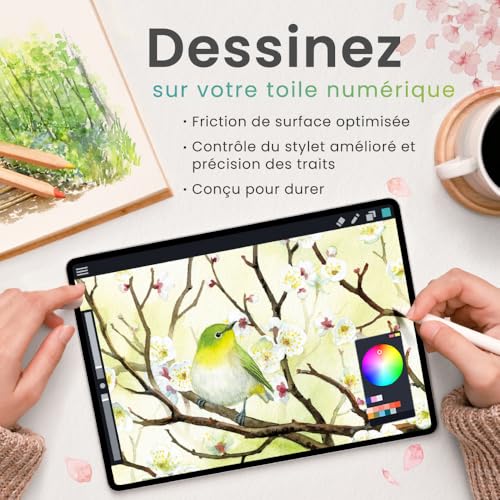
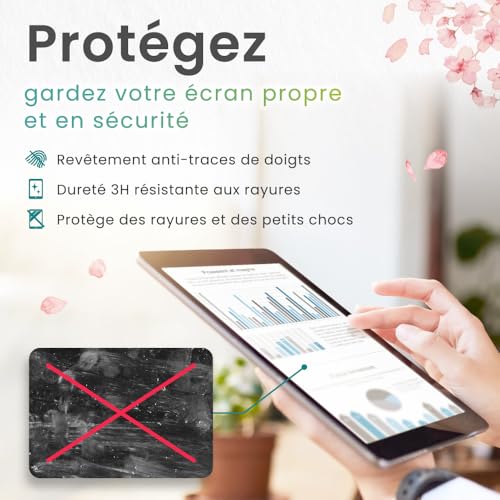
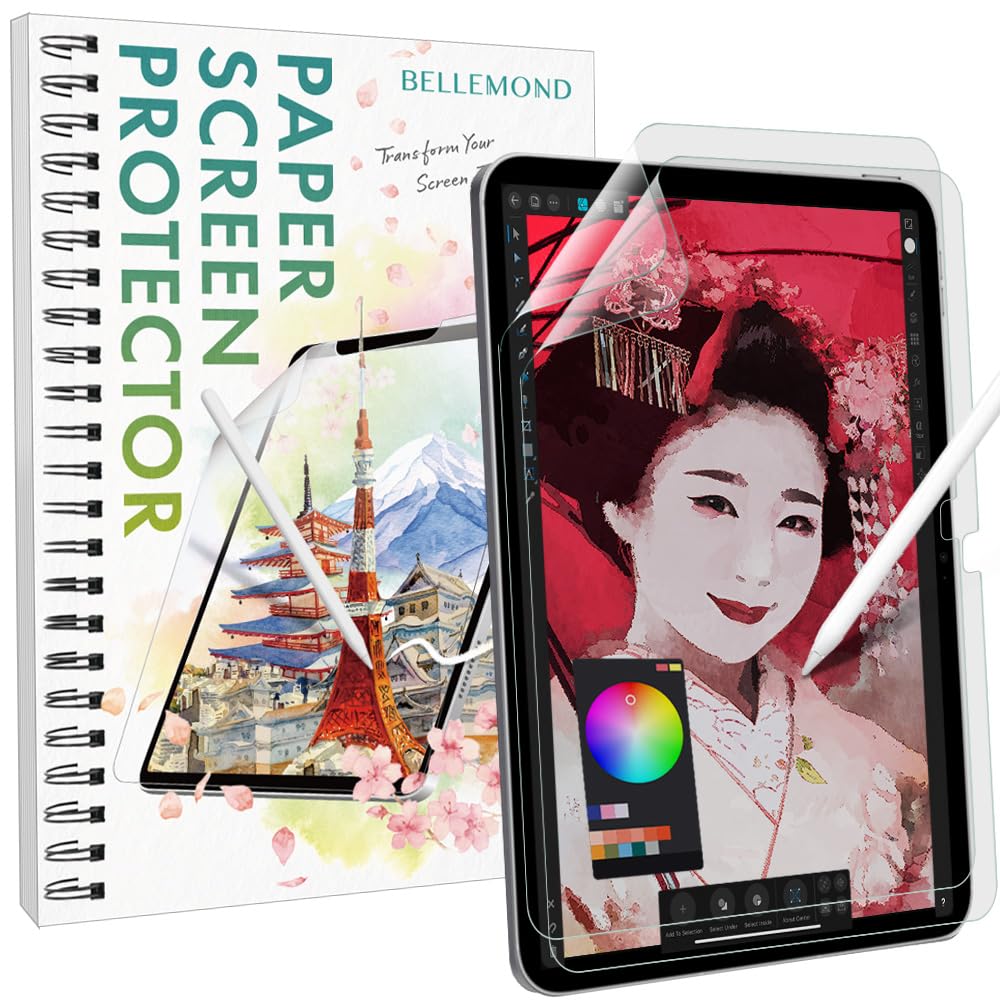
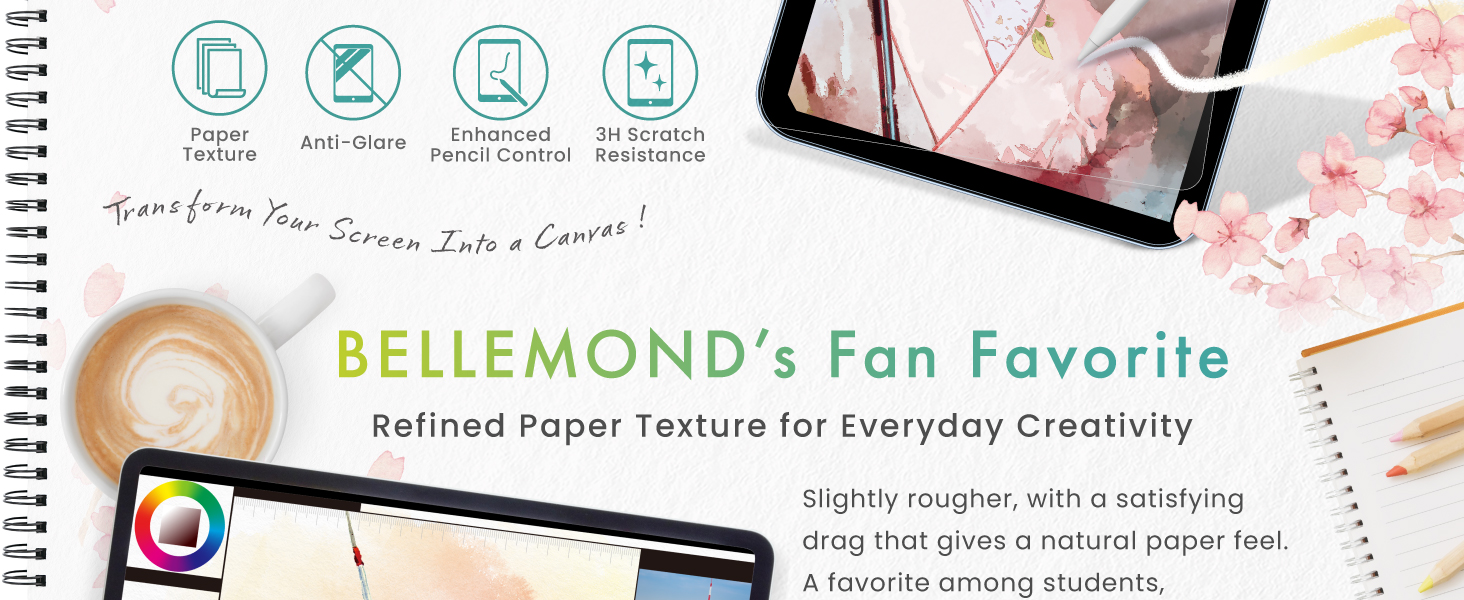
BELLEMOND’s Made in Japan Paper Screen Protector for iPad Air 11” (M3, 2025 / M2, 2024) features a matte PET film that replicates the feel of paper while preserving touch sensitivity and Face ID. Designed for artists, students, and professionals, it offers anti-glare, scratch resistance, and Apple Pencil compatibility. Each pack includes two protectors and a comprehensive installation kit, ensuring a premium, bubble-free application experience.


| ASIN | B0FK479SNL |
| Best Sellers Rank | 5,644 in Computers & Accessories ( See Top 100 in Computers & Accessories ) 109 in Tablet Screen Protectors |
| Customer Reviews | 4.2 4.2 out of 5 stars (2,437) |
| Date First Available | 27 May 2024 |
| Item Weight | 170 g |
| Item model number | GFLPLHQPIP-ARM2-2S-1100 |
| Product Dimensions | 22.91 x 15.98 x 1.27 cm; 170 g |
| Special features | Matte Finish |
| What’s in the box | Paper Screen Protetctor x2, Installation Kit |
L**K
transformed the pen writing experience on my iPad Pro
This is a terrific product. I do a lot of note taking on OneNote including on my iPad Pro. This screen protector transformed the pen experience for me giving something much the same as the satisfying feel of pencil on paper. Very close indeed, as close as it needs to be. Gone is the OK but unsatisfying feeling of writing on glass with a pointed stick. A certain amount of handicraft skill is required to apply the screen to the device but the end result for me was a perfect screen without air bubbles or dust particles underneath. I should say that despite all care and precautions my first attempt had two bumps from minute dust particles but these were easily removed as per instructions by carefully lifting a corner then using the supplied dust removal tool (effectively a piece of stiff sticky tape) on the screen to lift the almost invisible dust particle and carefully re-squeeging down the screen protector film. Update - December 2023, i applied another of these paper-like protectors to a new 10th gen ipad. With previous experience this second install went swiftly and the end result was perfect. The product is excellent in terms of thinness and surface finish, but, and this is important - do not attempt installing this protector unless you are an adept handicrafter. The problems to look out for are alignment, trapped dust and air bubbles. Even a single tiny trapped dust particle will spoil the end result and when a dust particle sticks to the sticky protector surface (as it will do) the dust removal tool must be used sticky on sticky, not easy. Air bubbles are easier to deal with, carefully separate and lift a corner with a scalpel tip and re-squeegee. The review by "Steve" 2Nov21 lists great advice, read his review carefully. Ideally get ready by meticulously preparing a clear dust free environment, take a shower and wear a sleeveless Tee shirt.
S**E
Excellent screen protector, but patience is a must when installing.
When I opened the box, I was initially concerned that there was only 1 screen protector. So you only have 1 chance for a successful installation. I watched a couple of installation videos on YouTube for tips. The main takeaway for me was patience and care. Edit (7/11): something l forgot to mention when I started this review. Looking at the negative reviews, it appears that a fair few didn't read the instructions and were careless or impatient during the installation. For instance some thought the blue screen was the actual screen protector. This definitely needs to be taken into account before purchasing. Here are some installation tips: 1. Make sure you have a good space for installation with lots of natural light, preferably a clean table without clutter around you and have everything you need within reach. 2. Latex gloves help for the initial clean, as you need to grip the iPad and you will end up touching the screen. 3. When cleaning, wipe in one direction only to make sure the dirt and dust isn’t being spread. Do not wipe up and down. 4. When using the sticker, don’t press it on the screen. Just lightly drag it over the screen where you see any dust specs. 5. Before sticking the protector, practice lining it up on the screen to give yourself an idea of the best place edge to start and how everything will line up. 6. When you’re ready to apply the protector, make sure the blue sheet is facing upward. You can tell because the small tab (to remove the blue sheet) is on top. 7. Peel back the larger sheet only 3 or 4 cm and pinch the folded area. Do this right and you can use your index fingers to help guide the protector to line up accurately. Do not pull the whole backing off as this will lead to disaster. 8. Once you are confident everything has lined up well, grab the plastic card and use it to slowly ease the protector onto the screen while slowly and gently pulling the backing. 9. While applying the protector, check the screen that no more dust has made it back on the screen and use the sticker again (I had this issue). 10. When the protector is down, push out any remaining air bubbles with the plastic car and use a cloth to firmly wipe the screen to make sure it’s secure. 11. When removing the blue screen, make sure not to just rip it off as there’s a chance you could rip off the screen protector and you will have to apply it again. If it looks like it’s coming up, just use a cloth and firmly wipe the area again. This for me was the most successful installation of a screen protector I’ve ever done. I only had 1 air bubble at the edge, which was very easy to remove, the rest went down smooth and bubble-free. The only drawback being that you only get 1 chance at this. I’m really happy with the results and it works great with the Apple Pencil. I’m particularly relieved not to have spent money on Paperlike.
K**S
EATS PENCIL TIPS
I recently purchased this screen protector and thought i'd give it some time before leaving a review. so its been now over a month with 2-3 hours a day use, drawing and sketching and i can not fault the screen protector. PROS: - Positive reviews are all valid, and i must say it is of high quality. - Effectively reduces glare, making it easier to write and view my iPad screen - Reduced smudge, finger marks and natural hand moisture - Feels dry and grain like, like paper does. Very close feeling to the real thing. - No bubbles if you apply slowly and correctly and dont rush it. NEGATIVE: - Biggest negative of the product is, the wear on your Apple Pencil tips to their metal ball. - Like another review mention, it will create rapid wear and tear on the tip of my brand NEW Apple Pencil tips. I too am in the dilema of either removing the screen protector or purchasing new tips on a monthly basis. All in all, this screen protector provides a number of benefits, including reduced glare, reduced fingerprints, and improved writing experience. However, it may result in more frequent replacement of your Apple Pencil tip. Ultimately, the decision to use this protector will depend on weighing the benefits against the cost of replacement tips.
G**.
i’ve had this screen protector for over a year, and it’s held up really well: no scratches or marks and the texture is the same as when i bought it. it makes the experience of drawing on my ipad sooo much better, and doesn’t wear down your apple pencil tip. i recommend it to all of my friends!!
A**E
Un buon prodotto,
S**O
Schreiben wie auf Papier! Meine Tochter kann nun auf ihrem iPad sehr gut mit dem Apple Pencil schreiben, da das Gefühl besser ist als auf dem reinen Display.
R**.
Eigentlich hatte ich mich gescheut so eine Folie auf mein IPad air 4 zu kleben, aber jetzt möchte ich sie nicht mehr missen. Klar fühlt sich das Display etwas rauher an und ist nicht mehr ganz so brilliant, aber immer noch top. Die Stifteingabe bzw. das Schreiben geht jetzt viel besser und meine Handschrift sieht nicht mehr so ungelenk aus. Kaufempfehlung
A**R
Execellent
Trustpilot
1 month ago
3 weeks ago



