
💾 Unlock your digital universe with 8TB of unstoppable storage!
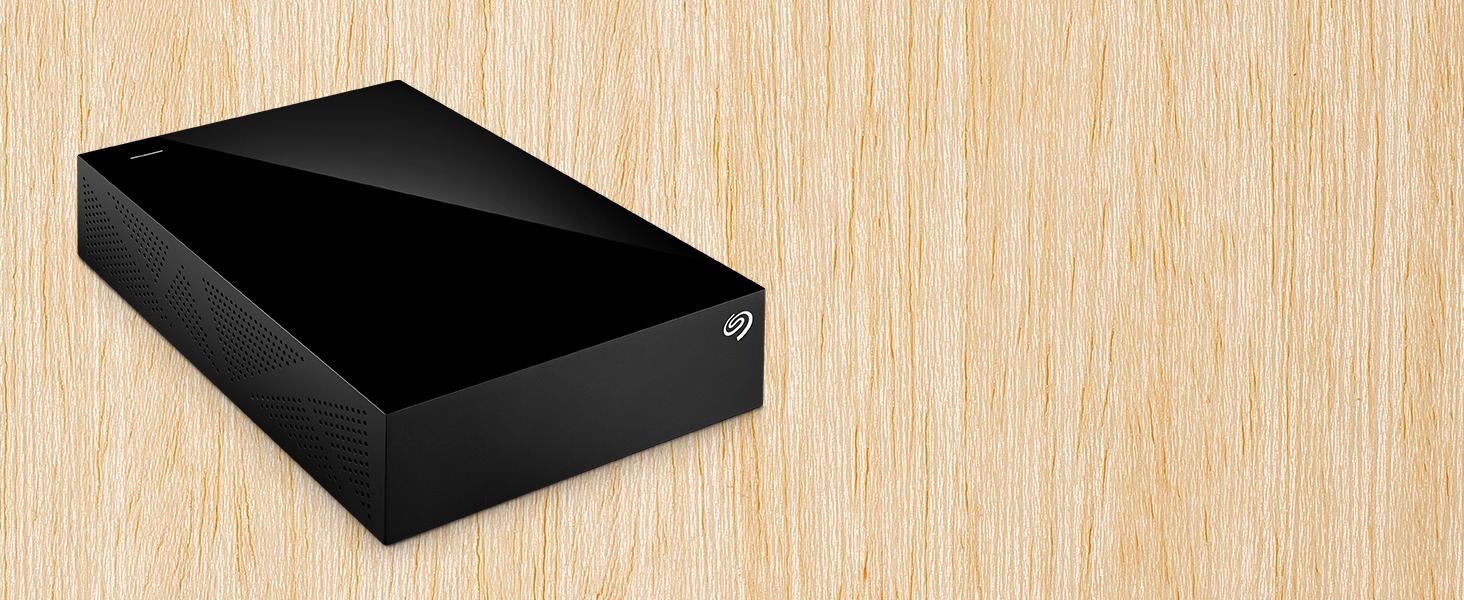
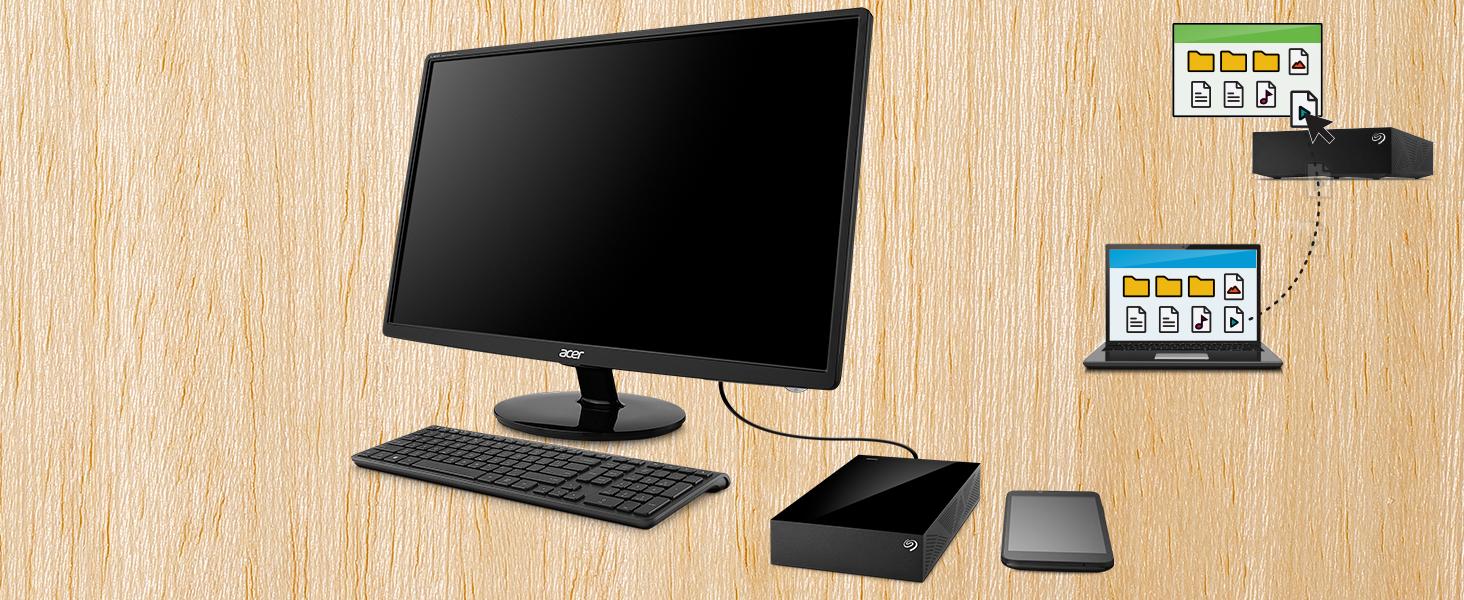
The Seagate Desktop Drive STGY8000400 is a robust 8TB external hard drive featuring USB 3.0 for fast data transfer and broad compatibility with Windows, Mac, Xbox, and PS4. Its 7200 RPM mechanical drive ensures reliable performance for massive media libraries and backups, making it an ideal storage solution for professionals and gamers alike.



| ASIN | B07CQJBSQL |
| Best Sellers Rank | #46 in External Hard Drives |
| Brand | Seagate |
| Color | Black |
| Customer Reviews | 4.4 4.4 out of 5 stars (16,288) |
| Date First Available | June 30, 2018 |
| Flash Memory Size | 8 |
| Hard Drive | 8 TB Mechanical Hard Disk |
| Hard Drive Interface | USB 2.0/3.0 |
| Hard Drive Rotational Speed | 7200 |
| Hardware Platform | Mac, PC |
| Item Dimensions LxWxH | 4.65 x 1.63 x 7.06 inches |
| Item Weight | 2.43 pounds |
| Item model number | STGY8000400 |
| Language | English |
| Manufacturer | Seagate |
| Operating System | Windows®10, Windows 8, Windows 11 |
| Product Dimensions | 4.65 x 1.63 x 7.06 inches |
| Series | Expansion |
D**N
3 years later i still love it
i been using this thing for about 4 years now and it’s great. the sleds are a bit slow so it’ll struggle to run games 2025 and up but outside of that it’s great for storing a mass game library and running them from it!
B**B
Good for 5 years running 24/7 initially.
Purchased in December 2020. Has run 24/7 for five years with little heat issue. Yes, I know why 24/7, I have my reasons. Stopped working intermittently then completely would not start when powered off then back on. So I decided to disassemble it as the warranty was long out of date. Here is what I found: A SG Barracuda HDD ST8000DM004, you are still able to purchase this SMR HDD as bare drive. Good if not reading and writing large files constantly. I still prefer CMR overall. The HDD is still good and loads up in a docking station. Good News files were recovered. Better News I now have a large drive I can use in my server for continued storage. Time to pull out the meter... As it turns out the control board in the enclosure has bit the dust. Figures the control board would fail first! The power supply is still good. Overall if you are buying for a backup drive it is worth it depending on price fluctuations. If you are not computer savvy you may have issues down the road when the control board fails. Look fo rthe videos pulling the internal drive out is easy. Suggestions here for the less informed: Back up your backup. If its electronic save it in several places IF it is an important file!
M**N
How I got it to work on my mac (finally)...
I bought this drive (10TB version) to use as a media storage device for my Plex server. I run my Plex server on an older (2013) apple iMac that is running MacOS Catalina. When I first unboxed the drive, it looked nice, but when I plugged it into the power and then the USB on the back of my computer, it wouldn't show up. I couldn't get it to show up in my Finder window, on my desktop, or even in Disk Utility. I did all the tricks to show all drives and all volumes, but it just didn't even recognize that it was plugged in at all. I read some of the other reviews, lots of people complaining about how it wouldn't work on their mac etc..., I thought that maybe I was going to have to return the drive and figure out something else (it comes preformatted in exFAT, but as I said, MacOS Catalina wouldn't even acknowledge it was plugged in at all, so there was no way for me to reformat into the the system I wanted). Luckily I had a Mac Laptop with BigSur installed. On my laptop, it didn't show up in Finder or the desktop at first, but it did recognize it in Disk Utility (again, you have to set it to show all drives and volumes in the view). There I was able to select it, then reformat it as MacOS Journaled (or whatever file system you wanted, but that is what I use on my older Mac). Once I did that, I was able to plug it into my older Mac, and it showed up in Finder, Desktop, and Disk Utility. I actually reformatted again on the old mac (just to be safe, but probably not really needed as it was reading, I just wanted to make sure it would work on the old mac the way I wanted it to). As I'm typing this, it's just finishing backing up the 4TB of media from my old drive, it's been whirring away for about 24 hours now, no problems so far. So as long as you are willing (and have the newer macOS available), then this is a great external hard drive for Macs, just don't expect it to work natively right out of the box (but external hard drives rarely do). That being said, I am happy with the price and performance so far, hoping 10TB will last me quite a while (my old drive was 6TB and I thought I would never even come close to filling that up, but I don't like to run my drives too full, so using 4TB out of 6TB was more than I liked, so this 10TB should fit the bill nicely for a while anyway).
K**A
INITIAL review after setting up. Info on drive not showing up and reformatting for Time Machine...
I'm writing this because of all the reviews I see complaining about the drive not showing up on their computer initially, saying "it doesn't work right out of the box!" I often wonder if some of these people never even read the documentation before giving up. The included documentation for the drives is horrible, with only a Quick Start page that shows how to plug it in, but there is great info on Seagate's site that helps if you go look at it. There's also something else I found out that might be helpful, and I'll address that here. Once I've had it in use for a while I'll update this review for a more in-depth account of how well it works. I'll list my comments by issue: 1) Drive not getting recognized. After seeing so many "it doesn't show up" comments, I was concerned when mine didn't show up on my iMac either. I followed the instructions on plugging it in (in sequence, which may or may not make a difference, but you gotta do it correctly just in case), and the first thing you have to do is decide which US Standard plug to slide onto the universal plug adapter; there are two that are almost identical, two-prong plugs; one has holes in the prongs and the other doesn't. Docs say nothing about which to use, so I went with the one with holes. The unit powered up and sounded like it was initializing, but it wouldn't get recognized by my Late 2017 iMac. Unplugging and restarting did nothing. I went to the online documentation and did the recommended check to see if Show Hard Drives was checked in Finder/Preferences/Show-Hard Drives. It was (which I already knew because my others show there, but just in case I needed to recycle the command...). That did no good. After a bit of thought, I decided I'd try the other plug, and that did the trick. USE THE PLUG WITH NO HOLES IN IT if using in the US! Once that was solved, it showed up and all looked good. 2) Using with Time Machine on Mac. The info in the product description says the drive is ready to use with Time Machine, preformatted. The problem is, if you have Catalina or later, there is a new formatting called APFS that replaces xFat, and you will have to reformat to use with Time Machine. This is a simple process using Disc Utility, and it reformats quickly. Once I had that issue solved, I got Carbon Copy Cloner (trial version) and set up the tasks of copying my main hard drive (348.3 GB) and my 8 TB external drive to the new Seagate drive and let it go. The main drive was backed up in just over 47 minutes. Yeah, it's a tad noisy, but nothing that can't go on while working on the computer by any means unless you're maybe recording a YouTube video at the computer or something. The external drive, which had 6.58 TB of stuff on it took a little longer... 12 1/2 hours to be exact. Slow? I don't know, it's the first time I've copied a hard drive with that much stuff on it, but I set the task and left it alone and it was done in the morning. The image included here shows Carbon Copy's review page for the performed tasks. CAVIAT: you may need to use a program that allows the computer to work without shutting down after a period of inactivity. I use an app called "Amphetemine", which forces the computer to stay on in various circumstances that you can set. I set mine to remain on "as long as specified app is working" and chose Carbon Copy Cloner. Not sure you have to do this, but Amphetamine is a great app and I didn't want to take the chance of having to start over, so I used it, and it worked great. The noise some complain about could be other drives (I have the 12 TB version for desktop) or it may be a personal preference, but a drive in a plastic case like this with lots of air holes in it will make some noise, however I didn't find this "noisy" at all IMHO. So far, I'm impressed with Carbon Copy as well, but like the drive, I'm in my infancy with using it, so time will tell. I also have a 1 TB external I use for Time Machine, so instead of using this one for that, I will most likely also set up the drive to copy that drive so I have a backup of my Time Machine just in case. You can set Carbon Copy to copy whenever it detects a change in a drive, so once the initial copying is done, the lengthy copies are done, and it's only copying when things change. If you have issues with one of these drives not being recognized by your computer straight out of the box, FIRST make sure you have the correct US plug installed. THEN, make sure to reformat to APFS if you're running Catalina or later if you plan to use it for your Time Machine backups. At that point, so far in my experience, it's a great drive. I'm giving four stars only because of having to hunt down good documentation for the actually necessity for reformatting for the OSs, and for having NO information about the right plug to use. NO idea why the one with holes won't work, but it would be nice if they gave a heads-up on that. Once it's been working a while, I'll readdress this review.
P**A
Great PRODUCT. Hard Drive (STKP16000402) 'EX0S Drive' inside. TIP: Buy from 'Appario Retail Private Ltd' they ask for a reasonable price. 16 TB ('terabyte in decimal' NOT 'tebibyte in Binary') in Decimal Bit-unit so about 14,900 GB('gibibyte in Binary' NOT 'gigabyte in decimal') in Binary Bits. Difference: 1 TB(terabyte) = 1000 GB(gigabyte) {in decimal} 1 TB(tebibyte) = 1024 GB(gibibyte) {in Binary} Therefore, 1 TB(terabyte in decimal) = 931 GB(gibibyte in Binary) approx. That's why when we buy microSD Card it shows less in mobile device than what was branded for. Manufacturers use/brand in 'decimal' where as we all know digital computers are 'binary' at their core + the OS takes a bunch more. [This may me confusing cause mostly we say "tebibyte as terabyte" & "gibibyte as gigabyte"] {Linked Website for better understanding- https://en.wikipedia.org/wiki/Gigabyte}
M**.
Ottimo prodotto. Affidabile, veloce e piccolo. Top 🔝
F**O
Ya tengo bastante tiempo con este producto y es fantástico en relación calidad precio. Tiene 14 Tb de almacenamiento y no ha fallado nunca. Le queda muchísimo espacio. Es ideal para tener un equipo de cómputo libre de archivos. Lo mejor es que sea para un lugar fijo.
N**C
Quando chegou achei um pouco maior e mais pesado do que eu esperava mas estava muito bem embalado e foi fácil de começar a usá-lo no Windows 11 Pro.
F**U
Die Platte ist gut. Schreibgeschwindigkeit ist okay. Sie brummt bloß etwas mehr als die anderen Platten die ich habe. Und ab und zu kommen andere Geräusche dazu. Aber das stört mich nicht weil sie nur als Backup dient. Braucht auch länger zum anmelden am PC als die anderen Platten. Aber für das Geld ist sie für mich trotzdem top.
Trustpilot
1 day ago
2 weeks ago



