We remain fully operational. Our teams are working around the clock to ensure your deliveries continue safely.

DOWNLOAD THE APP


Customer Services
Copyright © 2025 Desertcart Holdings Limited
DOWNLOAD THE APP
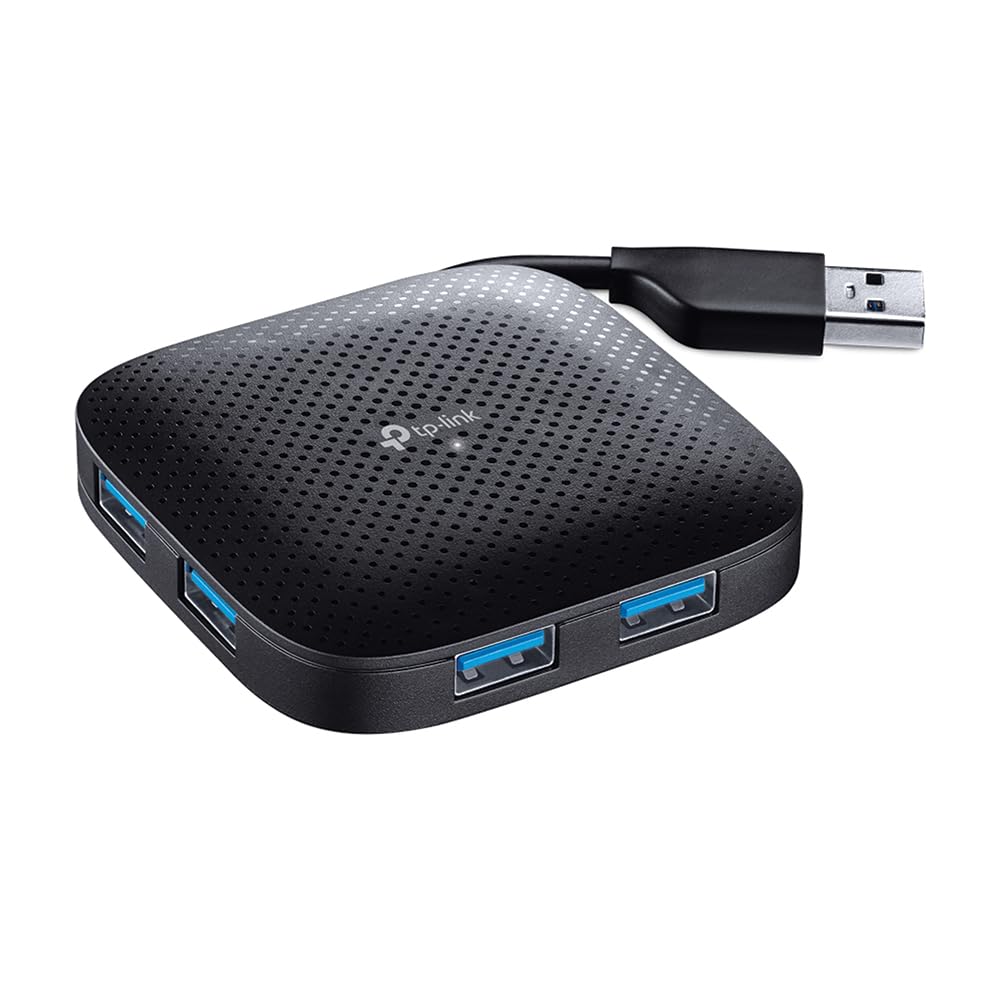
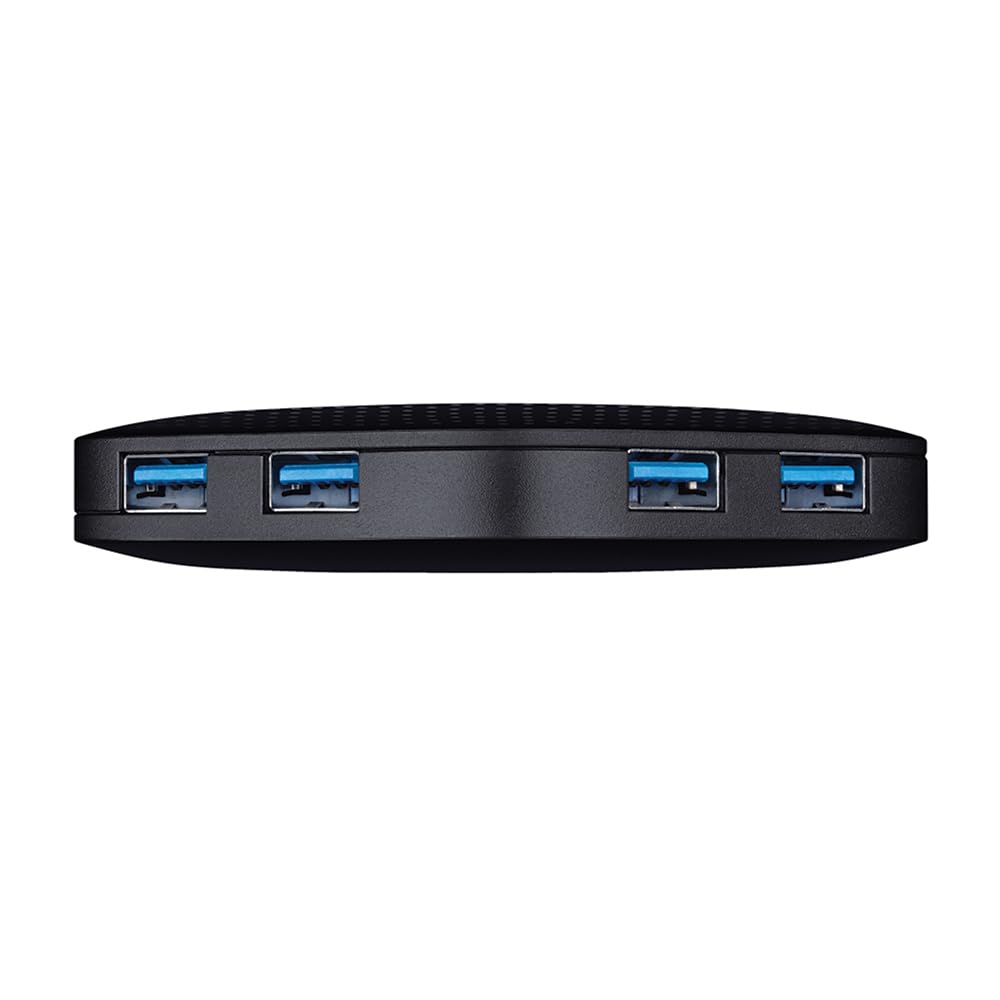
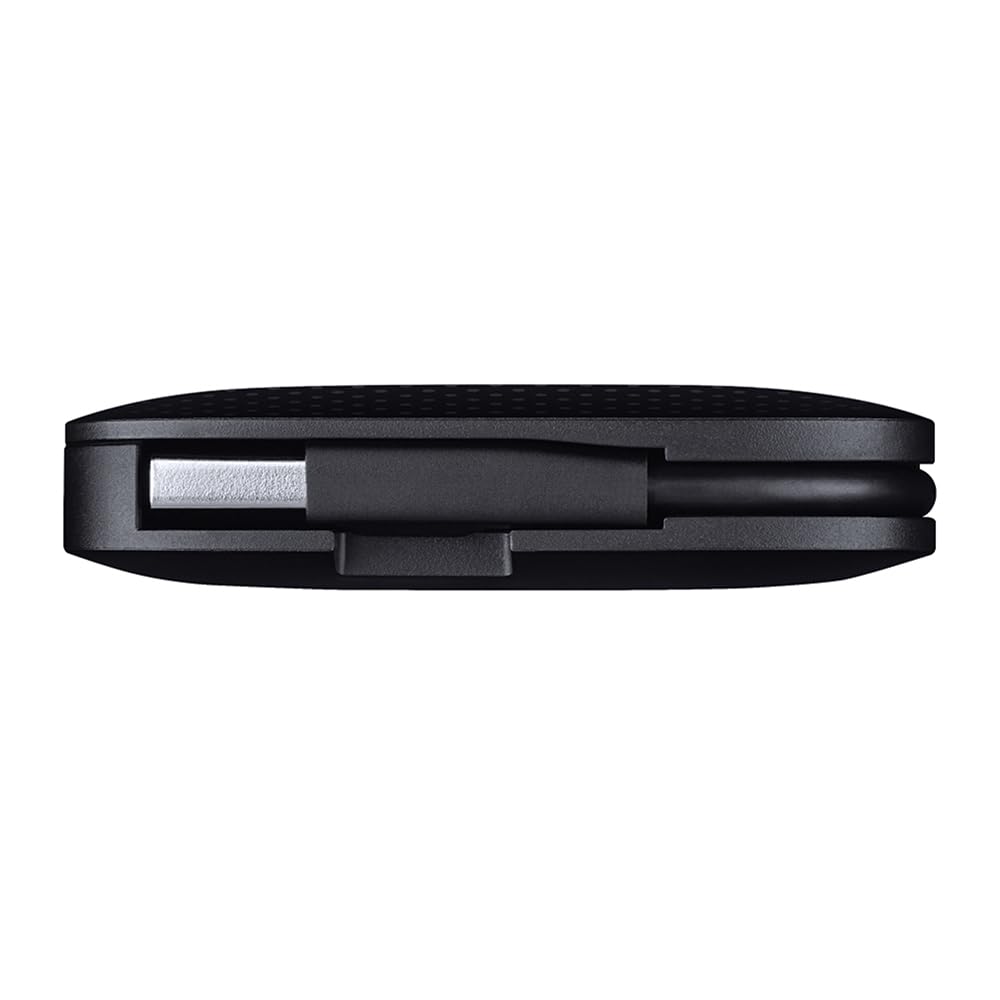
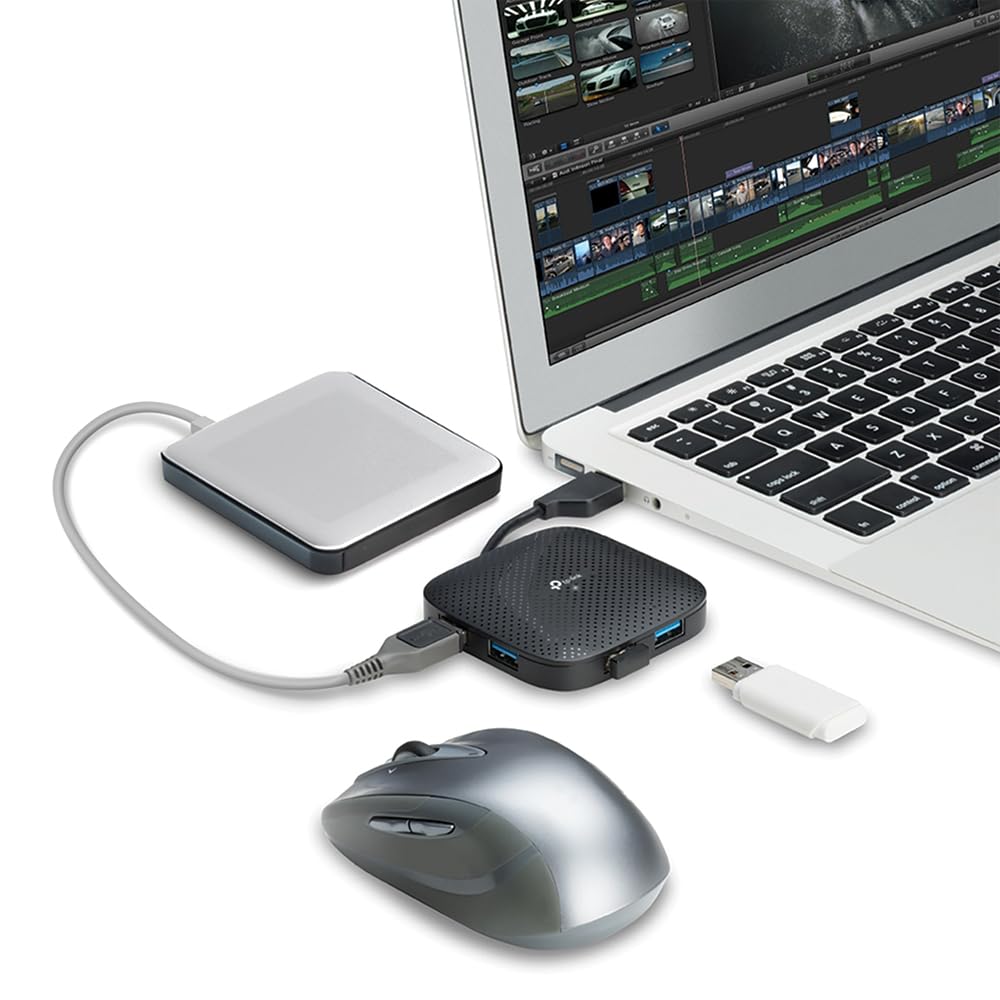
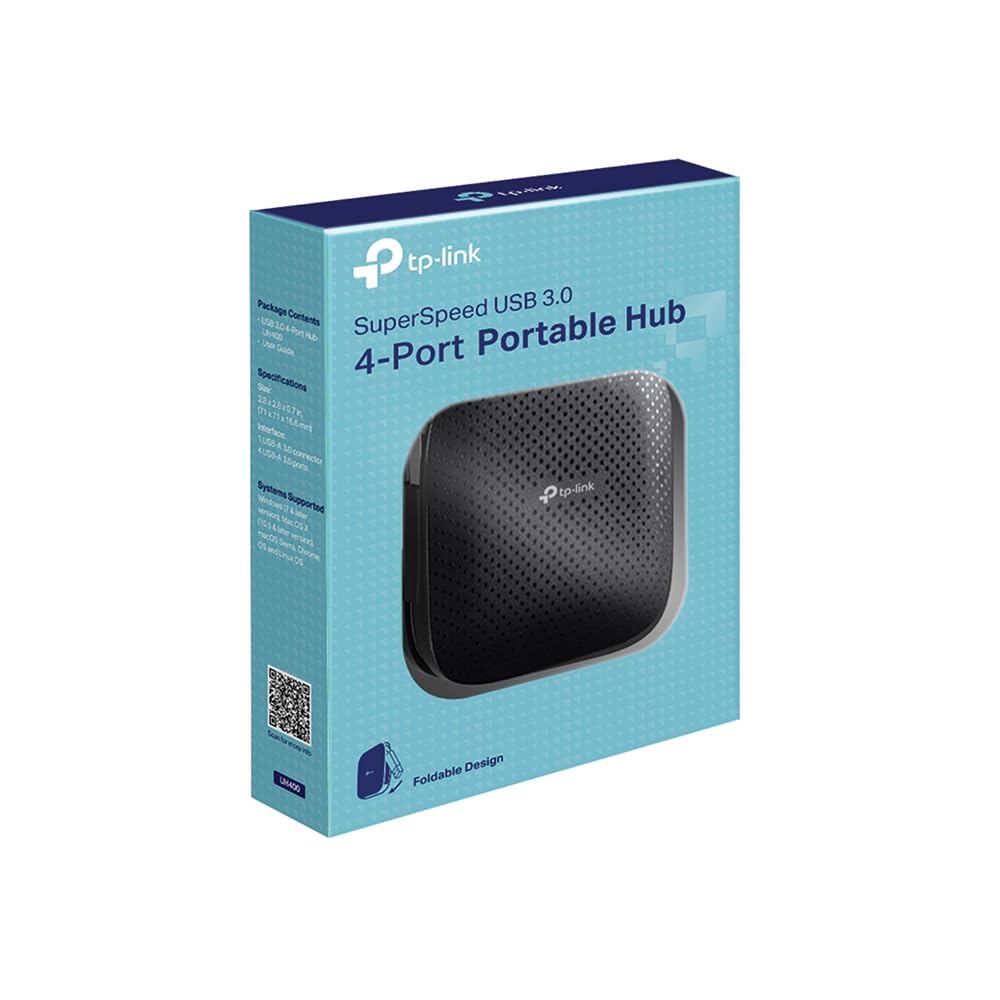
🚀 Power Up Your Productivity with the Ultimate Portable USB Hub!
The TP-Link UH400 is a sleek, ultra-compact USB 3.0 hub featuring 4 high-speed ports that deliver data transfer speeds 10 times faster than USB 2.0. Compatible with Windows, Mac OS X, and Linux systems, it requires no drivers for instant plug-and-play use. Its built-in USB connector cable and lightweight design make it the perfect portable solution for expanding connectivity on laptops, ultrabooks, and desktops alike.


| ASIN | B00V4BGD00 |
| Best Sellers Rank | #565 in Computers & Accessories ( See Top 100 in Computers & Accessories ) #18 in USB Hubs |
| Box Contents | USB 3.0 4-Port Portable Hub and Quick Installation Guide |
| Brand | TP-Link |
| Brand Name | TP-Link |
| Colour | Black- USB 3.0 4-Port |
| Compatible Devices | Desktops, Laptops |
| Country of Origin | China |
| Customer Reviews | 4.4 out of 5 stars 21,075 Reviews |
| Data Transfer Rate | 1 Gigabits Per Second |
| Enclosure Material | Metal, Plastic |
| Global Trade Identification Number | 01210002607025, 06935364091477 |
| Hardware Interface | USB 3.0 |
| Importer Contact Information | TP-Link India Private Limited Office No.1, Tower 2, Level 2, Raiaskaran Tech Park, Andheri Kurla Road, M.V Road, Andheri East-400072 Contact: Toll Free 1800-209-4168, [email protected] |
| Item Dimensions L x W x H | 7.1L x 7.1W x 1.8H Centimeters |
| Item Part Number | UH400 |
| Item Type Name | HUB |
| Item Weight Unit of Measure | 50 Grams |
| Manufacturer | TP-Link, TP-Link Systems Inc. 10 Mauchly, Irvine, CA 92618, USA or TP-Link India Private Limited Office No.1, Tower 2, Level 2, Raiaskaran Tech Park, Andheri Kurla Road, M.V Road, Andheri East-400072 |
| Manufacturer Contact Information | TP-Link Systems Inc. 10 Mauchly, Irvine, CA 92618, USA or TP-Link India Private Limited Office No.1, Tower 2, Level 2, Raiaskaran Tech Park, Andheri Kurla Road, M.V Road, Andheri East-400072 |
| Manufacturer Part Number | 6935364091477 |
| Model Number | UH400 |
| Number of Ports | 4 |
| Operating System | Linux,Windows,Mac Os,Mac |
| Packer Contact Information | TP-Link Systems Inc. 10 Mauchly, Irvine, CA 92618, USA |
| Product Features | Portable |
| Special Feature | Portable |
| Total USB Ports | 4 |
| Unit Count | 1 Count |
A**J
Perfect Hub for My 2019 16” MacBook Pro!
The TP-Link USB Type-C 6-Port Hub (UH6120C) has been a fantastic addition to my setup with my 2019 16” MacBook Pro. It’s reliable, compact, and works flawlessly without any extra drivers or setup. The 4K@60Hz HDMI output is incredible—my 4K monitor displays sharp, clear visuals with zero lag or flickering. I also have a wireless keyboard and a webcam connected to the USB-A ports, and both work seamlessly. The connections are stable, and I’ve experienced no dropouts or delays, even with extended use. Although I’m not using the ethernet port or pass-through charging, this hub has exceeded my expectations. It keeps my desk setup simple and clean, handling everything I need without compromise. The build quality feels premium, and the hub runs cool even with multiple devices connected. This hub is perfect for anyone looking to expand their MacBook Pro’s connectivity. Whether for connecting a monitor, peripherals, or both, it’s a dependable and high-quality solution. If you’re looking for a no-fuss, plug-and-play hub that just works, I can’t recommend the TP-Link UH6120C enough. It has been a game-changer for my productivity!
R**R
All ports working fine.. highly recommended
Great product
A**U
Rock-solid USB-C hub with excellent build, power delivery, and reliability
I’ve been using the TP-Link UH9120C 9-in-1 USB-C Hub for some time now, and overall it has handled almost everything I threw at it without issues. Compatibility & Ports It supported all the devices I tested (laptops, phones, Linux systems). I didn’t test it with very old laptops that only have USB-A ports, but for modern USB-C devices it works flawlessly. It has 3× USB-A 3.0 ports and 2× USB-C ports. One USB-C is for data, and the other is PD charging. The PD port charged my phone at 90W, which is the maximum my phone allows, so no complaints there. HDMI Performance I haven’t fully stress-tested the HDMI yet, but I did connect it to my 75Hz TV for gaming and it worked perfectly during a 4–5 hour session. No flickering, no signal drops. I’ll test longer sessions later and update if needed. Power Delivery The hub does deliver the full 100W, which is critical for my laptop (it slowly drains battery if less than 100W is supplied). That said, charging was a bit slow compared to the laptop’s original charger, so I still prefer using the stock charger when possible. I tested it with Ethernet and other accessories connected, and charging speed didn’t drop noticeably. I also tried using the PD USB-C port for data once—it worked, but I didn’t measure speeds in detail. I left the hub running non-stop for about 3 days with Ethernet constantly active and continuous data transfers from hard drives. Other than slight heating, it handled everything reliably. Ethernet I don’t have a full gigabit plan (I use ~500 Mbps), but the Ethernet port handled it effortlessly. No packet loss, no disconnects. I tested it on Ubuntu and Kali Linux, and Ethernet worked perfectly on both. Update : the ethernet started to disconnect for not reason at all like it is physically connected but stopped working suddenly and started working again in 2-3 hours... This happened frequently for last month like 5-6 times USB-A Ports & Data Transfer The USB-A ports do provide charging, but charging speed drops as more devices are connected (which is expected). For data, performance was solid. I transferred ~30GB of data to two phones in about 15–20 seconds. My external SSD worked perfectly, though I suspect the hub limits peak SSD speed a bit (didn’t benchmark exact numbers). SD / microSD Both SD and microSD cards can be used simultaneously. Large-capacity cards work fine. In my case, the cards themselves were the bottleneck, not the hub. No detection issues, no corrupted transfers. Thermals & Build Quality Thermals are surprisingly good. It only got warm under constant heavy load over multiple days. The body feels like aluminium or aluminium alloy, very sturdy yet lightweight (roughly ~300g overall). Port quality is excellent and doesn’t feel loose at all. My only small complaint: the USB-C cable could’ve been about an inch longer, though it’s still usable. Reliability & Daily Use I didn’t test every single port at once, but for long sessions it’s been extremely reliable. No random disconnects, no crashes, no OS issues. A 3.5mm or 6.35mm audio jack would’ve been a nice bonus, but honestly at this price, that’s nitpicking. Update I have experienced random disconnects from ethernet in last month... Value For the price, this hub is absolutely worth it. Solid performance, excellent build quality, good thermals, and dependable power delivery. The only alternative I would’ve considered was the Honeywell 12-in-1 Type-C Dock, but it wasn’t available when I needed one. Final Verdict If you need a reliable, well-built USB-C hub for work, Linux systems, data transfers, Ethernet, and occasional gaming via HDMI — this is a top-tier choice. Buy it without hesitation.
S**A
Useful
High quality product
K**B
High power deliver to all usb port
Very very good product
S**N
It's ok
It doesn't improve anything, in term of data reading or writing speeds but works well as a charger and extra usb port. Would have love to see 2 atleast usb C type ports too
A**L
Good for money, easy to use, ports quite tight
I need to use USB Hub sparingly, so I wanted to buy a decent one within a moderate budget. This one is good, sleek looking, and works fine with pen-drives, wifi adapter, keyboard and mouse. Transfer Speed is workable, and the small white LEDs are really cool and useful. Problems are: 1. The cable extension is very small which makes clutter near your PC. 2. The ports are stiffly tight. My advice is don't use it if you need to connect and disconnect your devices too much. It is good enough if you have something that can be kept stuck in it like a keyboard, a mouse or external HDD etc. 3. It seems a little pricey to me. Check your local markets before buying it here.
P**E
Good product for normal usage
This item was so useful, quality was good, easy to carry, connectivity was very simple, just plug and use, little warm up is there but its normal, on hdmi usage it will warm up a little more, do t worry its normal, transfer speed was normal, as, overall experience was good.. It can choose for normal usage..
Trustpilot
5 days ago
2 days ago