




🎧 Elevate your voice, own every conversation.
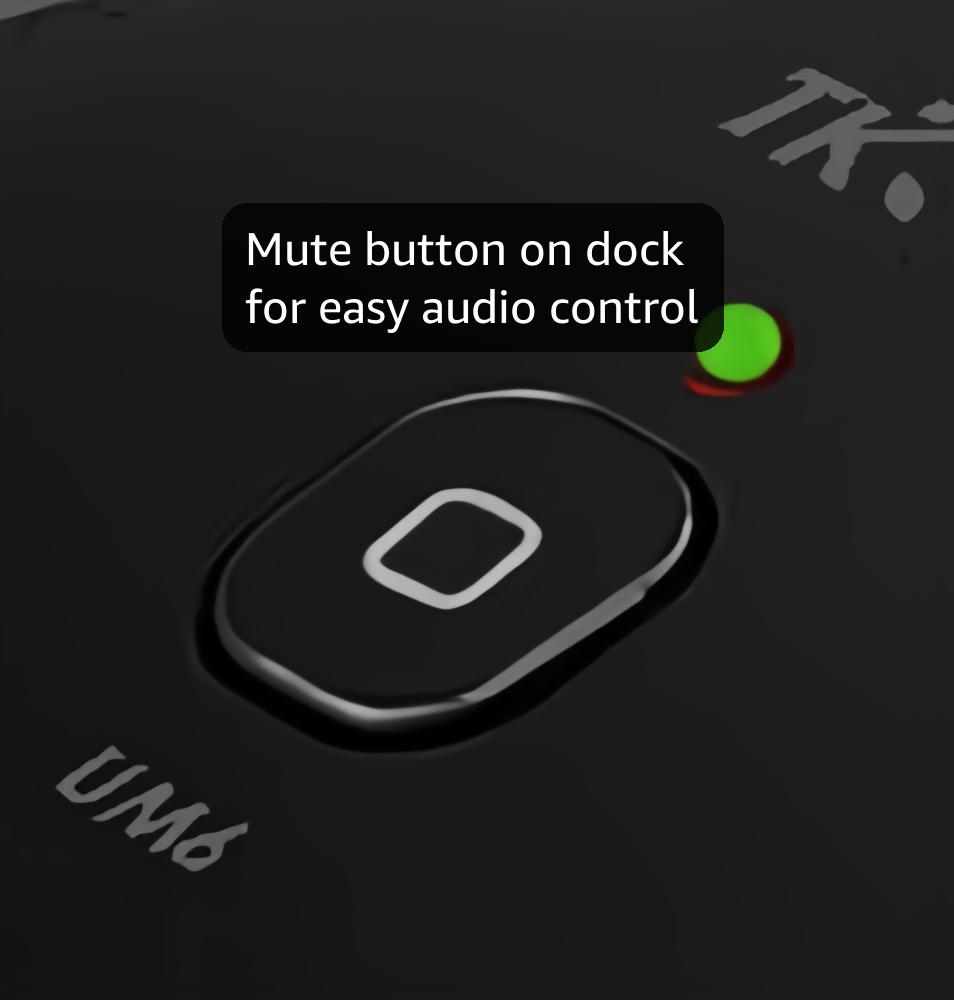
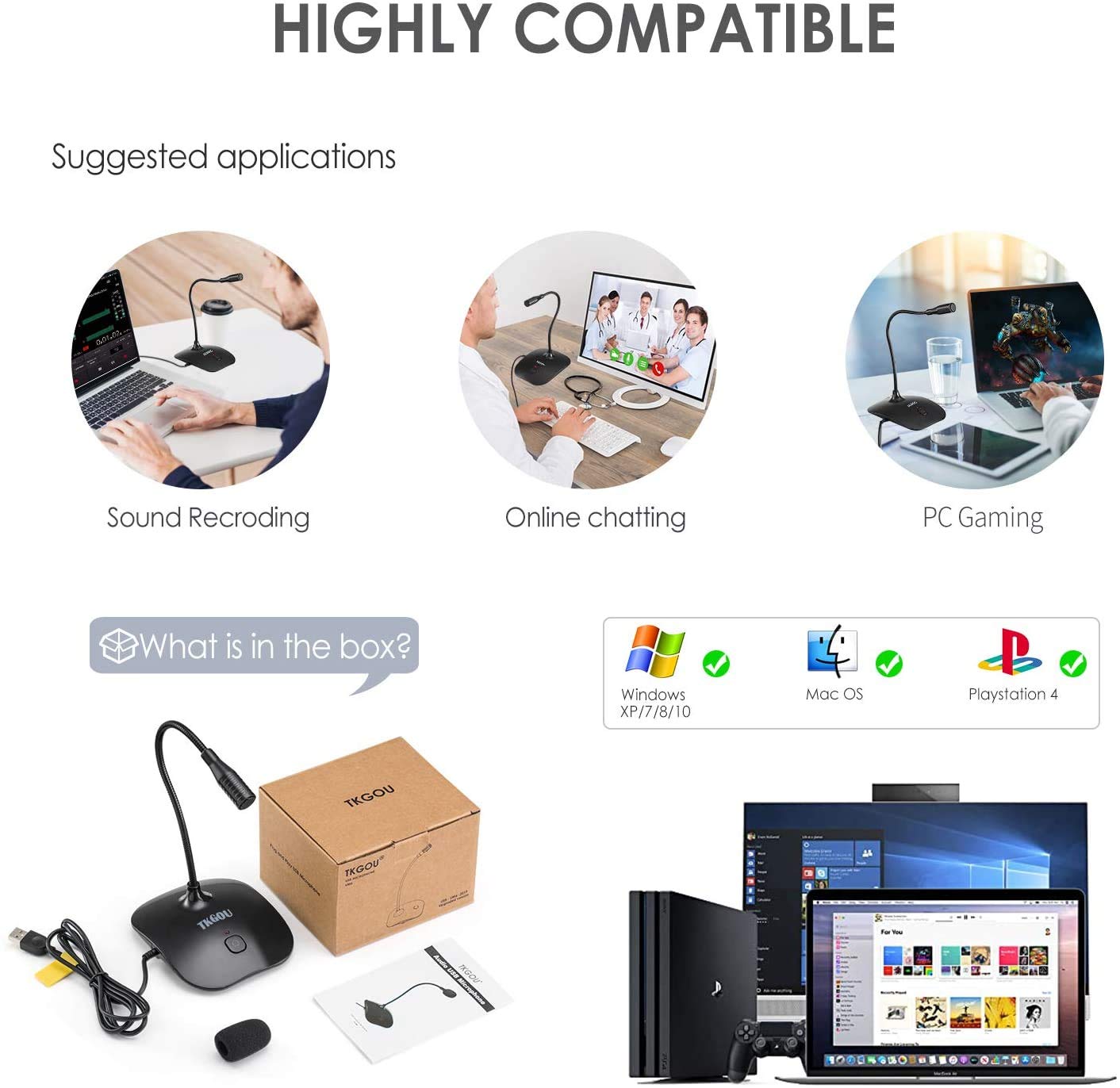
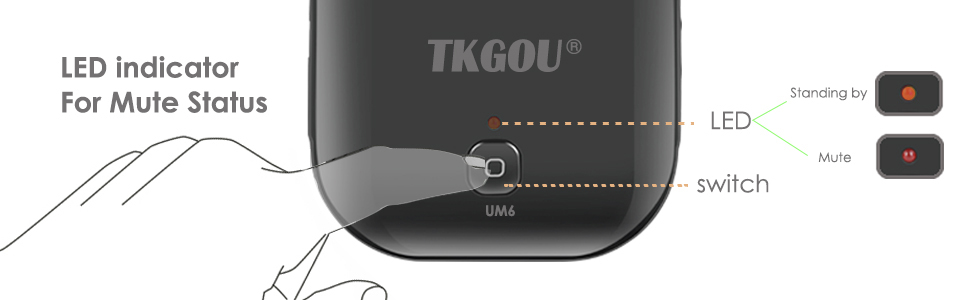
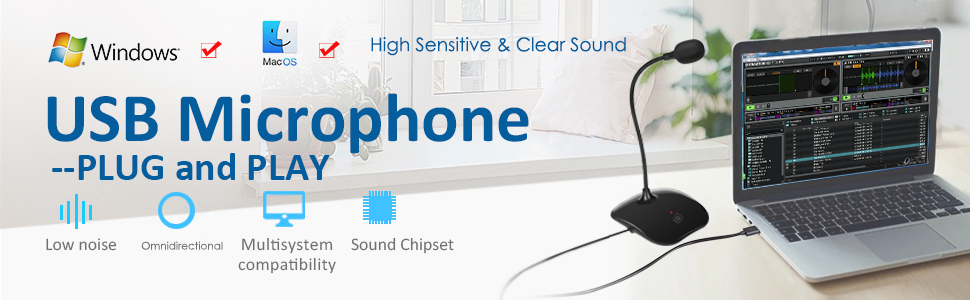
This USB PC microphone features a patented noise-filtering system with a 78 dB signal-to-noise ratio, delivering crystal-clear audio for professional and casual use. Its true plug & play compatibility supports all major operating systems and gaming consoles like PS4, requiring no additional software. The built-in mute button with LED indicator offers quick privacy control, while its sturdy metal and plastic design ensures stability and style on any desk. Ideal for content creators, gamers, and remote professionals seeking reliable, high-quality sound.


| ASIN | B07D561S67 |
| Antenna Location | Gaming |
| Audible Noise | 78 Decibels |
| Audio Sensitivity | 30 Decibels |
| Best Sellers Rank | 39,616 in Computers & Accessories ( See Top 100 in Computers & Accessories ) 107 in Computer Microphones |
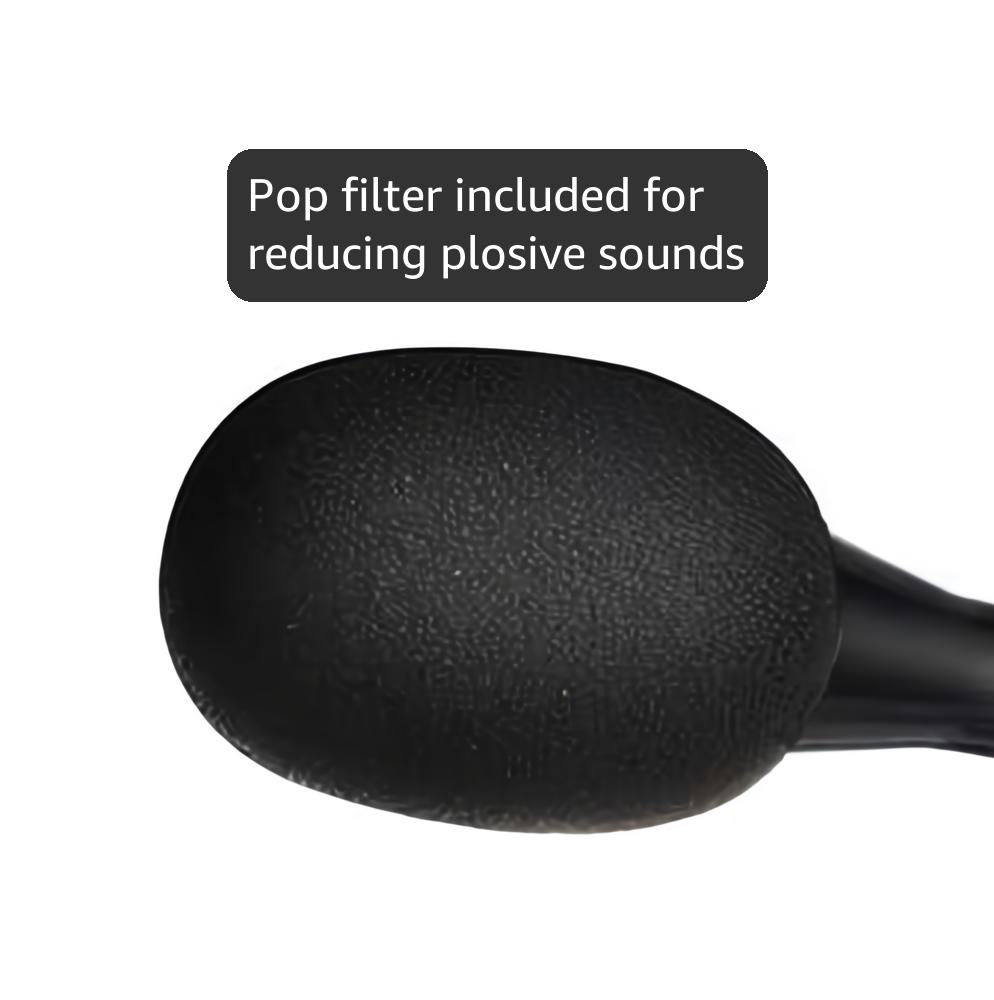
| Box Contents | Pop Filter |
| Brand | TKGOU |
| Brand Name | TKGOU |
| Colour | Black |
| Compatible Devices | Laptop, Personal Computer |
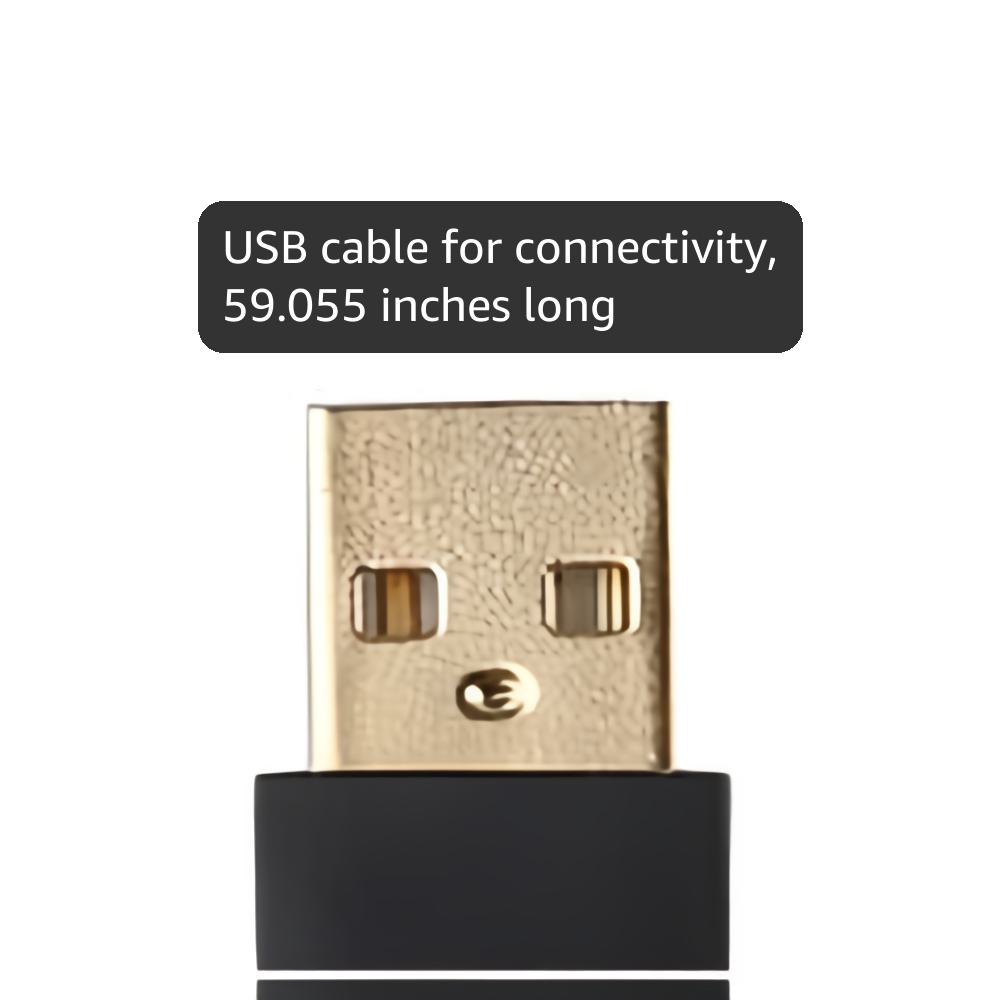
| Connectivity Technology | USB |
| Connectivity technology | USB |
| Connector Type | USB |
| Connector type | USB |
| Country of Origin | China |
| Customer Reviews | 4.2 out of 5 stars 6,339 Reviews |
| Enclosure Material | Metal, Plastic |
| Frequency Range | 20Hz - 20kHz |
| Hardware Platform | laptop,pc |
| Impedance | 680 Ohms |
| Item Dimensions | 12 x 10 x 21 centimetres |
| Item Weight | 205 Grams |
| Item height | 21 centimetres |
| Manufacturer | Tkgo |
| Microphone Form Factor | Gooseneck |
| Model Name | TKGOU USB Mic |
| Model Number | UM6 |
| Model name | TKGOU USB Mic |
| Number of Batteries | 1 Lithium Ion batteries required. |
| Number of Channels | 1 |
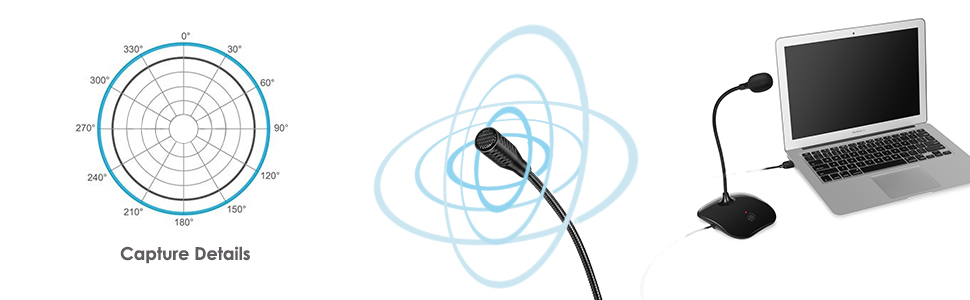
| Polar Pattern | Omnidirectional |
| Power Source | Corded Electric |
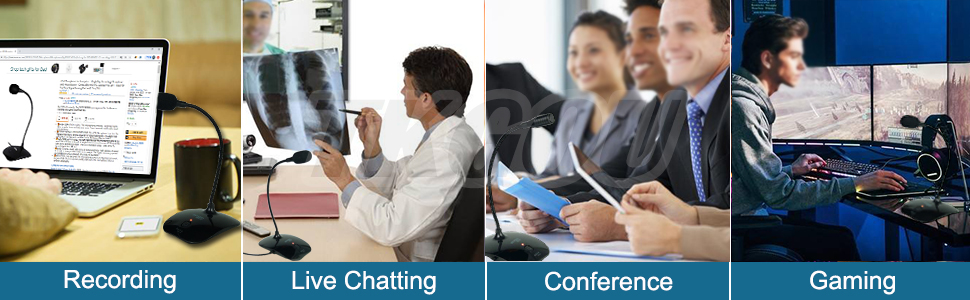
| Recommended uses for product | Gaming |
| Signal-to-Noise Ratio | 78 dB |
| Special Feature | Mute Function, Voice Activated Recording |
| Special feature | Mute Function, Voice Activated Recording |
| UPC | 758232150641 |
V**E
Good sound quality
I bought this as I had a 'Zoom' job interview coming up and the speaker on my laptop is fairly quiet. My partner's family live in France and she Skype calls them every week, so we thought it would be worth buying. As long as you are a reasonable distance from the speaker this works well. One of the best features, is that you can plug it in the USB socket and (for me at least) it worked without any installation or issues. Even if my laptop dies I can plug into a new computer. Even post-pandemic I'm sure video calling is going to because a more common part of everyday life, so I thought it would be worth being prepared for this. The quality of the speaker seems reasonable and I was happy with the price. This is at the lower and of the market, so if you are after very high quality sound input, it might be worth spending a little more.
S**X
Great product.
The microphone stands approximately 30 cm tall when positioned upright. It captures sound exceptionally well—I received positive feedback from a colleague about its clarity. It’s ideal for online team meetings. The mute button is incredibly convenient for quickly silencing the mic. Connectivity is simple—just plug and play, and Windows will automatically detect it. The build quality is solid, and it has a professional appearance. Overall, I’m thoroughly satisfied.
L**A
Great, but...
Despite me returning this item for one particular reason I cannot stress how good the audio recording quality is, truly worth it! BUT, the issue I had was the red LED light that indicates the microphone is on, is VERY bright and extremely distracting whilst gaming/live-streaming. Back to this topic, the other reason for return was the ‘mute microphone’ button, upon pressing this button there is a very stiff click sound that is picked up before muting which caused me a little hassle, other than that incredible mic.
M**A
Pretty Good.
Decent sound quality, feels like a sports commentator's microphone! I'm using it to film youtube videos and would definately reccomend.
J**D
Very faint on my windows 10 laptop
Even with the mic volume setting at 100 percent I have to have it right up to my mouth to be heard. Sound quality I's tinny too Replaced it with a better one pronto as online meetings are important to my job and can't have this holding me back
B**S
Simple, Clear, and Effective for Client Calls
This works great, I do a lot of video editing and often have clients ask if I can do a screen share call with voice so I decided to pick this up. Worked the moment I plugged it in and audio quality is perfect for its intended purposes. I wish the cable was longer as I use a desktop PC under my desk but for those with laptops or for those who have their system on the desk the cable will be plenty long enough.
A**Y
Very easy to setup
I recently picked up the TKGOU USB PC Microphone, and I’ve been really impressed with it! Setting it up was a breeze—just plug it into my computer, and it started working right away. No fussing with complicated settings or extra software, which I really appreciate. The sound quality is surprisingly clear for the price. Whether I’m using it for video calls or recording my voice for some personal projects, everything comes through nicely without any weird background noise. I’ve received positive feedback from friends about how good my audio sounds during our chats. The design is simple but sleek, not taking up too much space on my desk. It’s lightweight, so I can easily move it around if needed. One of my favorite features is the adjustable stand, which allows me to find the perfect angle for my voice. Overall, I’d say the TKGOU microphone delivers great value for anyone looking to enhance their home setup without breaking the bank. If you need a reliable mic that gets the job done, I’d recommend giving this one a try!
B**S
Pretty good, but mute button keeps re-activating
Sound quality is pretty good, the stand is stable and well shaped. It comes with a foam surround to reduce any wind noise. However, it has a mute button - but it keeps going off-mute after a number of minutes (at least 5 mins; I've not been able to notice if it's a regular thing). This seems to happen if the PC is in use, or if it's in stand-by. I don't know if this is intended behaviour; but I would have prefered it to stay on mute until it's un-muted.
Trustpilot
2 weeks ago
3 days ago



