



🔐 Unlock the future of home security—fingerprint fast, key-free freedom!
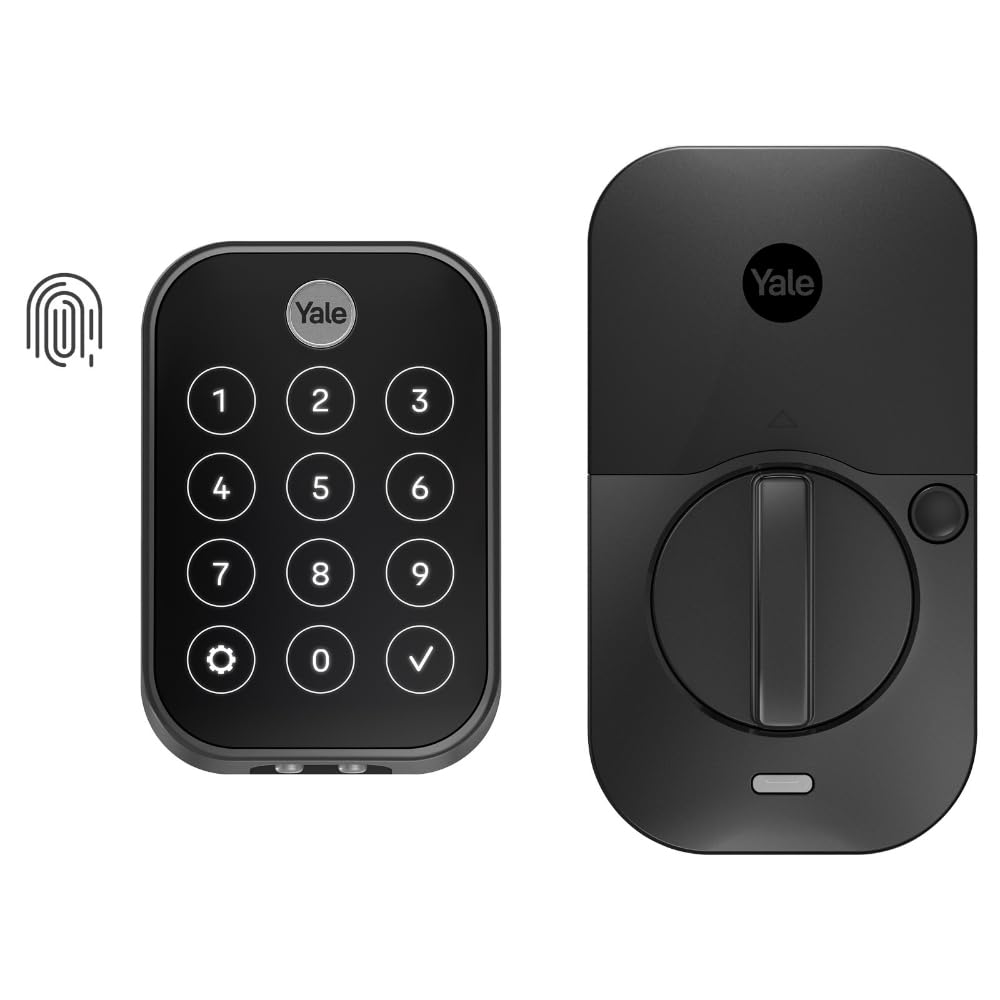
The Yale Assure Lock 2 Touch is a biometric Bluetooth smart lock designed for key-free, ultra-secure home access. Featuring 99% fingerprint recognition accuracy with sub-half-second unlock speed, it supports multiple entry methods including fingerprint, passcode, and app-based virtual keys. Its hands-free auto-unlock and two-factor authentication enhance convenience and security. Finished in sleek black suede with durable zinc construction, it’s optimized for US and Canadian markets and includes DoorSense and battery indicators for peace of mind.


| ASIN | B0CBN9RYHJ |
| Brand | Yale |
| Colour | Black Suede |
| Connectivity Protocol | Bluetooth |
| Control Method | App, Touch |
| Controller Type | Apple HomeKit |
| Customer Reviews | 3.7 out of 5 stars 89 Reviews |
| Finish | Powder Coated |
| Included Components | 4 AA Batteries, DoorSense, Mounting Hardware and Deadbolt, Yale Assure Lock 2 Touch |
| Item Dimensions | 22 x 64 x 95 millimetres |
| Item Type Name | Biometric Bluetooth Smart Lock |
| Item Weight | 2.04 kg |
| Item dimensions L x W x H | 22 x 64 x 95 millimetres |
| Item height | 3.75 inches |
| Lock Type | Biometric, Keypad |
| Lock type | Biometric , Keypad |
| Manufacturer | Yale |
| Material | Zinc |
| Model Number | YRD450-F-BLE-BSP |
| Recommended Uses For Product | Entry Door, Front Door |
| Recommended uses for product | Entry Door, Front Door |
| Shape | Rectangular |
| Special Features | Auto Unlock, Battery Indicator, Biometric, One-Touch Lock, Passcode Unlock |
| Special feature | Auto Unlock, Battery Indicator, Biometric, One-Touch Lock, Passcode Unlock |
| Style | Key-Free Touchscreen, No-Wi-Fi |
| UPC | 081023115773 |
D**G
Great lock with excellent features, but compatibility issues when used in Australia
The lock (Yale Assure Lock 2 Touch YRD450-F-BLE-BSP) has excellent features, with fingerprint unlock which works fairly well and 'one-touch' locking from the outside. From the inside, the knob is turned to lock/unlock the door. This lock is the 'second' lock on the door. We purchased this lock particularly because it does *not* have a key (which could be picked), because it has decent batteries (4 x AA) and because Yale is a reputable lock brand. As some other reviews mention, although sold by amazon.com.au, the lock doesn't seem supported in Australia (or anywhere other than USA/Canada). This results in - for us - two separate problems (1) extra steps involved in configuring the lock with the 'Yale Access' or 'August Home' app (2) connecting the lock to the local network The second problem I have not been able to solve. As of July 2024, the 'Yale Access' app and 'August Home' app does not recognise the 'Yale Connect Plus Wifi Bridge' (currently sold in Australia) and the 'Plus' bridge is not listed in the manual product selector choices. I purchased the older version of the Wifi bridge (the version which is not 'Plus', and is no longer available from standard shops in Australia). Although I could connect to that older Wifi bridge with the app, trying to connect that Wifi bridge to the lock is not successful (the app reports an error). Another Amazon review - and an oblique reference on the Yale website - mentions that Yale Assure Lock can connect to the Wifi bridge, so I don't know if that is a problem with buying the Australian version of the old Wifi bridge or because the App doesn't like being outside North America (although I'm using an VPN). Sadly, z-wave standards are different in Australia compared to the USA, and there are some reports that using the Yale Assure 2 wifi module is detrimental to the lock's battery life. The first problem is solveable. As of July 2024, it *cannot* be configured with the "Yale Home" app which is available to Australian users of Google Play. Either the "Yale Access" app needs to be installed from another source or the "August Home" app can be used (available in Google Play for Australian users). Both these apps will not allow a lock to be 'added' to the 'home' unless the app believes the user is in the USA or Canada. Some other users mention using an American phone number. I used an Australian phone number, but used a VPN to 'fake' a USA location.
A**N
No sirve en México
No sirve en México. El producto funciona casi siempre, pero en ciertas ocasiones el sensor magnético no funciona. La aplicación no está disponible fuera de EEUU y Canadá. Y obtener soporte de Yale: imposible.
T**Y
Lock does not work in Australia
This lock will not work in Australia. For whatever reason the lock is not supported by an app that allows the lock to work in Aus. You cannot register the serial numbers on the Yale Access app available in Australia, hence the lock will not work. According to Yale the Assure Lock 2 was designed only for the North American market.
M**I
Pretty Great
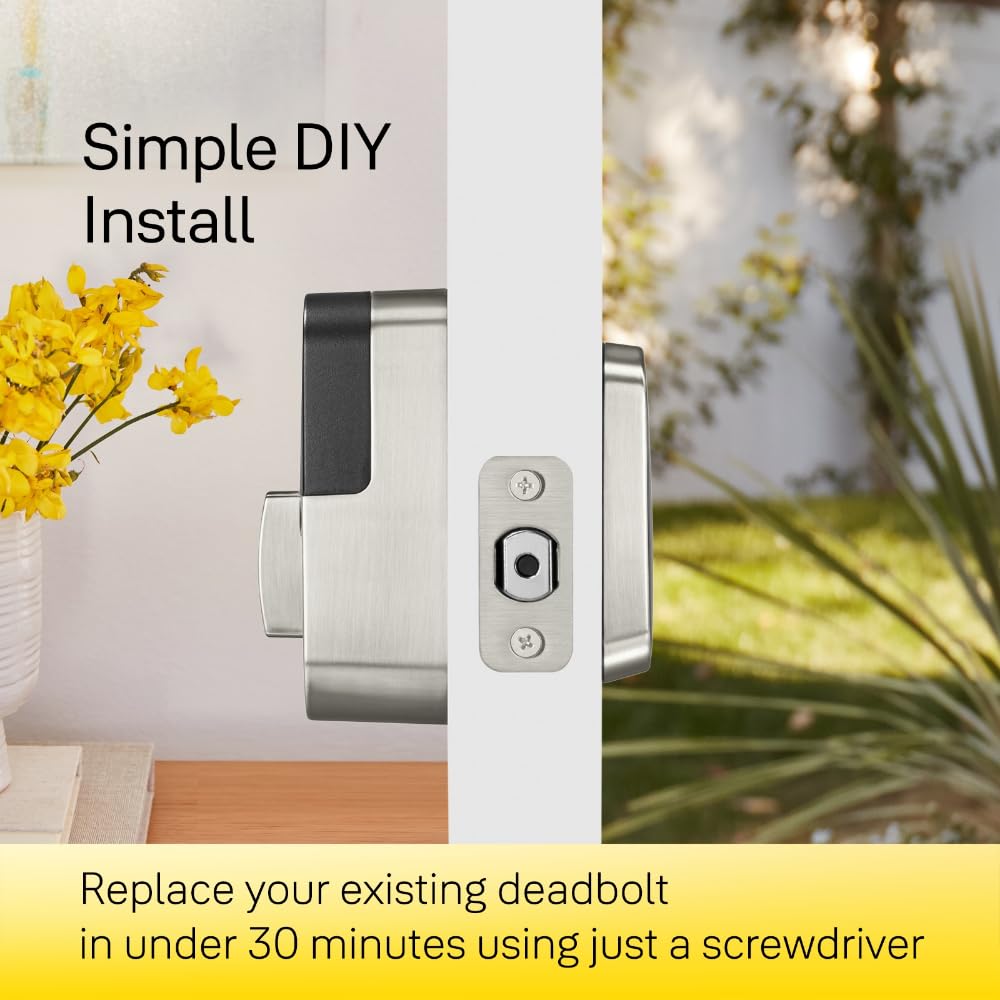
Summary: I bought this lock mostly for the auto lock feature and ability to ditch physical keys. The short of it is that this lock has been everything I hoped it would be. The fingerprint access method is great and what everyone in my family prefers to use. Security / Access Features: I like the lack of a physical keyhole. Youtube "pick deadbolt" or "bump key" to see that most physical key locks are easy to bypass. No physical key means that vulnerability is eliminated. Also eliminated are the chances of losing a key or having it unknowingly copied. The downside is what to do if the lock batteries die. Yale provides 9V battery contacts on the keypad for this case - still I'd recommend researching solutions with a physical key if you only have a single door. I opted to get the version *without* a Wifi or ZWave module. These optional modules provide remote access but add potential headaches. Issues I've learned about from researching other locks include mysterious rapidly draining batteries, remote lock flakiness and firmware lockups. To be clear, I'm *not* saying *this* lock has any of these issues but a less complex system naturally has less that can go wrong. In any case, the WiFi or ZWave modules can be added later for extra cost if the features they bring become important. Without Wifi / Zwave, the options for unlocking the door include: - Keypad codes, you can program multiple codes and set the times they are active. When choosing this method I suggest using one or more digits multiple times in the code for added security. - Fingerprint. You can add up to 25 fingerprints. This is the most convenient access method. It would seem that with each fingerprint added, the chance of a "false positive" (accepting an invalid fingerprint because it's close enough) would rise but I don't see needing to add a lot of prints as a common need. - Bluetooth proximity. Simply having your phone near the lock. I'm not sure how good it is at determining if you are inside your house or outside so I have it disabled. - Phone app via bluetooth. This method allows anyone that can unlock your phone to unlock the door too (although you can add an extra validation code). Still more secure than an anonymous device like a physical key or apple watch. Of the methods above, my family prefers the fingerprint method because it's convenient and you always have what you need. The lock also had the ability to autolock itself after a configurable 1-30 minutes after being closed. I think this is a great security feature which covers forgetting to lock the door when going to bed or leaving the house. Love it. Installation: I thought that installing this lock was very easy for the most part. Having a door with standard spacings was surely a help. I suggest looking at the manual ahead of time to get the measurements and avoid the potential disappointment of an incompatibility. One thing that did not work out of the box was the "door closed" sensor. There are two installation methods: an "easy" flush with the door method and slightly harder inline-with-door method which requires drilling a 5/8" hole. It turns out that the "in app" instructions contained a critical piece of information not present in the printed instructions: "flush with the door" only works if your door is also flush with the wall. Mine is not. So I switched the install from flush to inline with the door method and all is well.
J**R
Works great most of the time. Still happy with my purchase.
Works great, battery life has been impressive so far. Rain and ice storms has not affected performance yet. The only issue I have noticed so far is that sometimes the door does not lock. It happens maybe one every two months. To fix the issue, I just have to open my door, reach inside to lock and unlock manually using the inside switch, and the close the door to try the lock button again. It's a rare enough occurrence that I don't mind too much. I would recommend this to everyone I know. It is a little pricey, but is reliable enough that I would purchase it again even after having the issue explained above.
Trustpilot
2 weeks ago
1 month ago



