Some deliveries may take a little longer than usual due to regional shipping conditions.

DOWNLOAD THE APP


Customer Services
Copyright © 2025 Desertcart Holdings Limited
DOWNLOAD THE APP

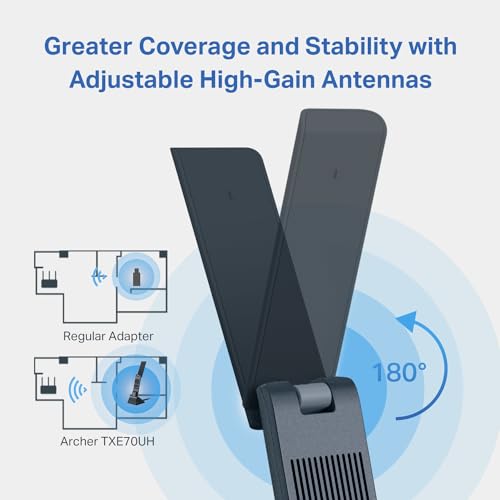

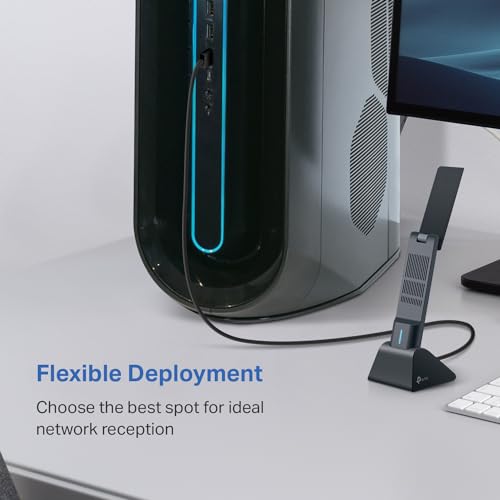
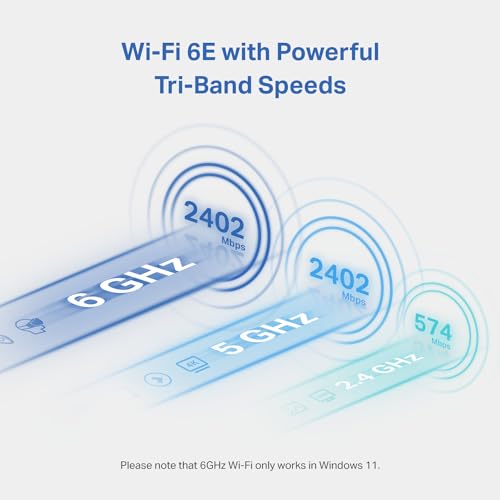

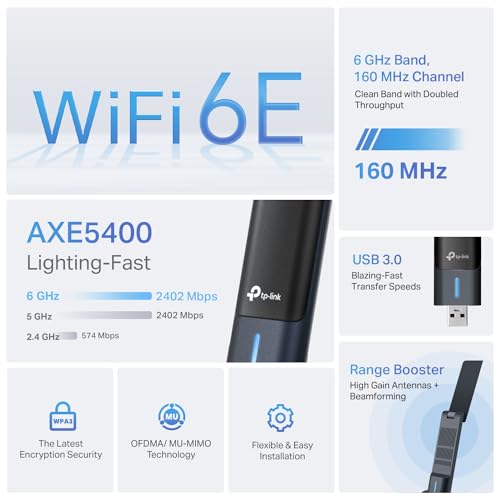
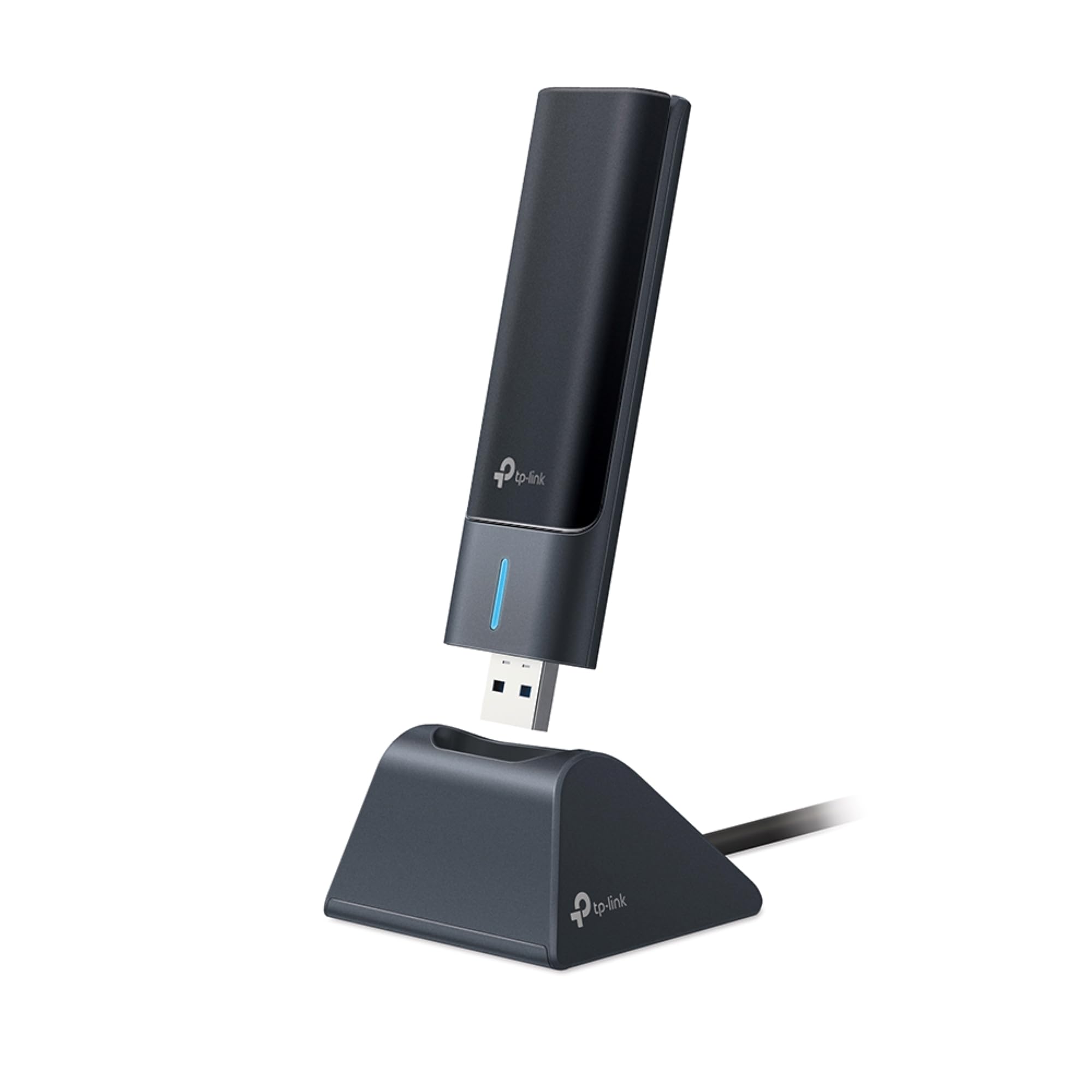


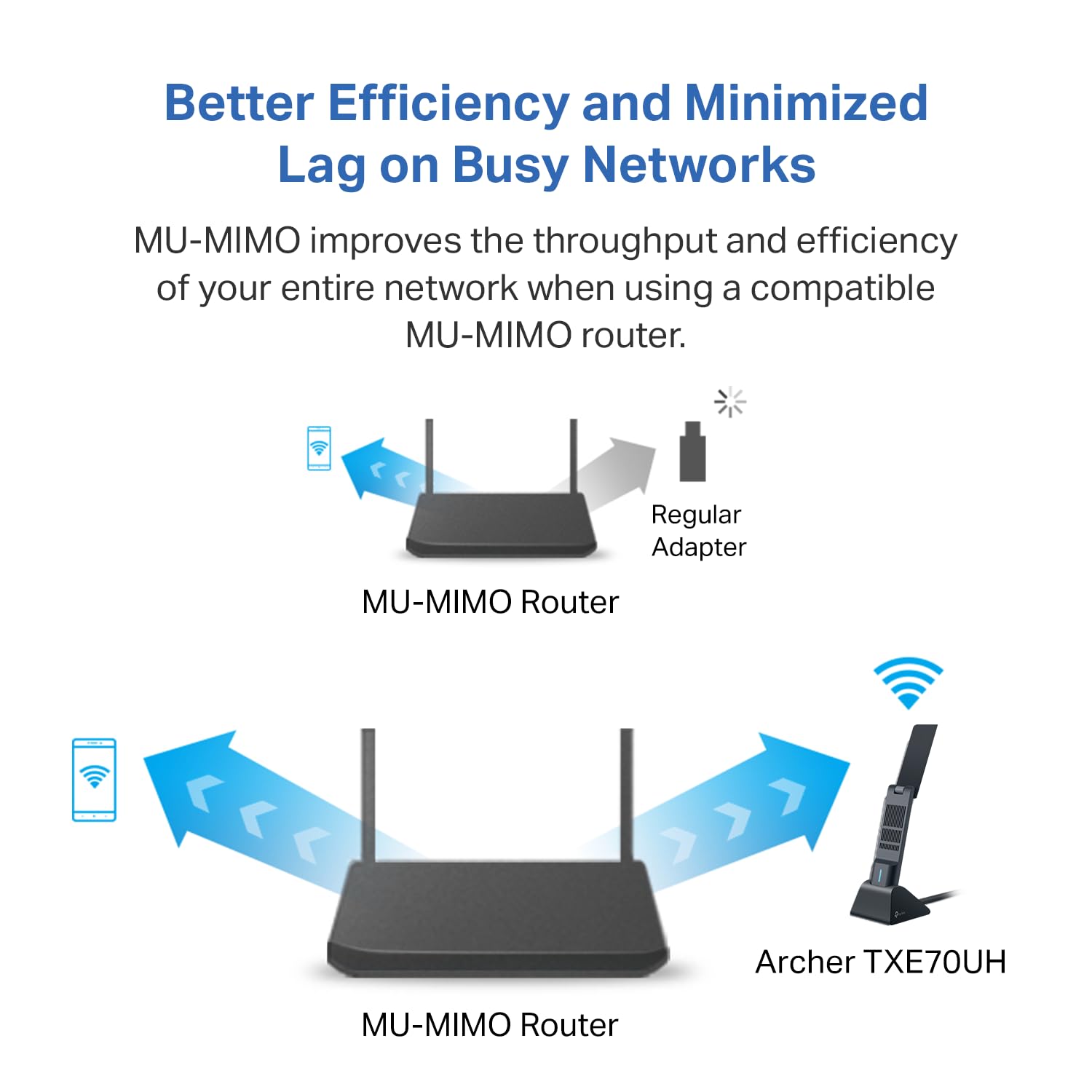


🚀 Elevate your desktop Wi-Fi game with the Archer TXE70UH — speed, security, and seamless streaming in one sleek adapter!
The TP-Link Archer TXE70UH is a cutting-edge Wi-Fi 6E USB adapter designed for desktop PCs running Windows 11/10. Featuring tri-band connectivity with a dedicated 6GHz band, it delivers ultra-fast speeds up to 2.4 Gbps and ultra-low latency, ideal for gamers, streamers, and professionals. Advanced MU-MIMO and OFDMA technologies optimize network efficiency for multiple devices, while USB 3.0 ensures rapid data transfer. Enhanced WPA3 security and beamforming antennas provide a secure, extended-range connection with easy plug-and-play installation.













| Brand | TP-Link |
| Manufacturer | TP-Link |
| Model | Archer TXE70UH |
| Model Name | wifi adapter |
| Product Dimensions | 11.18 x 3.05 x 1.47 cm; 31.75 g |
| Item model number | Archer TXE70UH |
| Operating System | Windows 11 |
| Hardware Interface | USB |
| Compatible Devices | Desktop, Laptop |
| Mounting Hardware | AXE5400 Wi-Fi 6E High Gain Wireless USB Adapter Archer TXE70UH, Quick Installation Guide, USB 3.0 Cradle |
| Number of items | 1 |
| Batteries Included | No |
| Batteries Required | No |
| Data Transfer Rate | 5400 Megabits Per Second |
| Data Link Protocol | USB |
| Manufacturer | TP-Link |
| Item Weight | 31.8 g |
B**E
Works just like the older version I have. Easy to install and use.
R**Z
Me permite aprovechar al máximo la velocidad de internet contratada. Es caro, pero lo vale.
G**O
No sirve para gaming, incluso siguiendo tutoriales en internet para optimizar su uso, hay picos de latencia y perdida de paquetes, por lo cual jugar juegos competetivos se torna imposible, probado en un puerto usb 3.0 cómo es debido en un equipo moderno.
V**S
Amazon mushes a lot of different adaptors into this single page, which does not help you when evaluating and troubleshooting your purchase. This is about the TP-Link AXE5400. Fixed my WiFi issue ultimately, but setup was unnecessarily difficult. The model shown on the box is NOT what you want when downloading the driver. Get the model number from the bottom of the hardware itself. Don’t install their phone app, even though pages on their site will tell you to. Also, the url they provide generates an error; google the download page instead.
Q**O
The TP-Link AXE5400 WiFi 6E USB Adapter for Desktop PC (Archer TXE70UH) supports both Windows 10 and Windows 11. Under Win 10 you can only use 2.4 GHz and 5 GHz. The latter offers a range of higher speeds and is a good choice *BUT* for its highest speeds requires the use of "DFS" technology. That effectively dumps all transmissions when an airport radar is detected, to avoid interfering with the radar. A long, slooowww switch to lower frequencies takes place which will effectively disable your internet for minutes at a time and will drive you crazy. So the best practical use under Windows 10, if you have a 5 GHz router, is in the router settings to enable that band but limit it to 80 MHz bandwidth. Avoid the 160 MHz bandwidth and any DFS functionality. Then you'll get about 400 Mbps in an average house. On Windows 10 you can try 160 MHz / DFS to see if you're one of the lucky ones with no radar glitches and a 100-mile drive to an airport, but expect to spend about the same amount of time on either of those undertakings. I can't test this on Windows 11 with a 6GHz wifi 6E router but there will be no DFS issues in that case and none of the above cautions apply. This adapter should do well but you should research that on your own.
Trustpilot
2 weeks ago
1 week ago