
DOWNLOAD THE APP


Customer Services
Copyright © 2025 Desertcart Holdings Limited
DOWNLOAD THE APP






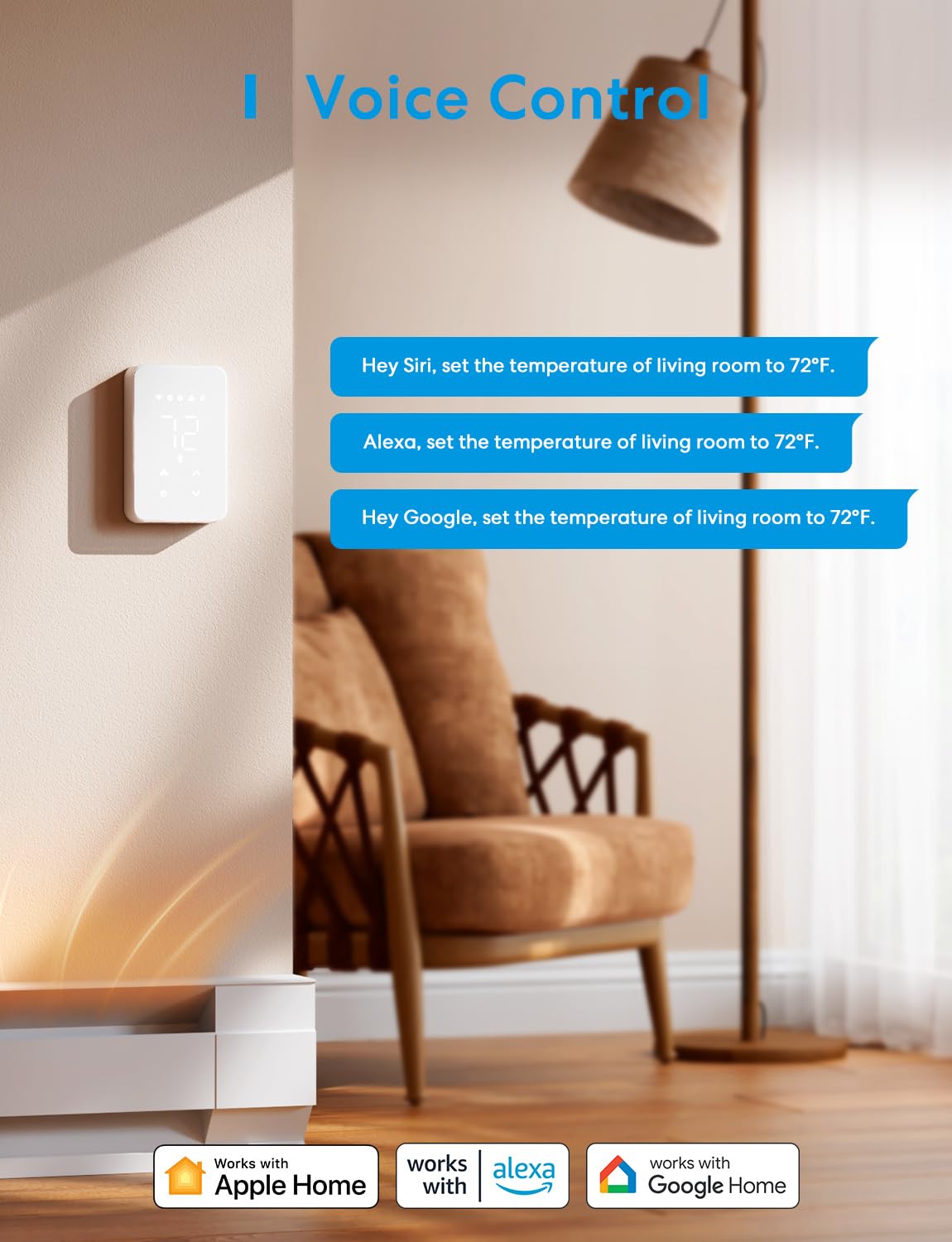

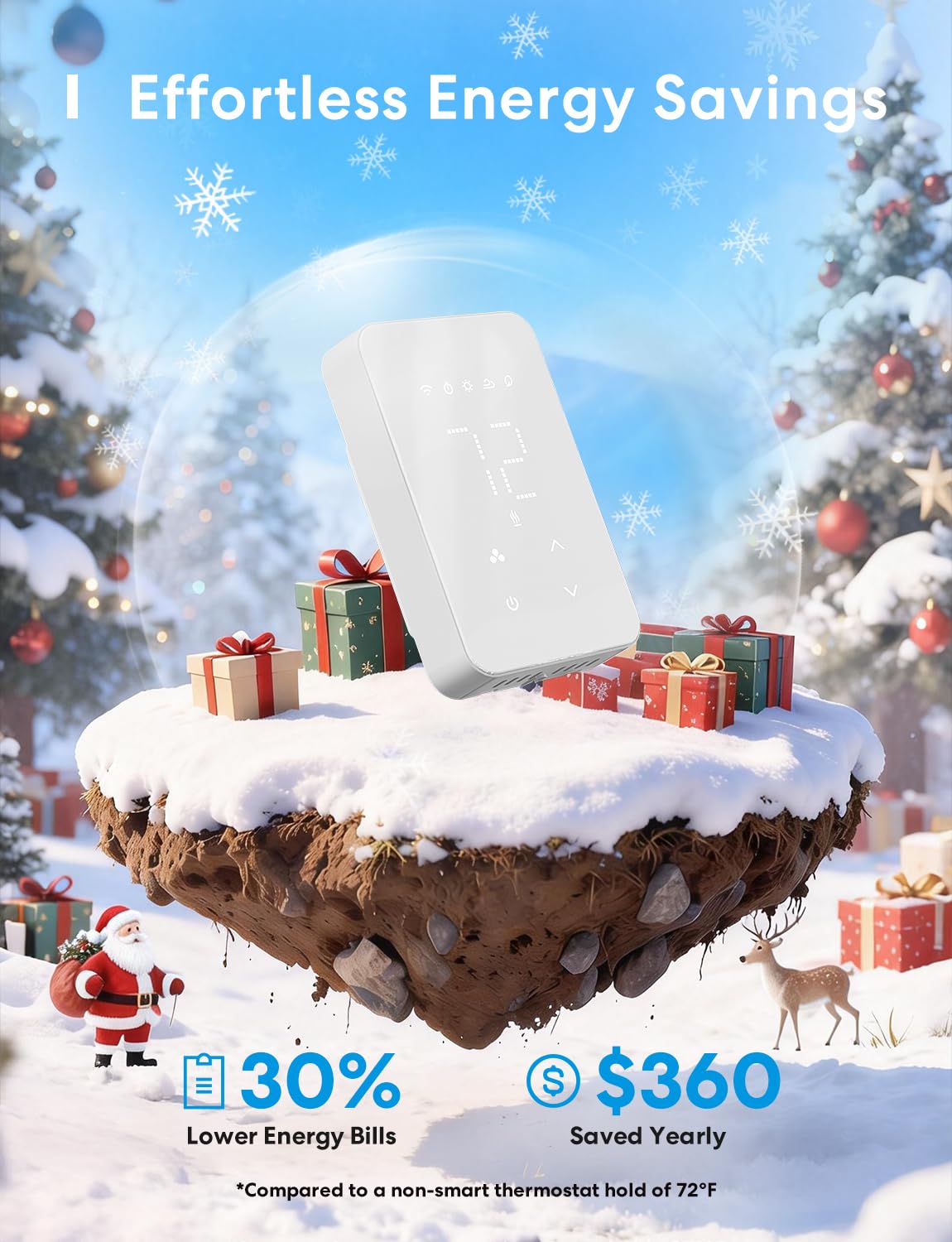

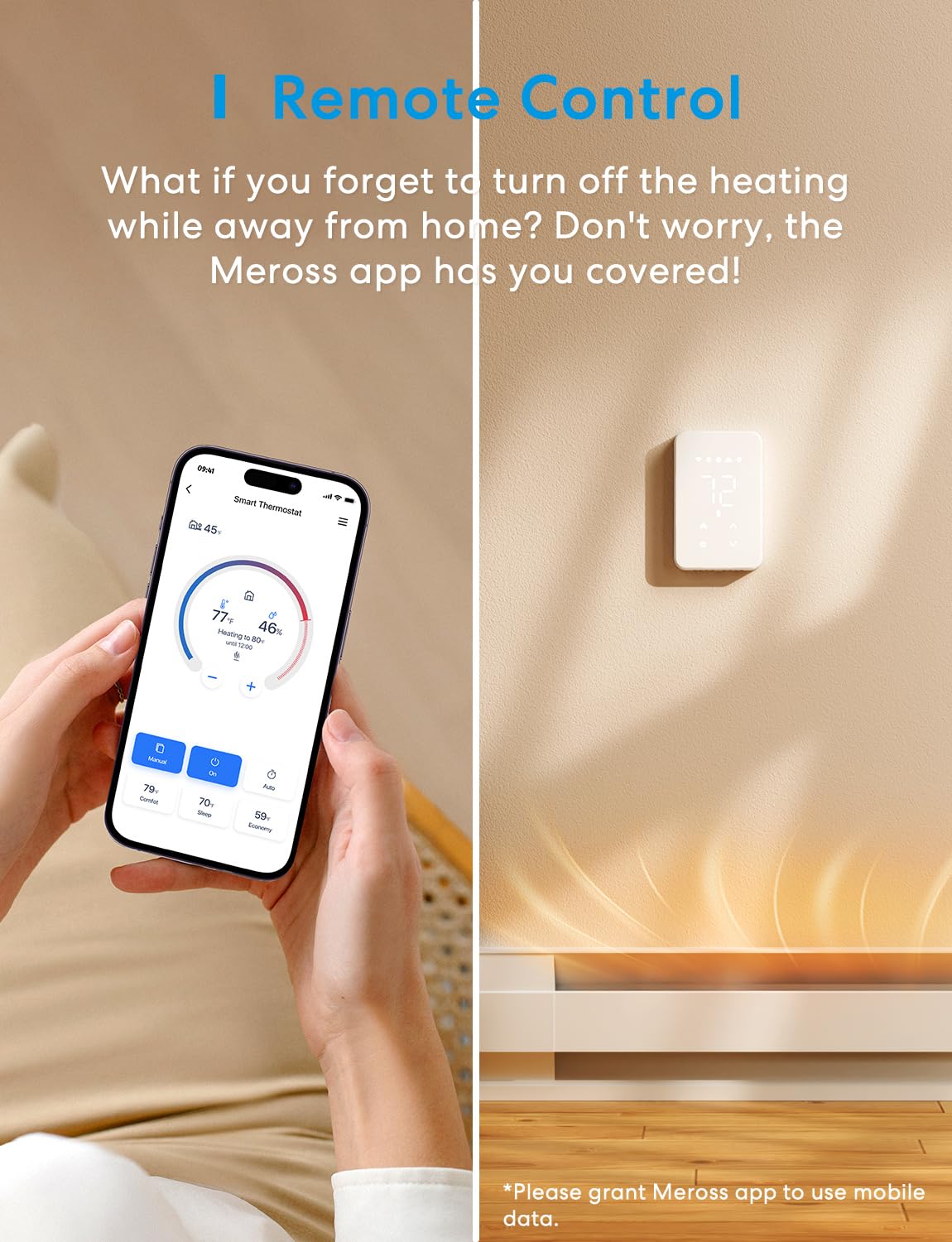

🔥 Smart heat, smarter home — stay cozy, save energy! 📲
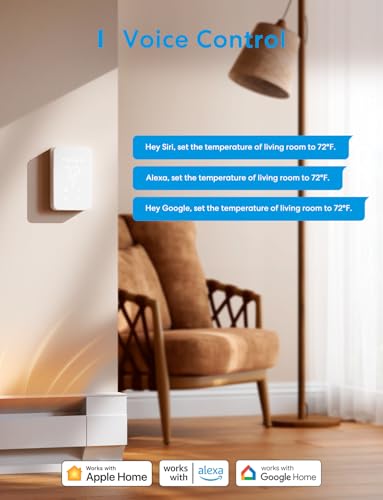
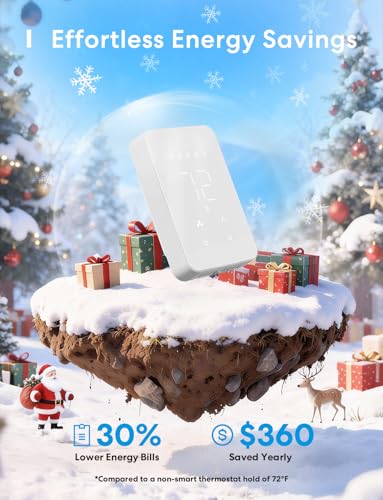
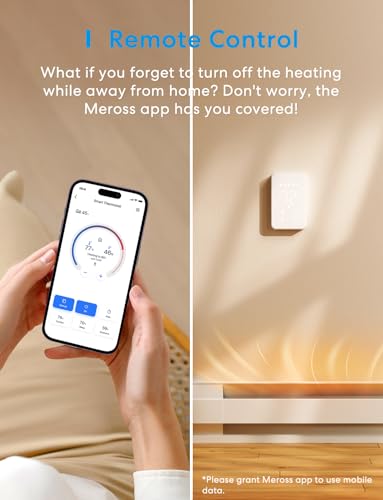
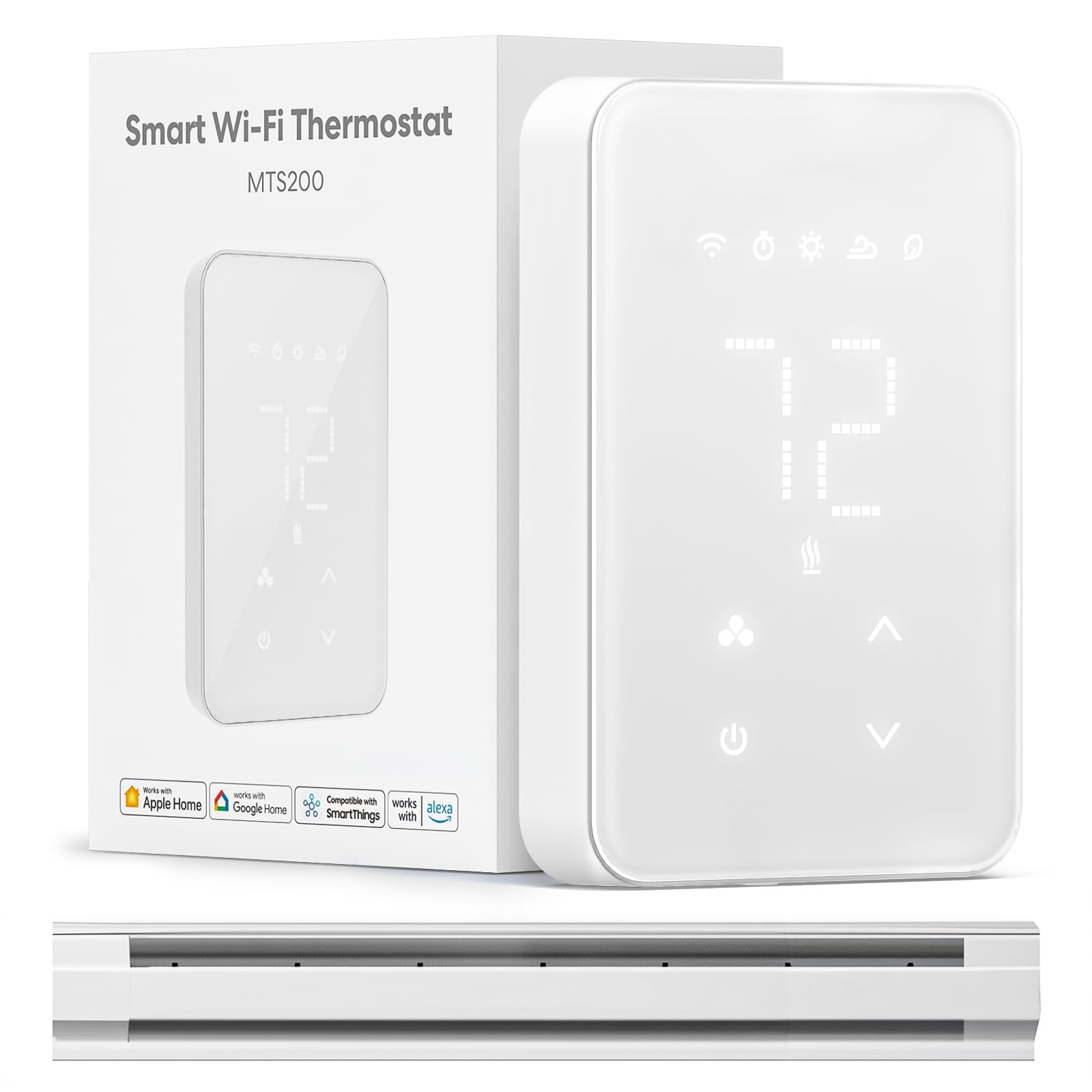
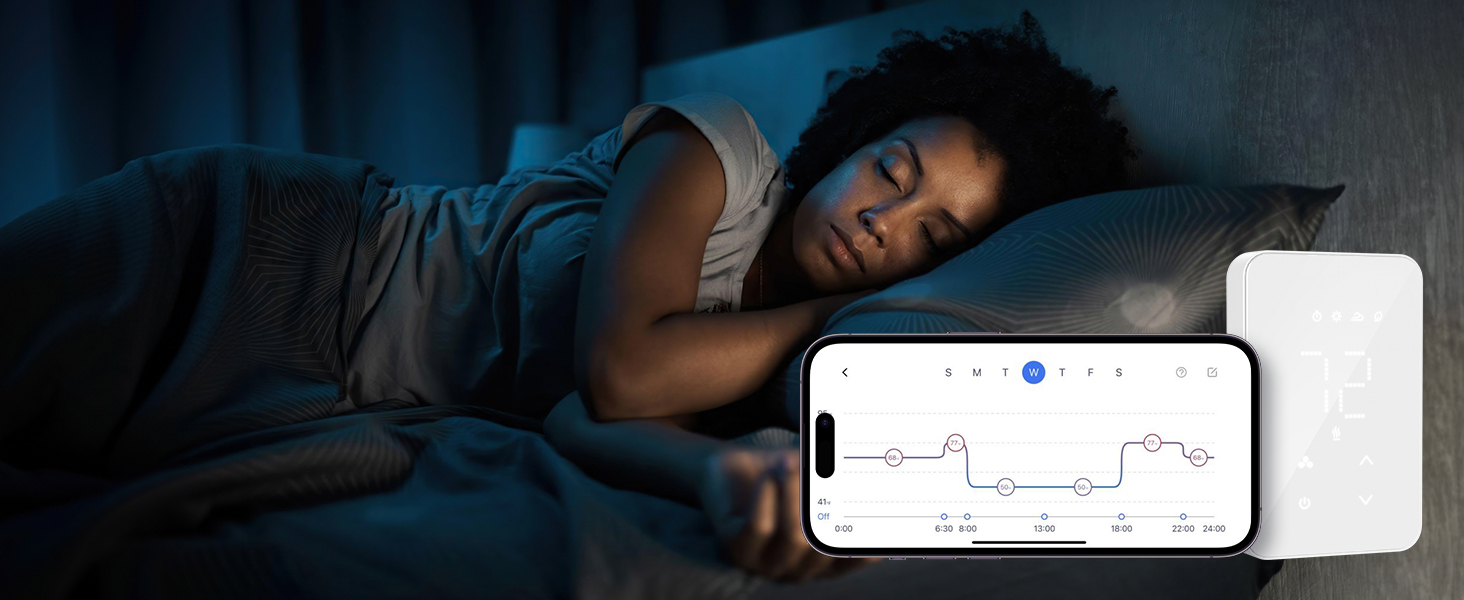
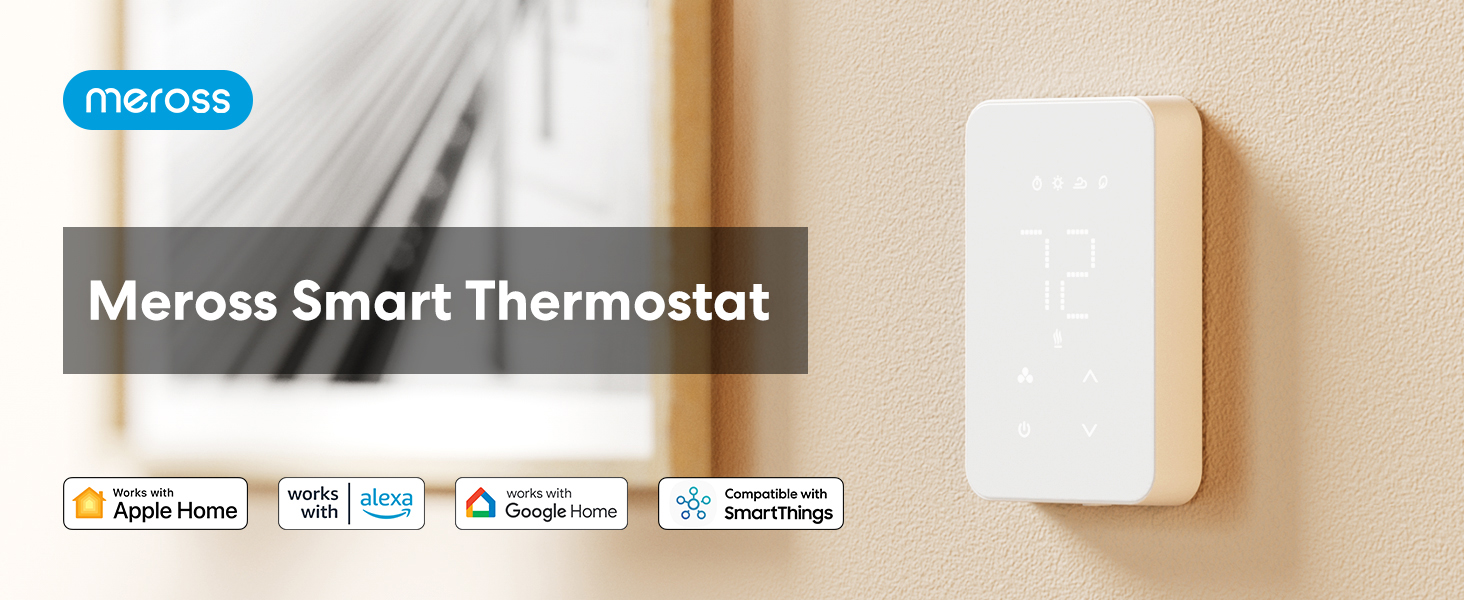
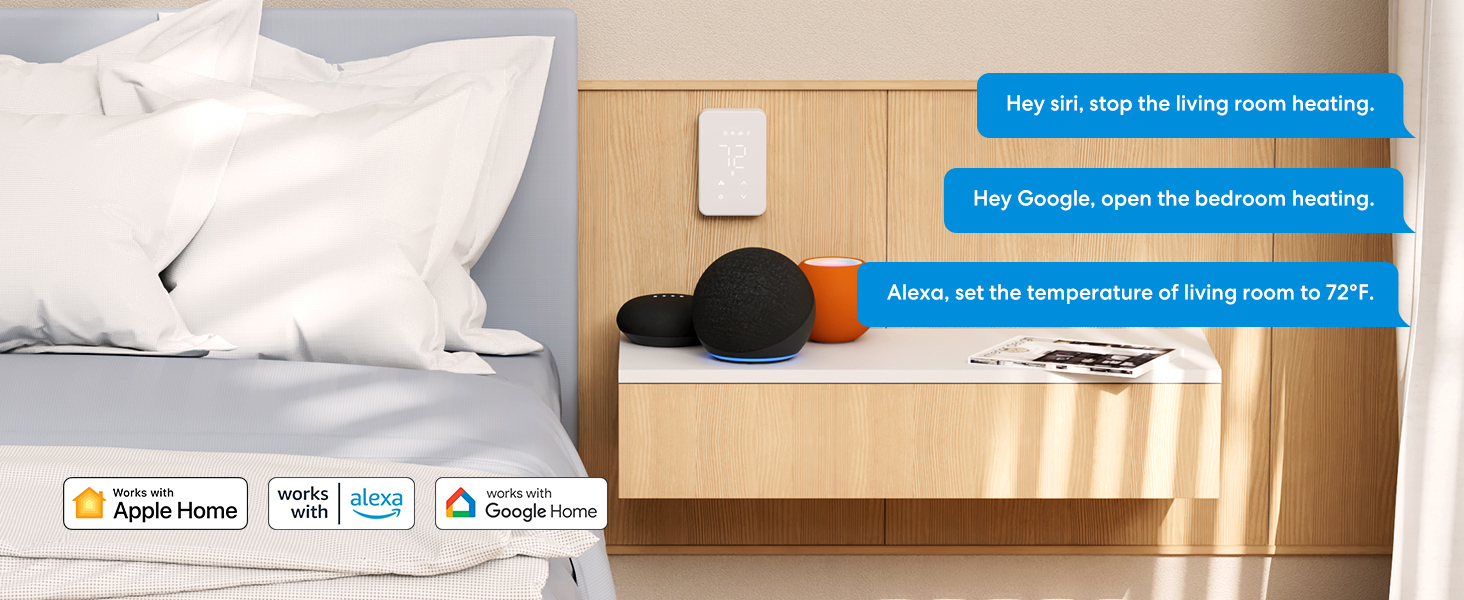
The meross Smart Thermostat is a Wi-Fi enabled, programmable thermostat designed for electric baseboard and in-wall heaters, supporting 120V-240V high voltage systems with up to 16A load. Compatible with Apple HomeKit, Alexa, Google Home, and SmartThings, it offers precise 1℉ temperature control, energy monitoring, open window detection, and seamless home automation. Easy to install with a polished LCD display, it transforms traditional heating into an efficient, connected experience tailored for modern smart homes.







| ASIN | B0C4YDRHBS |
| Backlight | Yes |
| Batteries Included? | No |
| Batteries Required? | No |
| Best Sellers Rank | #10,594 in Tools & Home Improvement ( See Top 100 in Tools & Home Improvement ) #23 in Home Programmable Thermostats |
| Brand | meross |
| Color | White |
| Connectivity Protocol | Wi-Fi |
| Connectivity Technology | Wi-Fi |
| Control Method | App, Remote, Voice |
| Control Type | App Control |
| Controller Type | Amazon Alexa, Apple HomeKit, Google Assistant, SmartThings |
| Customer Reviews | 4.3 4.3 out of 5 stars (554) |
| Date First Available | May 11, 2023 |
| Display Type | LCD |
| Finish | Polished |
| Finish Type | Polished |
| Global Trade Identification Number | 06973696568991 |
| Included Components | 1 x Smart thermostat; 1 x User manual; 3 x Wire Nuts; 4 x Screws |
| Item Package Quantity | 1 |
| Item Weight | 7.4 ounces |
| Item model number | MTS200 |
| Manufacturer | meross |
| Material | Acrylonitrile Butadiene Styrene (ABS) |
| Model Name | Smart Thermostat |
| Mounting Type | Wall Mount |
| Part Number | MTS200 |
| Power Source | Corded Electric |
| Product Dimensions | 0.9"D x 3"W x 4.6"H |
| Shape | Rectangular |
| Special Feature | Programmable |
| Special Features | Programmable |
| Specific Uses For Product | Convector, Electric Baseboard Heater, Fan-Forced Systems, In-Wall Heaters |
| Specification Met | UL 60730, CAN/CSA-E60730, Level 1 CSA Cybersecurity Verification Program |
| Style | Electric Baseboard Smart Thermostat |
| Temperature Control Type | Heating |
| Voltage | 120 Volts |
T**M
Looks great and works even better
If you have baseboard heating in your home, you already know that there are very few choices for thermostats. The ones that are widely available tend to look dated and aren't aways very accurate. A few are programmable, but not in any way that is comparable to thermostats designed for the modern smart home. Until now. meross has designed a thermostat for baseboard heaters that looks great and offers all the sophisticated control and programmability that users would expect in a smart home thermostat. Be aware that meross makes two different thermostats that look identical. The MTS200 is designed for Apple Home (HomeKit). The MTS215, the model I am reviewing, is designed for Matter. It works with Apple Home, as well as with other smart home ecosystems. I didn't test the model designed for Apple Home so I don't know if it offers more functionality inside of the Home app than this Matter version. I can say that the MTS215 offers minimal functionality within the Home App. You can turn the thermostat on and off, manually adjust the temperature, and view a reading of the current room temperature. That's it. The real benefit of Apple Home compatibility is not control but the ability to include the MTS215 in automations involving other devices. In contrast, the meross app offers sophisticated control of temperature, daily schedules, various presets and hold times, thermostat precision, temperature offsets, and more, all in an easy to use interface. It's intuitive and works well. I've installed nine of these in my home, and I'm happy to say that the MTS215 has turned having baseboard heat into an advantage. For example, I have an exercise room that is only used for a couple hours a day. I've set up the thermostat to keep it at 59° 24/7. When I want to use it, I can select one of the temperature presets that I have set to 68°. The thermostat will heat the room to 68° for an hour before allowing the temperature to fall back to 59°. Simple. (The hold time is customizeable.) I trigger this preset manually because I exercise at a different time each day. The heating schedule for the rest of the house is fully automated. My home office is set up to only be heated during working hours. Otherwise it stays at 59°. The family room only gets heated during the evening hours when it will be used. Easy. These schedules, which are different for each room, lower my heating bill by only heating the rooms when I'm going to be in them. Yet adjusting or overriding the schedule is fast and easy when my daily routine changes. Aside from the functional benefits of the MTS215, this thermostat definitely brings an elevated look to a room. The large white-on-white display looks excellent on the wall. I'm particular about the aesthetics of my home so I am happy that my thermostats have gone from being a negative to a positive in this regard. There are different brightness settings for when the thermostat being adjusted and when it is quietly doing its job. In either case, the room temperature is easy to read from anywhere in the room. There are a few things to keep in mind in regard to installation. First, the maximum load each thermostat can handle at 240V is 3840W. You're not likely to have a single baseboard heater that comes close to requiring this much power, but if you control two heaters with a single thermostat then this can be a problem. I have a room with two 2000W Cadet heaters. Together, they draw too much power for this thermostat. I'm stuck with a less sophisticated thermostat in that room. Second, this thermostat requires a neutral wire. My previous thermostat did not. The previous thermostat only required line and load wires and I didn't have to know which is which. When installing the MTS215, I had determine which wire was line, which was load, and I had to pull the bundle of neutral wires out of the back of the junction box and connect to those as well. If you have a really old house, you might not even have neutral wires. That is something to check before ordering. My house is 30 years old and has them. Third, it can be easy to bend the eight pins that connect the front half of the thermostat to the back half. This isn't an issue when separating the two halves. Just be careful when putting them back together. Don't force anything. If they do get bent, you can use a small screwdriver or similar to gently bend them back. Installing these thermostats is not hard but you do have to have some basic knowledge of household wiring. YouTube, ChatGPT, and common sense can help you through the learning process. If you're not sure, hire an electrician. The most important thing is to be meticulous and deliberate about keeping the power shut off while working with the wiring. Touching a live 120V wire gives you an uncomfortable tingle. Touching a live 240V wire is much more serious. It's unlikely that you would break this thermostat by connecting it wrong. In a few rooms I had to rely on trial and error to figure out which wire was line and which was load. But you can definitely break yourself if you forget to turn off the power. The bottom line is that I can't recommend this thermostat enough. It wasn't inexpensive to swap out nine thermostats but I wouldn't hesitate to do it again. I do wish the MTS215 was designed to handle just a little more power, but for most configurations it will be fine. It looks great. It works great. All nine of my units have been rock solid and completely glitch free to this point. (I can't speak to long-term reliability yet but they come with a 2 year warranty.) Five stars.
A**R
Great Smart Baseboard Heater Thermostat!
Meross Smart Baseboard Thermostat with HomeKit. The Meross Smart Baseboard Thermostat is stylish and easy to install. While not emphasized enough in their paper directions the Meross app contains an excellent video which describes the installation process nicely. Be sure to download the app and begin the process of adding the MTS 200 thermostat to the app and the link for the video will be made available on the third page of the setup process. Be sure to watch it prior to any physical installation of the device. The only small element the video neglected was informing the user that the wall plate of the thermostat must be installed in the upright position as indicated by the text on the front of the wall plate itself so that the faceplate set screw points toward the floor. Following the app directions installing the thermostat in the Meross app (which connects directly to HomeKit in Apple) is straightforward. I was unable to connect on the first attempt; however, I reset the thermostat (by holding the up-and-down arrows simultaneously on the thermostat) and the second attempt worked flawlessly. For nearly the same price the Meross Smart Baseboard Thermostat is a much better value than a standard, manual seven day programmable thermostat due to its increased functionality. Multiple set points and times can be programmed as well as having more advanced features such as programable switching differential (the plus or minus temperature fluctuation before starting and stopping the heater) or having the thermostat turn off should there be a chill in the room from an open door or window. In addition, the thermostat monitors energy use providing a graph of energy consumption. While I have not used the thermostat during the heating season I believe it to be an excellent value for its functionality as well as its ease of instillation and use. Addendum to original review: now that the heating season has started, I can see that the thermostat does an excellent job of keeping the room at the required temperature. I can control the high and low range and I’m able to easily see the current temperature of the room on the unit. As mentioned before this is an excellent product and works well after installation.
N**K
Il termostato funziona molto bene e l’installazione è risultata davvero semplice. Ho solo dovuto portare fase e neutro nella scatola, poiché il modello precedente era alimentato a pile. Ho acquistato anche un adattatore da placca 503 a 502, che ha reso il risultato finale pulito ed esteticamente gradevole. Il dispositivo è intuitivo sia in modalità manuale sia in modalità Smart. L’ho integrato nell’ecosistema Apple HomeKit e la compatibilità è perfetta. Anche dal punto di vista estetico è molto curato e l’interfaccia risulta chiara e immediata. Nel complesso, un ottimo prodotto.
R**H
Temp schommeling dus 0,5 naar beneden en 0,5 naar boven dus eigenlijk op 1 graad nauwkeurig. Werkt prima met de app. Temperatuur per dag plannen is omslachtig. ALLEEN kinderslot is te omzeilen op de fysieke thermostaat!
L**A
Super easy to install and setup, working as expected. Built in schedule is useful to save costs with off peak heating and not heat up on weekends (home office). You can also automate and control remotely via HomeKit. The app also shows costs and heating history. You can choose where to measure the temperature from: air or probe.
A**T
Does not support underfloor heating as claimed in the title and description.
P**S
Hola, he estado probando bien todo antes de hacer la reseña y aquí dejo mi opinión: Viene con todo, instrucciones que incluyen el español y en la caja el termostato muy bonito con su sensor cableado (opcional), y los tornillos porque he de decir que este termostato es para empotrar en una caja de registro o como en mi caso que tenía uno de superficie, yo le he puesto una caja de superficie y apenas sobresale del que tenía anteriormente. La instalación mas bien sencilla y antes recomiendo descargarte la aplicación meross y darle al + para añadir dispositivos y seleccionar MTS200 en mi caso caldera a gas, hay un video que te guía por todo el proceso. El termostato queda muy bien estéticamente y la mejora de pasar de un analógico a este es abismal. Tiene muchos ajustes, brillo, bloqueo para niños, programación, si detecta un bajón de temperatura se desconecta automáticamente (ventana abierta). Lo mejor es que se puede hacer todo desde la aplicación móvil, ya era hora de decidirme y dar el paso que era de lo poco que me faltaba por automatizar. Funciona muy bien, es sencillo de manejar y todo digital y encima se integra en mi Home Assistant. Compatible con Homekit. Que mas se puede pedir!!!
Trustpilot
1 month ago
4 days ago