
DOWNLOAD THE APP


Customer Services
Copyright © 2025 Desertcart Holdings Limited
DOWNLOAD THE APP
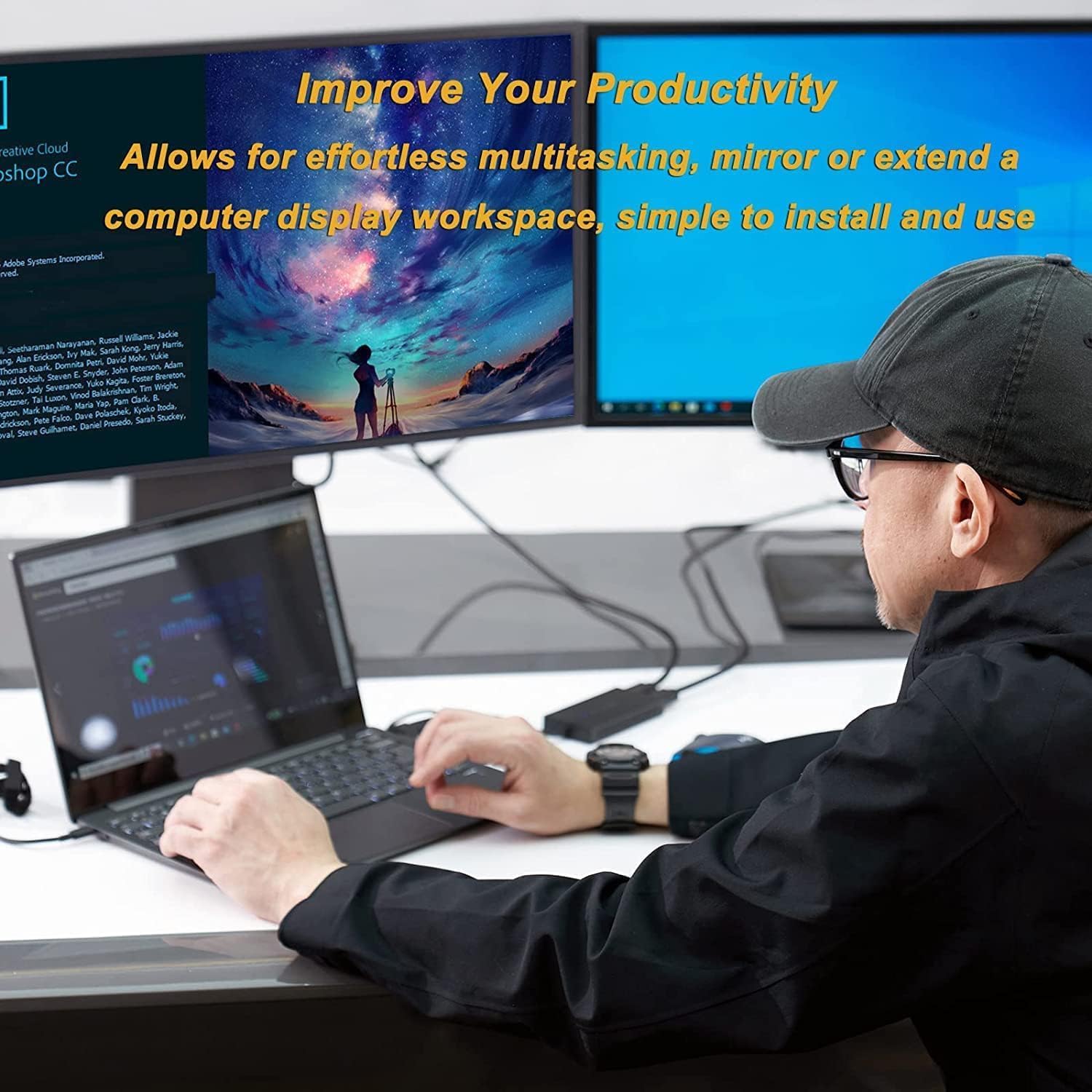


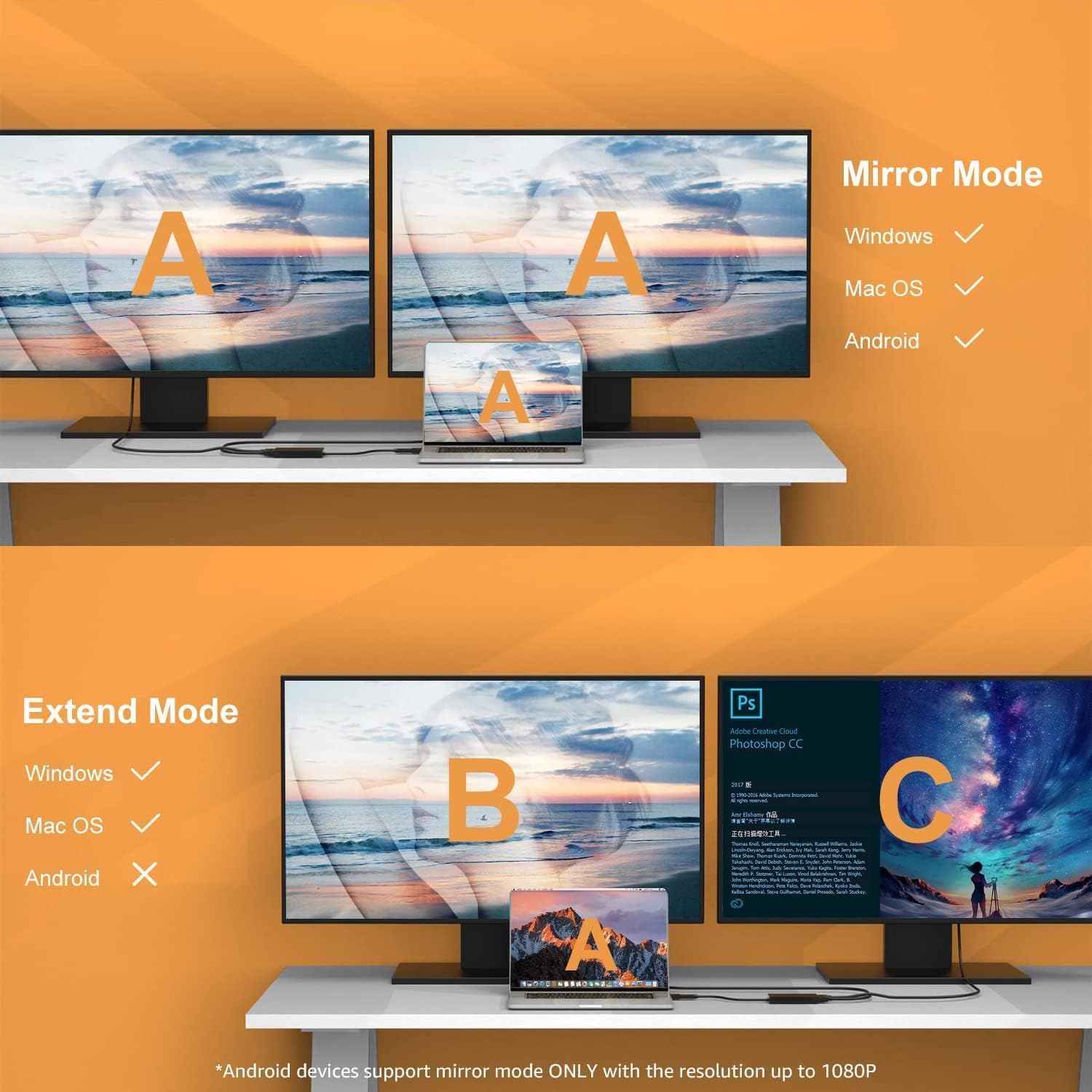
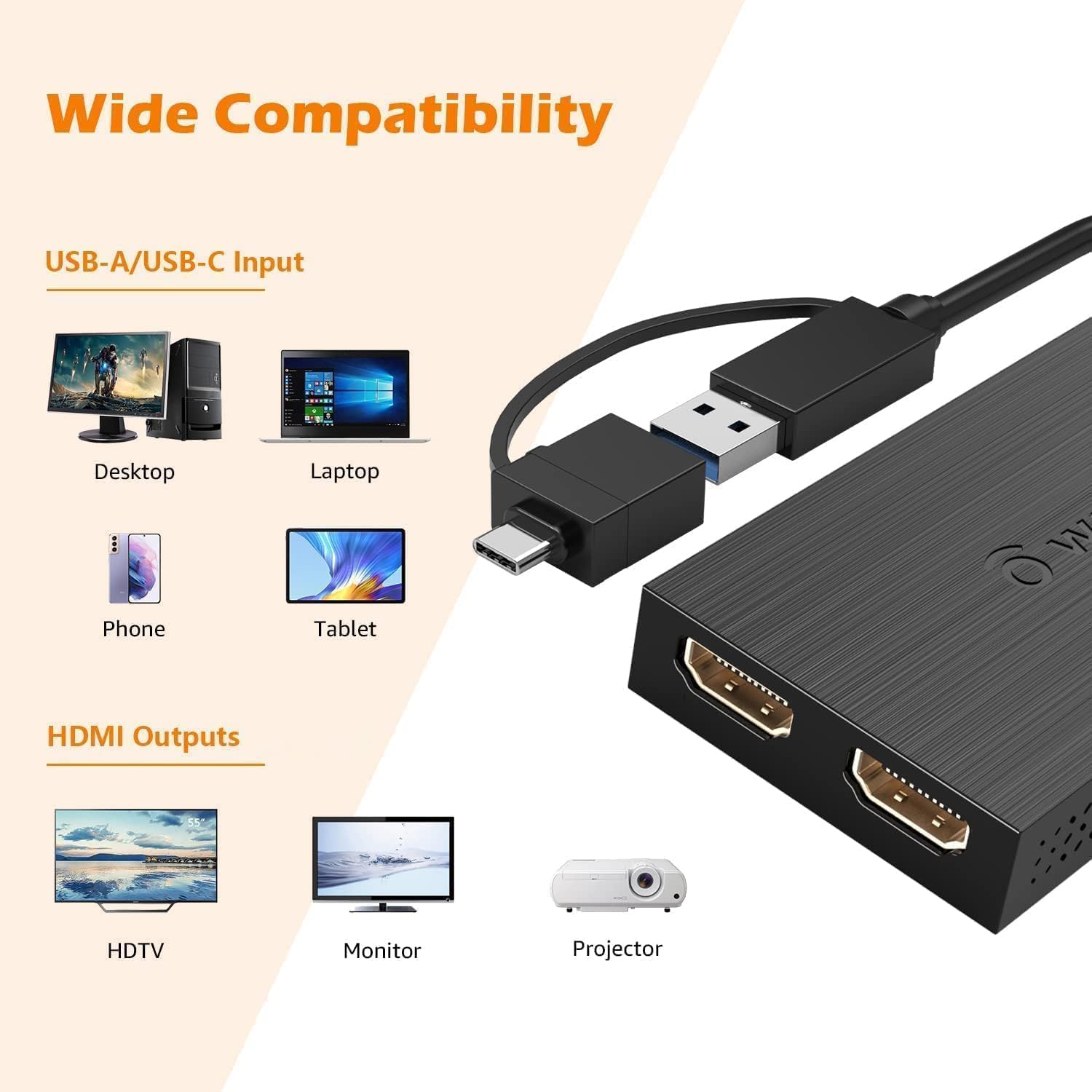
🚀 Double your screens, double your impact — stay ahead in the multitasking game!
The WAVLINK USB 3.0/USB-C to Dual HDMI Adapter empowers professionals to effortlessly extend or mirror their displays at 1080p@60Hz. Compatible with a wide range of Mac and Windows devices, it supports up to 8 monitors on Windows and 6 on Mac, all through a single versatile hybrid cable. Ideal for productivity and multitasking, it comes with a robust warranty and lifetime tech support, making it a must-have for the modern manager seeking seamless workflow expansion.


| ASIN | B0BYN77G5D |
| Best Sellers Rank | #176 in USB-to-VGA Adapters |
| Brand | WAVLINK |
| Color | USB to Dual HDMI |
| Compatible Devices | Apple M1/M2/M3 and Intel Macs (with macOS 10.14 or later) /Microsoft Surface line/HP Spectre x360 series, /Dell XPS 13 & XPS 15 / Latitude, Lenovo Thinkpad T series. Latitute 7280/ Latitude 5310 2-in-1; Precision 7730/7750; Laptop 5590, HP Spectre Laptop 13-af001TU/ Spectre x360 13t/ Spectre folio/ Specter x369; Elitebook 840 G5 series/ Elitebook X2/ Elitebook x360 1030 G3/ Elitebook 745 G6/ Elitebook 830 G6/ 2018 HP Elite 800 G4; Envy Geforce mx250/ Envy x360 Laptop (15z-ds100); Z book 15u G3/ Zbook 17 G4, Lenovo Yoga 720-13IKB/ Yoga 730/ Yoga 900-13ISK/ Yoga 910/ Yoga 920/ Yoga 930/ Yoga 940-14IIL; 3rd generation Thinkpad Yoga; Yoga15 Thinkpad Ultrabook Pro; Thinkpad E590/ Thinkpad P72/ Thinkpad T470/ Thinkpad X1 Carbon; Legion Y530; Lenovo C930/ T480s/ X390/ 81N8, Microsoft Surface Book 2/ Surface Go/ Surface Laptop 3; Surface Pro 7,Huawei Macbook Mate10 or later; Google Slate (2019); Chromebook C340-15; SanDisk Cruise Glide; Razer Blade 2017 (gtx 1060); Pixel book go 2019/2020 Compatible Devices Apple M1/M2/M3 and Intel Macs (with macOS 10.14 or later) /Microsoft Surface line/HP Spectre x360 series, /Dell XPS 13 & XPS 15 / Latitude, Lenovo Thinkpad T series. Latitute 7280/ Latitude 5310 2-in-1; Precision 7730/7750; Laptop 5590, HP Spectre Laptop 13-af001TU/ Spectre x360 13t/ Spectre folio/ Specter x369; Elitebook 840 G5 series/ Elitebook X2/ Elitebook x360 1030 G3/ Elitebook 745 G6/ Elitebook 830 G6/ 2018 HP Elite 800 G4; Envy Geforce mx250/ Envy x360 Laptop (15z-ds100); Z book 15u G3/ Zbook 17 G4, Lenovo Yoga 720-13IKB/ Yoga 730/ Yoga 900-13ISK/ Yoga 910/ Yoga 920/ Yoga 930/ Yoga 940-14IIL; 3rd generation Thinkpad Yoga; Yoga15 Thinkpad Ultrabook Pro; Thinkpad E590/ Thinkpad P72/ Thinkpad T470/ Thinkpad X1 Carbon; Legion Y530; Lenovo C930/ T480s/ X390/ 81N8, Microsoft Surface Book 2/ Surface Go/ Surface Laptop 3; Surface Pro 7,Huawei Macbook Mate10 or later; Google Slate (2019); Chromebook C340-15; SanDisk Cruise Glide; Razer Blade 2017 (gtx 1060); Pixel book go 2019/2020 See more |
| Connector Type | HDMI, USB Type C |
| Current Rating | 1 Amps |
| Customer Reviews | 4.4 out of 5 stars 221 Reviews |
| External Testing Certification | Não aplicável |
| Finish | Chrome,Hdmi,Mirror |
| Item Dimensions | 5.39 x 3.54 x 0.47 inches |
| Item Weight | 0.07 Pounds |
| Item dimensions L x W x H | 5.39 x 3.54 x 0.47 inches |
| Manufacturer | WAVLINK |
| Model Number | UG7602HC-DH |
| Number of Items | 1 |
| Number of Ports | 2 |
| Package Quantity | 1 |
| Power Plug Type | Type A - 2 pin (North American) |
| Specific Uses For Product | Monitor |
| Unit Count | 1.0 Count |
| Warranty Type | Limited |
P**A
Love it
It's very straightforward to set up, didn't even need to read the manual. The dual monitor feature works as expected, and the cable provides a Type-C option, which is very useful if you lack a docking station. Worth the price, and I like the flexibility of the cable to allow bending.
L**O
Incredible customer service
I bought this adapter on Nov 19, 2023, and suddenly, in Oct 2024, when I changed to a Mac from a Dell, the adapter stopped working. I was so worried and even forgot I have a 1-year warranty; I just found the customer support email of Wavlink, and I emailed them asking for help at 10:24 pm. I was just hoping they could share some ways to check the adapter; if not, I will buy a new one. But more than I expected, they replied after 20 minutes and carefully asked me for details about the product and invoice#. After I gave them details, they shared a link to the Silicon Motion driver for me to try to download so it could work well with Mac instead of Windows. I am so lucky that the adapter works immediately after that. I am glad and really appreciate the tech team's support. This is the first time I have received such great support from customer service after 2 years of living in the US, lol. Anyway, I highly recommend this product, especially this brand.
P**Z
This adapter works perfect!
This was the 4th adapter I purchased to attach to 2 external monitors to my laptop. I have a Lenovo Idea Pad Flex. It is several years old and I found out (after ordering another USB hub) that my USB C port does not support video output. They don't tell you to check that on any of the USB C hub products offered. So make sure before ordering any product that uses a C connector has video output capability. Next I ordered a cable (USB A to HDMI) it did not work. Another adapter would cause my mouse pointer to change into various unusable shapes. Then I order this hub, it has both A and C type connector, I used the A connector, it works perfect. It says that you have to download a program for it to work, but mine seemed to just work plug and play. I would highly recommend it. It has a 4K and 1080p output. Both of my monitors are 1080, and both output ports will work with 1080p. Monitors are sharp and clear, fast response, no lag.
R**Z
Bastante útil y funcional
Es super útil aunque es un poco complicado instalarlo (tuve que buscar cómo contactarlos para obtener el driver). No me gusta el adaptador a USB-C que trae porque queda flojo
R**P
Works for most everyday purposes
Bought this to connect a 2nd external monitor to my laptop, which has only one video out and no video over USB-C capabilities. This device works for everything I need it to. I have it hooked up to a 1920x1080 monitor with the intent of putting videos/movies, web pages, and discord on that monitor. The device handles all of that perfectly at 60 frames per second. Installation was as simple as it gets: This adapter is plug and play. No drivers needed, and it does not need anything special like video over USB for it to work. I did not try it extensively with any games, but it does run Minecraft on that screen, a few times slower than my computer normally runs it. You can play some games on the screen that you hook up with this adapter; however, I would recommend you use it for videos or web browsers and use your main screen for games.
J**H
Works but Silicone Motion Instant View Software is terrible
I am a developer and use the adapter to extend to 3 screens, it work in the sense that it will allow you to connect to more than 2 screens however this Chinesium driver they have you use is TERRIBLE. FIRST- their software is always recording your screen. I have no idea if it's a necessary permission on the OS for the software to work or if screen captures are being uploaded somewhere in China. SECOND- the software has very bad memory leaks. I have a 32gb Macbook Pro M2. If I leave this software running longer than 4 hours my laptop becomes unusable because both GPU and Ram is being hogged by this running process. I have to restart my laptop. Exiting the software fixes the problem.
J**Y
Wwooooww excellent!!
If you don’t buy this EGA. Then you don’t know what you doing!. I bought a very nice monitor and I connected directly to my MacBook Pro 2017 13 inch. And I was slowing down my system apparently my graphic card was not enough to provide to my monitor. Widescreen, hdr 400 32inch. Is a gaming monitor. Then with a lil of investigation I found this graphic adapter, has very good reviews. And I bought it having a lot of hope in this. Boom after installation. Everything was smooth and perfect!! This is greatttt
C**A
Extend screen in my classroom!
I wanted to be able to have my projector going and have my Class Dojo and still be able to use my computer all at same time. This does exactly that! I do have to use “extend” mode, which is fine, just something to get used to as I didn’t use it much before (would always project and freeze screen it).
Trustpilot
2 weeks ago
3 weeks ago