We remain fully operational. Our teams are working around the clock to ensure your deliveries continue safely.

DOWNLOAD THE APP


Customer Services
Copyright © 2025 Desertcart Holdings Limited
DOWNLOAD THE APP


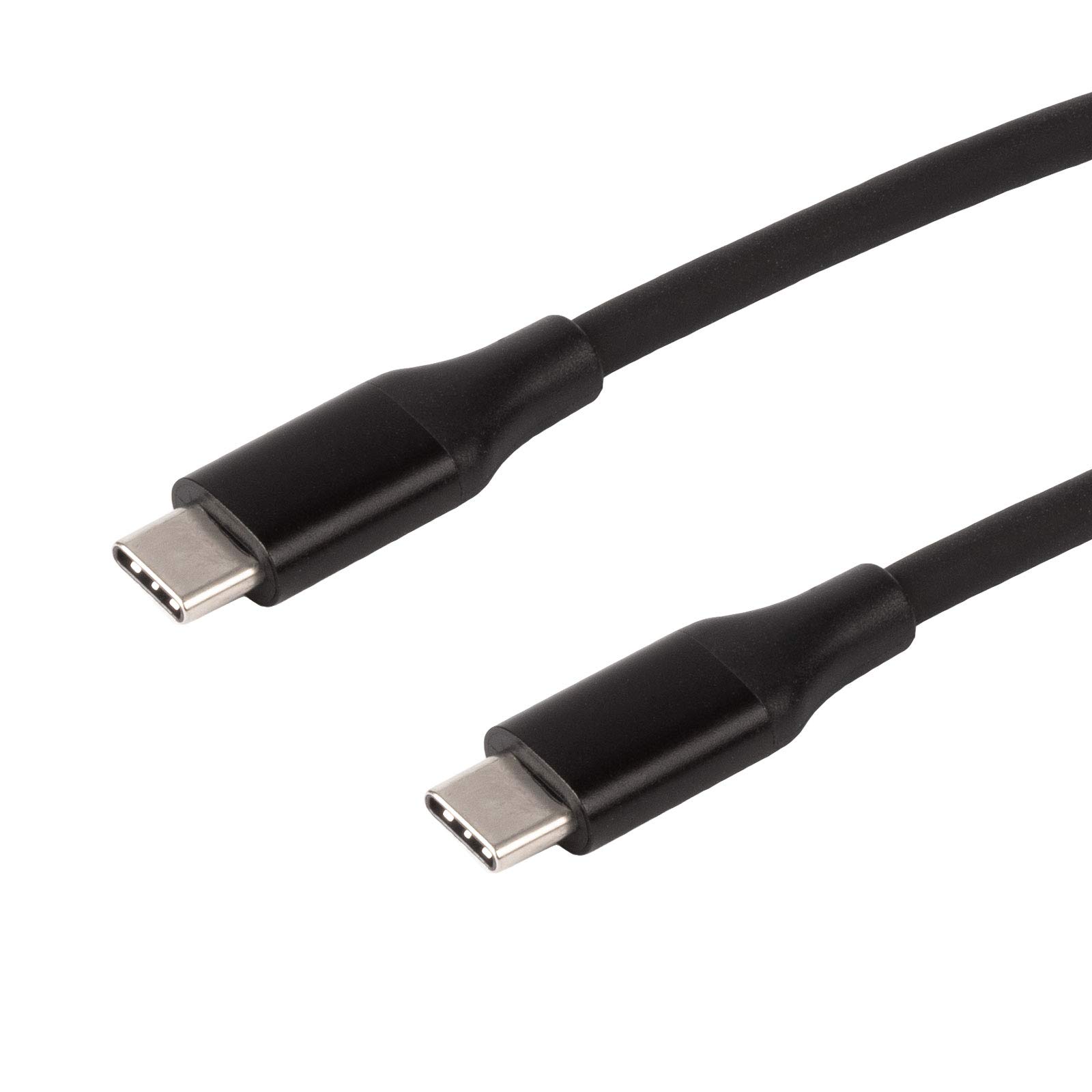

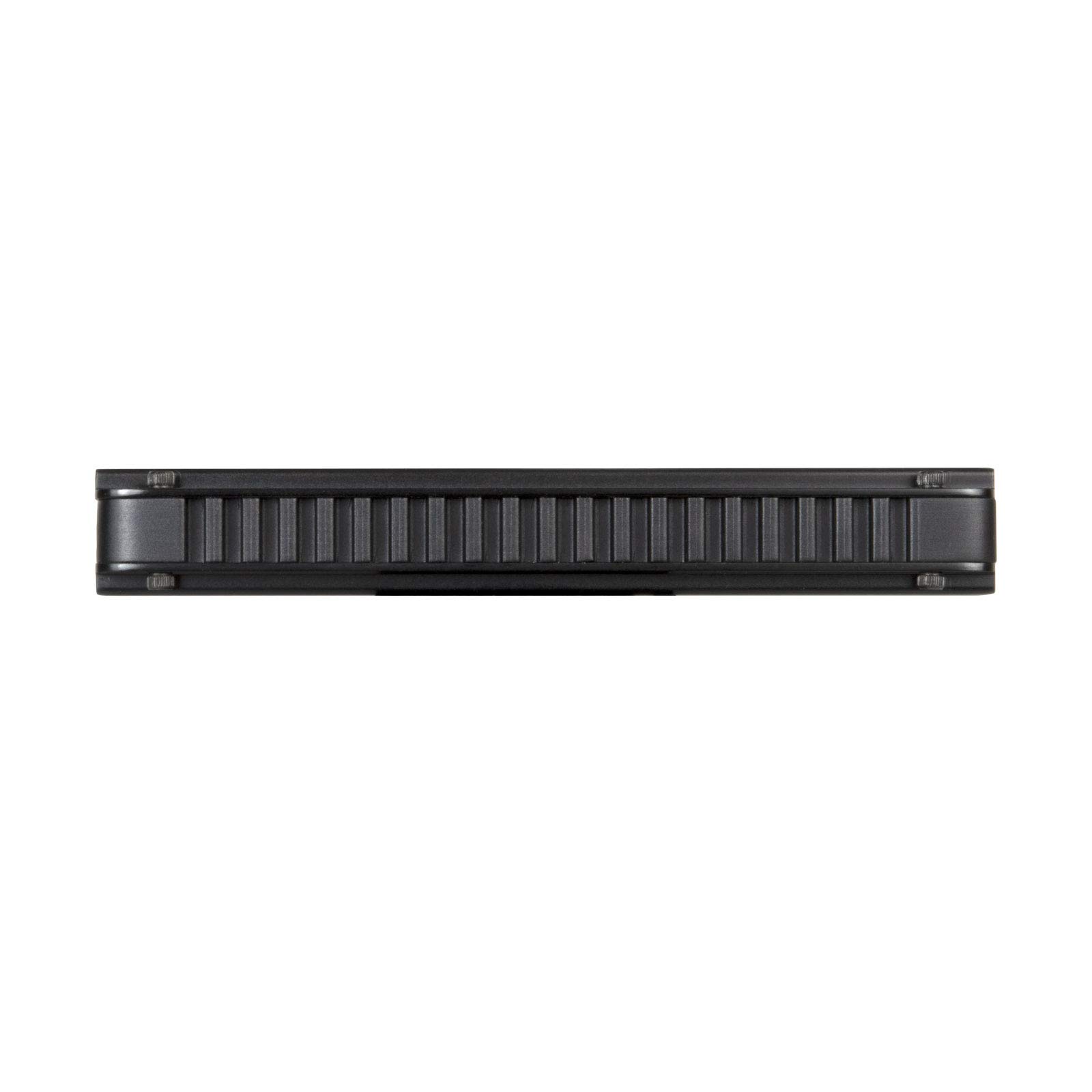

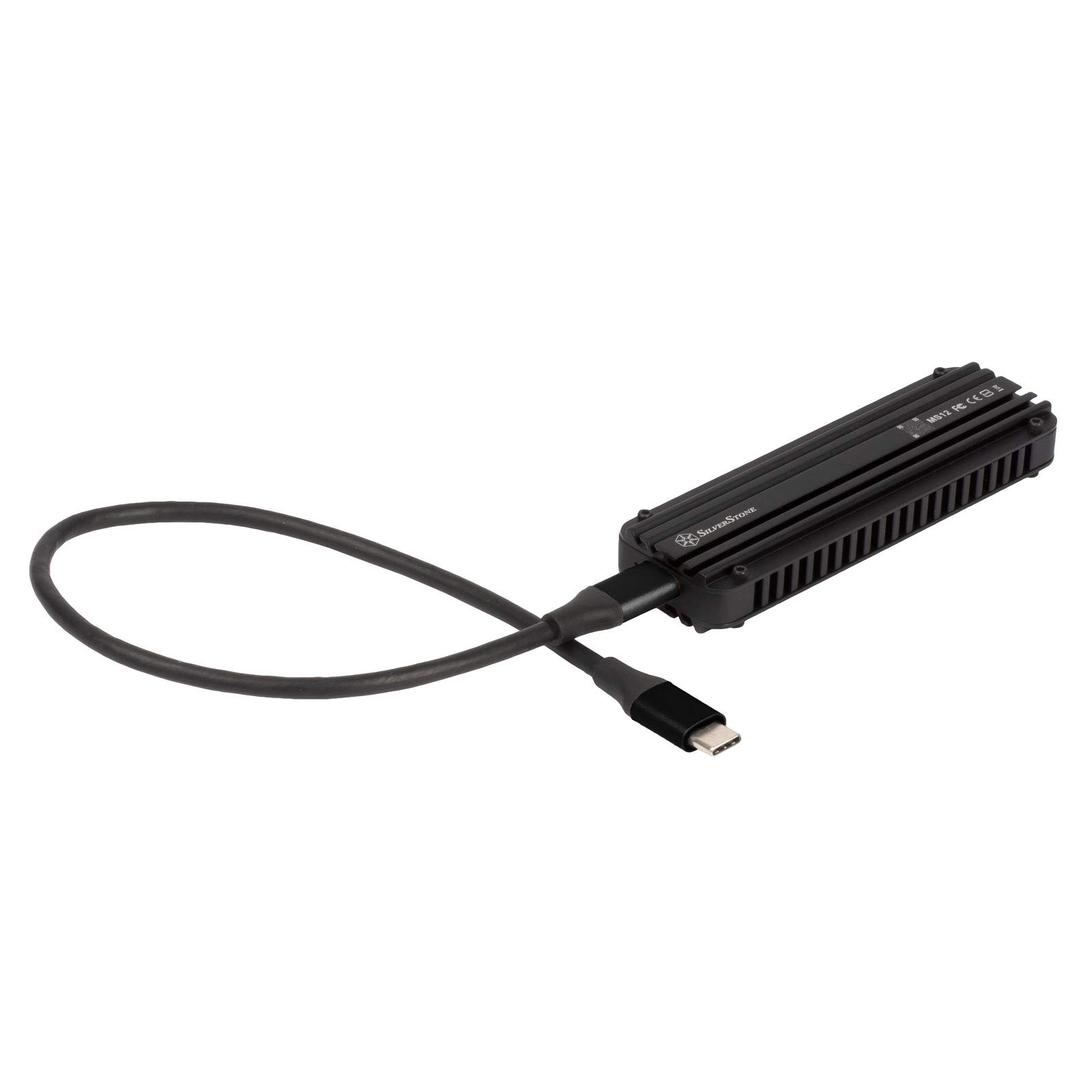


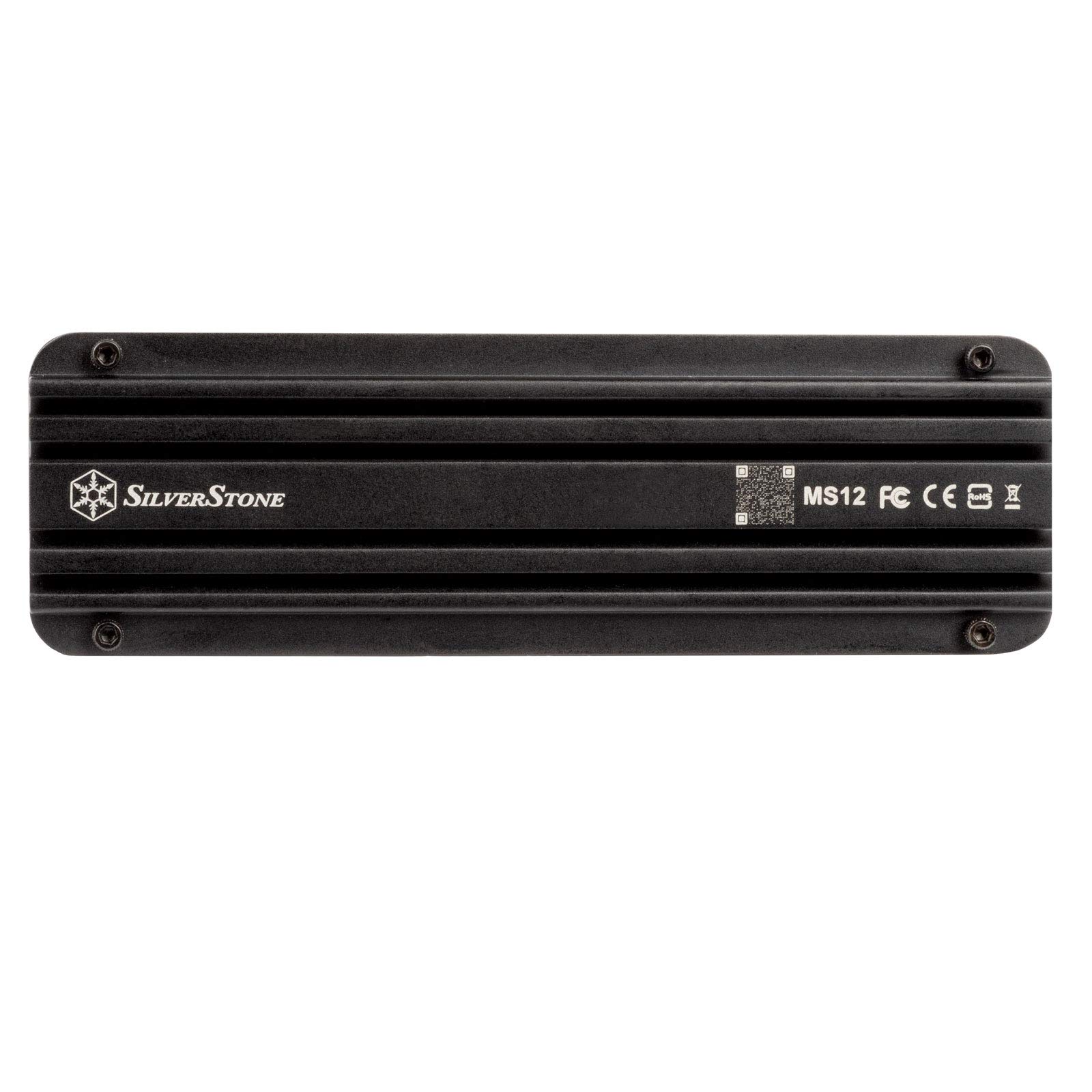
🚀 Unlock lightning-fast storage with cool confidence!
The SilverStone MS12 is a premium USB 3.2 Gen 2x2 Type-C NVMe M.2 SSD enclosure delivering up to 20Gbps transfer speeds. Crafted from aluminum with integrated thermal pads, it ensures efficient heat dissipation to maintain peak SSD performance. Compatible with multiple M.2 SSD sizes and advanced protocols like TRIM and NVMe error recovery, it’s designed for professionals demanding speed, reliability, and portability.


| ASIN | B08WHMZ6T8 |
| Compatible devices | Laptop |
| Connectivity technology | USB |
| Data transfer rate | 20 Gigabits Per Second |
| Guaranteed software updates until | unknown |
| Hard disk form factor | 22 Millimetres |
| Item model number | SST-MS12 |
| Item weight | 0.15 Kilograms |
| Manufacturer | SilverStone Technology |
| Max number of supported devices | 1 |
| Product Dimensions | 10.61 x 3.33 x 1.53 cm; 150 g |
| UPC | 844761021405 |
A**R
I came from a Green enclosure and couldn't be happier. In the Ugreen enclosure, my nvme would overheat and disconnect when moving anything close to a gig. To me, that was useless. With this I've passed over a TB of backup data to it with no drop in performance. It sped through everything only slowing down on some m3u8 playlist files I had (weird). As an engineer, my only tidbit of wisdom to pass along would be make sure you use enough of the thermal pad material on the chips to ensure the lid barely sticks up (up to maybe a mm) before screwing down. You don't want too much because it could bend the circuit board and cause the chips to detach but you also don't want too little that it doesn't make contact with the lid. Also, cut the pads to cover the chips and not the gaps between them. The pads will act more as thermal insulators in the gaps. Also, most importantly, the chip closest to the contacts gets the hottest. It's the control chip. The ones furthest away are the actual memory chips. They don't usually get too hot. Make sure above all else that control chip gets good contact with the lid. Again, you'll know if it does when the lid sticks up a little bit before securing down. As far as performance, this thing is spectacular. I've paired a WD black 2tb NVME with this and it goes everywhere with me. I use it with my phone, my tablets, my netbook, laptop, and gaming rig. It's blazing fast for a type C interface. I've not noticed any hiccups (except with the m3u8 files- but I just checked using a regular flash drive and it seems to just be that file type cause it was slow in that transfer.. . Again, weird). It gets really warm. That's a good thing. It means it's wicking heat away and that why you are buying this thing. Keeping this drive cool is where it really shines! Aesthetics wise, it's pretty small but the sharp corners are a little bothersome. I've thought about macining chamfers but then you lose the black paint and the paint is adhering really well for it being in my pocket and bookbag 90% of the time. It also looks really cool (imo). I like that I can get a product that checks all of the boxes and while costly, its well worth it. But it. DO IT!! DO IT NOW!!!
R**N
Solid, well designed product. It would be nice if the cable provided was a little longer. Make sure to use the thermal pads that come with it (not just the ones pre-installed on the top and bottom of the enclosure), because things can get hot. Use the thicker pad if your nvme drive is single-sided, and use the thinner pad if it is double-sided. The pad should go between the PCB and the bottom of the nvme stick. The heat transfer to the fins are really effective.
P**Y
I decided to replace my homebrew NAS (3x 2TB drives in a RAID5) because of trash write speeds and size and weight. So I got a two of NVME 4TB drives. Moving about 1.3TB of data to the drive, the skin got hot. So that means the heatsinks work and are not for show. So that's good. I tried doing the same thing with a cheap 15 buck plastic enclosure. But the connected drive would disappear from Windows after a bit. One drive is going to live in my NAS. And the other drive will live in my laptop. This way I can have a backup. I'll need to figure out a file sync solution.
A**B
It does 10GB USB 3.1 max speed is 940 MB with CARDERA. Returned due to faulty screw housing. The 3 stars for the hard work but you better looking for better quality.
R**Y
So I got this silver stone ssd enclosure to test out some spare ssd's I had laying around from an old system. Or at least that was the original reason. I have found multiple uses for it now, I have started using it just as a full storage expansion. The speeds the ssd enclosure runs at makes it almost no different as if the ssd were plugged into my motherboard. Also thermals with the drives I put in there and tested for a good couple of hours with some gaming loads and file transfers were fantastic. I don't think I saw temperatures above 42⁰ on any of the ssds I put in there. I would highly suggest this product to anyone looking for a quick and easy way to expand their storage on a laptop or a PC with a budget motherboard. Or just to people who are troubleshooting ssd's and doesn't wanna have to go through the hassle of removing other parts to get to the m.2 slots on your motherboard.
Trustpilot
3 days ago
2 weeks ago