
DOWNLOAD THE APP


Customer Services
Copyright © 2025 Desertcart Holdings Limited
DOWNLOAD THE APP
Full description not available
M**Y
Definitely recommended
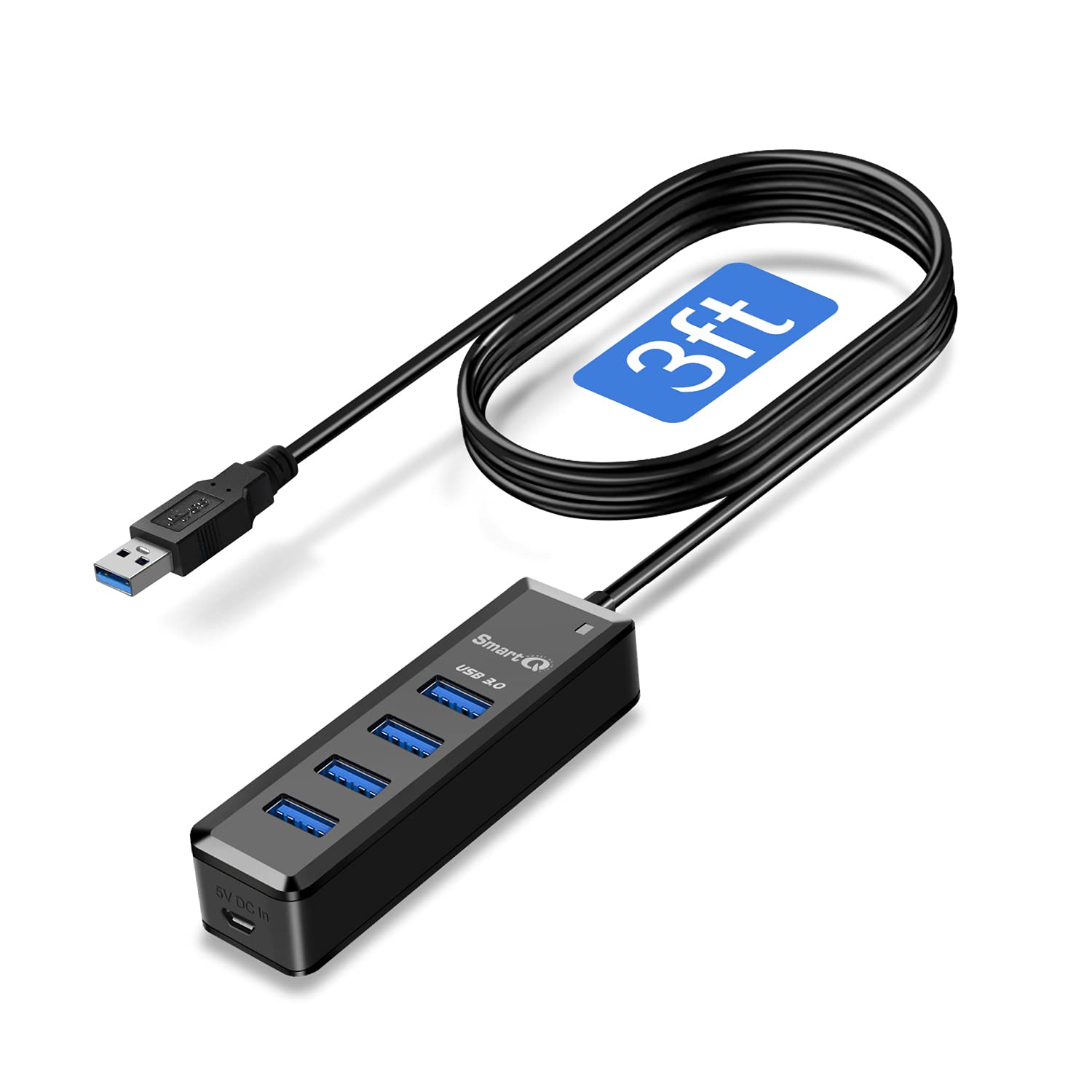
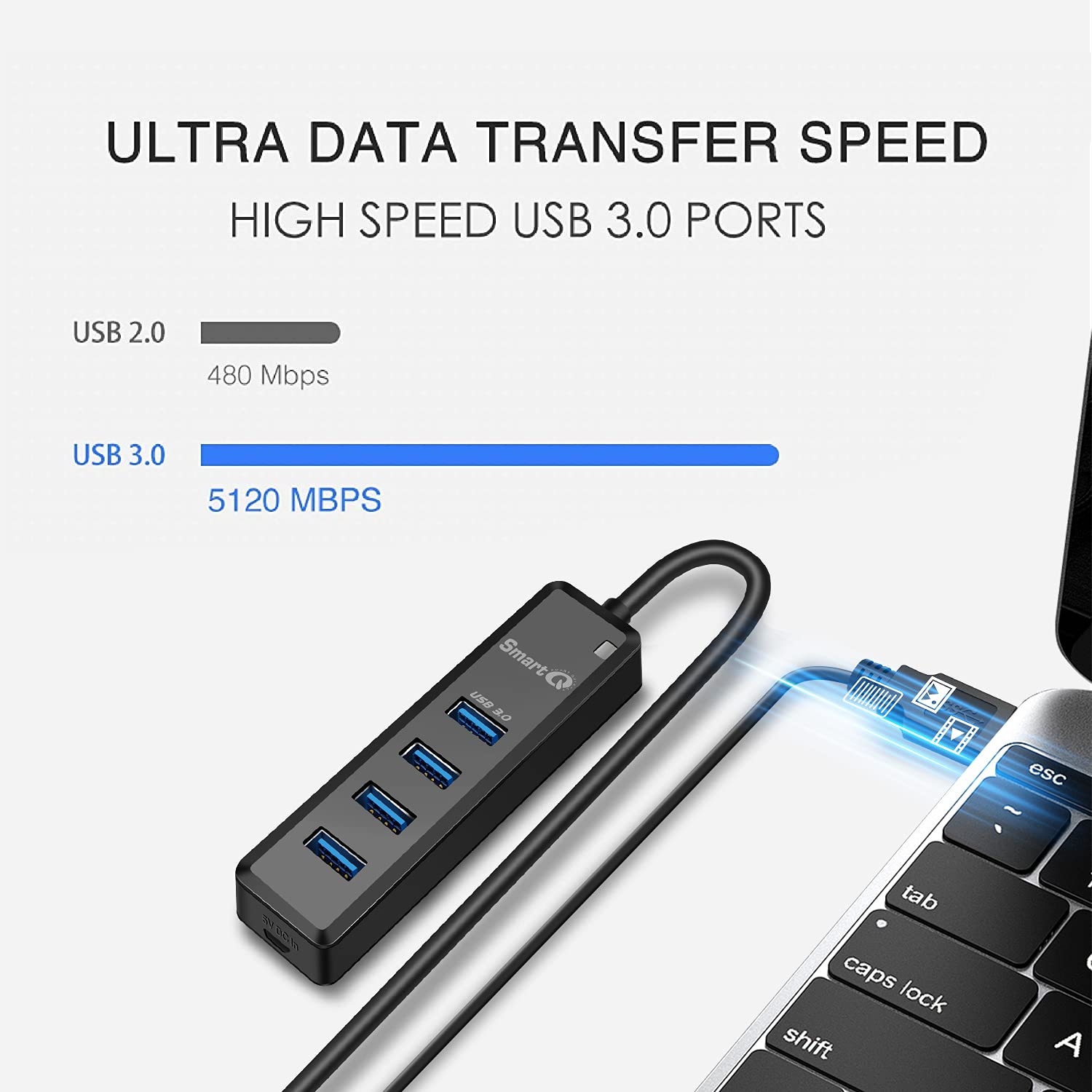
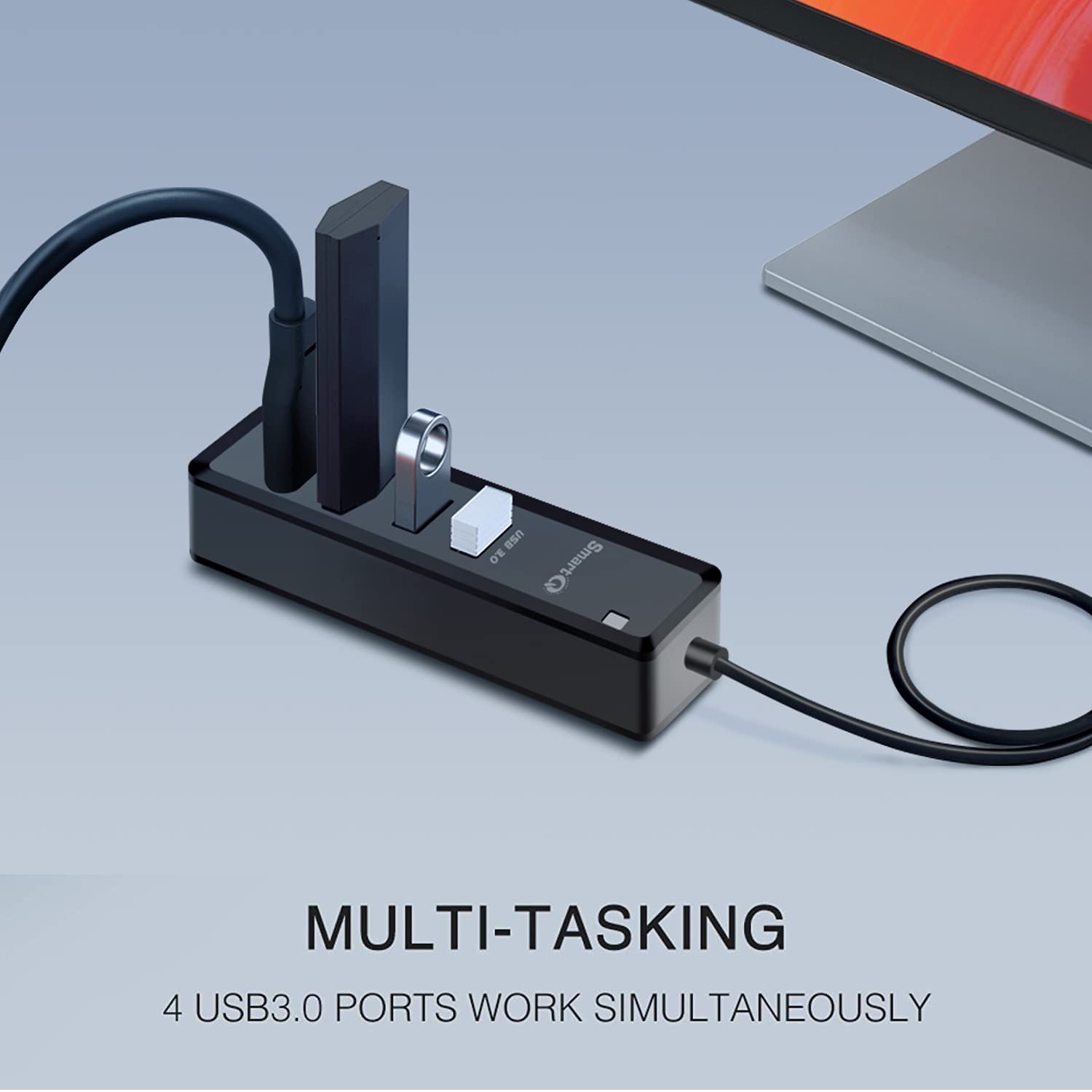
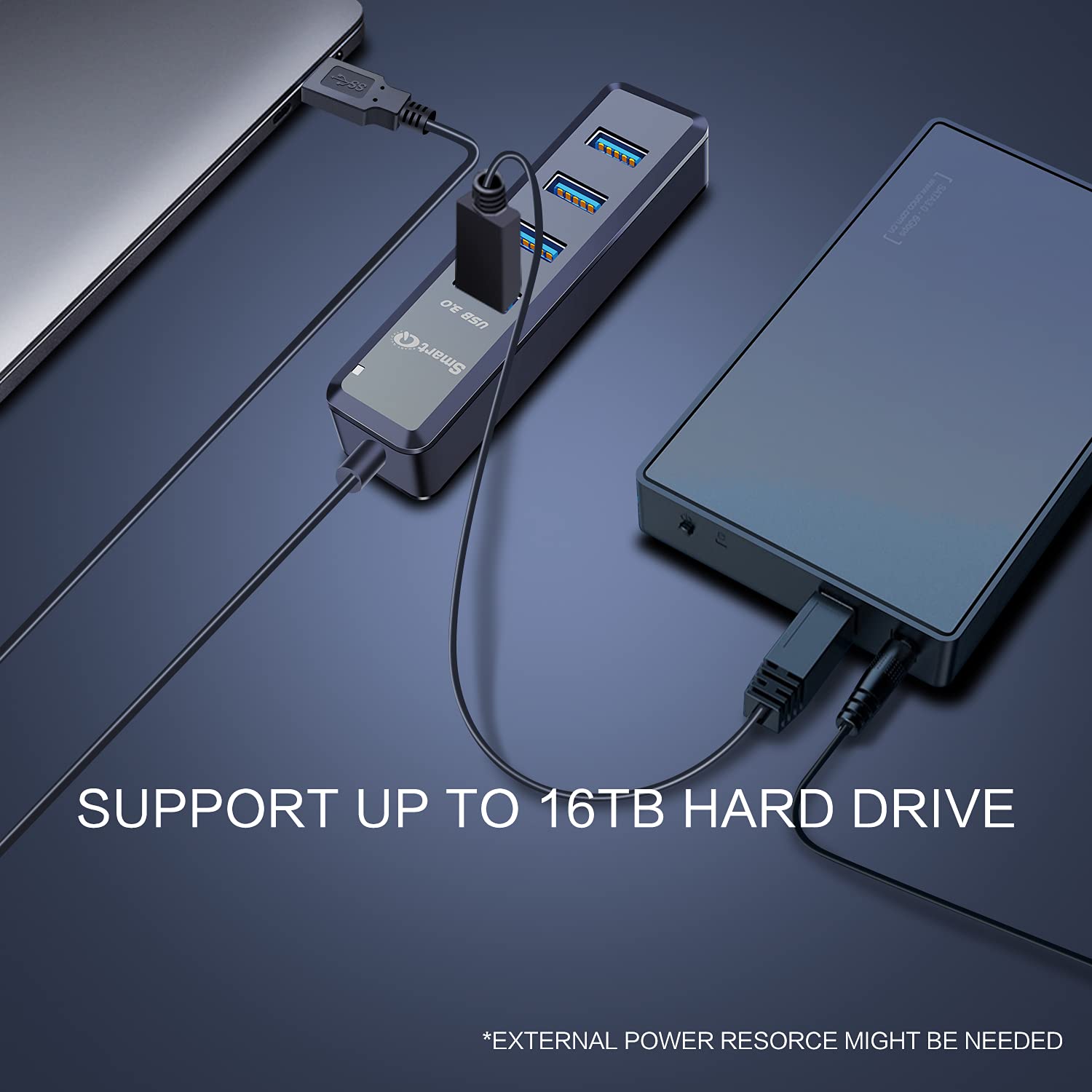
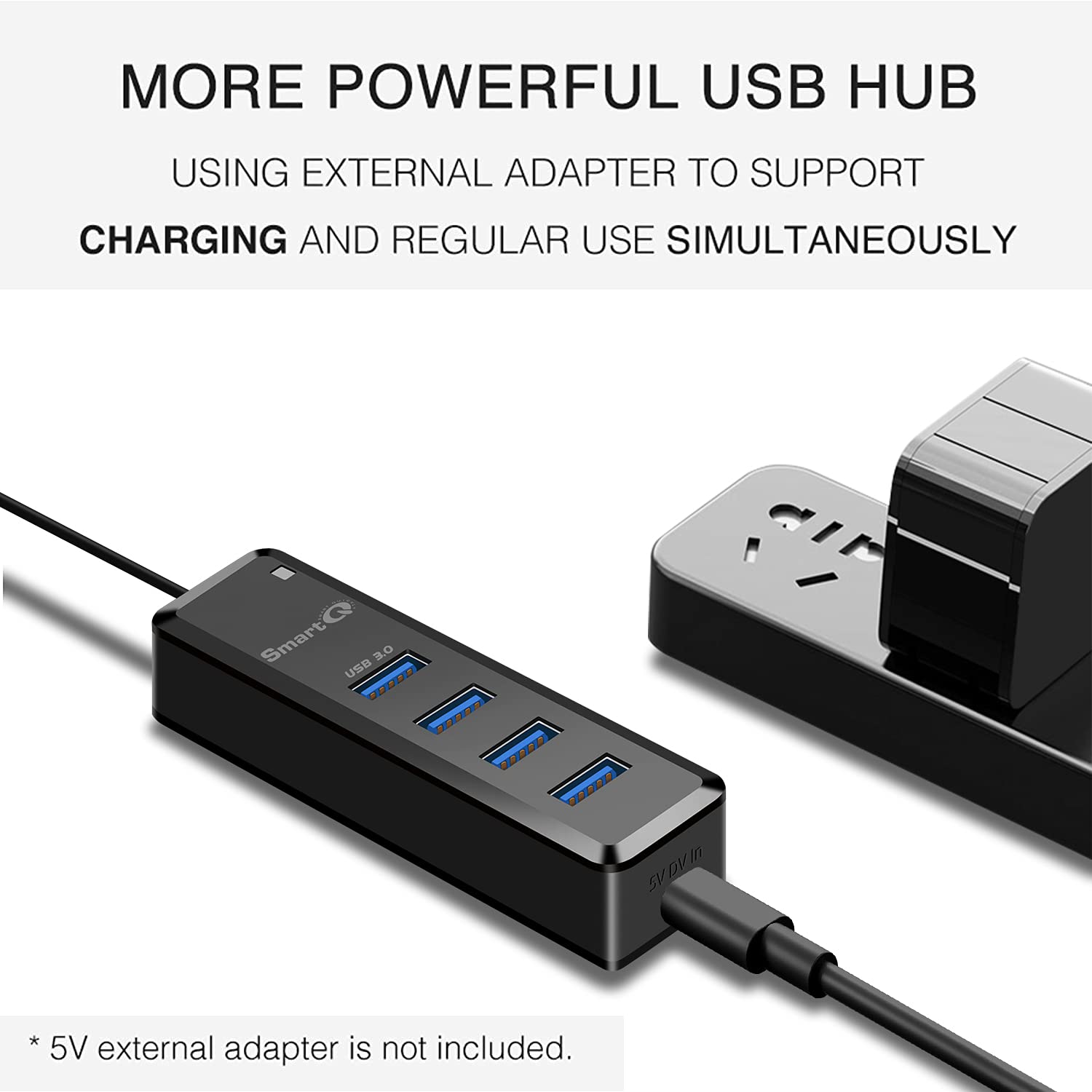
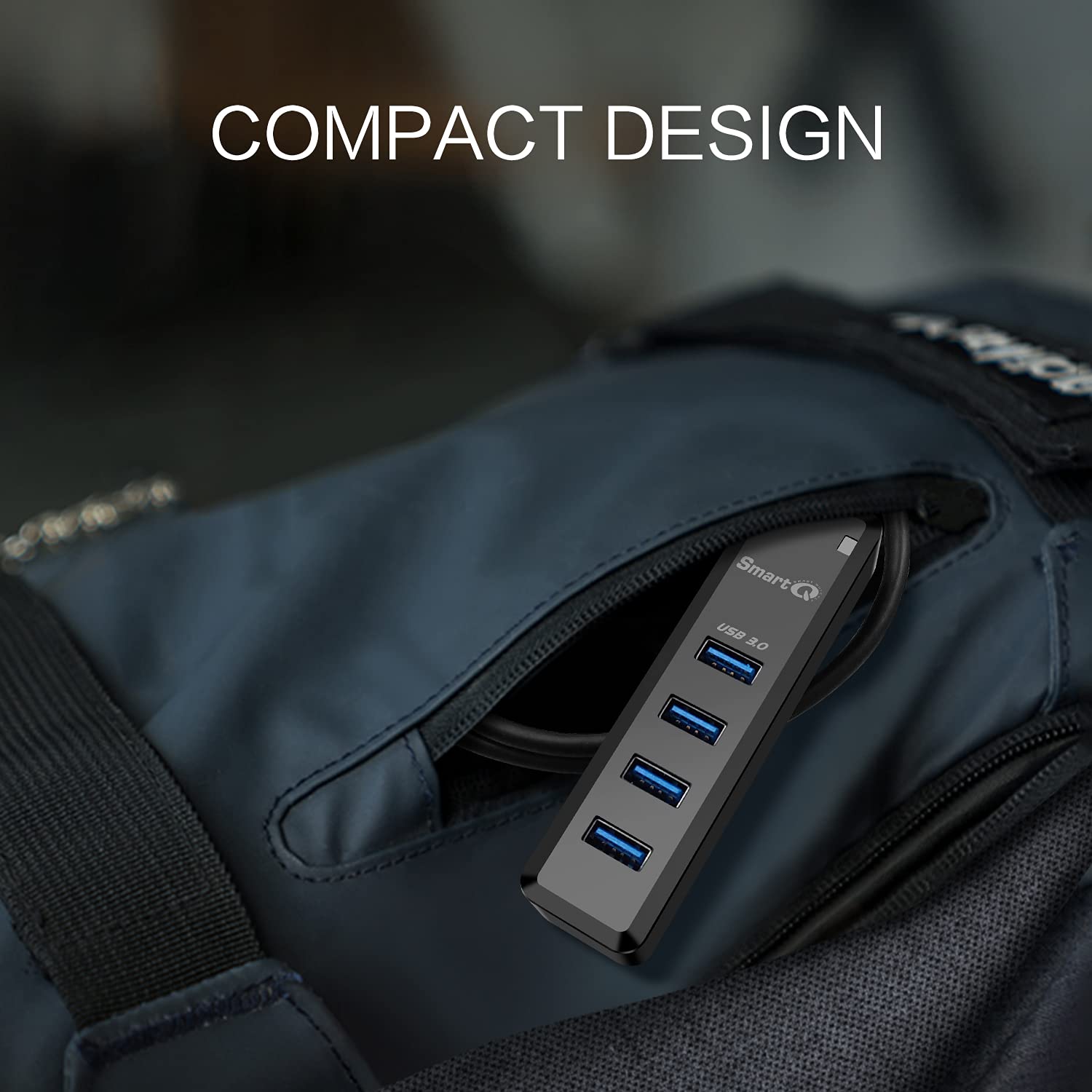
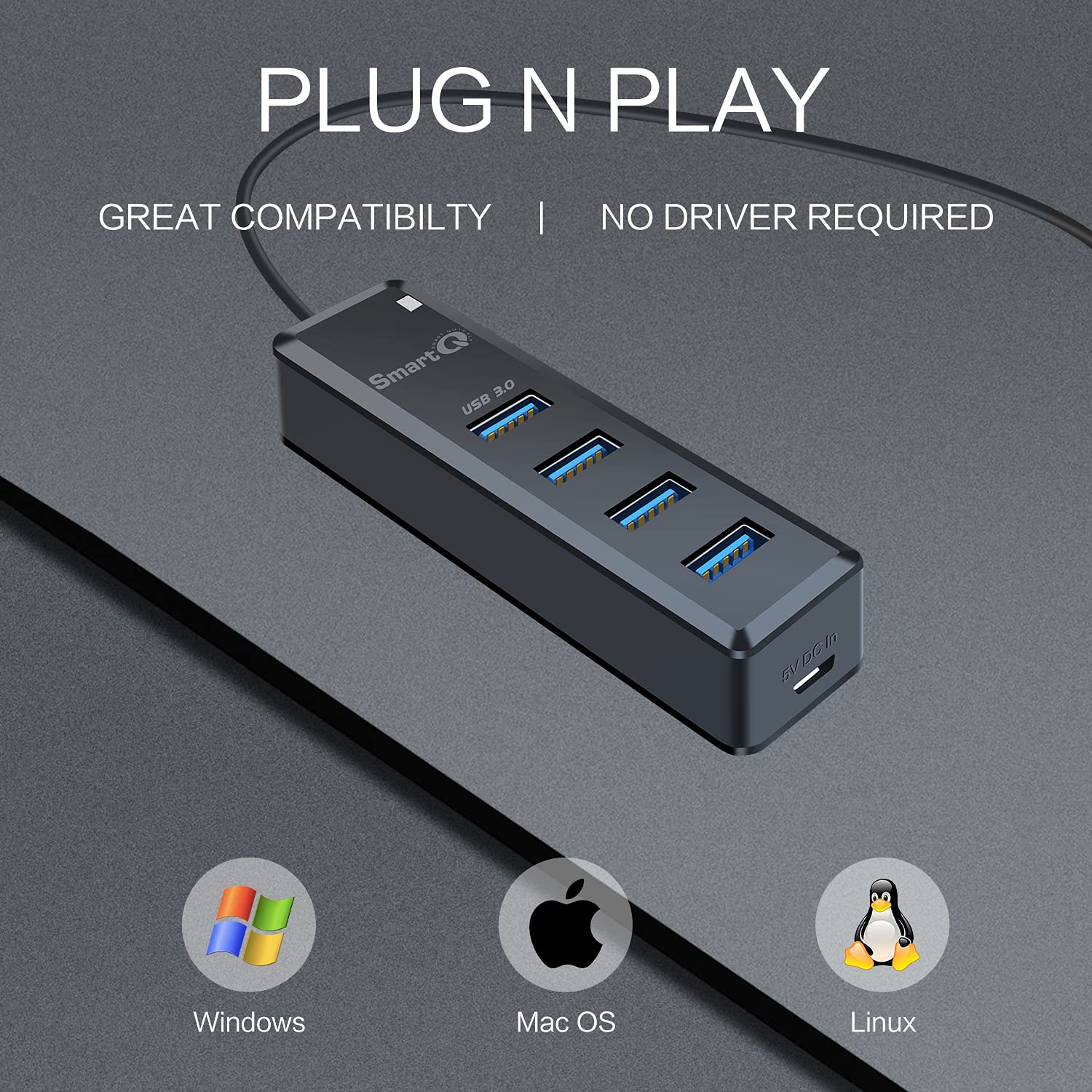
I finally had to get a USB 3 hub for my 2019 iMac and I chose this SmartQ hub out of all the very many I saw. I do not believe I will be needing individual on/off buttons so all those hubs got ruled out - more stuff that can break, and waste power when lit. I wanted an easy to handle desktop hub with a foot long cord. Lastly, I preferred getting one with a connection for optional supplemental power in case I ever need it. The foot long cord is the perfect length for having room to move it around and without having excess length that diminishes power. The SmartQ hub has a strong very thick one foot cable. The hub itself is very light (though sturdy) so I was worried it wouldn't stay put, but it does, no problem there. The perfect hub for me.I tried all four of its USB ports (albeit mostly one at time) and they all work. I tested charging my bluetooth mouse using only the hub and it charges fine. If the hub had light power, charging might fail altogether. I then hooked up a 5v power supply to the hub's micro usb power-in port. (I have a charger from a retired hotspot that is exactly 5 volts with a micro USB connector.) Then I tested charging the bluetooth mouse again and the extra power to the hub did not improve the charging rate. My external drives are on the iMac's Thunderbolt bus so I will probably not be needing to use optional power for the hub.I also just bought a jsaux USB audio adapter which came the same time as the SmartQ USB 3 hub. I have the jsaux audio adapter plugged in to the USB hub. The hub and the iMac both use USB 3.1 (Gen 1) but the jsaux device is shown to run at USB 2 speeds. I just wrote a review of the jsaux adapter because it produces excellent sound - it is highly recommended. Below is system information which shows both the jsaux audio adapter (China) and this USB hub use Realtek chips (Taiwan). The hub is made in Taiwan.% system_profiler SPUSBDataType USB 3.1 Bus: Host Controller Driver: AppleIntelCNLUSBXHCI PCI Device ID: 0xa36d PCI Revision ID: 0x0010 PCI Vendor ID: 0x8086 4-Port USB 3.0 Hub: Product ID: 0x0411 Vendor ID: 0x0bda (Realtek Semiconductor Corp.) Version: 1.04 Speed: Up to 5 Gb/s Manufacturer: Generic Location ID: 0x14a00000 / 5 Current Available (mA): 900 Current Required (mA): 0 Extra Operating Current (mA): 0 4-Port USB 2.0 Hub: Product ID: 0x5411 Vendor ID: 0x0bda (Realtek Semiconductor Corp.) Version: 1.04 Speed: Up to 480 Mb/s Manufacturer: Generic Location ID: 0x14700000 / 4 Current Available (mA): 500 Current Required (mA): 0 Extra Operating Current (mA): 00... TX-Hifi Type_C Audio:... Product ID: 0x4c07... Vendor ID: 0x0bda (Realtek Semiconductor Corp.)... Version: 0.01... Speed: Up to 480 Mb/s... Manufacturer: Generic... Location ID: 0x14710000 / 8... Current Available (mA): 500... Current Required (mA): 100... Extra Operating Current (mA): 0system info —>audioDevices:Built-in Microphone: Default Input Device: Yes Input Channels: 2 Manufacturer: Apple Inc. Current SampleRate: 48000 Transport: Built-in Input Source: Internal MicrophoneBuilt-in Output: Default System Output Device: Yes Manufacturer: Apple Inc. Output Channels: 2 Current SampleRate: 48000 Transport: Built-in Output Source: HeadphonesTX-Hifi Type_C Audio: Default Output Device: Yes Manufacturer: Generic Output Channels: 2 Current SampleRate: 48000 Transport: USB Output Source: Default
D**Y
Perfect
Worked perfectly for adding extra charging ports in the car during a 28 hour road trip. Phones/Watches and other batteries charged quickly and without issue. The cord provides just enough slack to move around but not too much that it would be annoying and in the way.
O**M
Working well for me
My favorite usb hub at work now. I will be ordering a second one for home. The transfer rate between 2 external hard drives is a refreshing change from my old hub. I am not a "pro" at this stuff by any means but I have dealt with enough computer crashes in my time that now I back up everything 2 and 3 places - or loading up files from work to take home and work on, so I am always coping stuff from one hard drive to another.
B**N
Mine failed during high data transfer rates
I had MAJOR problems with a USB-to-Ethernet Gigabit network adapter plugged into this hum. (Had no problems at all using the same network adapter with other USB hubs, even at high data rates, so it's not the network adapter.)Returned it and purchased an Anker brand USB hub, and am having no problems at all (tested transferring multiple gigabytes of data in both directions on the new hub).
H**3
Underpowered and buggy even with an extra powersource
I hooked it up to a USB 3.1 interface, as well as an extra powersource through the Micro USB slot, and yet it was not able to power up the devices I hooked to it.Also, it messed up by laptop's USB configurations and I shut off an unrelated USB port, so I had to go to Device Manager in Windows to disable and re-enable that port and restart the laptop. When I did that, the USB port turned on, but when I tried to use this hub again, *another* USB port suddenly turned off and I had to repeat the process through Device Manager and restart to enable it. After that, I never inserted this USB hub because there is only so much patience and time that I can spare to give out to such a bad device.
M**L
Haven't decided if it is quality expected
Smart Q arrived quickly and safely. After I connected it into my desktop computer I connected my Fitbit 3 charger into the Smart Q which seemed to work for about 50% power up then my watch reported not enough power being transmitted to continue the charge. If that is standard I will be disappointed since that is one of the main things I wanted it for. To be fair I will give it another go when the time comes and hope for the best. Faith L
A**C
intermittent Connection for Keyboard and Mouse
It will randomly shut off my keyboard and mouse while playing games, surfing the web or just sitting there. It might be good for anything else, but for my intended use its horrible.
J**N
Some of my stuff works with it and some doesnt
My usb hard drive does an alarming stuttering blinking thing when I plug it into this port. Very simple pieces of tech (game controllers, mice, etc) do fine. So not as useful as I’d hoped but still useful. (And I am not very techie, so if you’re reading this review, keep that in mind.)
Trustpilot
4 days ago
1 day ago