



💼 Elevate your home office with secure, seamless storage that works as hard as you do.
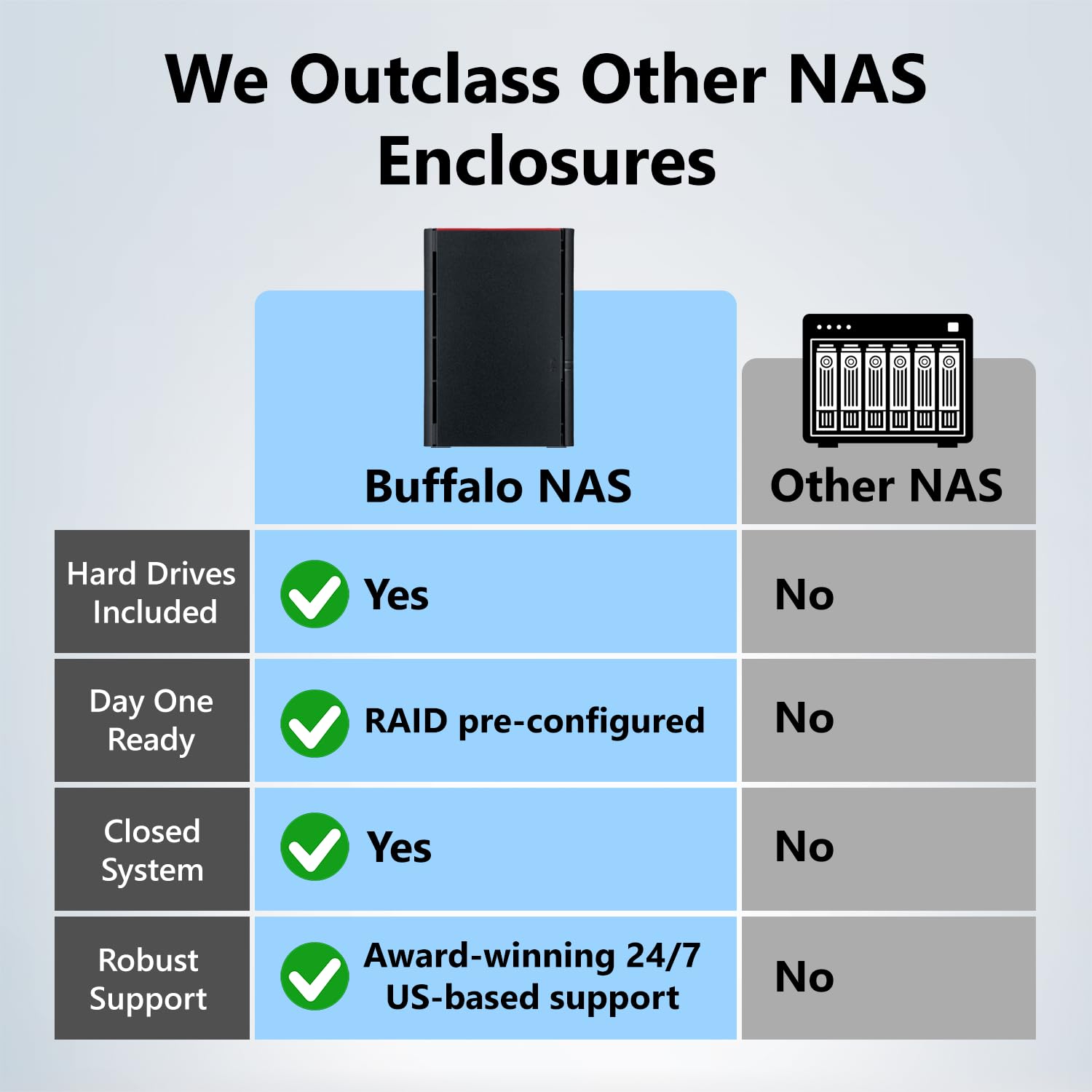
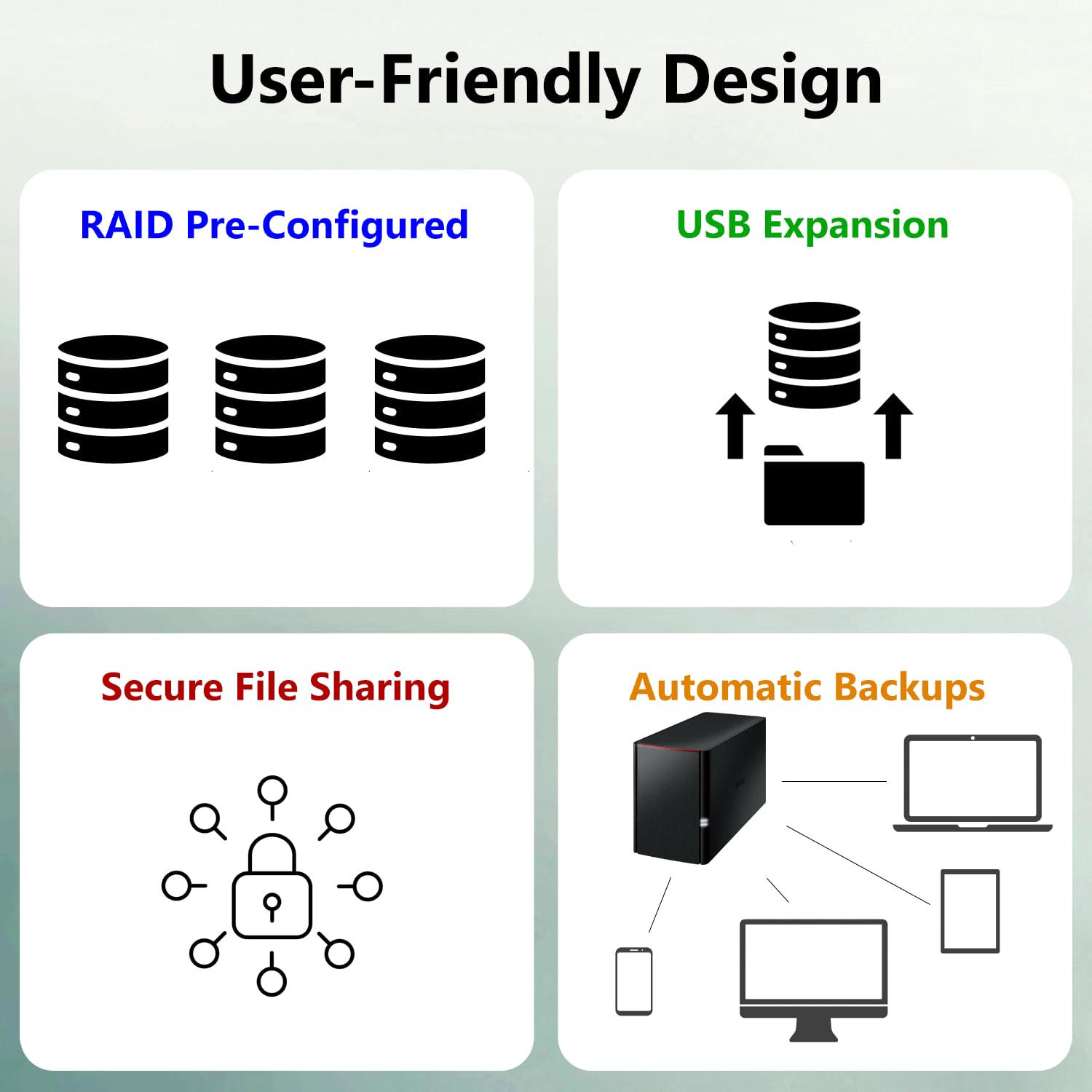
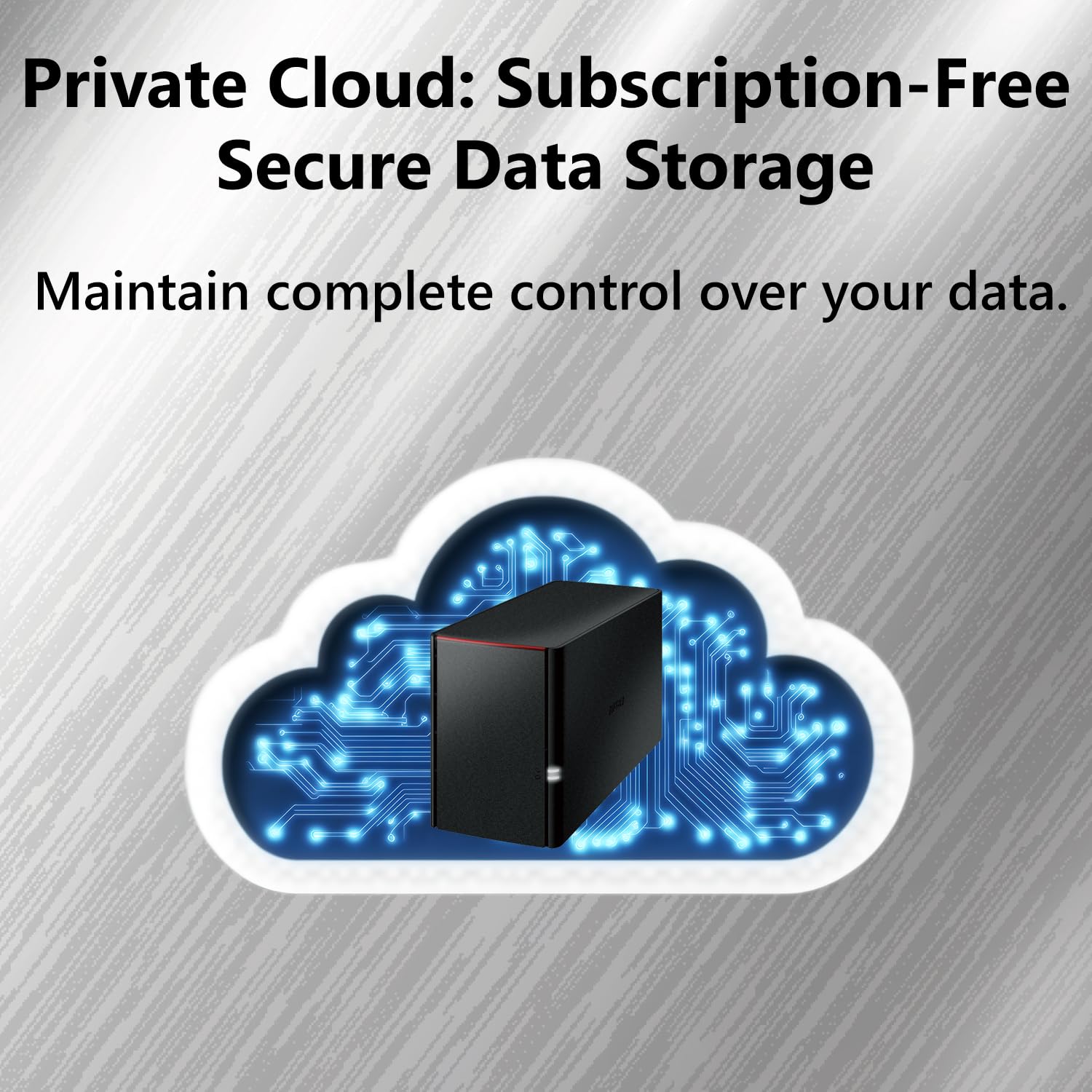
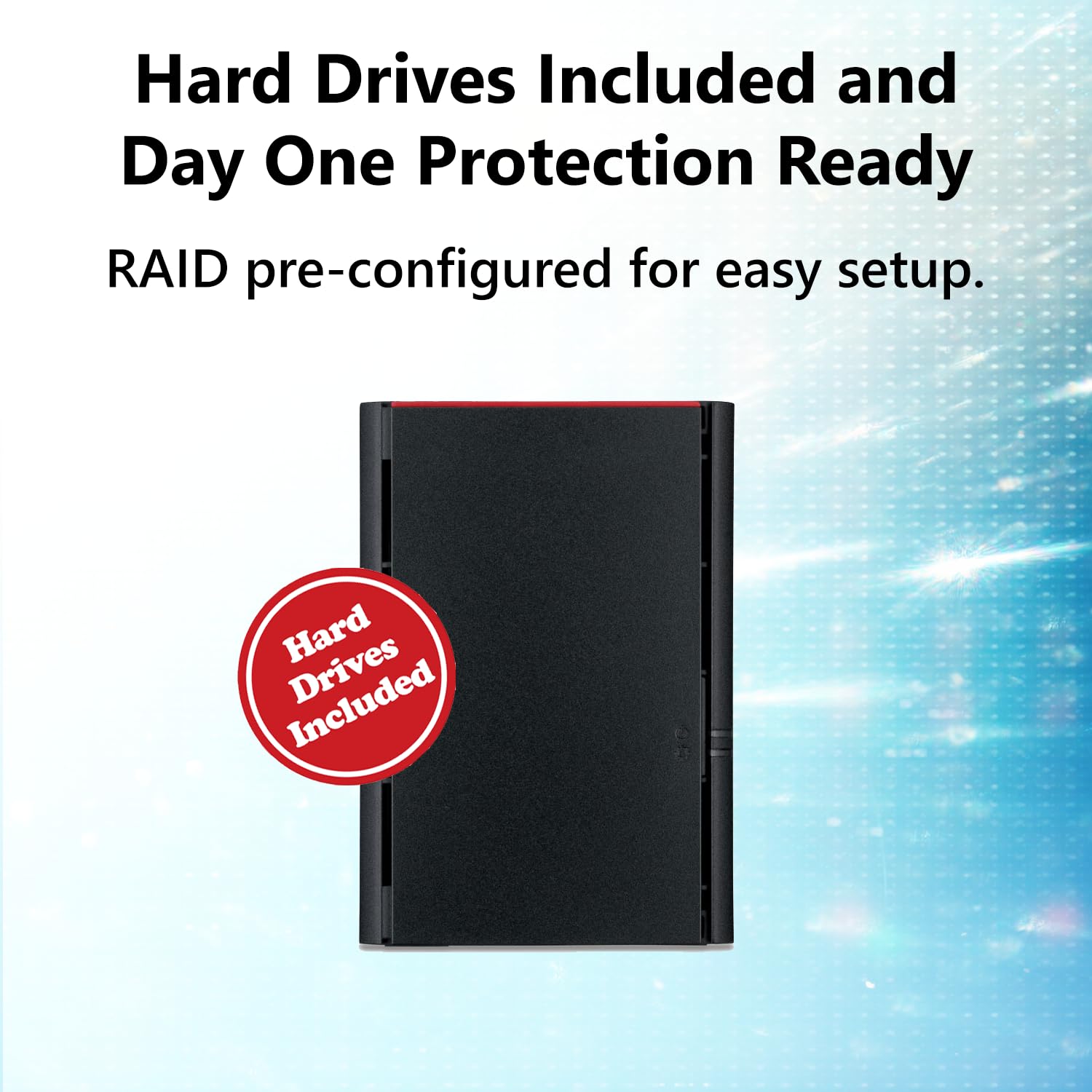
The BUFFALO LinkStation 220 is a robust 8TB 2-bay NAS designed for professionals seeking centralized, secure, and subscription-free personal cloud storage. Featuring RAID 1 for automatic backup, Gigabit Ethernet for fast network sharing, and compatibility with Windows and macOS (up to macOS 15), it offers effortless multi-device access and data protection. Made in Japan with 24/7 US-based support and a 2-year warranty, it’s the perfect solution to streamline your digital workspace and safeguard your valuable files.


| ASIN | B00JY4QJZ8 |
| Best Sellers Rank | #3 in Network Attached Storage (NAS) Devices |
| Brand | BUFFALO |
| Built-In Media | LinkStation 220, Setup CD-ROM, Quick setup guide, Ethernet cable, AC adapter, Warranty Statement |
| Color | Black |
| Compatible Devices | Desktop, Laptop |
| Customer Reviews | 3.8 out of 5 stars 3,173 Reviews |
| Enclosure Material | Unspecified |
| Global Trade Identification Number | 00747464128658 |
| Is Assembly Required | No |
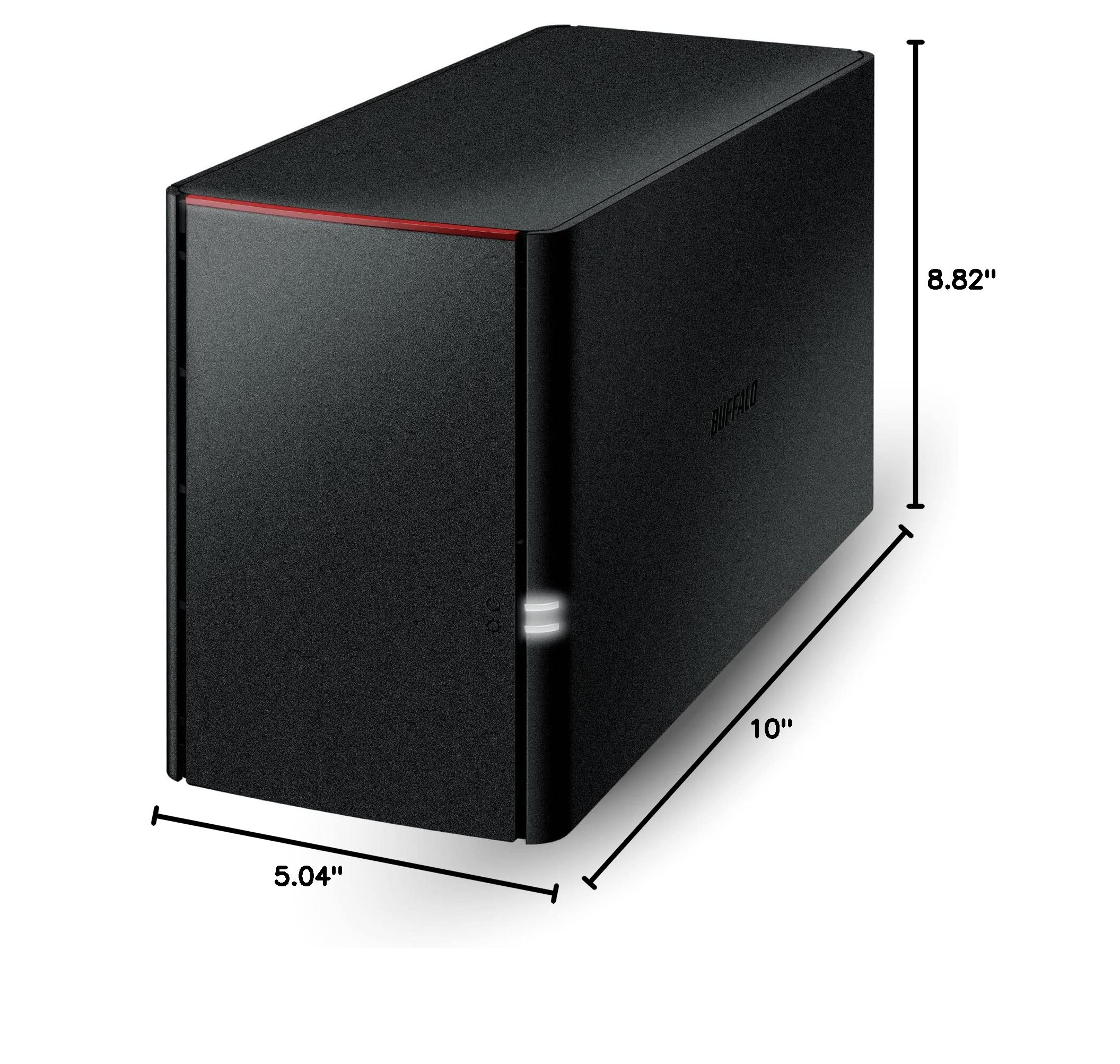
| Item Height | 8.82 inches |
| Item Type Name | Network Attached Storage |
| Item Weight | 247 Grams |
| Manufacturer | BUFFALO |
| Mounting Type | Tabletop |
| Size | 8TB (2x4TB) |
| UPC | 747464128658 |
| Warranty Description | 2 years |
J**Y
Streamlined Data Management
The BUFFALO LinkStation 710 8TB 1-Bay NAS Network Attached Storage is a reliable and efficient solution for individuals and small businesses seeking centralized storage and easy access to their digital content. As someone who values simplicity, reliability, and versatility in data management solutions, I find this NAS to be an excellent choice for streamlining storage and enhancing productivity. First and foremost, the storage capacity of the LinkStation 710 is impressive, offering 8TB of storage space for housing large volumes of files, documents, media, and more. Whether used for personal use or small business applications, this NAS provides ample room for storing and organizing digital content, making it easy to access and share files across multiple devices and platforms. Additionally, the performance of the LinkStation 710 is commendable, thanks to its powerful hardware and efficient software management. The dual-core processor ensures smooth and responsive operation, while the built-in DDR3 memory enhances data transfer speeds and multitasking capabilities. Whether streaming multimedia content, backing up files, or accessing data remotely, this NAS delivers consistent performance with minimal latency. One of the standout features of the LinkStation 710 is its user-friendly interface and intuitive setup process. The web-based administration interface allows for easy configuration and management of the NAS, making it accessible to users of all skill levels. With features like automatic data backup, RAID support, and remote access via mobile apps, BUFFALO has designed a NAS that meets the needs of both novice and experienced users alike. Furthermore, I appreciate the versatility and connectivity options offered by the LinkStation 710. With multiple USB ports and a built-in Gigabit Ethernet port, users can easily expand storage capacity, connect peripherals, and share data with other devices on the network. The ability to integrate with cloud storage services further enhances flexibility and accessibility, allowing users to seamlessly sync and backup data across multiple platforms. In terms of reliability, the LinkStation 710 excels with its robust build quality and data protection features. The durable chassis and fan-less design ensure quiet operation and long-term reliability, while features like RAID support and automatic backup provide peace of mind against data loss. With BUFFALO's reputation for quality and durability, users can trust the LinkStation 710 to safeguard their valuable digital assets. Overall, I am highly satisfied with the BUFFALO LinkStation 710 8TB NAS Network Attached Storage. Its ample storage capacity, performance, user-friendly interface, versatility, and reliability make it an excellent choice for individuals and small businesses seeking a streamlined and efficient solution for data management. Pros: Ample 8TB storage capacity for housing large volumes of digital content Powerful hardware and efficient software management for consistent performance User-friendly interface and intuitive setup process for easy configuration and management Versatile connectivity options including USB ports and Gigabit Ethernet Robust build quality and data protection features for long-term reliability Cons: May require some initial setup and configuration for optimal performance Higher price point compared to basic external hard drives, but worth the investment for the features and capabilities offered
M**C
So far better than expected except initial setup
Exceeds expectations so far. All I really wanted was a basic network storage drive for my home office so I can have that magic "L:" drive or whatever accessible by all my machines on the network can map to for central location storage location for test data, business admin data, personal data, whatever. Being my first NAS I decided to go with this less-expensive model (without RAID) as a low-risk intro, and so far I'm very impressed. Bonus Features: This is probably why most other people buy this thing, but I like the idea of it doubling as a media server for the whole home wifi network also. NOTES for PC users - read this and it might save you a few minutes: -I noticed some negative comments about the setup, and it can be a little misleading. It actually came with a cd/dvd, and the setup instructions (which ironically you don't really end up needing) said you're supposed to run the driver setup from the dvd (as if everyone still has a dvd drive!). Not having dvd drive I downloaded the software from Buffalo support site, and it said "it couldn't find a device on the network that needs updating". To me this sounded like it couldn't find the drive, but after getting a little frustrated and researching it turns out the firmware was just already up-to-date. Logging into my router admin I could see the device just fine and get its IP, and the admin tool accessible by typing the ip into a browser is nice and intuitive (if you're remotely familiar with basic pc/networking concepts). It is there where I started looking around at features and discovered I can plug a usb storage device right into this thing AND easily set up backup jobs from the drive to the storage drive. Also cool I can actually see the USB drive from that network share also - pretty sweet and versatile looking. Overall I give it a 4.7 out of 5.0 so (-0.1 for slightly misleading instructions, and -0.2 because it actually had a dvd come with it! lol)
C**N
Used - No AC Cable. Last Users Data Still There
I got it used. It arrived fast, but had no AC adapter or plug in the box. I found a Netgear AC cable and powered it up. It had the last owners full backups on it still. SMART data showed the drives had several hundred hours of power on, so it wasn't used for too long. I formatted it and it's running ok. I had to apply 2 releases of firmware, but it seems stable. I have nothing against Buffalo, but if you're going to sell on Amazon, make sure the box contains ALL the equipment and securely erase all the Data off it. At the very minimum, Buffalo should send me a power cable and a free goodie for my troubles.
G**Y
Great Value for Basic Raid Server
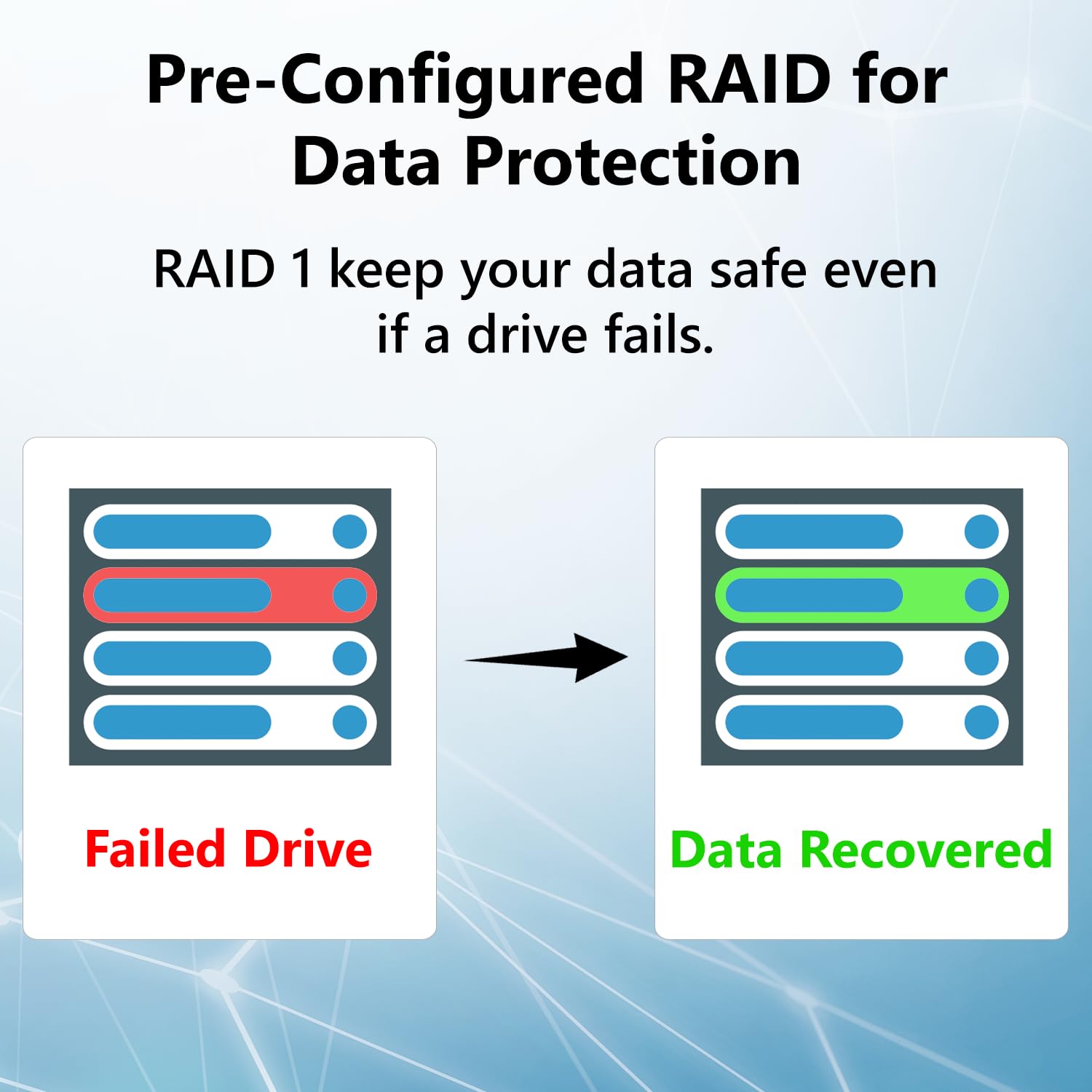
The title says it all. This "linkstation" is not the most robust option out there -- the supplied hard drives aren't really server grade. And it doesn't have all of the peripheral ports one would want -- such as extra usb 3.0, micro ssd or Apple thunderbolt. But what is does deliver is a simple, solid server set up by default as raid 1, which will automatically mirror what's on the first drive. Should a problem arise on one drive, it's hot swappable. Just replace it with another one and the good drive will automatically backup again on the replacement drive. Which is really all you need for a basic home server or for a small business. System admin is a bit clunky, but manageable. If you ever tried to implement one of the "my cloud" servers, you'll understand why you really can't complain. There are two reasons you have a local server on your network, rather than relying upon the cloud alone. Security and fastest restore. Your data is kept in your hands and if you do a time machine or windows backup (both of which work flawlessly) the transfer speeds on a good network is far better than most transfer speeds over the internet. So rather than waiting a day or two for a complete system restore from a cloud backup, which is what many American internet speeds would require, you can do this from a local network server in just an hour or two. Most network professionals rely upon at least a two part backup strategy. A good local backup, which the linkstation provides, and then an identical cloud-based version, in the unlikely case your building and server happens to burn to the ground, your data remans secure. Options are included for internet access of your data, the ability to setup a ftp site, etc, but there are plenty of services like drop-box where this can be accomplished for free. $300 bucks for 4 terabytes of storage mirrored to a second 4 terabyte drive, as I said, just great value.
C**O
Works well
Set was easy and smooth. Able to transfer data to device without a problem. The only issue I do have is that my LG TV will not show it. Got a work around for it though. Would recommend
D**S
Failed to connect to my system - support does not exist, apparently
The installation is fairly simple, and the Ikea-like Quick Setup Guide is quite adequate for making the initial setup easy. The problem I encountered was using the software to configure the unit. It failed to find the unit but gave no errors or clues about what might be wrong. The claim was that the support is great so I thought it would be moderately easy to get an answer. I was wrong. I found the support page on their website but the only telephone option was to call sales. The victim must enter the serial number of the unit which is not all that easy to find. I entered my number and was directed to enter a message to support. I received no acknowledgement that my support query had been accepted so I kept searching on the interweb for possible reasons for my unit not being detected and found that it had to be on the same subnet. After rearranging my network, I was able to configure the unit but then could not create the shares with various issues. I found an article about having to create Windows credentials and that got me closer but still no joy. I had registered my unit as a first step. As I was trying to research the issue, I received an email telling me that my warranty had been accepted. I went back to their support page and, this time, after entering my serial number I was given a support telephone number to call. The support person was helpful and knowledgeable. He corrected the settings being still set to being DISABLED which he indicated were the default. I still have a hard time believing that the unit comes with the shares being disabled but it works, now. Buffalo needs to improve the software side of the installation and give their victims hints and guidance about what may be causing issues. I have installed the backup software, but it seems rather lame and ineffective. Hopefully, it is better than it appears on first blush.
R**.
Easy to setup
No trouble with setup or updating firmware. I was worried after reading some of the reviews but decided to try it anyway. No worries! I downloaded the software, changed the password, setup a share and am off and running. Speed seems fine so far. I would buy this again!
G**R
Easy Setup and Working Great on Day One
The NAS just arrived a little bit ago. I found the quick setup guide to be very easy to follow mostly because all the steps are so simple. If you need more detailed instructions, the full manual is available for download. I'd say it took me about 5 minutes to hook it up to the network, turn it on, download the software, install it on my PC, and have it up and running. It took me about 10 more minutes to read about setting up folders and set up what I wanted. It was so simple I probably could have skipped the instructions. Then it took me about 15 minutes to set up the DLNA server, which I am completely new to, and have it running on my Roku TV with the Roku Media Player. So far it seems to be working flawlessly, ofcourse we will have to see if that lasts. Pros: 1) Extremely cheap when you consider it comes with two 2TB hard drives installed. 2) Super easy setup 3) Super easy and very simple web interface 4) Have it working on multiple computers and my DLNA Roku very quickly 5) EULA was super short and simple unlike some other NAS companies that I saw have EULAs requiring that you allow them the right to audit your use of the device, access your site, see your books, etc. Are you kidding me? 6) Has a USB connection for an external drive which I think will come in handy Cons 1) Maybe lacking in utilities compared to some other companies. I just wanted very basic functionality so I'm actually happy without all the extras. 2) Speeds copying data over the network to the drive so far have been about 17 MB/s for one computer and combined 24 MB/s when copying from two computers at once. I don't know how much of that is the device and how much is the other drives I'm copying from. But, it does seem a little on the slow side to me.
Trustpilot
1 day ago
1 month ago



