⚡ Upgrade Your Desktop to Future-Proof Speed & Security!
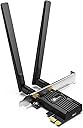
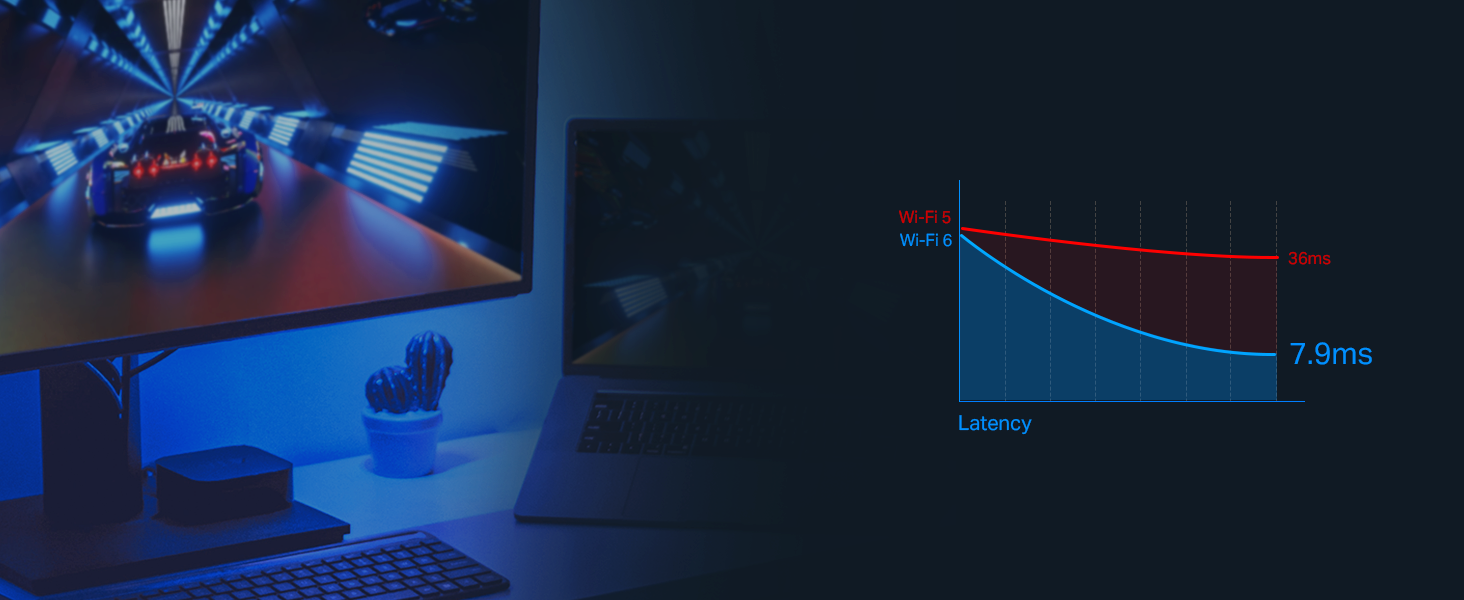
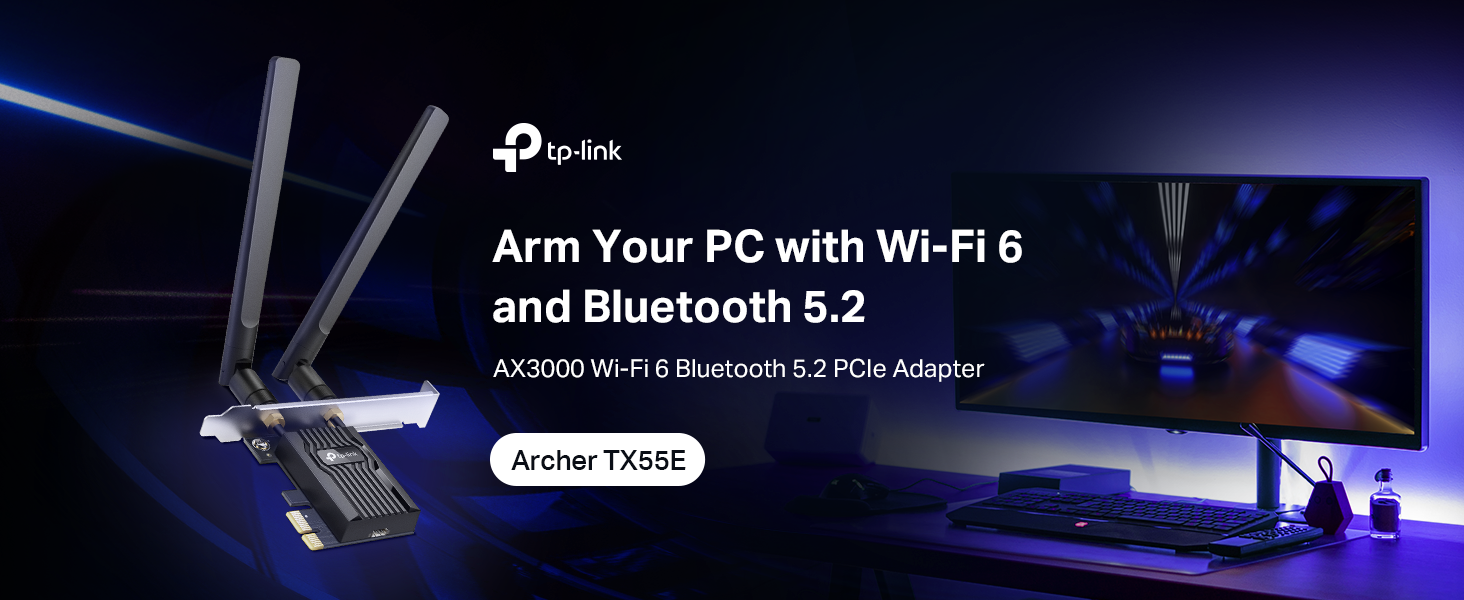
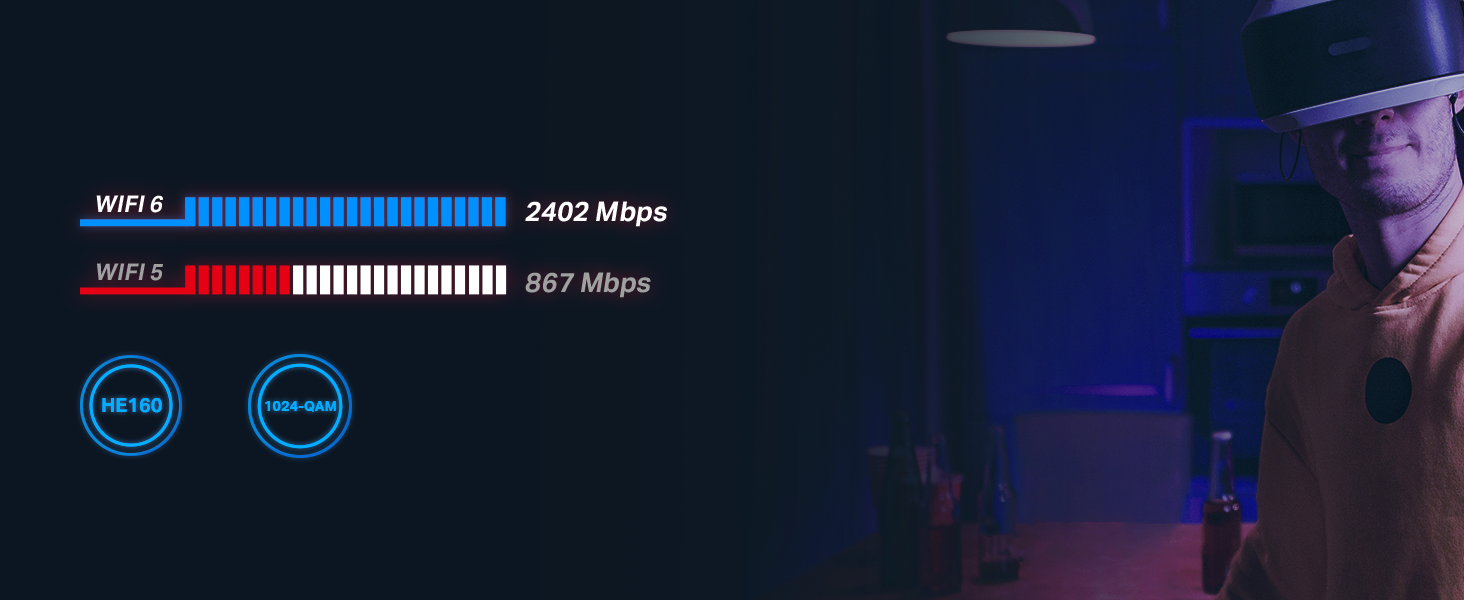
The TP-Link Archer TX55E PCIe WiFi 6 card delivers ultra-fast 2.4 Gbps dual-band wireless connectivity with Bluetooth 5.2, enhanced range via dual high-gain antennas, and cutting-edge WPA3 security. Designed for Windows 10/11 (64-bit), it minimizes lag with OFDMA and MU-MIMO tech, perfect for gamers and professionals craving reliable, low-latency internet without the hassle of cables.


| ASIN | B0B1NRGDQ4 |
| Best Sellers Rank | #1 in Internal Computer Networking Cards |
| Customer Reviews | 4.5 4.5 out of 5 stars (4,585) |
| Date First Available | June 27, 2022 |
| Item Weight | 3.52 ounces |
| Item model number | Archer TX55E |
| Manufacturer | TP-Link |
| National Stock Number | 0 |
| Product Dimensions | 4.72 x 3.09 x 0.83 inches; 3.52 ounces |
| Release date | June 27, 2022 |
| Type of item | Electronics |
A**O
Great buy!
Here’s a clean, medium-length review that fits what you’re going for: ⸻ The TP-Link WiFi 6 PCIe WiFi Card for Desktop PCs has been great — honestly hasn’t let me down at all. Installation was simple, drivers picked up instantly, and the connection has been rock-solid ever since. Speeds are fast, stable, and consistent, even with multiple devices on the network. Signal strength is strong too; no random drops, no lag spikes, and no struggling to stay connected like cheaper cards tend to do. For everyday use, gaming, downloads, streaming and it runs quiet — it just works the way you expect it to. Overall, a reliable and worry-free upgrade. I’m really happy with it.
R**Q
This card REALLY works! Not a scam!
Since 2020 the pandemic, I've been using the Belkin wireless adapter for a wifi internet connection on my PC. 5 years I was struggling with streaming media and running tasks on my computer, that depended on a speedy internet connection. I was considering getting a cat 6 ethernet cable to run to my router to resolve the problem, though I didn't want to do all that work. I bought this card, thankfully able to install it to my computer motherboard, installed both antennas, and the drivers for wifi and bluetooth, and my whole experience changed! I have no problems so far. Speeds have dramatic changed, never thought this was possible for me! I give it a solid 5 stars, and will install it for my next high end gaming PC build! Definitely recommend if you want to save yourself the ethernet cable routing! the old speed test was conducted with the Belkin adapter, it CONSTANTLY lost internet connection, but the wifi card stays connected, and runs wifi 6 (with the new screenshot speed test showing 270 mbps) This thing is the TRUTH folks!!!! its worth the 30 bucks!
M**!
Works great easy to install
super wifi antennas. they added bluetooth to my computer which is great. Very easy to install aslong as you have the pcie slots. The cabels are generally short but if it sticks out just use electrical tape (to help with organization and appearance) The antennas aren't obnoxious and they look cool. It works really great and my wifi actually improved from ethernet because my ethernet cord was kinda far away.
A**M
Wi-Fi card works great and very happy with it
Great upgrade overall. I was coming from a bad Wi-Fi card and this one has been working really well so far. I had some Windows network issues before installing it, but once those were sorted out, this card worked without any problems. Installation was easy and it fit fine in my motherboard. The antenna cables are a little long, and in a smaller case you may need to be careful with routing so they don’t get near GPU fans. (If you have a graphics card) Bluetooth works great, but driver installation can be a bit confusing. The TP-Link site gave me a version mismatch error, so I ended up downloading the drivers directly from Intel which fixed it. (You can install the latest versions from intel since this wifi card is AX210) Connection has been stable so far with no dropouts, though I’ve only had it installed for a short time. Overall I’m happy with the performance and it feels like a solid upgrade. Note: Just be careful what drivers you download so you don’t run into any internet connection issues.
J**R
Works well, installation is unnecessarily complicated
Wifi and bluetooth both work very well, especially for only $30. Note that the bluetooth functionality requires you to to connect the card to a USB header on your motherboard (it includes a cord to do this), the Bluetooth WILL NOT WORK UNLESS YOU DO THIS (if you only care about the wifi you can just plug it into the pcie slot). The driver installation was very frustrating, which is why I took a star off. The drivers are included on a CD, but who uses a cd reader in 2025. You can just download the drivers off of the tp link website (if you look up tx55 drivers on google you can find them), but the file sometimes won’t unzip in windows, so you might have to unzip to google drive them using a third-party website. It took me a few hours to get the drivers figured out but once I did the card works smoothly. Installation is super finicky and a bit frustrating, but especially for $30 this is a very effective, high-speed wifi and Bluetooth card.
J**N
Super Fast with a WiFi 7 router!
I just hooked up my new WiFi 7 BE9300 network card. Yesterday, I converted to a fiber optic WiFi 7 router through Ezee Fiber. The results are amazing! Here's a screenshot of the speedtest I just ran. Pretty easy to install. Good value for the money.
C**.
Your internet service will likely never push it to its limits
All the Wi-Fi 7 cards on the market have a theoretical peak speed of ~6 gigabytes per second (Gbps), but unless you have an internet connection with a fiber-optic cable (which isn't even available in most US cities), you won't get more than 2 Gbps. Most cable internet providers in 2025 currently deliver less than 1 Gbps. My Comcast connection gives 200-550 Mbps, depending on the time of day, well short of 1 GB. So all this card has to do is do its job without any headaches. This card uses the Mediatek MT7927 chipset, and that's why the drivers take a little while longer to mature than the Intel chipsets and why you have to plug it into a USB port for bluetooth (Intel's offering uses proprietary CNVi instead, but almost nobody has a motherboard wired for that -- only the latest high end Intel ones). The heatsink casing is just for looks; it doesn't generate enough heat to do anything. In my experience, my Gigabyte motherboard came with a WiFi 5 card connected via M.2 connection instead of the PCI-e one this one uses, and I was only getting 10 Mbps. So I first got an M.2 Intel BE200 WiFi 7 card that was half the price of this one, thinking I'd just swap it out, and then when I did I got 40 Mbps. That was way too slow, and it probably has to do with a sub-par antenna or how the M.2 connection was wired. Then I tried this Wi-Fi 7 card and instantly saw 500Mbps, which is as much as Comcast will send me. So all I can say is it worked for me. Of course, you're going to want to download the latest drivers onto your computer before installing the card. You can use the mini CD that came with if you have a player, but that's only a plan B or plan C solution. I've had no problems with the Bluetooth. If you have an Intel chipped motherboard with CNVi capability, go with an an Intel chipped one like Fenvi. But otherwise this one works fine. The provided antenna has good reception, which was the key for me.
G**E
Works great
Works great, bluetooth and wifi both work flawlessly. Simple to install, just plug it into a pcie slot, plug in the included cable to the card and the other end to a USB header on the motherboard for the bluetooth. It does come with drivers on a CD, if you don't have a CD drive, you can download the drivers directly from the TP-Link website. The model and version number is on the box. People are complaining about the CD but it's really not that big of a deal.
Trustpilot
2 months ago
1 month ago