


Desertcart purchases this item on your behalf and handles shipping, customs, and support to Ecuador.
🖨️ Small size, big impact—print smarter, faster, anywhere!
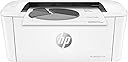
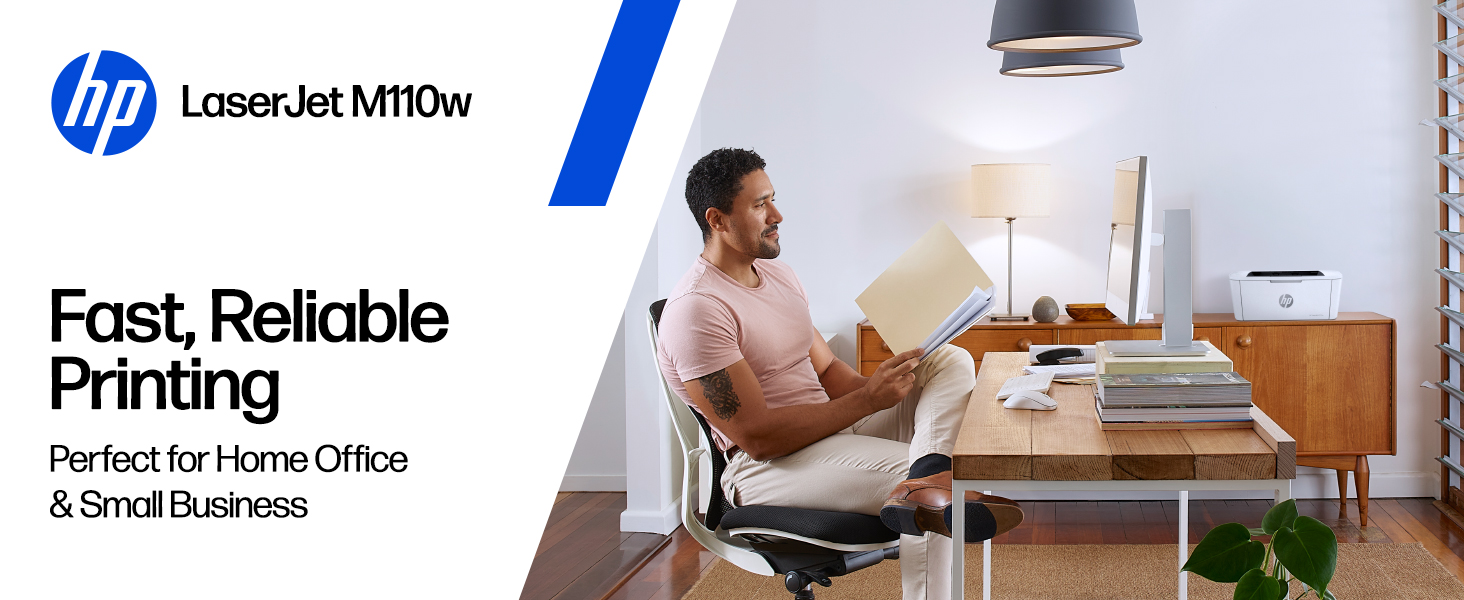
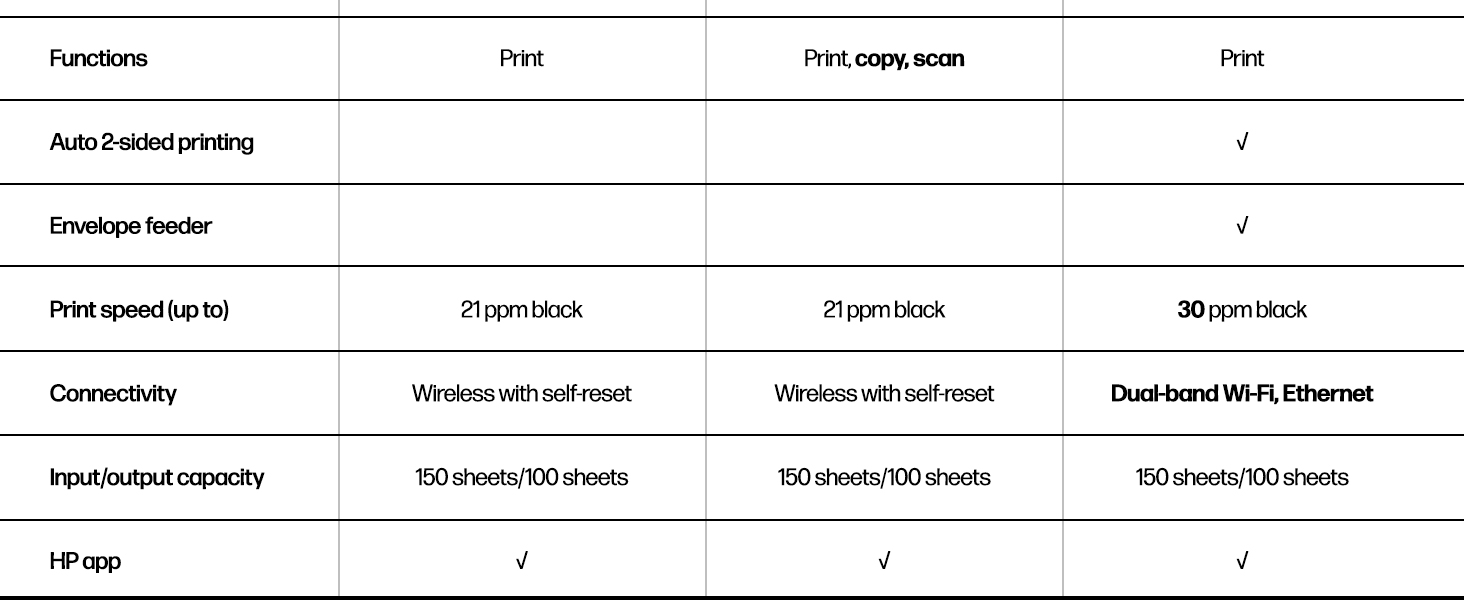
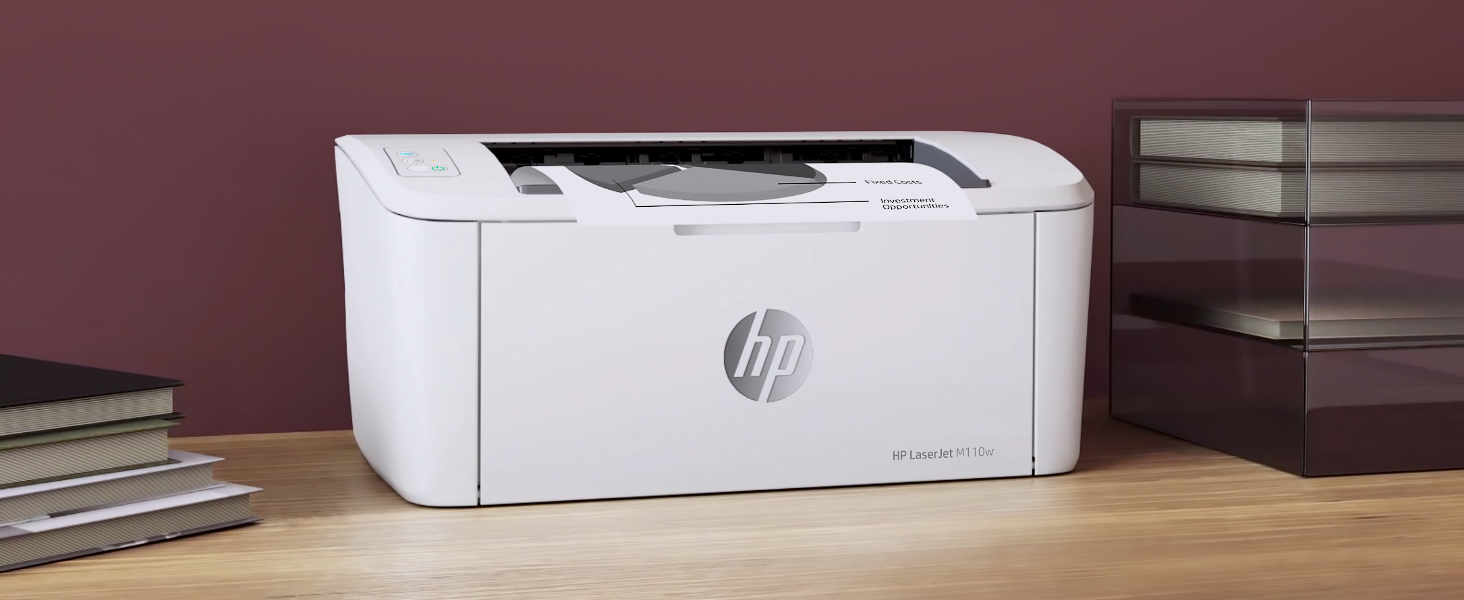
The HP LaserJet M110w is the world’s smallest laser printer in its class, delivering professional-quality black & white prints at speeds up to 21 pages per minute. Designed for small teams of 1-3 people, it offers wireless connectivity with self-reset, mobile device compatibility, and intuitive control via the HP Smart app. Its compact footprint and reliable performance make it the perfect office companion for fast, hassle-free printing.






| ASIN | B09J7946RJ |
| Additional Printer Functions | Scan |
| B&W Pages per Minute | 21 pages_per_minute |
| Best Sellers Rank | #2,988 in Office Products ( See Top 100 in Office Products ) #7 in Laser Computer Printers |
| Brand | HP |
| Built-In Media | HP LaserJet M110w Printer; Preinstalled HP Original Introductory Black LaserJet Toner Cartridge; Getting Started Guide; Setup Poster; Support flyer; Warranty guide; Power cord |
| Color | White |
| Color Depth | 1 bits_per_pixel |
| Compatible Cartridge | HP Pre-installed black LaserJet |
| Compatible Devices | Laptops, PC, Smartphones, Tablets |
| Connectivity Technology | USB, Wireless |
| Control Method | App, Touch |
| Controller Type | Amazon Alexa, Android |
| Customer Reviews | 3.9 out of 5 stars 2,189 Reviews |
| Duplex | Automatic |
| Hardware Interface | USB |
| Initial Page Print Time | 8.3 seconds |
| Ink Color | Black |
| Item Dimensions D x W x H | 745"D x 13.63"W x 6.26"H |
| Item Type Name | Black and White Laser Printer |
| Item Weight | 9 pounds |
| Manufacturer | HP Inc. |
| Maximum Copy Resolution Black and White | 600 x 600 dpi |
| Maximum Copy Speed Black and White | 21 pages_per_minute |
| Maximum Media Size | 8.5 x 14 inch |
| Maximum Print Resolution Black and White | 600 x 600 dots_per_inch |
| Maximum Sheet Capacity | 150 |
| Maximum print Resolution Color | 600 x 600 |
| Model Name | New Version: M110w |
| Model Number | 7MD66F#BGJ |
| Model Series | 110 |
| Number of Drivers | 1 |
| Number of Trays | 1 |
| Other Special Features of the Product | Energy Star, HP Auto -on/Off technology |
| Output sheet capacity | 150 |
| Paper Size | 4.13 x 5.83 to 8.5 x 14 inches |
| Power Consumption | 2.3 watts |
| Print media | Card stock, Envelopes, Labels, Paper (plain) |
| Printer Connectivity Type | USB, Wireless |
| Printer Output Type | Black & White |
| Printer Type | Laser |
| Printing Technology | Laser |
| Resolution | 600 x 600 |
| Scanner Type | Flatbed |
| Special Feature | Energy Star, HP Auto -on/Off technology |
| Specific Uses For Product | Office, Small Teams |
| Total Usb Ports | 1 |
| UPC | 194850676994 |
| Unit Count | 1 Count |
| Warranty Description | One-year limited hardware warranty. |
| Warranty Type | limited warranty |
| Wattage | 2.3 watts |
V**R
Finally got a laser and dropped the color
So far so good. I've been using this printer for a few days now and it works well. Set up was okay, easy enough. I didn't download the HP software but used the windows drivers, don't want to be bothered with all the extra installed stuff i won't use, i just want to print. I purchased the monochrome because I work from home, I never print in color, so why am I paying for an inkjet printer with color and black ink for something I will never use. It seems scammy to me that you can't print in black unless you have a color cartridge. After my old printers broke, I was left with unused or either full color cartridges. No more. Anyhoo, it prints very fast, no paper jams to report, the print quality is good, it's a laser print, hello. It's quiet enough. Small size. The only thing i wish is that i can leave paper in the printer and still close the cover. I can leave printer in the paper sticking out but my dog likes to steal the paper and shred it so I don't keep paper in the printer until I need to print. No biggie. Happy with my purchase. If i'm not, I'll be back.
M**T
Great value for money
Easiest printer set-up I've ever experienced. 10 minutes using the quick set up guide, and great print quality for my first print which took all of 15 seconds from my cell phone. Granted, I am 56 and my last printer set up was about 10 yrs ago. But I've set up over 5 personal printers in my life, and most set ups had me wanting to throw the printer out of the window or beat it to death with a bat. After 3 laser printers in my life plus 2 ink jets, I am thrilled with the ROI on this printer so far. Exactly what I need at this juncture: simple, small, black and white, print-only (no scan, no fax)
T**M
Worse junk than the last one
I bought this HP printer to replace a previous printer that would no longer connect wirelessly, stopped scanning, and got erratic about feeding paper. The one prior to that had also gotten to the point it was erratic about feeding paper but it was about 9 years old so no serious complaint about that one. Since I also bought a color printer which scanned, I bought this basic printer. It will not connect wirelessly and it locks up print jobs. If I wait 10 minutes it will start the print job about half the time. The rest of the time I have to go in and try to pause, restart or cancel the job and usually shut off the print spooler. That works about half the time. The rest of the time I have to shut down the printer and the laptop and restart everything in order to clear the print job. And yes, I know how to set up a printer wirelessly - I've done it several times. Frankly I have been quite disappointed in HP products of late. I won't buy another and when I use up the print cartridges I have I will probably just junk this one and buy a competitor product. One star is too high a rating for this product. Edit to add that it not only was refusing to print again without a 20 minute fight, my other printer (HP8010) decided that it could no longer connect which took about a 1/2 hour of fooling with to rectify but then decided it wasn't going to allow the document feeder to work which I just gave up on. Definitely no more HP printers. Edit to add I just junked this one. The other HP printer decided it doesn't want to do a good job either. If this Epson I just bought only works half right it will HP beat all to hell.
M**S
Simple reliable printer
I hate printers but when you need one you really need it and it’s extremely convenient to have one. I only print a few times a year so the laser printer was suggested and this was one of the cheapest i could find. I am so glad i decided to get this one, the setup was easy, and it works good on WiFi via phone or computer, or with a usb cable. Note that If you use the usb port then you do not need the hp app, but you need the app to use the WiFi. It’s just a very simple device that will print your stuff. I send a job over and it prints it instantly. No “printer maintenance” for 10 agonizing minutes or other nonsense. I had no idea how annoying my inkjet printer was until I experienced using this thing. I haven't had it super long but it seems like it’s working better than any other printer i have owned.
M**N
Good for us...
This is a very handy laser jet. Fairly easy to set up but a little weak on the wifi strength. If you are in the same room as your router it's great but beyond that, it may be sketchy. All we needed was a basic B/W printer to "occasionally" print a label or document and so far it has been great. Our ink jet cartridges would dry up between uses.
K**R
Perfect for home, easy setup
Was able to work within 10 minutes of receiving this printer. Hooked up to house network quickly and easily. Clear, crisp printouts. Takes up very little space. No paper jams, and holds enough paper to do a week's worth of work. Very happy with this printer. Exactly what we wanted - a printer that just prints, reliably and whenever you need it.
B**D
Toner and Printer Issue
It worked really great until I had to put a new toner in it and now it’s really bad half of the page all the way down is solid black I don’t know what’s wrong. I can’t figure it out, but I feel like I’ve done wasted one whole new toner so I’ll order some more and see what happens. Maybe it was just a bad toner. I don’t know, but I’m not happy right now.
G**S
Setup took 10 minutes
I was a little hesitant to buy this printer after reading the reviews. Then again, reading the reviews of other printers did not inspire confidence either. So I felt compelled to write a review to explain my experience. Some background. I use a Mac and did the setup on a MacBook Pro. I bought a printer cable as an insurance policy (USB A-B cable + I had to use an adapter). Meaning, that if I couldn't get the wireless function to work — so many had complained that they were not able to get the printer to print wirelessly — then at least I could plug it into my laptop or iMac. When the printer arrived, unboxing and set up was really easy. There are easy to follow instructions, step by step, to get the printer working. First I plugged the printer into my laptop and it was immediately recognized in the Mac printer set up. No need for drivers (or perhaps they were auto installed). I did a test print and the laser jet printed very fast — faster that an old HP laser jet that previously owned. To get the printer printing wirelessly, you have to go to an HP website link listed in the instructions and follow the instal steps. I had to download the HP app for the app store, which was easy, and then it walked me through wireless setup. Super easy. I had to have my wifi code for the set up. I also skipped setting up an HP account; you don't need to create one to get the printer working. At the end of the setup, there is a button to do a test print. Again, the printer printed very fast over wireless. This review is just based on my initial use. But so far so good. I needed a relatively inexpensive printer and this
P**N
Great robust black and white printer.
Great printer, easy to use and very reliable. Upgrade replacement for an earlier model that died after 20 years.
R**O
La Impresora funciona bien
La impresora funciona bien pero el toner es muy difícil de conseguir y carísimo , aquí en mexico no lo conseguí , pague 100 dlls en EUA
B**D
Good quality print at a lower cost
I had to replace a big Canon laser printer. This HP printer is much smaller, which I like. It prints wirelessly from my computer, my tablet and my phone. Nice. It does not scan nor copy. If I want a copy of something, I take a picture of the original with my phone and then print from my phone. It only prints black, not color. This is fine for my printing and cheaper and faster than colour ink cartridges. One caution - when you need to replace the toner cartridges you have to use an HP original or find a cartridge with a matching chip imbedded or it will not print. Amazon does sell suitable cartridges but buy carefully. This printer was easy to setup and has been reliable so far.
J**N
Good value
Great product
L**Y
Awesome printer for your desk
A very nice small desk printer. Perfect for those who only need to print occasionally. I use mine a couple times a week. Has USB connection as well as Wireless (WiFi), both work very well. Easy to install and use. Highly recommend
Trustpilot
2 weeks ago
1 month ago