Buy anything from 5,000+ international stores. One checkout price. No surprise fees. Join 2M+ shoppers on Desertcart.
Desertcart purchases this item on your behalf and handles shipping, customs, and support to Ecuador.
🎵 Upgrade your ride, keep your vibe — control at your fingertips!
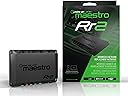
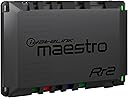
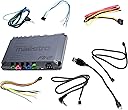
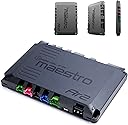
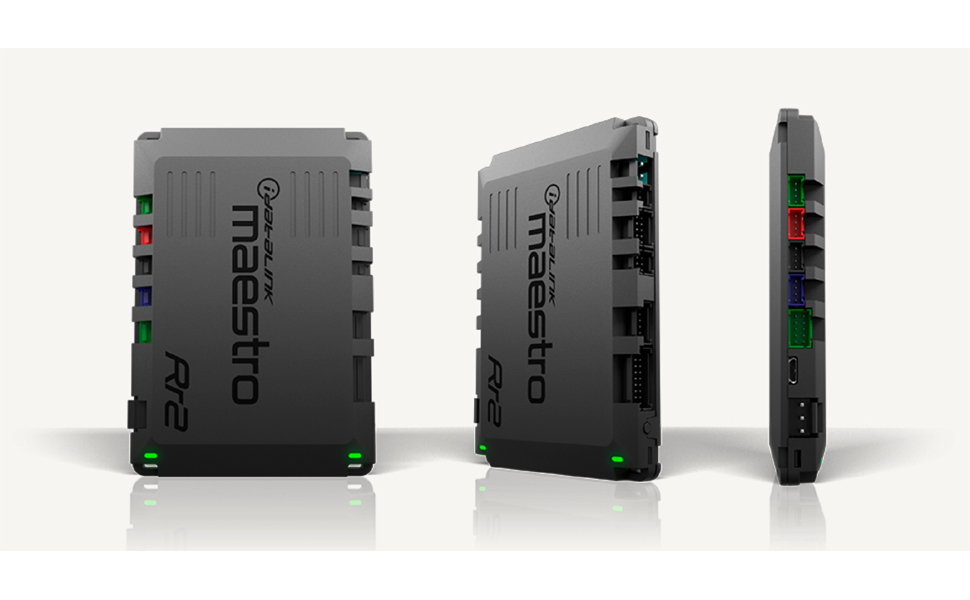
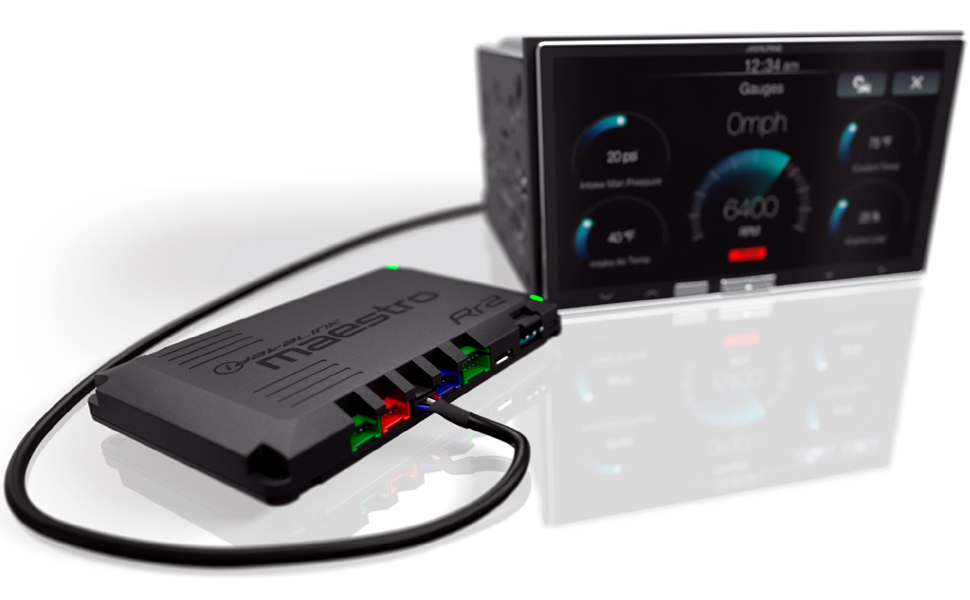
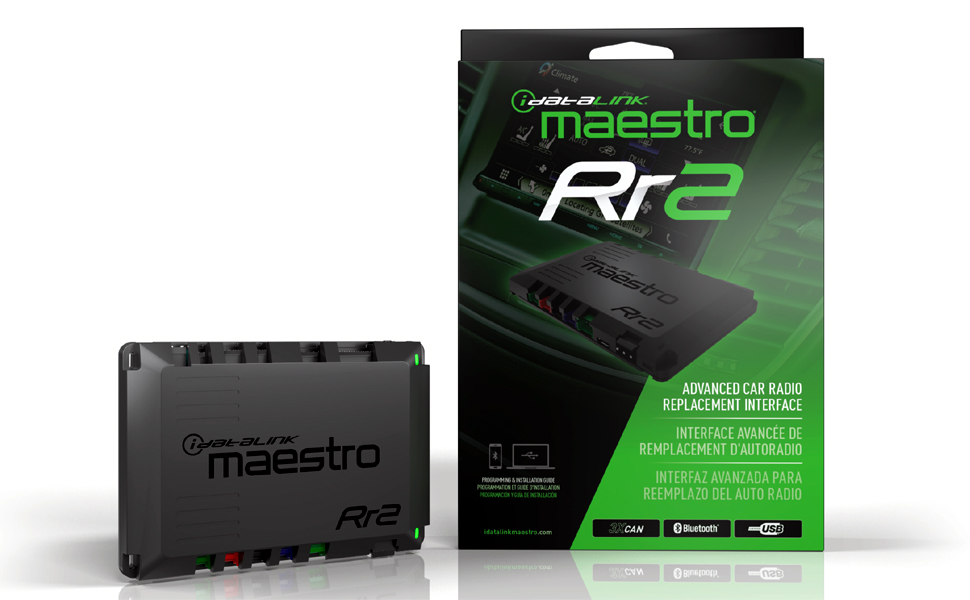
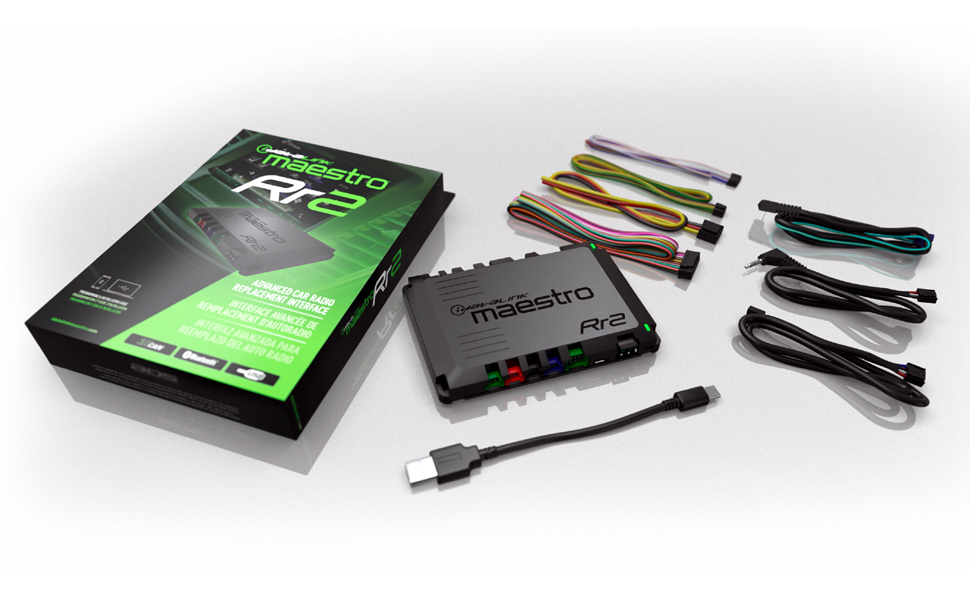
The Maestro ADS-MRR2 Universal Interface Module by iDatalink enables seamless integration of aftermarket car stereos with factory steering wheel controls and other vehicle features across 30 makes and 4582 models from 2002 onward. Featuring Bluetooth setup and firmware updates, it supports dual-function button programming and advanced touchscreen controls, ensuring a professional-grade upgrade that retains your vehicle’s original convenience and enhances your driving experience.


| Best Sellers Rank | #21,661 in Electronics ( See Top 100 in Electronics ) #192 in Car Audio Receivers |
| Customer Reviews | 4.4 out of 5 stars 262 Reviews |
S**Y
Amazing
Amazing. Lots of options. Ability to turn off auto start/stop on 2015 on up F150s but has the potential to do WAY more. Highly involved install and a must if swapping to aftermarket headunit to keep steering controls.
K**K
Great tech support
The product and apps supporting seem to be solid and work as expected. The thing that impressed me the most was the tech support. I had a couple of issues with ApplePlay competing with UConnect and decided to give their support a try. Someone who was very knowledgeable answers the phone and was able to quick advise me on correct application. This is important as the product supports so many different variations of head units, cars, and installed features. In spite of the assistance I still has a minor issue with the final result, but about a month later they came out with a firmware update that applied to my vehicle and stereo head unit that corrected the problem. Which tells me they support their product after it ships. So many tech products these days don't do that. So overall I am very pleased with the product
K**N
wow, this thing works amazing.
What an amazing product with the most thorough instructions. In my application 2018 Subaru Legacy with the Harmon Kardon stereo with separate amp I had a lot of questions before starting. When you flash the unit it will have an instruction manual specific to your application, it is so thorough you need to put the seral number for the head unit in in order to flash the unit. Incase someone else is in the same boat as I was in you can retain the stock amp but you will only be using one set of preouts and they need to be the front ones( I found this out the hard way as the phone calls and other voices only come across on the front input), in my case I was not able to retain the factory mike but that is minor, there are two units bolted to the stock head unit you will need to retain both modules if you want starlink & eyesight to work. You will need to wire the power and several other wires but the instructions are very clear.
J**H
Awesome little module backed by great customer support
A must have for installing an aftermarket radio. I used it to wire my new Pioneer to my 15 Jeep Wrangler so I keep all my old steering wheel buttons and get vehicle info on the radio. But the best part is the team at Maestro. I wrote on their forums about a firmware idea I had to hook up the dimmer switch so I could drive with the headlights on during the day without the radio dimming. The very next morning they had a custom firmware pushed to my account and it worked perfectly. Between the steering wheel media buttons and that, it was worth the money. As far as this vs the first gen RR, I personally don't need the extra outputs (although I like having the option). I like that it's thinner and that you can flash the firmware via Bluetooth, but Bluetooth flashing is currently in beta and only works if the module is plugged into a wall, not the car, so its usefulness is fairly limited. I imagine that will improve with time. For an extra $20 I'd say the promise of eventually useful bluetooth flashing isn't bad.
K**K
Seemingly Not Compatible with 2017 Nissan Frontier Desert Runner King Cab
After trying two of these, wiring it exactly according to the instructions, buying the harnesses (HRN-HRR-NI1 and the ACC-HU-ALP1) and trying desperately to even get the thing to boot, I can only surmise that this module is simply not compatible with a 2017 Nissan Frontier Desert Runner King Cab. I even went as far as to splice a wire directly from the interior fuse box to the Maestro to provide true BAT+ and it still won't boot. I really feel like if it's labeled as plug and play it should be truly plug and play. Especially when you're spending over $300 for the module and the harnesses, which is exorbitant compared to the competition when you're just looking for steering wheel controls, the thing should work out of the box with minimal setup. I'm glad this worked for others, but I can't spend another week wiring, rewiring and splicing.
D**R
Not compatible
Doesn't work with my stereo
T**E
Must have for easier aftermarket install.
This interface is needed to keep most if not all oem functions of your steering wheel controls and options from the original HU. This model was used on a 2011 Ford Expedition with oem sync and navigation that had a Kenwood 1037s HU installed. There were initial issues with flashing this unit but those were solved by using the maestro WEBSITE using IE with windows10. Using the weblink app proved to be unsuccessful when flashing. The reason for the missing star is I still haven’t gotten the Sync Voice and media Bluetooth to work from the steering wheel controls but it isn’t a deal breaker as I use Apple Car Play and use Siri for voice commands. Wiring is fairly straightforward as it was all plug and play except for the speaker wires and the Sync wire. That has to be hard wired in the center console and there lies my issue. I will update this review when all problems are resolved. I used the RR2 vice the RR in case I want to install a radar detector in the future. This is a must have to install aftermarket HU’s into newer vehicles for a plug and play install. One thing I personally did different form the install instructions was not to cut the rca cable connectors off the maestro wiring harness. I instead installed rca connectors onto the HU wiring harness thus saving the option of installing an aftermarket amp and having the rca connectors available to plug into the Kenwood.
M**K
Support Team is Great
I have a 2011 Honda Odyssey EXL and paired this with a Kenwood DMX908S. I was able to retain factory backup camera, factory steering wheel controls, and use factory harness for speakers. I use a separate Kicker amp to drive the sub as aftermarket radios do not interface with the Honda amp. I used the bypass factory Bluetooth option and routed the radio mic to the factory mic location. I had some install issues and reached out to idatalink support. They helped be diagnose a parking break issue, and a wrong pin/wire connection for the steering wheel phone control issue. The factory screen was showing partial track and artist info and was a bit disappointing to not have fully functioning. IDataLink support opened a case with their engineers and purchased the same model radio so they could debug. Now a couple months later they reached back out to me and let me know version 2.9 is available. I reflashed and now the track and artist info shows in full on the factory radio. Really happy with the product and the support team.
S**.
Excellent… absolutely worth it
Might look intimidating, it’s not. I’ve used lots of modules and this one is by far the best so far. Longevity is unknown. I guess time will tell.
Trustpilot
1 week ago
2 months ago