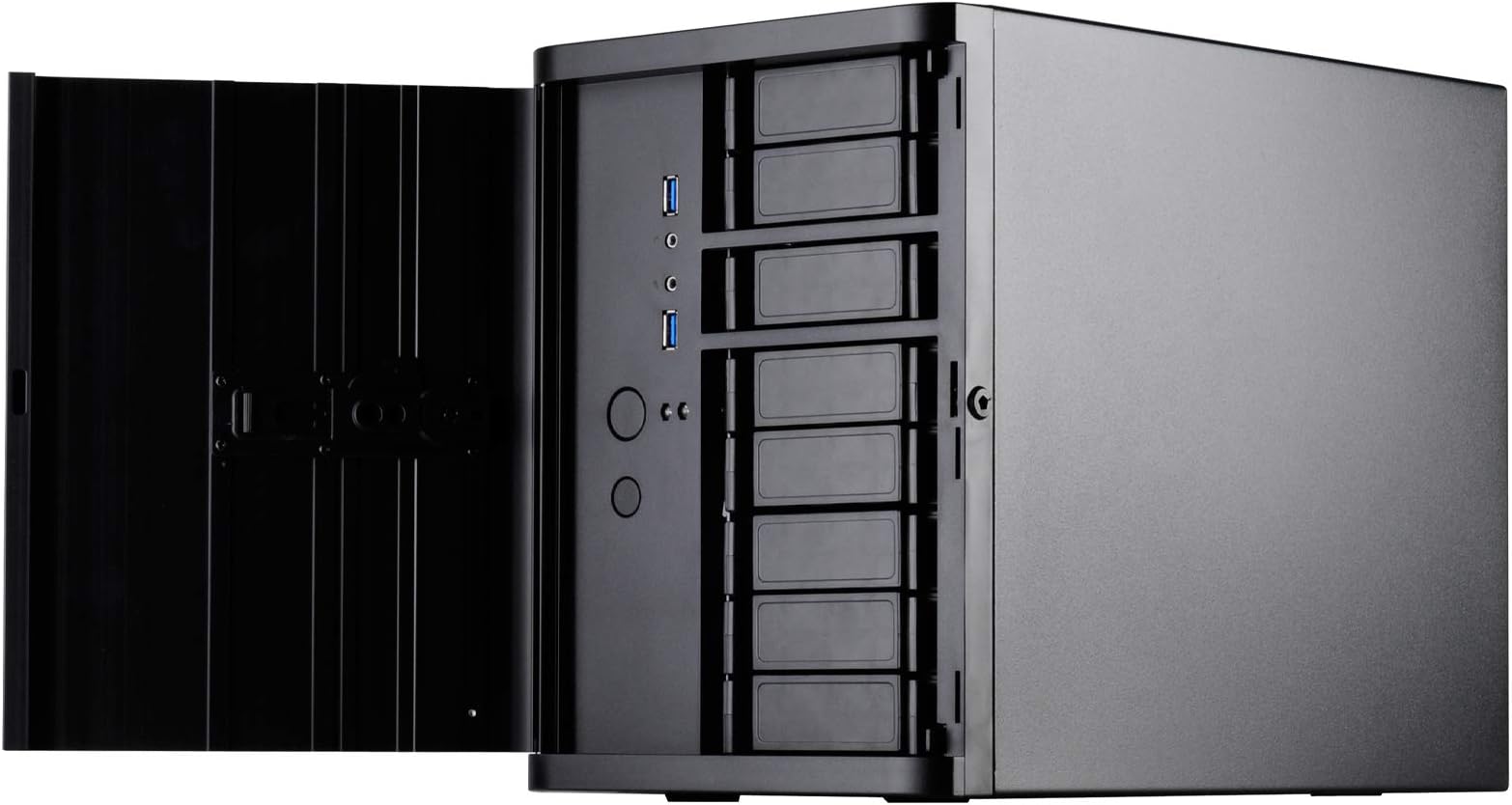
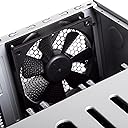
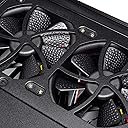
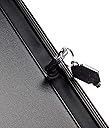
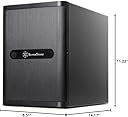
This was a perfect case for my FreeNAS home server build. TON's of drive bays. The hot-swap bays on the front are actually really nice. I know some people have complained that they are plastic, but I really don't see this as a problem. They are solid, and seriously, how often are you going to be taking these in and out? The rest of the case is all metal, with the front door being brushed black aluminum. It just looks really nice, if you're into that. My NAS is in the basement in a cool area where no one can see it. I bought it because of the number of hot-swap bays in the front, not because it looks nice. Some other cases I looked at required you to open the case to replace drives. The case is a little tight inside, but I would expect that considering how much is going into such a small space. As others have said, you have to loosen the front drive cage and slide it out the front if you ever need to get to the motherboard. It's not that big a deal, but it is more work than what you would normally need to do in a conventional case. Again, how often will I be doing this?? Hopefully not a lot! Overall this is a really solid case and would probably be great for a HTPC as well. That said, it's not completely silent and you "know" it's there because you can hear the case fan. Not a lot, but enough to make me want to consider a fan upgrade if I was intending on using this as a HTPC that would be situated in hearing distance. My power supply on the other hand (ST45SF-G) is completely silent by the way. One last feature that I thought was kind of nice is that "if you choose to do so," you can lock out the front on/off switch. You can set it so that you need a key to open the front door before you can power it off. I like this as I occasionally have little kids running around my house and that little button next to the blue light looks interesting for some reason. Edit: 01/29/15 After using this case for a couple of months, I regret to say that I had to come back here and knock off a star. The reason being for poor ventilation on the drive cage. Let me explain: I currently have 5 HGST 4TB NAS drives in the main drive bay, leaving 3 open. This unit is in my home in my basement where the ambient temperature is very cool. My motherboard is the ASRock C2750d4i with 32G ECC RAM, and I'm running FreeNAS 24x7, and I am the only user. 99.99% of the time, it is sitting idle. I'm not spinning the disks down, so they are spinning, but nothing is being accessed and the drive lights only flicker once in a while. The good news is that my motherboard temperature sits comfortably at 34°C, and my CPU is at 30°C, using nothing but the fans that came with this case. The bad news is that while my system is idling, I can't keep 1 or 2 of my drives below 40°C. I'm looking at them right now, and 2 are at 41°C, and the others are fine at 31°C, 32°C and 35°C. I have tried repositioning the drives, and the problem always stays with where the drive is positioned within the case. I will also mention that with the cover off, the drives sit between 26°C and 28°C. My concern is what happens when I put my system under a real load, or if I ever decide to add a drive or two? Looking at the design a little closer, when the drives are installed, the side fans appear to be blowing on the solid metal of the side of drive cage, rather than through the drives. The only side openings are from the 3 unused spaces in the cage, which isn't much. The back of the cage does not have any holes, so I am considering drilling some up and down the length of it. I think this would let the rear fan pull some of the heat out of the cage. I have read that others have had some pretty drastic temperature reductions by pulling off the side mesh filter. I think that since I have this tucked away in my basement, I will look into other options such higher RPM fans (noisy) or seeing what happens with the holes I mentioned earlier. Edit: 01/30/15 I drilled four 1/4" and five 1/8" holes up and down the back of the drive cage (next to the connectors) and my temps have dropped down by 6°C! They now sit comfortably between 29°C and 35°C. Hot air was definitely trapped in the cage. I would think getting higher RPM fans would help even more, but this is a good compromise between noise and performance. Edit: 09/15/15 I found a before and after picture that I took of the cage with and without the holes. Someone requested it so I posted them. The holes are not perfect but they definitely help. In hindsight I probably should have made all of them the larger size holes. I was trying not to weaken the cage, but I honestly think it still would have been solid. I'll also mention that about once a month one of my drives reaches 40°C for a few minutes and then drops back down. (I think it's when my volume is being scrubbed, which beats on the drives for a couple of hours.) I don't think this is bad, especially since it's not sustained. I would still not go with more than 5 or 6 regular drives and possibly a few SSD's with this thing. That's about as far as you can comfortably take it. Unless you can afford 12 SSD's!