We remain fully operational. Our teams are working around the clock to ensure your deliveries continue safely.

Descargar la aplicación


Servicios al cliente
Sobre nosotros
Copyright © 2025 Desertcart Holdings Limited
Descargar la aplicación
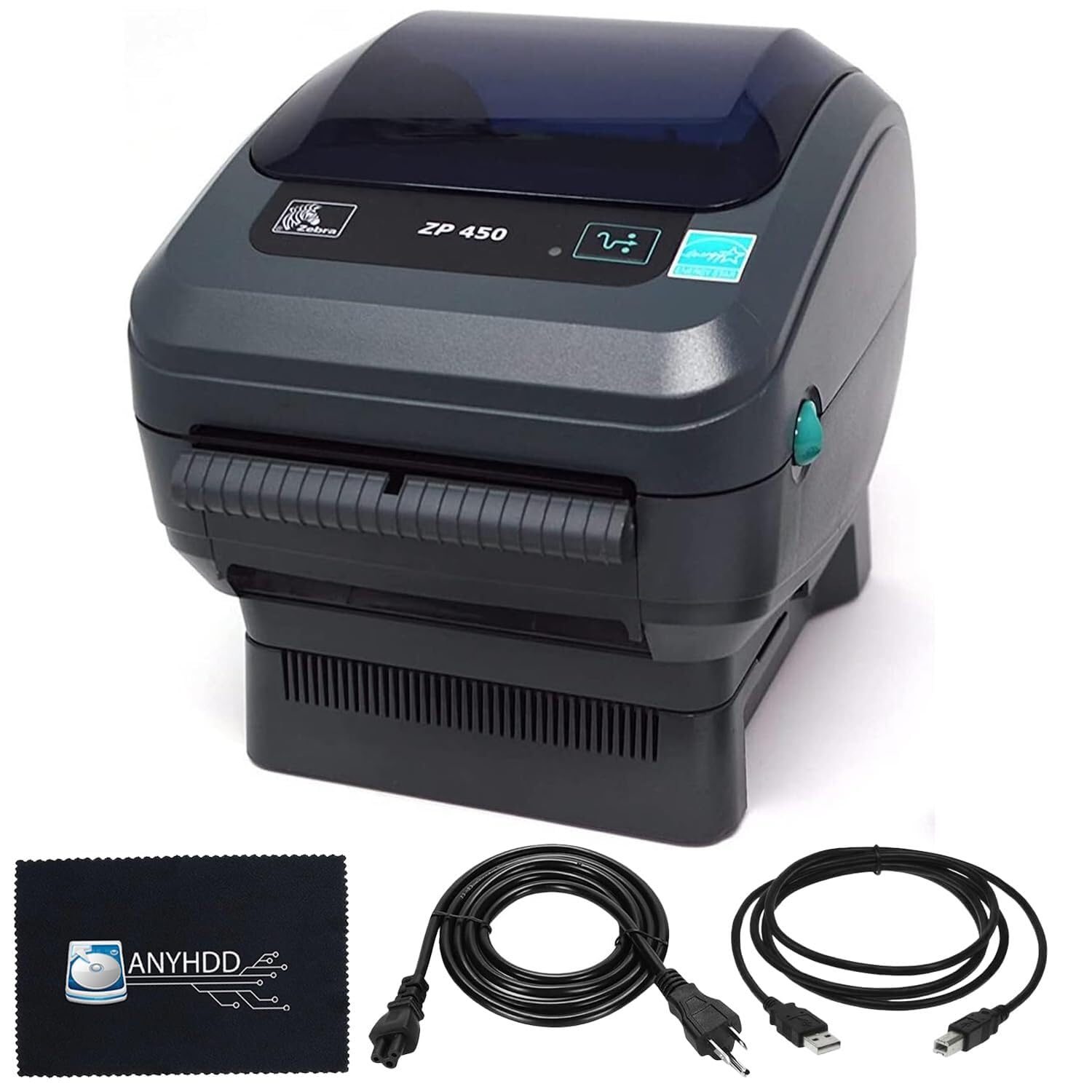
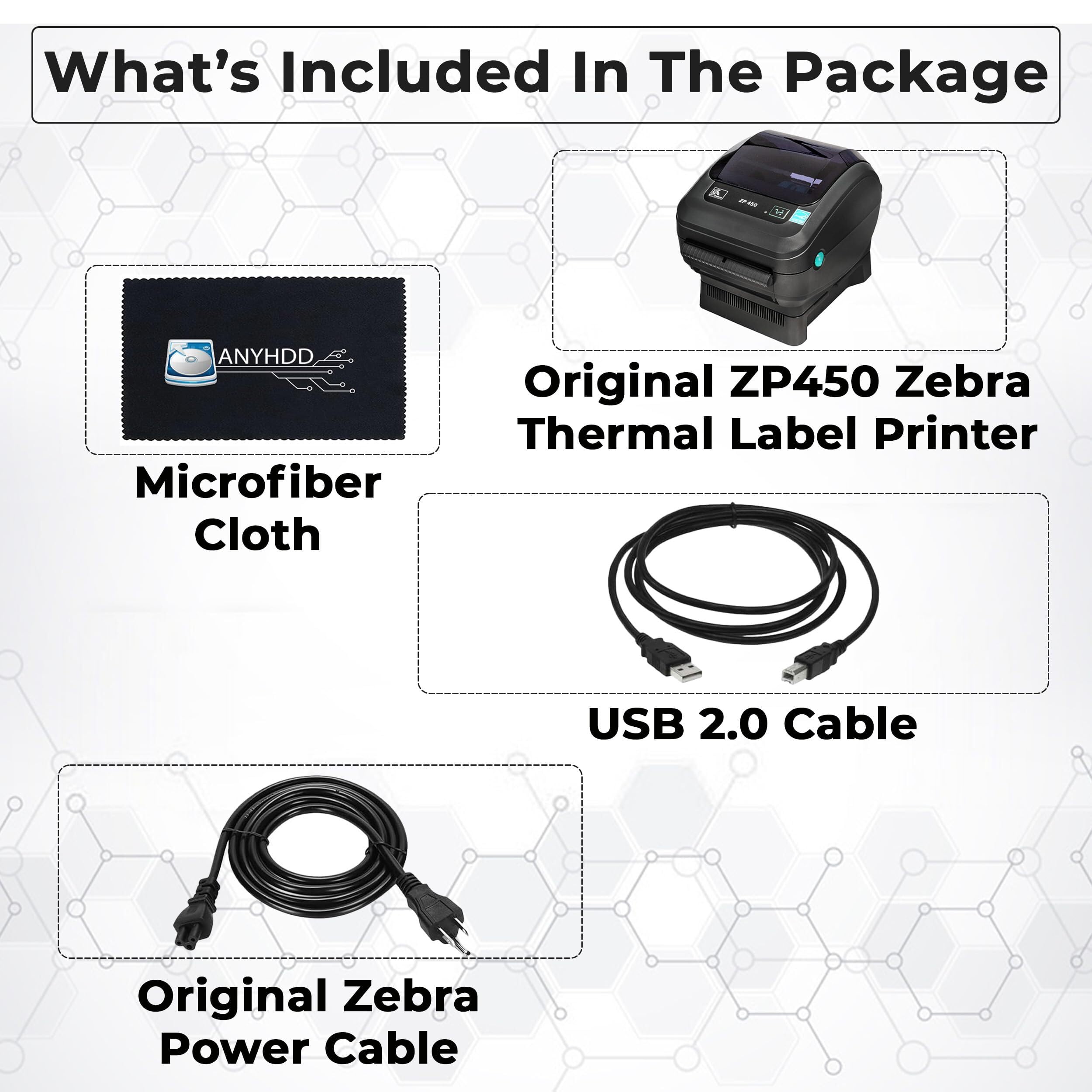

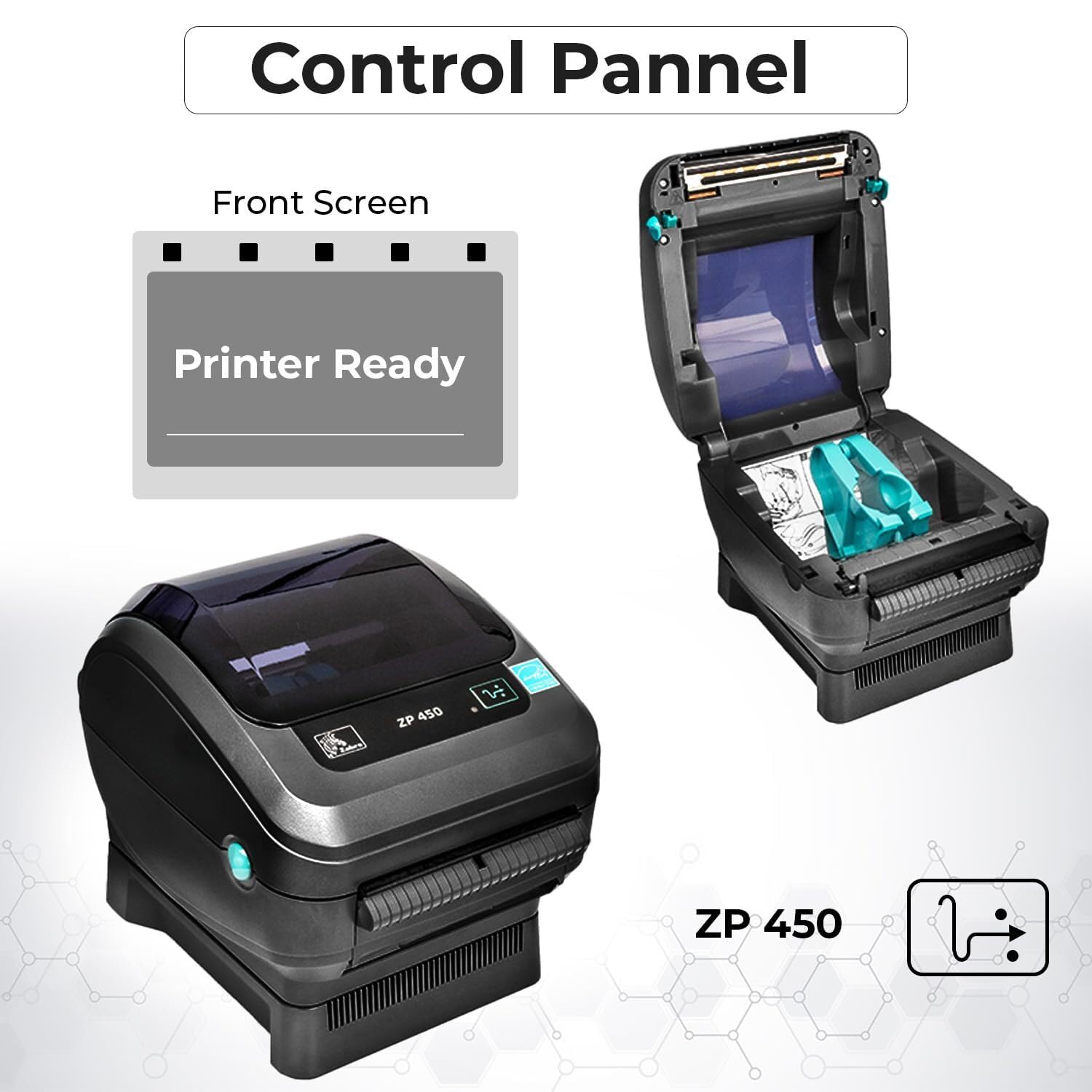
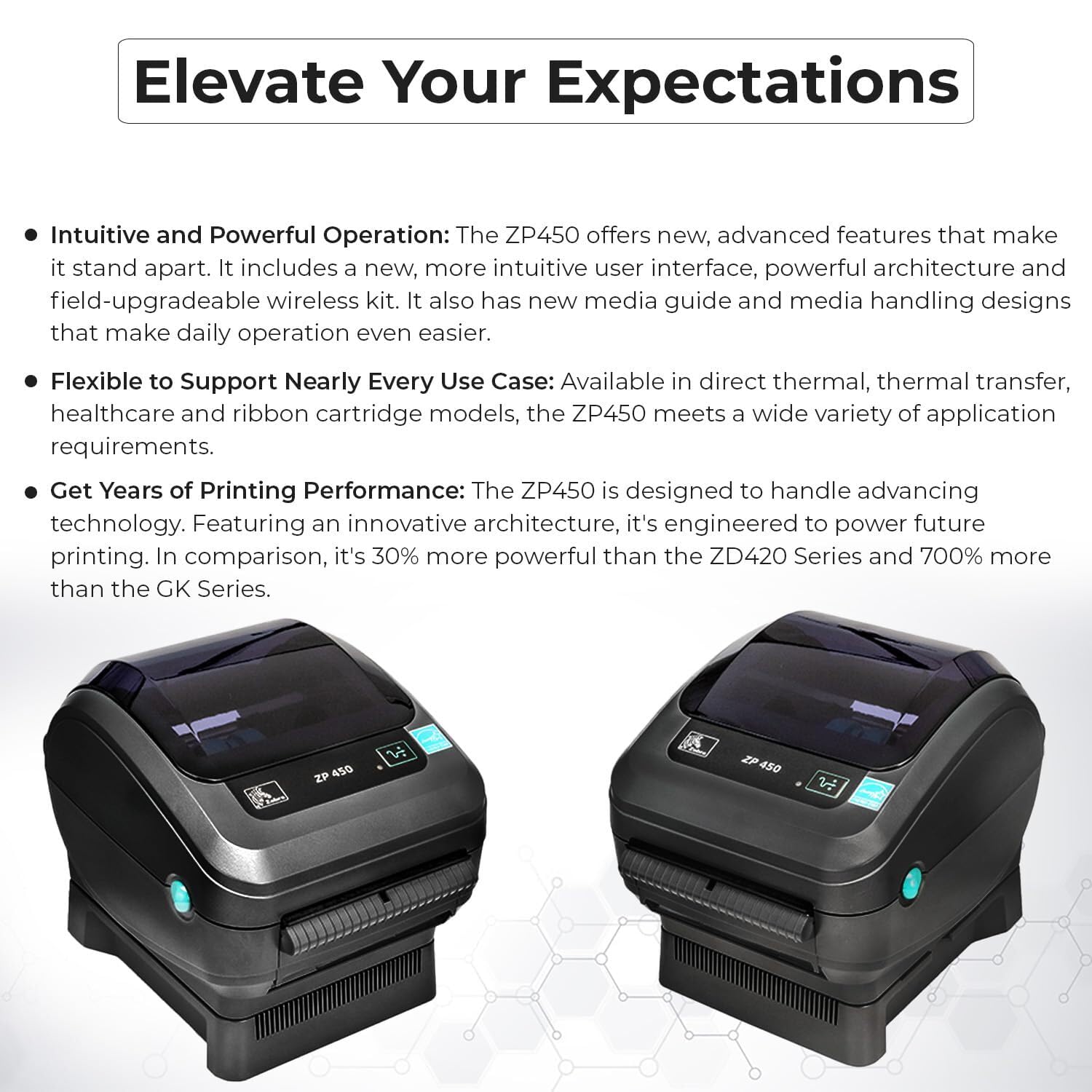

🚀 Print Like a Pro, Ship Like a Boss
The ZP450 Direct Thermal Barcode Label Printer is a commercial-grade, renewed device designed for professional shipping and inventory labeling. Featuring multi-interface connectivity (USB, serial, parallel), a sharp 203 DPI print resolution, and a rapid 300 ppm print speed, it delivers consistent, high-quality labels with ease. Compatible with a wide range of software, it offers flexible setup options from complex barcode systems to simple Word templates. Built for durability and efficiency, it’s the go-to printer for managers who demand reliability and speed in their label printing workflow.







| ASIN | B0DJNXNDW2 |
| Additional Printer functions | Print Only |
| Best Sellers Rank | #243,178 in Office Products ( See Top 100 in Office Products ) #517 in Desktop Label Printers |
| Color Depth | 203 dots_per_inch |
| Compatible Devices | Laptops, PC |
| Control Method | Touch |
| Customer Reviews | 3.5 3.5 out of 5 stars (29) |
| Date First Available | October 8, 2024 |
| Dual-sided printing | No |
| Duplex | Simplex |
| Global Trade Identification Number | 00850061766953 |
| Hardware Interface | USB |
| Included Components | Labels |
| Initial page print time | 1.2 seconds |
| Ink Color | No Ink |
| Item Weight | 5.19 pounds |
| Item model number | ZP450-PRINTER |
| Manufacturer | ANYHDD |
| Max Copy Speed (Black & White) | 300 ppm |
| Max Input Sheet Capacity | 100 |
| Max copy resolution black-white | 203 dpi |
| Max copy resolution color | 203 dpi |
| Maximum Black and White Print Resolution | 203 dpi |
| Maximum Color Print Resolution | 203 dpi |
| Maximum copies per run | 152 |
| Model Series | ZP |
| Number of USB 2 Ports | 1 |
| Print media | Labels |
| Printer Ink Type | No Ink |
| Processor Count | 1 |
| Product Dimensions | 5.7 x 5.71 x 5.83 inches |
| Series Number | 450 |
| Sheet Size | 4 x 6 Inches |
| Specific Uses For Product | Business |
| Supported Media Sizes | 4 x 6 inches |
| Total USB Ports | 1 |
| Warranty Type | limited warranty |
C**W
Superior "commercial grade" label printer
The Zebra printer is a bit much for home use, but if you want a label printer with perfect prints every time, whether you're printing a few, or a hundred, you will get straight, consistent prints. It's pricier, but it's much higher quality when compared to a basic home thermal printer and that's a big difference. If you print a lot of labels, it packs more than enough punch to print a lot of labels with speed, and without any loss of print quality. Initial configuration was a bit intimidating. But it's made to support commercial print software, so there are tons of settings that inexpensive label printers just don't have. Zebra does provide label design software as well, but you aren't tied to their software as with inexpensive label printers. Having all those settings gives you a lot more flexibility. You don't always need such detailed settings. So a quick look at a YouTube video and the Zebra guide, and the printer was setup in ten minutes. Various software can print to it such as bar codes/price tags, or QR codes depending on your specific use. I really liked that once connected and loaded with a roll of labels, it was also very easy to just configure a Microsoft word document to use as a template file for different sized labels if you want simple. There were documents on the web showing exactly how to do it. That gives you tons of options that are simple, even if you aren't using more complex software to print your labels. Put whatever text/graphics in the document template you saved for the label size, and print one, or however many you need printed. If you print the same one regularly, just save the file as a named word document for that same label. If you print a lot of labels, the Zebra isn't going to wear out quickly, it's a well-built printer. Very easy to load different labels, press the button on it and it set the feed just right so labels print perfectly centered with tear off labels. The fact that it prints perfectly with both complex printing software, and the most basic, such as from a word document, puts it well above other label printers. If you print labels often. Whether just a few or hundreds, you just can't go wrong with this printer!
K**S
Blazing-Fast Printing Speed
This compact printer delivers impressive speed, printing with remarkable efficiency. After setting it up and installing the driver, I mistakenly hit the "print all" button, and within seconds, nearly 60 labels were printed. I was genuinely impressed by both its speed and the sharp print quality. The connectivity setup was straightforward, as it comes with a power adapter, USB cable, and a thermal roll. However, the software installation was less intuitive. It took me quite some time to determine the correct driver to download. While the software allowed me to create a label, printing was problematic—the output didn’t align with the set parameters and printed vertically instead of horizontally. This process would have been much smoother if clear setup instructions were provided. Additionally, there were no explanations for the LED indicators on the front interface. I reached out to tech support for assistance, but it took them 3–4 days to respond. By then, through trial and error, I had already figured it out myself. Once the software is properly installed, the printer operates efficiently and is easy to use. Creating labels is a simple process, and the final results are more than satisfactory. This printer is ideal for anyone who needs fast and efficient label printing.
S**K
Packaging leaves a lot to be desired, but product is as new, so good deal
I love ZEBRA products, and I trust the Amazon return policy, so I took a chance on this refurbished ZEBRA printer. The first impression was not great. Amazon just tossed the printer and the accessories in a box with a few loose sheets of bubble wrap - they were all just banging around in the box. FORTUNATELY the printer, the most important part, was in a kind of bubble envelope. The banging around was the A/C adapter, power cable, USB cable and paper, which were roaming and rattling about the cardboard cabin with a couple small sheets of bubble wrap they interacted with occasionally. The microfiber cloth was also a free agent. So yeah, not a great start. Taking the printer out of the bubble envelope, the printer was in fine shape. I could easily call it "like new." The plastic dome even had a piece of cling plastic on it to protect it from the scuffs it probably would have gotten from the, um, minimalist packing job. Plugged it in, loaded the full roll of thermal labels, and everything worked fine in the end - the ZEBRA experience I expected. Hopefully Amazon gets their packing game up to speed on their renewed product, and though I was disappointed in that, I'm not dropping a star because the item looked and performed like new in the end.
C**W
Wonderful piece of equipment, high-quality
This is a fancy and fabulous contraption. If you have to print labels for a business or some other purpose with any regularity, this thing is a lifesaver. It spits the labels out quite quickly, and with the thermal printing, you never have to worry about smears or anything like that. This is pretty easy to set up, and easy to operate once you get it going. And the Zebra brand is pretty fabulous with everything they make, so you have peace of mind that you have a piece of equipment that will last a good long while.
Trustpilot
Hace 1 semana
Hace 2 meses