We remain fully operational. Our teams are working around the clock to ensure your deliveries continue safely.

Descargar la aplicación


Servicios al cliente
Sobre nosotros
Copyright © 2025 Desertcart Holdings Limited
Descargar la aplicación

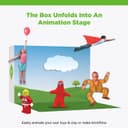



🎬 Animate your imagination—because your story deserves the spotlight!
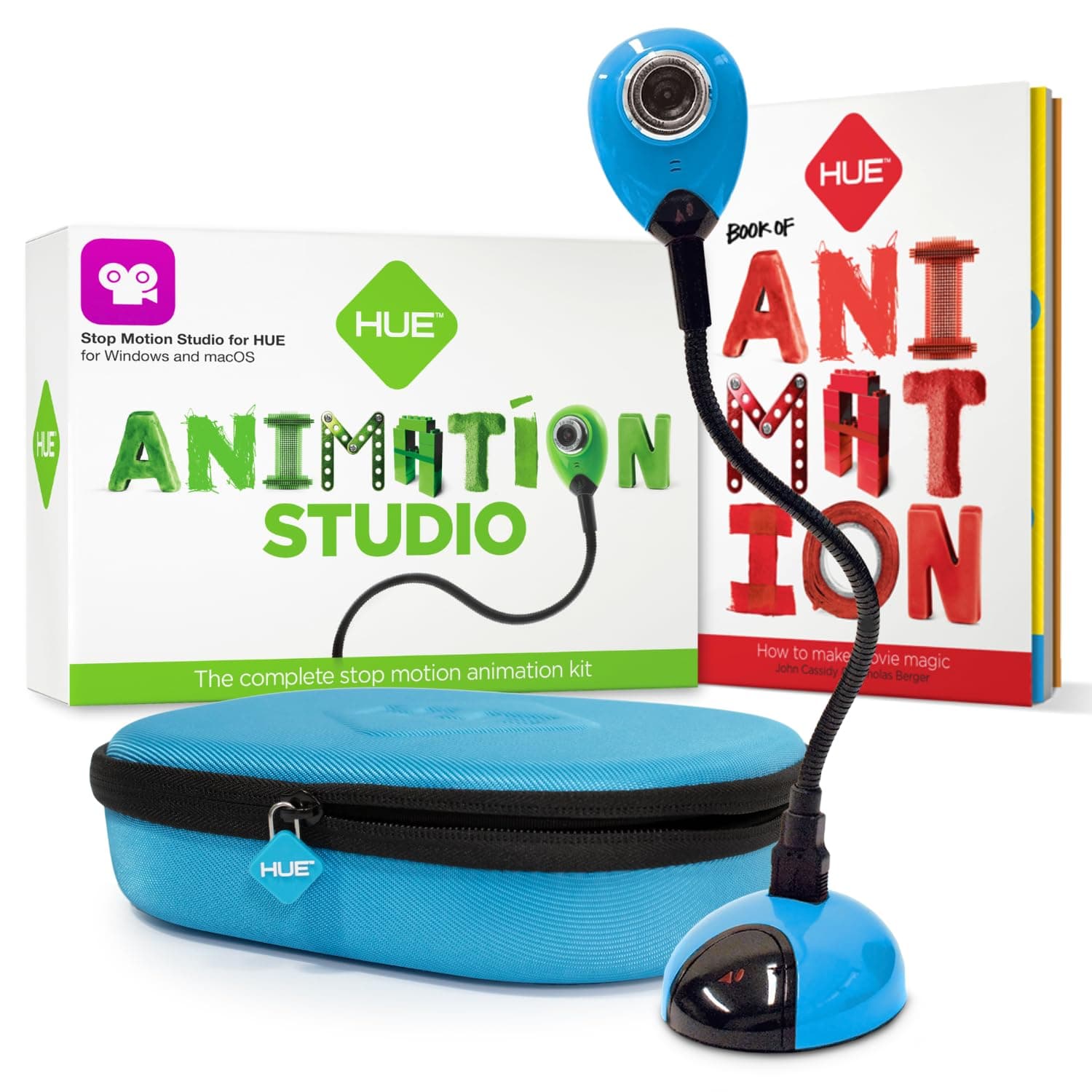
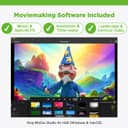
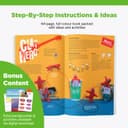
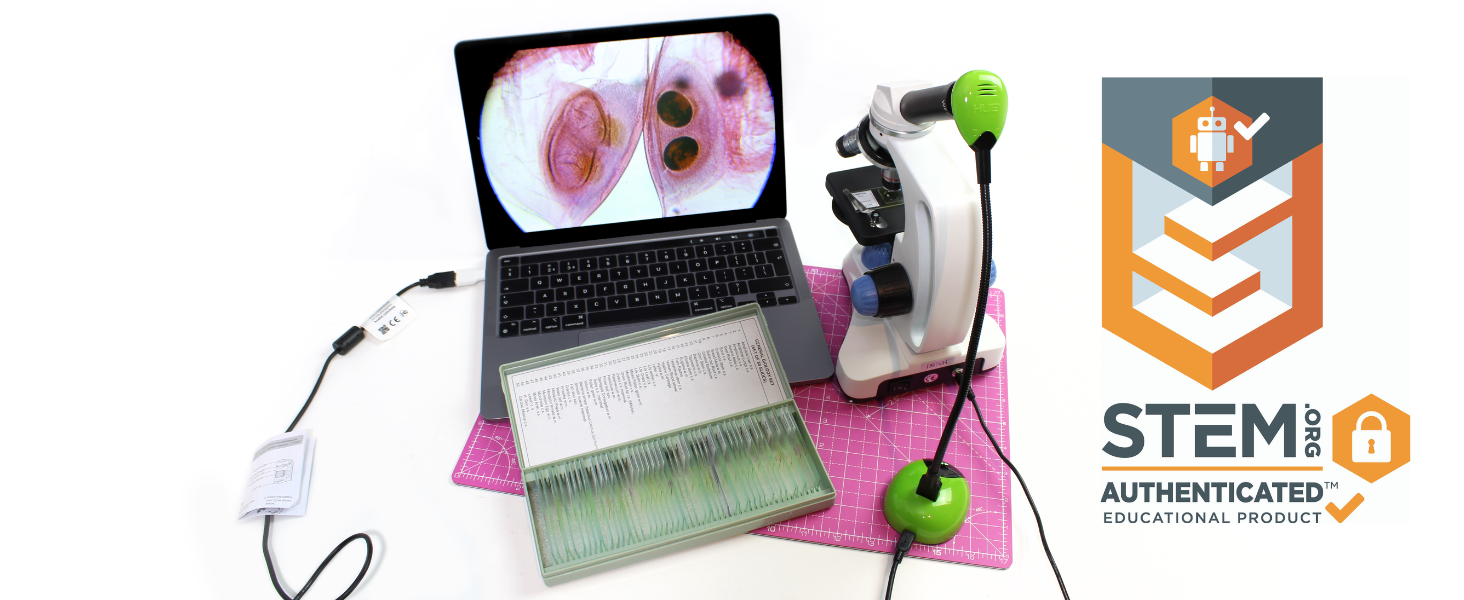
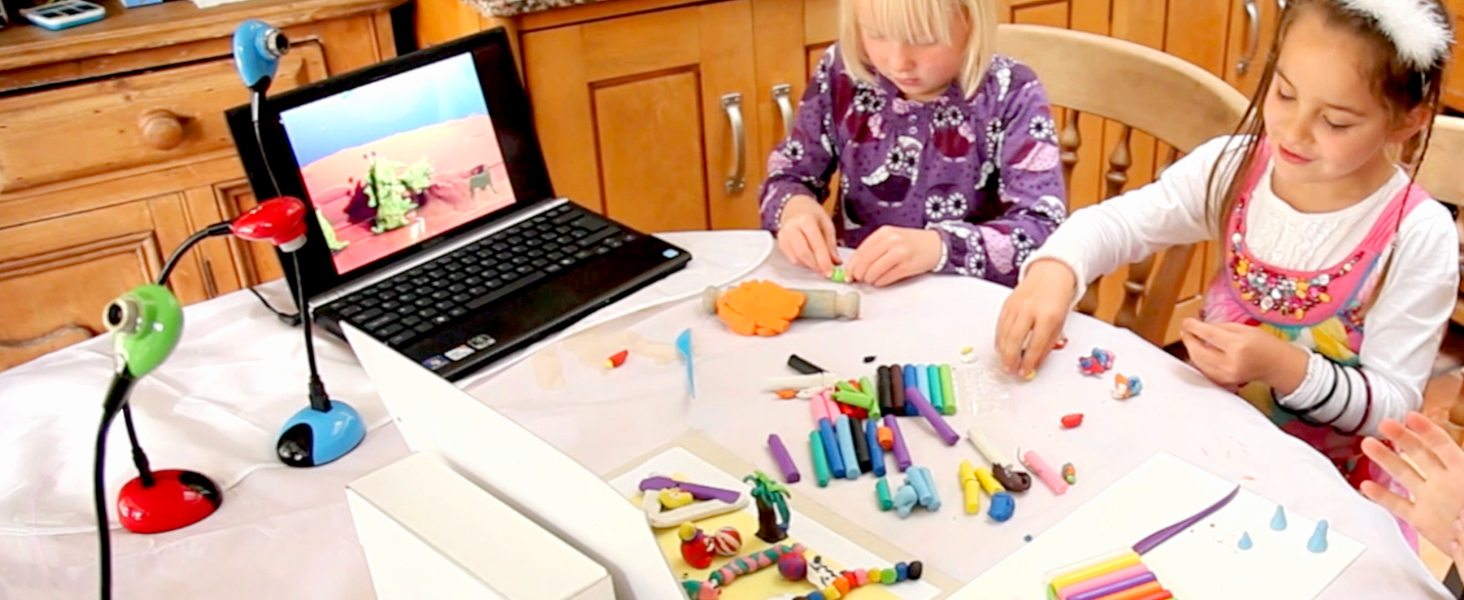
The HUE Animation Studio Complete Stop Motion Kit combines a high-definition USB camera with integrated microphone, easy-to-use cross-platform software, and a full-color animation book, all housed in a durable shockproof carry case. STEM.org authenticated and teacher-recommended, this award-winning kit empowers users aged 7+ to create professional-quality stop motion animations with features like onion-skinning, green-screen, and sound effects, making it ideal for educational settings, makerspaces, and creative play at home.






| ASIN | B0D1VV3NPS |
| Best Sellers Rank | 20,643 in Computers & Accessories ( See Top 100 in Computers & Accessories ) 186 in Webcams |
| Guaranteed software updates until | unknown |
| Item model number | ASC001 |
| Manufacturer | HUE |
| Package Dimensions | 23.7 x 18.21 x 7.29 cm; 821 g |
M**N
Stop motion
I have been wanting to try my had at stop motion for a while. All these ideas that I have but have never got around to trying. I saw that this is mainly aimed at children and schools, but works fine on my laptop. You get the program to load onto your computer, the camera (in a verity of colours to chose from) and even some different coloured plasticine so that you can make your own characters! The camera is on a flexible neck so you can get different positions. It does not have the zoom capability (you actually have to move the camera closer to the item! Cheek.) but you can focus it. I know that sounds obvious, but you never know with these things. It takes a bit of time to load it on, then you have to go to their website and authenticate your purchase, then you get the full (I think) programme. It is reasonable easy to set up once all is done, plug in the camera, load it up using the short cut and off you go. I will admit that ut is annoying that every time that you load it up it defaults to my webcam for the camera, but under "Camera" at the top you just select the Hue camera and there it is. The programme itself is very basic. You have a verity of colours (all of 6!) to edit the finished movie, one frame at a time by the way, but if you are just doing very basic stop motion, or stop motion that you done want to edit then this one is fine. It does have a recording capability when editing so you can add voiced or sounds effects to the finished item if you so wish. All in all this is a great way to get into stop motion. And with the huge amount of free video editing software available on the new then you can just move your movie made on this software into them, and edit them with more cutting edge techniques. I would defiantly recommend this to anyone who would like to get into stop motion. I have thoroughly enjoyed it.
R**E
Amazing!
I bought this for my Lego-crazy nephew for his birthday. It must have been a big hit with him because he's making movies with his Lego sets all the time these days. He used to be glued to his XBox but he's doing something creative and providing lots of laughs for our family. I had a go last weekend and the software is pretty intuitive and just right for this age group. It's got all the features like onion-skin, green-screen, importing music mp3s and you-tube upload. Once he'd grasped the basics he figured the rest out without even looking at the instructions and there was no stopping him! The camera is cute and funky....maybe I'll buy an animation pack for myself too!
A**R
Very nice product, super easy to use
Very nice product, super easy to use. The software is a bit clumsy here and there, but works. Biggest gripes I have are that you can't resize the picture and film views even on larger monitors, and that it doesn't allow for non-English characters in texts. No biggies, though.
D**K
Never-ending fun - one of the best toys ever?
Back in 1974 I remember being glued to a BBC programme called The Do-It-Yourself Film Animation Show. Well, in those days, such a hobby was frighteningly expensive, elaborate and laborious so all most of us could do was dream we would one day emulate Walt Disney. If only this little bit of kit had been available then! It really is so easy! I was inspited by visiting the 'Animate It!' exhibition in Bristol's @Bristol museum. This does everything you could do at that exhibition. You can pick it up in minutes and soon you'll think you're the new Nick Park. Top tip: toy cars and engines of the Thomas and Friends variety are excellent objects to animate - really simple and you can make them do all sorts of things when you're first starting out. No more twiddling your thumbs on the long winter nights - and kids will absolutely love the results! A truly amazing hobby in a box.
E**D
SUPER!
Hue animation is brilliant. It is a complete package - camera, animation program and easy to follow book of exciting ideas. I am a professional animator and use HUE for workshops with children and adults, and sometimes just to set up and do timelapse animation our of my window or to test an idea quickly at home. It is very simple to pick up and use straight away and extremely good fun. I would recommend it to families (both of my nieces LOVE it and their parents play with it at night), or for anyone else young or old, with an interest in animation or with an idea to make a film. This is the perfect place to begin playing
A**A
Good camera poor software
I gave the Hue Animation Studio as a present to my daughter for Xmas after reading nice reviews. Activation was really awkward and would not take the code. I tried to update the software and still the registration was not made. I cleaned it all from the registries and installed the lateset version directly and this time it took the code I was emailed. I guess the average person who does not work in IT would have to rely on their support... not very friendly first approach to the new present. Finally we could use the software but was crashing every 2 or 3 minutes. To continue with it we needed to close the application and reopen it. For a 20 sec animation it took 2 hours and a lot of frustration. Thinking it was my laptop fault I then installed the software on a brand new Windows 7 laptop with an i5 processor, 6GB RAM, an amazing amount of space and a dedicated graphic card and still the same issue. Software bombs out if left unattended for 1 minute or you can use it for 2 minutes!!!! Seeing how frustrated my daughter was I then decided to look for a free application. I tried loads but only one was really cool and working properly: "JellyCam" thanks to ticklypictures. I then decided to write to their technical support and explained all the ins and outs with very detailed information hoping someone would have had the decency to give me at least a samll suggestion: 10 days after and still no email or any contacts whatsoever. As it stands the camera is good, software clearly has got a major bug, money taken and no support given. This is a daylight robbery. Shame on you.
M**G
Hemos comprado el estudio de animación como regalo de cumpleaños para nuestro sobrino de 8 años y hemos dado de lleno en el clavo! En una semana ya ha realizado un par de vídeos mi hermana me ha comentado que está preparando otro con tres amigos de clase
P**A
I did a lot of research before buying this for my 11 yr olds birthday (which was yesterday so I missed the return window). The camera does not have an auto focus and the focus on the front of it is impossible to use. Even I struggle with it as its hard to grip, and then it moves and you need to start over again. I would return it if I could. Keep looking!!
E**C
I initially had difficulty due to some technical problems, but once I got through to the online support, I was helped efficiently and my problem was resolved. The software was really easy for my kids to learn how to use it and they are really enjoying making videos! I highly recommmend
S**Y
Mit Hue Animation Studio Kamera und Software können Kinder ganz leicht mit Knet-Figuren o.ä. einen Trickfilm selbst entwerfen, fotografieren und vertonen... Da mich nicht nur als Lehrerin die Idee eines Trickfilms mit Schülern schon lange interessiert, begeistert mich die einfache Handhabung von Kamera und Software sehr und zum Test konnten wir zuhause schnell ein erstes Video erstellen. Das Starterkit wird mit einer Kamera ausgeliefert, die einfach an den PC oder Laptop gesteckt wird. Man kann sie biegen und die Fotos passgenau am Kopf der Kamera oder per Mausklick in der Software aufnehmen. Der Karton bietet bereits eine erste Kulisse für die Fotos... Im mitgelieferten Handbuch sind viele Vorschläge für einen Trickfilm von Autorennen mit Spielzeugautos über Daumenkino mit gemalten Bildern bis geschmolzenes Eis rückwärts ablaufend dargestellt... Nachdem ich die Software registriert und die Kamera eingesteckt hatte, konnte unsere Tochter sofort loslegen mit ihrer Szene und die Fotos aufnehmen. Am PC kann man die Bilder dann sehen und per Playback den Film immer wieder anschauen... Die allertollste Funktion ist "Onion Skin": Man sieht im Kamerabild auf dem PC-Bildschirm noch die alte Einstellung als Schatten und kann so genau sehen wie die nächste Position passgenau und geschmeidig eingestellt werden muss. Die Software bietet die Möglichkeit vor und zurück zu blättern, Bilder wieder zu löschen und auch den Film mit dem Kameramikrofon zu vertonen. Wir haben uns für eine Klaviereinspielung meiner Tochter entschieden, die auch nachträglich importiert werden kann... Ein tolles Film-Set, welches groß und klein Spaß macht und ich sehr empfehlen kann!!!
G**O
A chi piace fare editing questo oggetto non può mancare.....Molto divertente
Trustpilot
Hace 5 días
Hace 2 semanas