

Desert Online General Trading LLC
Dubai, United Arab Emirates
Desert Online General Trading LLC
Dubai, United Arab Emirates


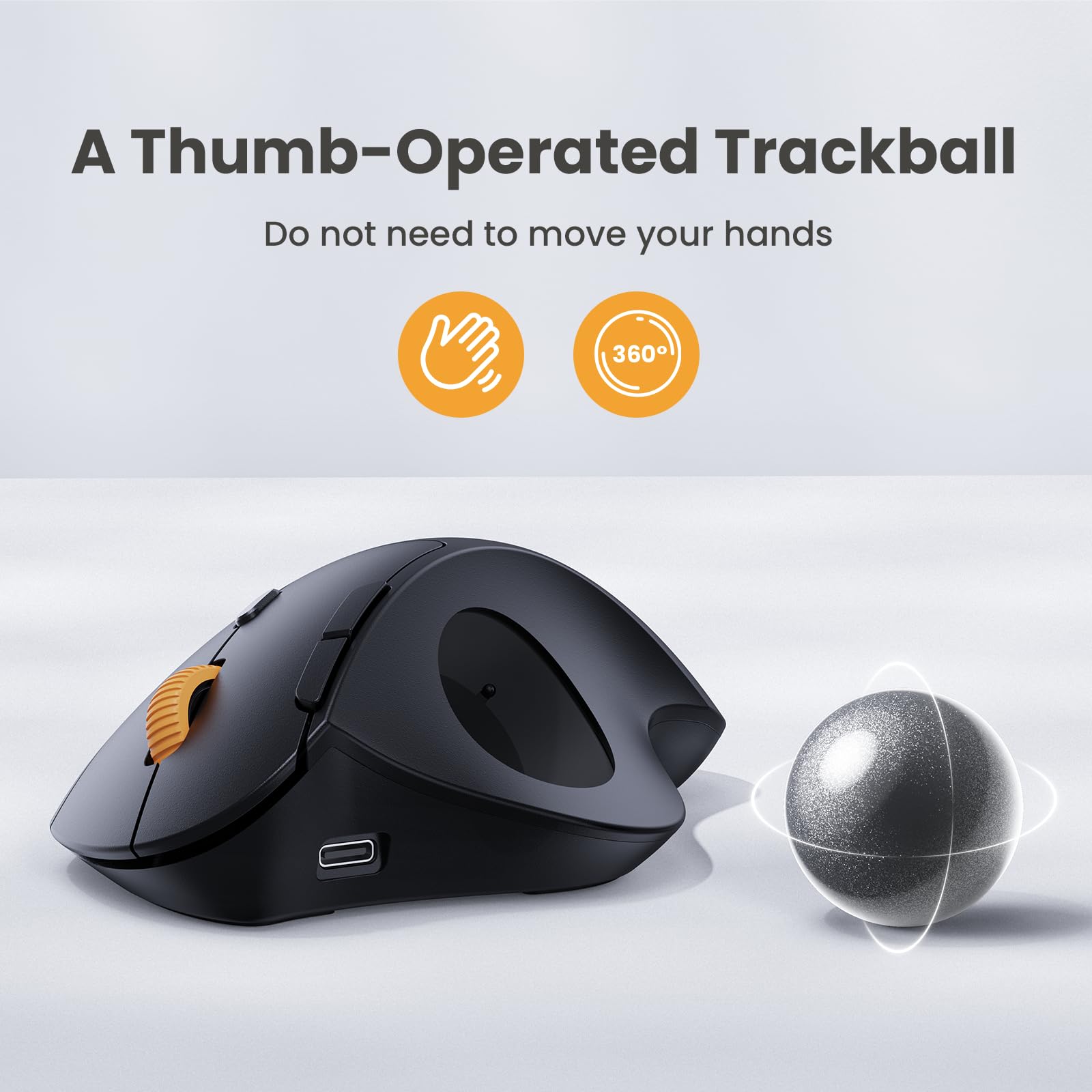

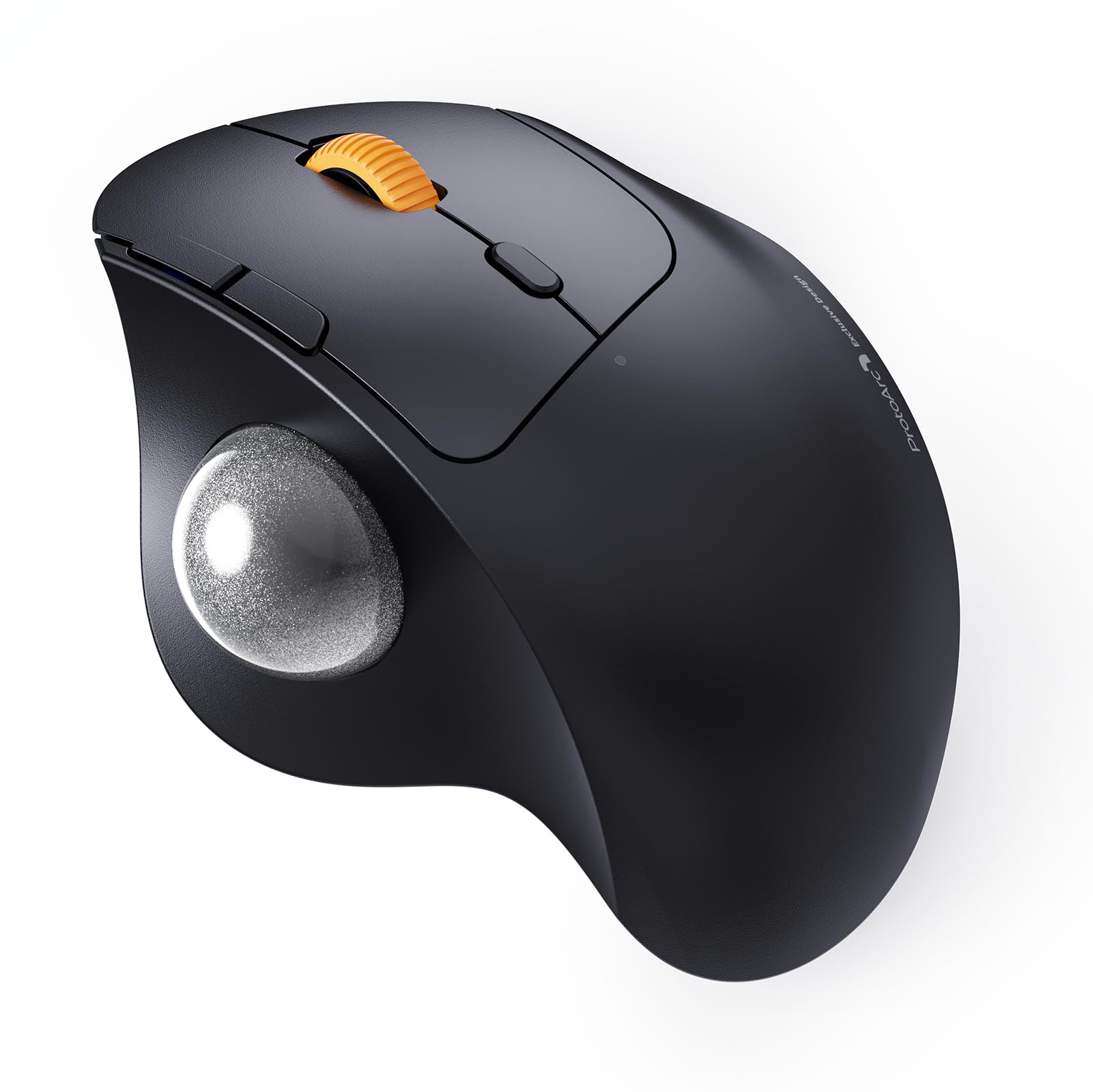
🎯 Master your workspace with precision and effortless multi-device control!
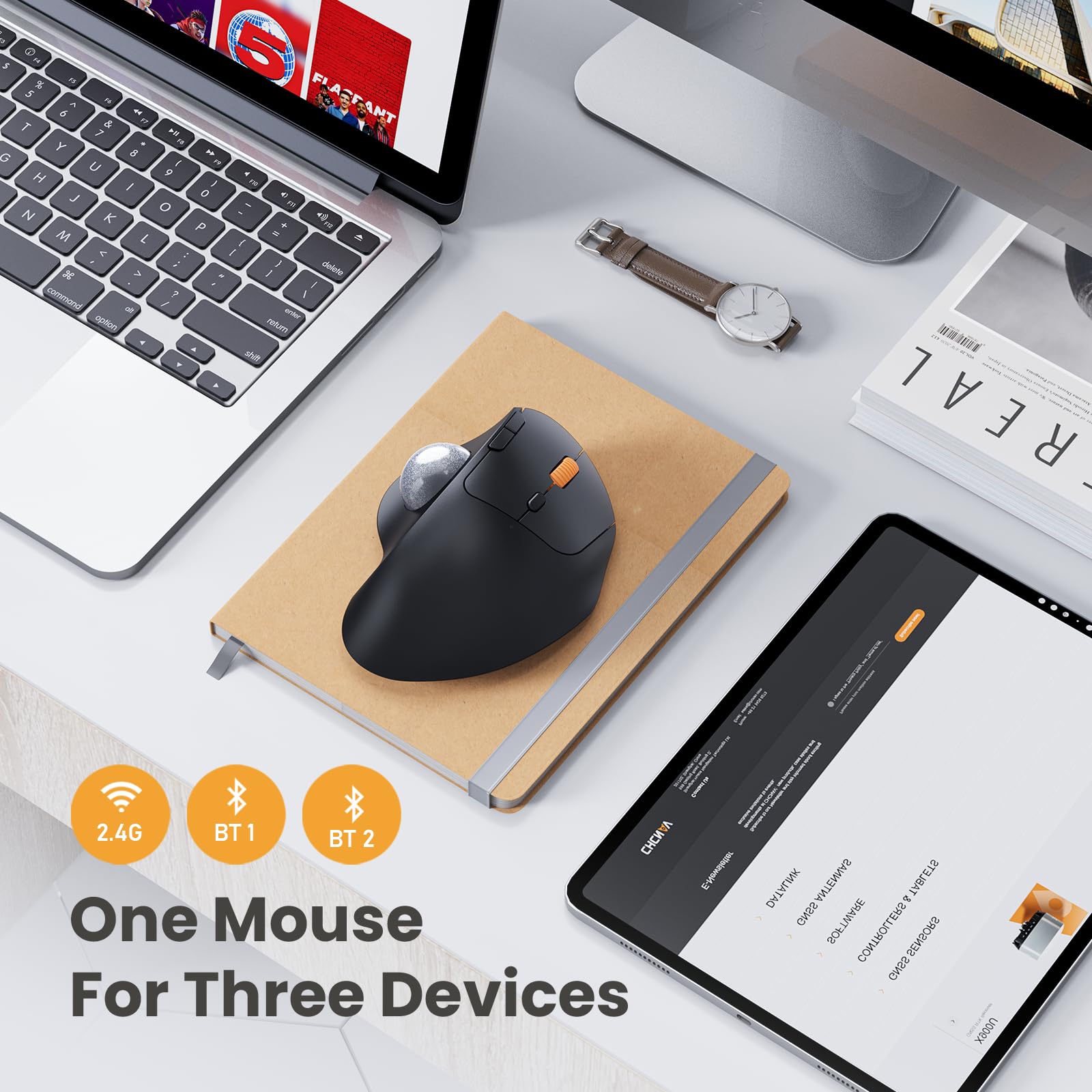
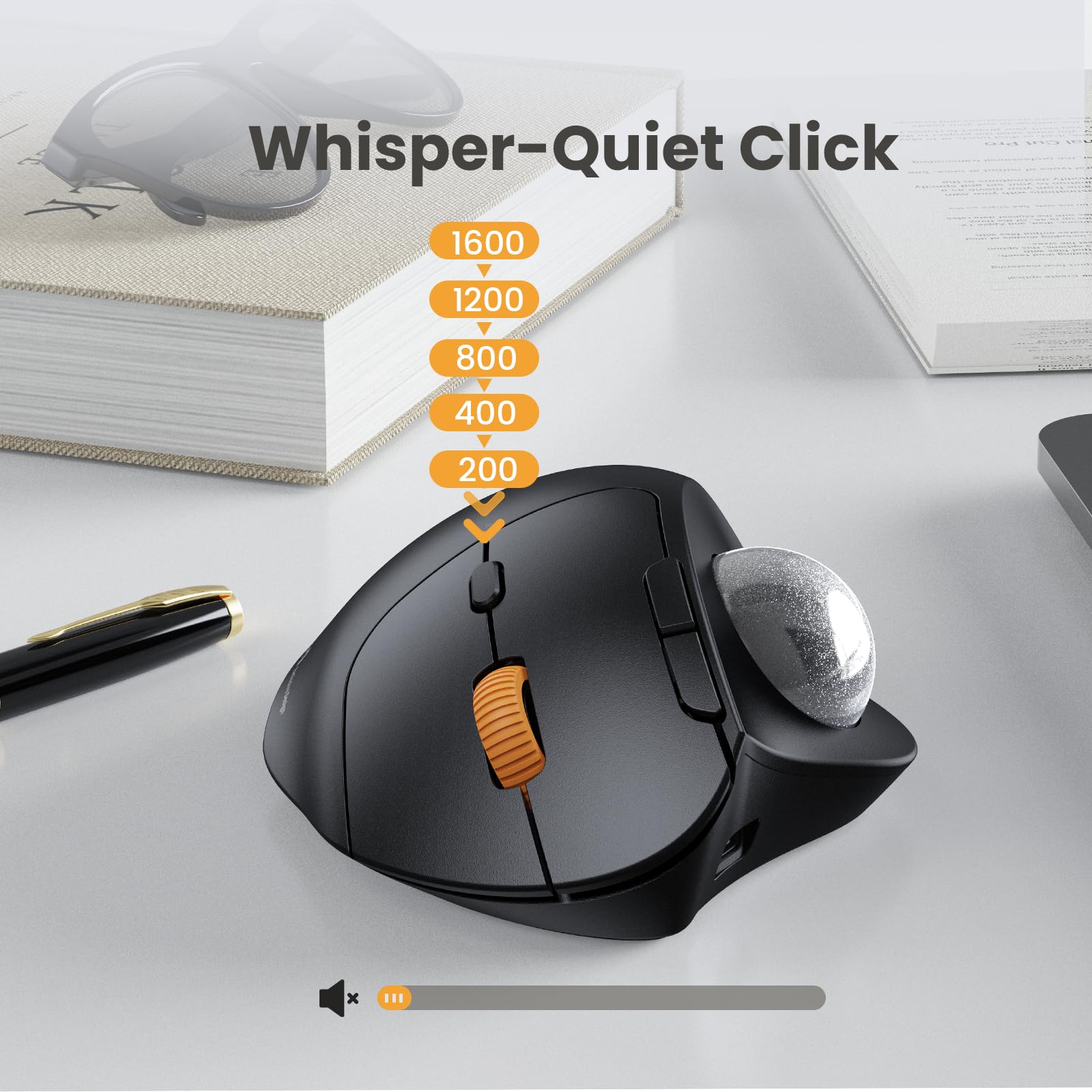
The EM04 Trackball Mouse is a rechargeable, ergonomic Bluetooth device featuring a thumb-controlled trackball, 5 adjustable DPI levels, and triple connectivity for up to 3 devices. Designed for professionals seeking comfort and efficiency, it offers noiseless clicking, a 1-month battery life, and compatibility across Windows, Mac, and Android platforms.


Y**N
Really handy for on the move working
I love this mouse, it's so handy for my job which involves working on the train quite often. The roller pad takes a bit of trial and error but I've quickly become to really prefer it, especially when working in a confined space. I imagine it would be really great for those who are using a big screen such as TV for connecting to the internet and doing some sofa surfing.It holds its charge well, I've been using it on and off just chucking it in my work bag for a few weeks and only had to charge it once.Really pleased with this excellent product.
C**W
Take some getting used to, nice styling, works well.
Price at the time of review is a fairly hefty £31.99, the Track ball is well built, solid and works well.As the unit itself doesnt move and all mouse control is via the trackball it takes some getting used to, I found the shape to be comfortable, as a mouse and trackpad users for more than 30 years I found it was hard going getting used to it.In that time I have seen many people struggle with regular mice and this may well work well for them, people with limited movement or issues of that ilk may perfect this type of mouse. People suffering with RSI might well wish to switch to this type of device too.The trackball comes with a USB A to USB C charging cable and can be used with an included USB key, there are 3 channels to choose from allowing quick switching between devices.I tested on a Macbook Pro 14 with the USB key in an external hub, this worked perfectly with no setup at all. It is also fully bluetooth if your device has bluetooth.The buttons are typical mouse buttons with a DPI charger behind the traditional 2 buttons, 5 levels of DPI are offered.The advertisement is curious, a comparison of various models shows the EM04 listed as £24.99 but the price advertised in £31.99It arrives in a nice graphic box with manual, charging cable and the USB key (This is situated on the mouse itself behind a small door so its easy to travel with.I think i'd be more tempted to give 5 stars if the price was show as in the comparison diagram.
L**E
quality
I recently purchased the EM04 trackball mouse and I am extremely pleased with its performance. One of the standout features is the ergonomic thumb trackball, which allows me to use my thumb to move the cursor instead of constantly moving my wrist and arm. This has significantly reduced fatigue and strain on my wrist and arm, making extended computer use much more comfortable.The dual Bluetooth and 2.4G wireless connection is incredibly convenient as well. I can effortlessly switch between three devices with just one button, making it versatile and ideal for multitasking. The compatibility with various operating systems, including Windows, Android, and Mac OS, is a huge plus.Moreover, the rechargeable lithium battery lasts up to a month on a single full charge, and the adjustable DPI levels (200/400/800/1200/1600 DPI) ensure precise cursor sensitivity adjustment. This means I don't have to worry about battery replacements, and I can easily customize the mouse sensitivity to my preference.The noiseless clicking feature is also a welcome addition. The smooth frosted surface and quiet clicks provide a better user experience, and the mouse automatically enters sleep mode after a few minutes of inactivity to save battery. It quickly wakes up with a click, allowing me to stay focused during work.Another highlight is the 6-button high performance design, which includes back and forward buttons that make website browsing more efficient. The elegant curved shape adds to its ergonomic design, making it comfortable to use for extended periods.In summary, the EM04 trackball mouse has impressed me with its comfort, versatility, and performance. I highly recommend it to anyone looking for a reliable and ergonomic input device.
H**N
Great Mouse Alternative
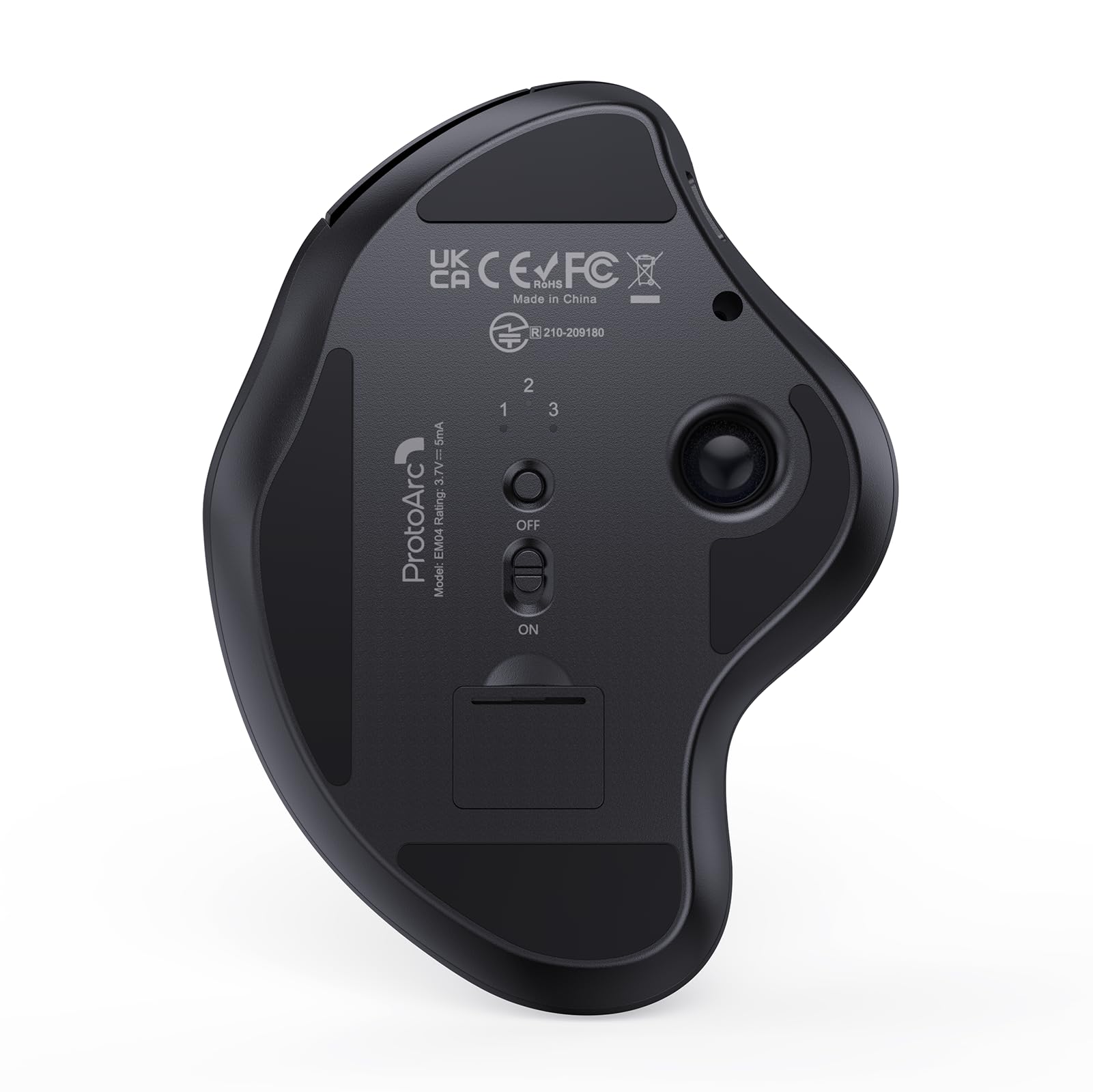
This ProtoArc EM04 Trackball is a great alternative to a conventional mouse. It takes a little practice, but once you get the hang of moving the ball with your thumb, trackballs are very easy to use and come in really handy if you're short on desk space, like when travelling, for example.The EM04 comes in a nice box, with comprehensive documentation contained in a fancy looking black envelope. The presentation is actually top rate and compares very favourably with the likes of Apple and other prestige brands. The trackball ships with a USB A - USB C cable for charging. The charge port is conveniently placed at the front of the device and the cable doesn't impede using the trackball.It can connect to your computer via the supplied wireless USB A dongle, or by Bluetooth. One nice touch is the built in storage flap in the base for storing the dongle when not in use. My Windows 11 laptop identified and paired with the trackball immediately over Bluetooth, and it worked with with no issues. The ball, scroll wheel and buttons all work smoothly with nice, quiet tactile responses from the buttons.The only criticism I have of the EM04 is that it's quite light in weight - it doesn't feel quite like the premium product implied by the packaging and overall presentation. That said, it does feel solid and robust and doesn't slide around when in use.I'm often required to do software demonstrations at trade shows and have used trackballs for this for many years, as they allow me to move around while presenting, because I don't need to stand next to my laptop to operate a conventional mouse. The EM04 is now part of my standard demo kit, and it will be accompanying me to events around the world.
T**J
Trackballs take some getting used to
But if you lack space and/or struggle with pain, they are quite a nice way to navigate.I like the multiple connections options on this and the adjustable resolution (sensitivity) but it feels a bit cheap and plasticky.
Trustpilot
Hace 3 días
Hace 1 día