We remain fully operational. Our teams are working around the clock to ensure your deliveries continue safely.

Descargar la aplicación


Servicios al cliente
Sobre nosotros
Copyright © 2025 Desertcart Holdings Limited
Descargar la aplicación
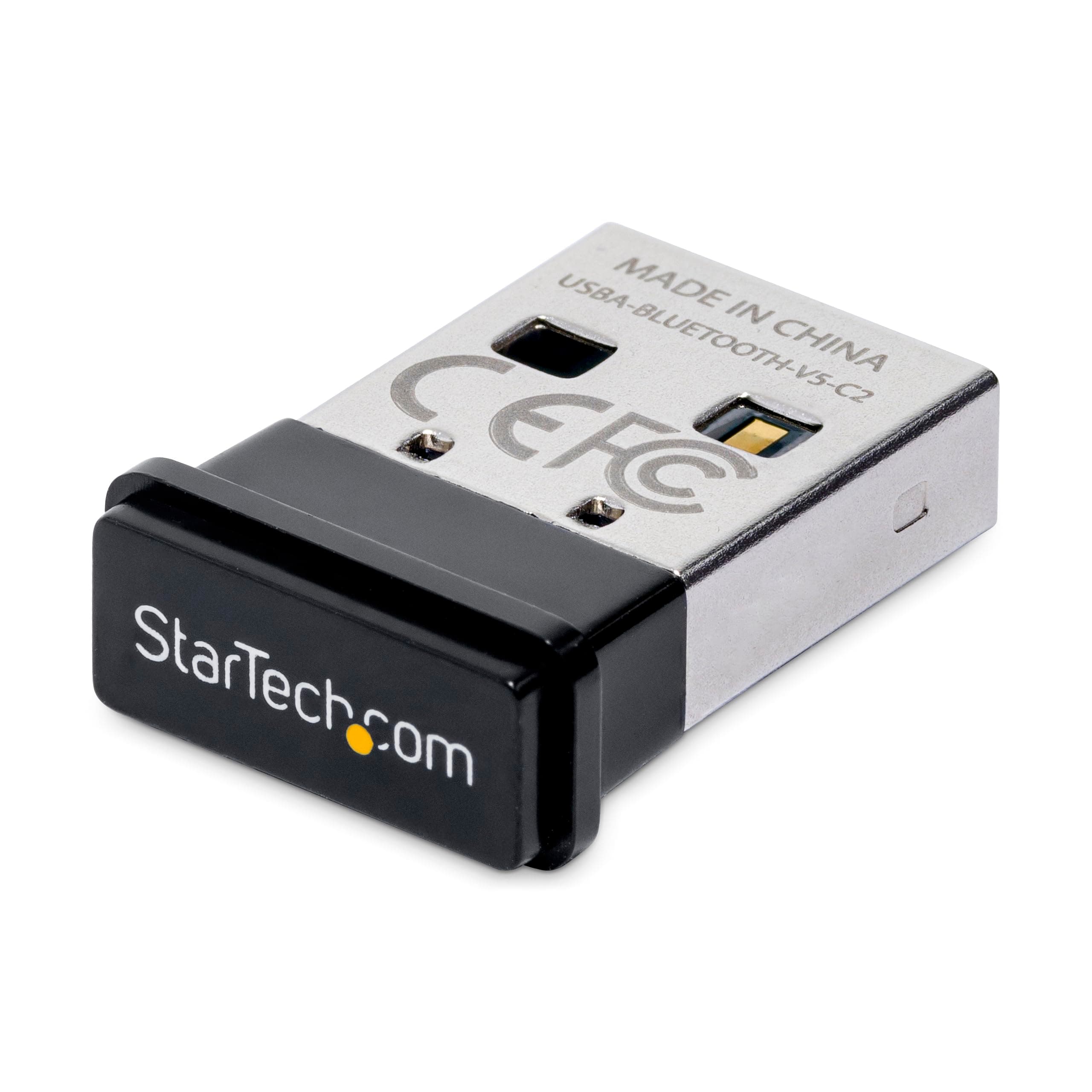
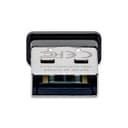


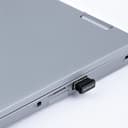
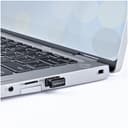
🚀 Upgrade your PC’s wireless game with StarTech’s Bluetooth 5.0 dongle—connect smarter, faster, everywhere!
The StarTech.com USB Bluetooth 5.0 Adapter Dongle is a compact, lightweight device that upgrades your PC with the latest Bluetooth 5.0 technology. Supporting up to 7 simultaneous connections and a wireless range of 10 meters, it ensures seamless connectivity for keyboards, mice, headphones, and more. Compatible with Windows 10/11 and Linux, it offers plug-and-play installation and backward compatibility with all previous Bluetooth versions, making it a versatile and reliable solution for modern professionals seeking efficient wireless performance.


| ASIN | B0B2737HPS |
| Best Sellers Rank | 24,494 in Computers & Accessories ( See Top 100 in Computers & Accessories ) 115 in Bluetooth Network Adapters |
| Box Contents | 1 USB to Bluetooth V5.0 adapter, 1 Quick-start guide |
| Brand Name | StarTech |
| Color | Black |
| Compatible Devices | Keyboard, Laptop, Mouse, Smartphone, Tablet |
| Compatible Operating System Family | Linux, Windows |
| Country of Origin | China |
| Customer Reviews | 4.2 4.2 out of 5 stars (140) |
| Data Link Protocol | Bluetooth, USB |
| Data Transfer Rate | 2 Megabits Per Second |
| EU Spare Part Availability Duration | 2 Years |
| Global Trade Identification Number | 00065030894951 |
| Hardware Interface | Bluetooth 5 |
| Item Dimensions L x W x H | 18L x 15W x 5H millimetres |
| Item Weight | 5 g |
| Manufacturer | StarTech.com |
| Manufacturer Part Number | USBA-BLUETOOTH-V5-C2 |
| Minimum Required Operating System Version | Windows 10 |
| Model Number | USBA-BLUETOOTH-V5-C2 |
| UPC | 065030894951 |
| Unit Count | 1.0 count |
J**K
Works on Debian 12 after switching to Pipewire
Initially struggled with a "Bluetooth connect failed: br-connection-profile-unavailable" error, but after switching to Pipewire it works fine now on Debian 12.
T**E
Works with Linux (& Windows10/11), Small, Acceptable Range
It works as a Plug-&-Play Solution for the systems that I have tested it with so far, running Windows 10, Windows 11, and, Various Linux Distributions (including those based on the latest Arch, &, Fedora releases as of December 2025). Range on it is nothing out of the ordinary for a Bluetooth Adapter, but it is more than adequate for most peoples use cases (I tested up to around 3 Metres away and it was flawless). Build Quality could be a tiny but better but the average person won't notice it, to be honest this is just me nitpicking because I cannot think of anything wlse negative to say about this product.
A**N
Genuinely Linux compatible :)
I have a Lenovo G780 17" laptop which was being 'difficult' with Bluetooth. It would connect to a few devices but not to most. Annoying ! At first I thought the problem was with Linux Mint 21 and the new Bluez subsystem. Then I had a moment of enlightenment. The onboard bluetooth (Broadcom ?) might be the problem. So I bought the Startech USB dongle as online Linux users said it works well. I can confirm it works great with my Mint 21.2 set-up. Plugged it in, restarted the laptop and it was all ready to be selected in my USB control options. Yippee, my USB speakers now work great and I expect that other devices will too. Recommended.
D**G
Linux compatible, plug and play.
Plug and play. It just works. I use it with headphones and it works beautifully. Linux compatible
J**O
Waste of Time and Money Avoid Product
I was hoping this would solve the whole issue with Linux and windows Bluetooth compatibility, as it claims that it supports Linux and windows. The Bluetooth USB drops off connection all the time and is not working on Linux and Windows at all, using a hands-free microphone via the dongle and it drop off is not good enough. This is by far the worst Bluetooth dongle I have ever bought, False advertising and not fit for purpose, these should be tested first.
H**T
Linux compliant - But more!
Brilliant, Brilliant, Brilliant! I loaded up 2024 Linux Mint to an older laptop knowing the problems I faced. My command line familiarity is not good but that can be worked around. I bought a BT USB adapter as native BT on most laptops is a problem for Linux of any flavour. Predictably, and despite wrestling with various command line options, it didn't work, or at least I couldn't get it to work. Did some Googling and a user suggested this, claimed it worked 'out the box' (yea, heard that one before) so I ordered it. Took it out the box, plugged it in and it showed up as the original BT adapter. Darn it! Clicked it without much hope and my phone showed up immediately. Tried my ear buds - Connected. Second ear buds - Connected. Everything so far has been rock solid and range as good as my Macbook. If you need a Linux BT adapter, try these first. It will likely save a lot of time and heartache.
S**W
Works well
I purchased this to compensate for my geekom mini PC with the inbuilt bluetooth not working. Plugging it into a USB port, it was immediately successful and I now have Bluetooth working. This is via the Ubuntu Linux operating system. The range is good enough for me and I have uploaded photos from my Android Samsung phone and can play music through my Bluetooth speakers. A good cheap way to get Bluetooth.
A**L
Works, No Fuss
Small, No Annoying LED. Windows 10 immediately recognised and connection is seamless and easy via windows settings. Connections stay's instant and strong around whole house. 10/10
D**Z
Lo mejor de estos aparatos es que no necesiten ni que recuerdes que existen y este cumple. Por supuesto, es plug & play en Windows, pero lo más interesante es que también lo es con Linux, al menos con kernel 6.8 y superior.
S**S
Compatible avec Linux Mint 22
W**Z
Für Menschen, deren PC leider (noch) nicht über einen internen Bluetooth-Anschluss verfügt, ist dieses Produkt ein zuverlässiger Helfer. Einfach einstecken und (zumindest bei mir) schwupps kann ich meinen Bluetooth-Kopfhörer benutzen.
P**T
Reconnaissance directe par le système Linux Mint 21.3 sans avoir besoin d'installations de paquets supplémentaires. La portée est assez correcte.
M**R
Range is improved over my old Jabra headset, even though it's still BT so I don't get whole house coverage. Easy Plug and Play on Mint 21.2 with XFCE, with 5.15.0-122 kernel version. I tested it with a reboot and also a log out/log back in, never developed issues like most other BT dongles I have used. Great job!
Trustpilot
Hace 1 mes
Hace 2 semanas