We remain fully operational. Our teams are working around the clock to ensure your deliveries continue safely.

Descargar la aplicación


Servicios al cliente
Sobre nosotros
Copyright © 2025 Desertcart Holdings Limited
Descargar la aplicación
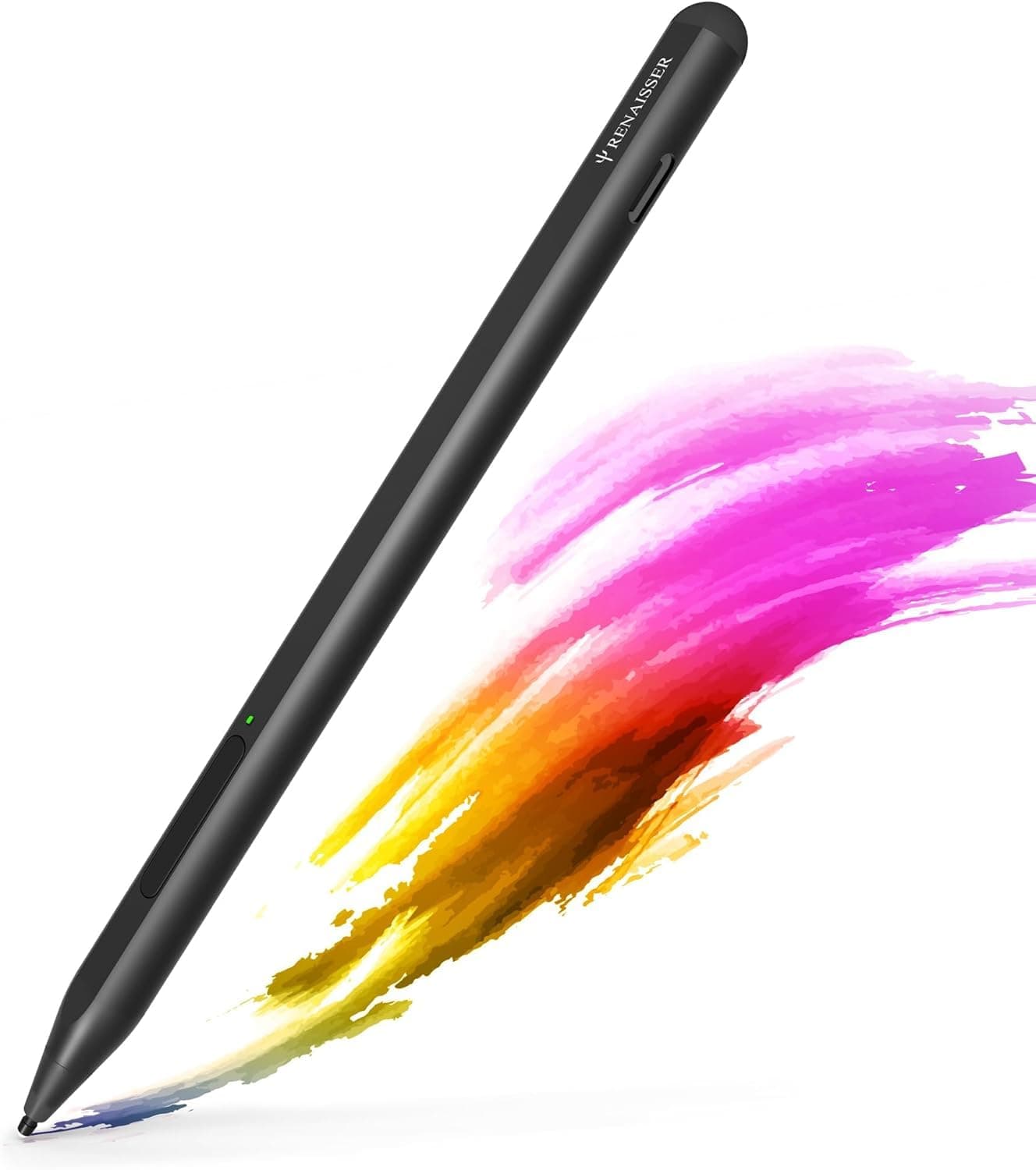

🖊️ Elevate your Surface experience—where precision meets power and style.
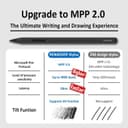
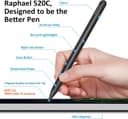
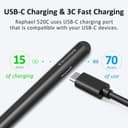
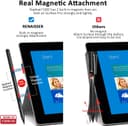
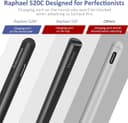
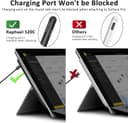
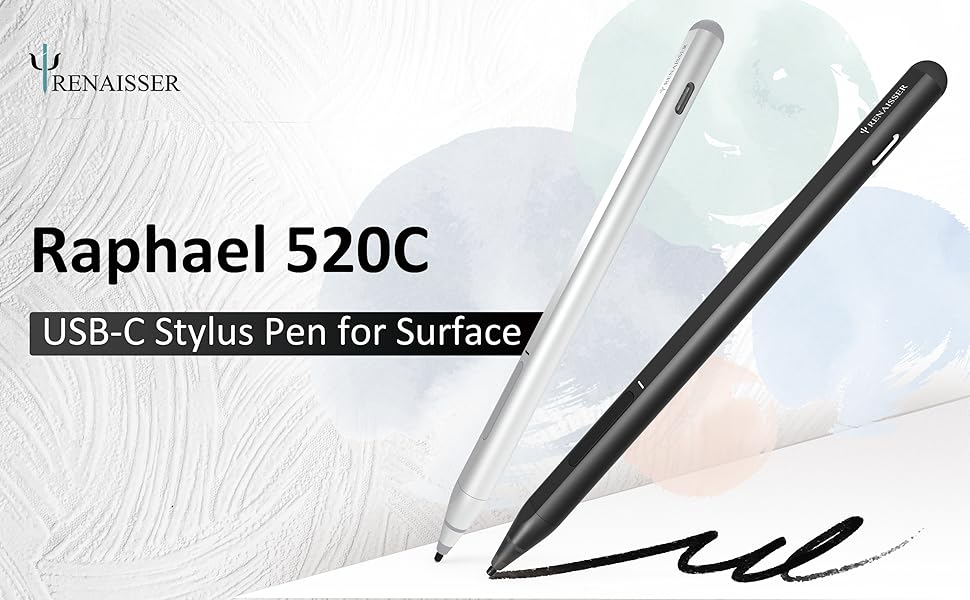
The RENAISSER Raphael 520C is a USB-C rechargeable stylus designed for Surface devices, featuring 4096 pressure sensitivity and tilt support for natural drawing and writing. It offers ultra-fast charging with up to 100 hours of battery life, smart power management, ergonomic lightweight aluminum construction, and magnetic attachment for easy portability. Compatible with a wide range of Surface Pro, Laptop, Book, and Studio models, it delivers professional-grade precision and convenience for creative and productivity-focused professionals.



| ASIN | B0987J23K1 |
| Are Batteries Included? | Yes |
| Are Batteries Required | Yes |
| Battery Average Life Standby | 99 Hours |
| Battery Description | Lithium |
| Best Sellers Rank | 59,468 in Computers & Accessories ( See Top 100 in Computers & Accessories ) 134 in Graphic Tablet Pens |
| Brand Name | RENAISSER |
| Charging Time | 1.2E+2 minutes |
| Colour | Black |
| Compatible Devices | Microsoft Surface Pro 9, 8, 7+, 7, 6, 5, 4, Duo, Duo 2, X, Go, Go 3, Book, Book Studio 1st Gen, 2+, Laptop 1, Studio; Not compatible with and 2. |
| Customer Reviews | 4.4 4.4 out of 5 stars (2,631) |
| Enclosure Material | Aluminium |
| Item Diameter | 9.2 Millimetres |
| Item Dimensions | 14.9 x 0.9 x 0.9 centimetres |
| Item Weight | 14 Grams |
| Manufacturer | RENAISSER |
| Model Number | Raphael 520C |
| Number of Batteries | 1 Lithium Metal batteries required. (included) |
| Product Warranty | 1-year product replacement warranty |
| Unit Count | 1.0 count |
C**.
Compatible and works great
Works fantastic on my Surface Pro! Don't even have to connect it, just turn it on and go. The battery life is absolutely stunning too. I use it constantly and still have enough battery for quite a few days of use!
M**A
Works, solid, no issues, cheap.
Cheap, works, ive not had to charge it in the year ive had it, but tbf ive not used it much. Its light, and it works solid. got to click the button every time it goes to sleep to turn it back on though. came with different nib attachments, ive only used the standard one as its got some sort of special tip on the front. the other ones are just straight plastic.
N**P
Great alternative to lots of very expensive pens out there
Got this for my partner's Kobo Libra Colour as I didn't want to pay £70 for the original thing. This works perfectly. It is great to hold and connected straight away. For its price, we weren't expecting great quality, but it was actually really well built and sturdy. The black was very sleek and stylish which matched the Kobo as well. Overall, a great product.
J**R
Good alternative to Microsofts Surface Pen
Good alternative to the Microsoft Surface pen and a lot cheaper
H**E
Almost perfect for kobo elipsa
Bought this to replace the failing stock stylus for kobo elipsa. Comfortable to hold, soft nibs feel great on the kobo textured glass, no clicketyclack noises like the kobo stylus made. Note that the extra nibs are hard like the kobo ones, feels quite hard and nasty on the kobo. Get extra soft nibs if you can. Microsoft's original nibs are supposed to fit it. Only downside is that the magnets don't line up with the magnets on the kobo, which clearly isn't the Renaisser's fault as it is made to fit microsoft surface devices. With some "fighting", it sticks nicely in the stylus holder of the kobo sleep cover, so it is still easy to keep it secure with the device. And for some reason, it sticks nicely to the bottom end of the sleep cover too. Funny but kind of practical. Highly recommended!
T**W
Works well with my Zenbook duo 14
I use it to draw in meetings and sign and annotations on PDFs. Works well. It feels substantial and like a real pen.
S**D
No way to properly evaluate!
Although it looks nice and occasionally feels good (haptic are strong WHEN it works) couldn't get it to cooperate with MS SP8. It might work when properly connected but after completely reinstalling the entire MS OS11, it barely registered and virtually nothing worked 😑 The entire Surface Pro 8 package had to go back as it was very buggy: Tablet was shipped inop (as in thier own specified keyboard wouldn't register until after completely reinstalling it) and this pen claims compatibility yet simply won't fit KB tray designed for such). Whole experience was frustrating, time wasting and obviously zero QA!!!
M**N
Excellent replacement for Microsoft pen.
Nicely weighted and sensitive when in use. Considerably cheaper than the Microsoft pen. The only issue is that the magnet is not very strong and its easy to knock off the side of the surfafe tablet. Possibly because of the power switch and volume keys being prominent. Otherwise I'm happy with its performance.
م**ت
جدا ممتاز سواء سرعته في الكتابه او شكله ما شاء الله
A**A
For being so much cheaper than other pens, the quality is outstanding. Got this when I first purchased my Surface Pro and have had zero issues. Really like how I can just plug it in to recharge instead of replacing the battery, which is extremely nice when I'm traveling. Pen pressure is absolutely perfect, she's very lightweight and doesn't easily fall off the side when magnetically attached.
O**K
First off, the initial product I'd received must have been a 1 in 100,000 (or more) unit missed during quality control. A standard USB-C connector could not fit into the pen's connector cut-out. Also noticed that the USB-C connector in the pen was not aligned to the cut-out. If the cut-out was a standard size, the misalignment would have prevent the connection. Notified the seller and advised to return as a defective product. A second purchase was effected and was "next-day" delivered. This works flawlessly. Felt better being more substantial compared to the SF Pro 8's slim pen. Drawing is not a primary use-case for me so did not do one-for-one comparison. For office automation with note taking and scribbling much prefer this Rena Pencil. Surface Pro 8 note - if you've upgraded from previous Surface Pro models (I did not) and used to the pen magnetic attachment to the left to the Surface Pro, it does NOT with the Surface Pro 8. The Rena Pencil will "stick" to the bottom and the right side. Both are NOT ideal as it would normally be connected to the keyboard and the power connector and USB-C connectors.
M**A
I bought it for my Microsoft surface pro 8 Very good quality
P**O
Llegó muy bien empaquetado y en perfectas condiciones, tanto la caja 📦 como el producto se sienten de una gran calidad, por otro lado funciona a la perfección en tablets con Windows y como se menciona no requiere conección Bluetooth para funcionar, simplemente con que estén cerca el uno del otro se puede empezar a utilizar. Lo único que se debe tomar en cuenta es que no funciona con Android por si alguien tenia la duda.
Trustpilot
Hace 2 semanas
Hace 1 semana