🔗 Elevate your display game—connect, project, and impress effortlessly!
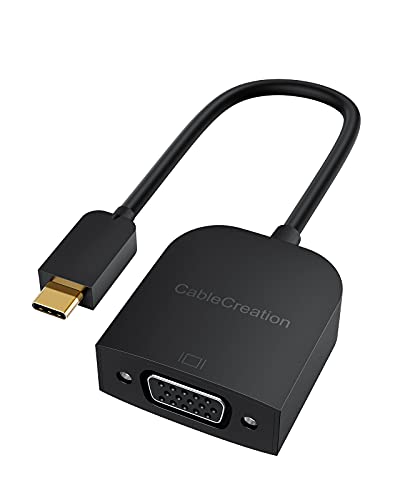
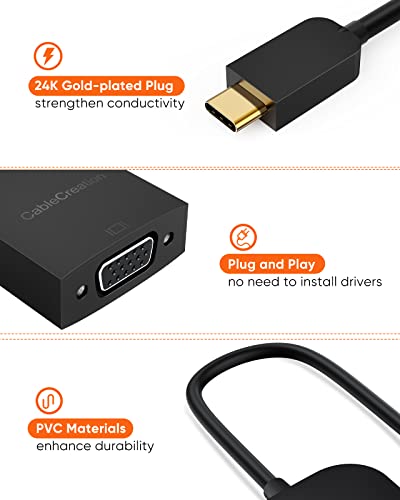
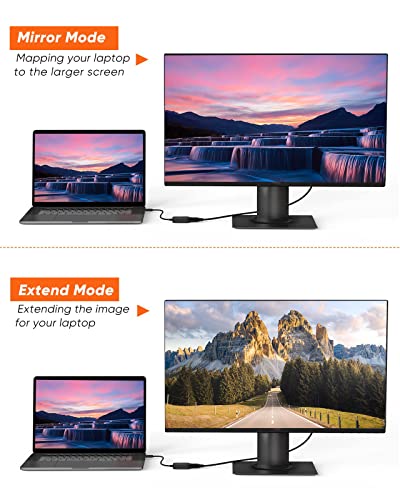
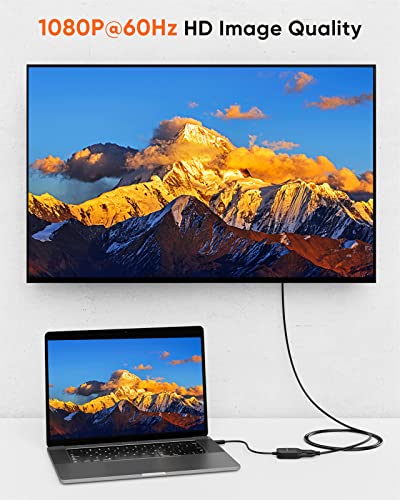
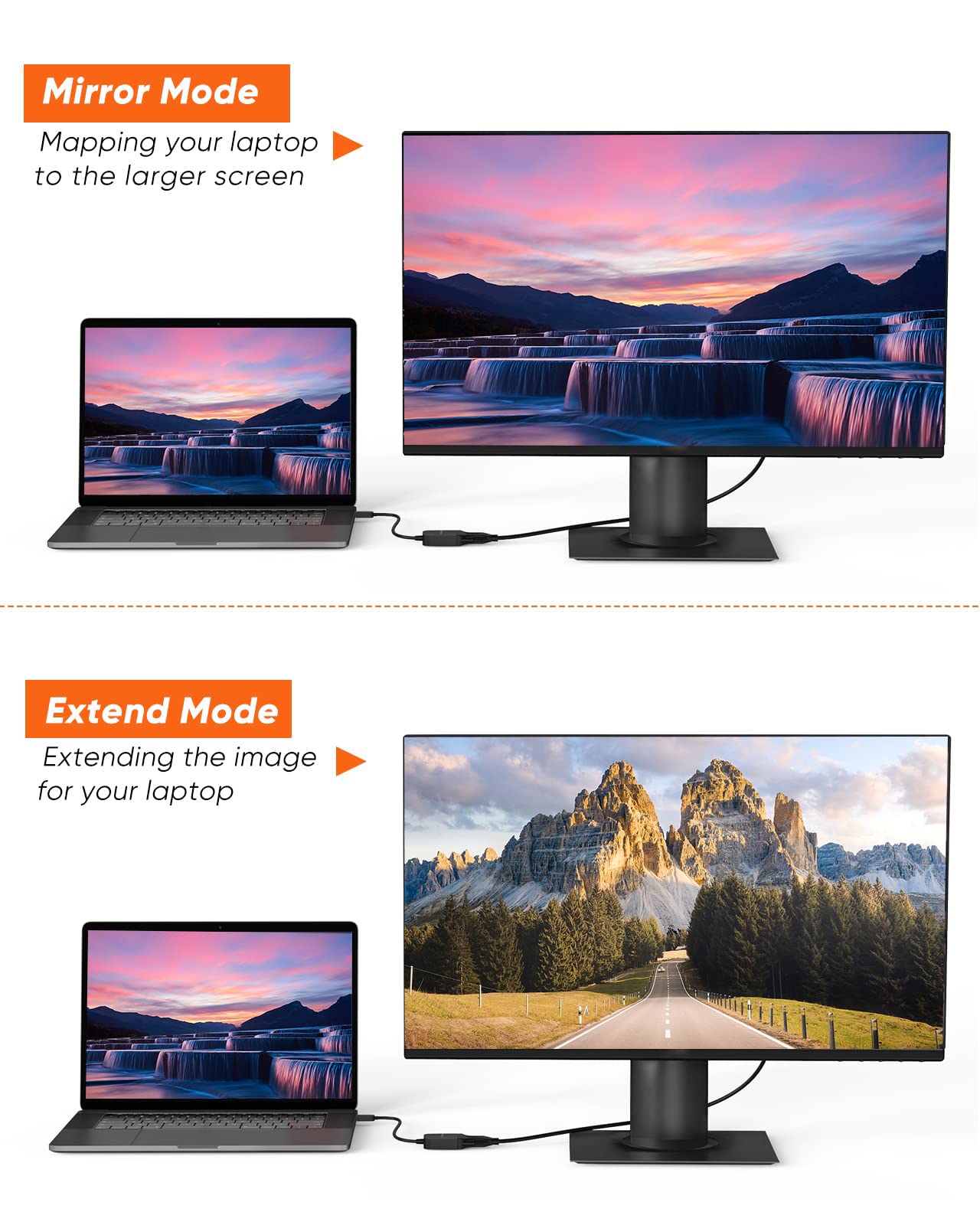
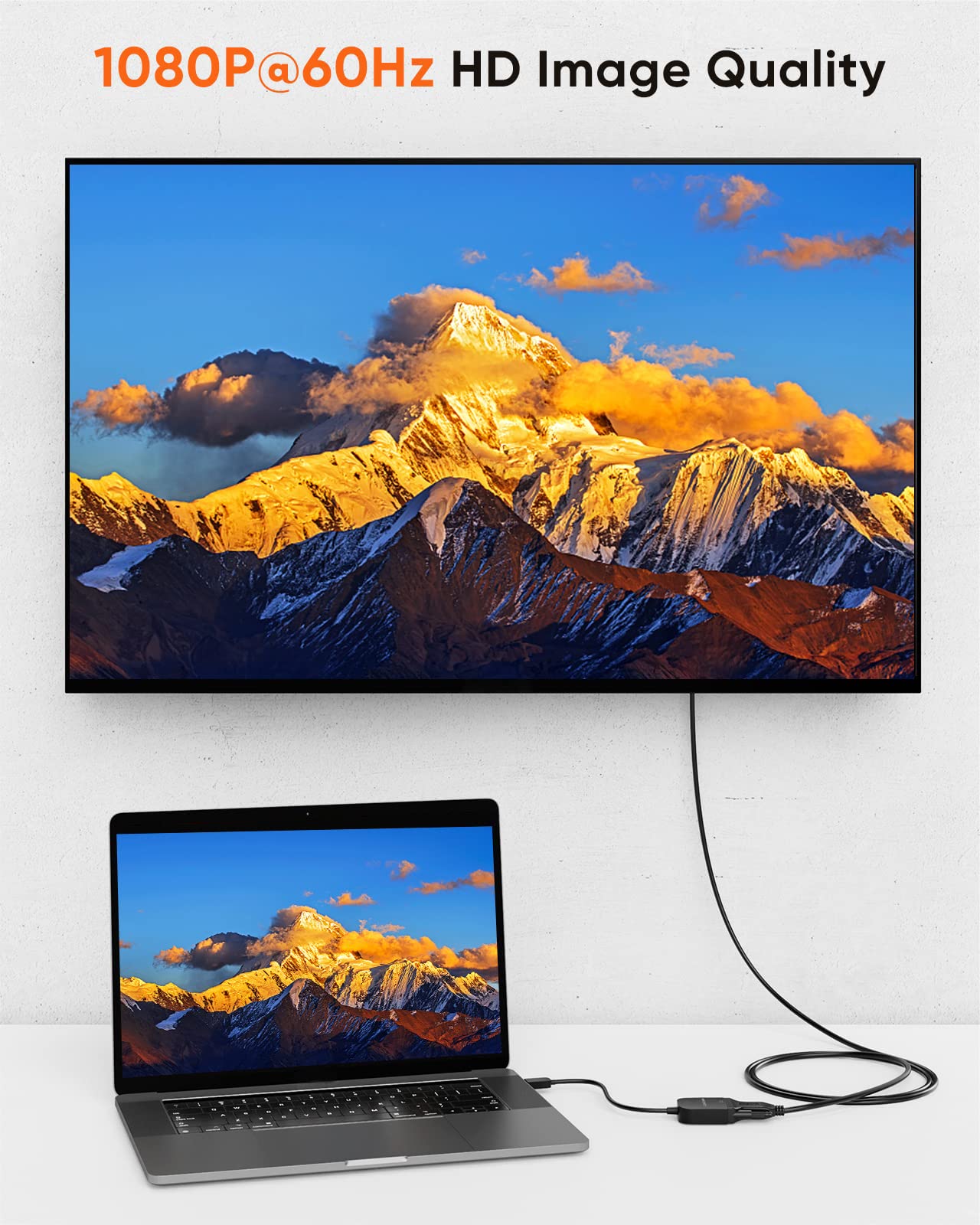
The CableCreation USB C to VGA Adapter delivers sharp 1080P@60Hz video output, compatible with Thunderbolt 3/4 and a wide range of USB-C devices. Its compact, plug-and-play design with a gold-plated connector ensures reliable, high-quality signal transmission for professional presentations, remote work, and multimedia streaming.




| ASIN | B08HYTMQW7 |
| Best Sellers Rank | #11,313 in Computers & Accessories ( See Top 100 in Computers & Accessories ) #43 in USB-VGA Adapters |
| Brand | CableCreation |
| Brand Name | CableCreation |
| Colour | Black-1920 x 1200@60HZ |
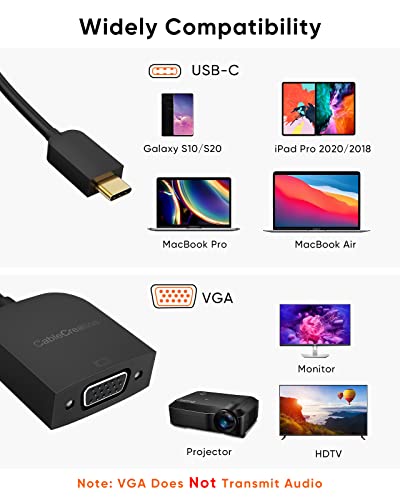
| Compatible Devices | Monitor , Tablet , PC , Laptop , TV , Smartphone , Projector |
| Connector Type | USB Type C, VGA |
| Country of Origin | China |
| Current Rating | 3 Amps |
| Customer Reviews | 4.2 out of 5 stars 3,499 Reviews |
| Finish Type | Matte |
| Importer Contact Information | Company Name:Tiger Pug Commerce Pvt.Ltd,Tel : 022-26810881,Email : [email protected] |
| Input Voltage | 240 Volts |
| Item Height | 0.2 micrometer |
| Item Package Quantity | 1 |
| Item Weight Unit of Measure | 0.02 Kilograms |
| Manufacturer | CableCreation |
| Model Number | CD0772 |
| Nominal Power | 7.5 Watts |
| Number of Items | 1 |
| Number of Ports | 2 |
| Power Plug Type | No Plug |
| Product Finish Type | Matte |
| Specific Uses For Product | Monitor,Projector,Tv |
| Unit Count | 1 Count |
| Warranty Type | Limited |
K**R
Excellent Quality
Very nice product. No issues yet after using it for 3 years. Go for it.
J**A
Works instantly!
Nice adapter for USB C to DP. Excellent clarity and works as described. I needed to use second input on my Dell monitor as the only HDMI port on the monitor was already occupied. So got this adapter to use Display port. A bit expensive for its size but there is no cheaper option either. Just go for it as it works well.
A**H
It just works. Premium and supports ultrawide
I recently bought a ultrawide monitor and for 144hz I needed display port. The monitor came with display port cable but the laptop had mini display port only. After researching and looking at some dp-mini-dp cables and dp-dp -> dp-mini-dp convertors I got scared about the monitor port or GPU frying since alot of cables are not vesa certified etc. And so I decided to buy a dp-dp -> dp-usbc convertor as I trusted that the monitor cable was vesa certified. This connector has worked great it looks and feels very premium to touch and see. It heats a little bit on long hours of heavy gaming but easily supports 3440*1440p with HDR @144hz with freesync/gsync
S**R
Finally, one that works well
I was looking to use the DP output of my Asus Tuf A15 laptop for G-Sync support. Initially, I had assumed that any compatible cable will work, but soon realised that some of the cheaper cables are really not designed to properly follow the standard. Two of the cables (Choetech, Congo) didn’t even work with the laptop while they did with a mobile device. The third one (Oxlaw) worked but was prone to interference from surrounding devices and switches causing it to blank out intermittently. Kudos to Amazon to accept return for all 3, though I did feel like a cable tester going blindly through all the options in the absence of any information in the product description. Eventually, I found this adapter pop up in the search results one day priced at 799. As I already had a DP-DP cable, this option turned out to be cheaper than buying a USB-C to DP cable with which I faced all the issues listed above. This works really well. There is no issue of interference and G-Sync works fine at 2K and 144 Hz which happens to be my current monitor setup. Overall, would recommend this adapter over any of the cables. Also, it is really small, smaller than I expected it to be, which makes it cute really. The ABS does feel cheap compared to aluminium casing, but can’t complain for the price.
S**J
Not working and since day one after replacement
With a great expectation, I have brought this for my hp laptop to get connect with projector as my lappy doesn't have HDMI port. For the first time it is not working, i have exchanged the product and received the new one. Even the new cable also not working and now i do not have the option for replacement or completely return. Bought this worst & low qualuty of cable @1195 rupees...... Totally waste of money and time
D**G
Good quality purchase
Works well with my Macbook 16" M3 pro and thinkpad L13 with 11th gen intel processor. Getting 4k 240hz output on both when connected via type c thunderbolt ports (both laptops have type c ports as thunderbolt). Works well on Linux and MacOS.
M**P
Working as expected
It worked in my both Avita Liber V14 and ASUF TUF A17 to connect with LG Ultawide 29" monitor. I have an extra DisplayPort cable and Avita has HDMI input and Type C (Display Out). I connected Type C of this adapter to Avita and 2nd end with with my extra displayport monitor cable. I may change review later as I dont know about durability I am writing this much details, because I felt confusing while choosing one.
R**N
Does not dissapoint. Cable Creation makes the best products. Quality unmatched.
Cable creation never disappoints. This is my 4th Cable Creation product. This review is for people who own a Apple Macbook Air M1 2020. Apple Macbook Air M1 2020 has a thunderbolt 3 port which is limited to 120Hz, so at full resolution it can only push 120Hz, which this adapter handles without any sweat. I use this adapter with an Alienware AW3225QF 4K monitor and a Display Port 1.4 certified cable you can achieve full 4K 120Hz or 2K 240Hz(low resolution), with HDR. But please keep in mind since I am using a 4K monitor, my Macbook M1 Air has to push the amount of pixels to a display that the Macbook doesn't support. Macbooks support 5K displays, since I am using a 4K display it takes additional processing power which might slow things down during graphic intensive tasks like illustrations and designing. Just keep your laptop properly ventilated in a cool room probably under an AC(that's what I do). Your electronic devices will thank you. The adapter will heat up and that is normal, keep everything ventilated and you will be fine. Remember, lower resolution will give you better refresh rates but that all depends on your laptop/device's processing power. Using a compatible windows laptop you can achieve full 4K, 240Hz. Check the screenshots attached.
Trustpilot
Hace 4 días
Hace 2 días