We remain fully operational. Our teams are working around the clock to ensure your deliveries continue safely.

Descargar la aplicación


Servicios al cliente
Sobre nosotros
Copyright © 2025 Desertcart Holdings Limited
Descargar la aplicación

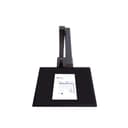

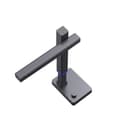
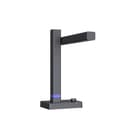

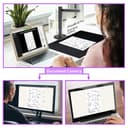
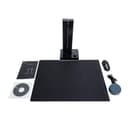
📚 Elevate your workspace: Scan, teach, and archive like a pro with CZUR Shine800-A3-Pro!
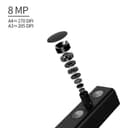
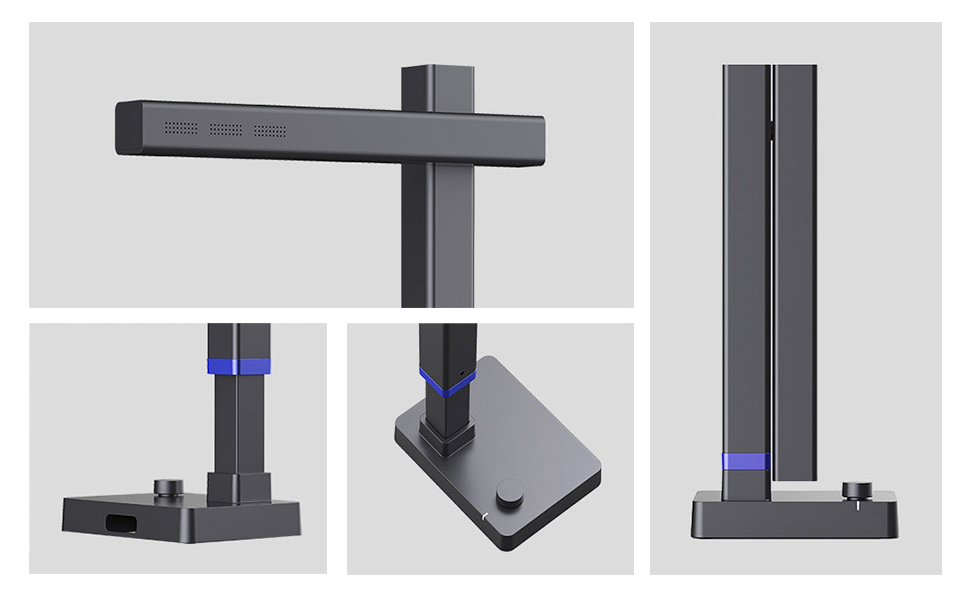
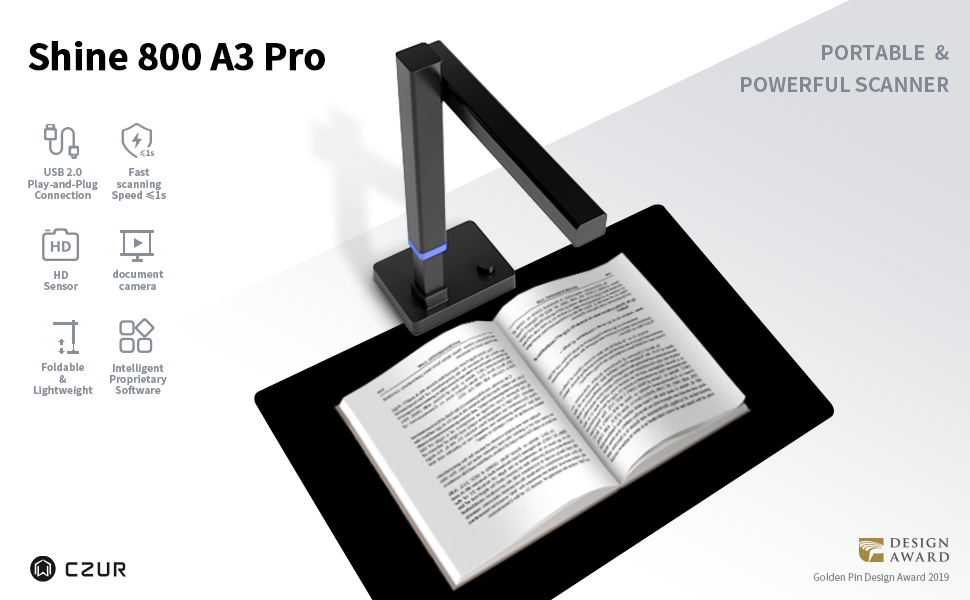
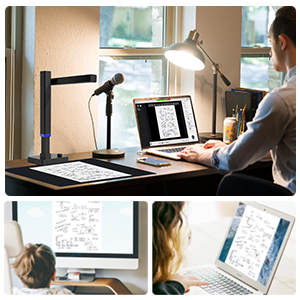
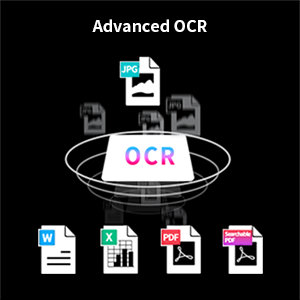
The CZUR Shine800-A3-Pro is a professional-grade, height-adjustable USB document camera and scanner designed for A3 and A4 documents. It features ultra-fast scanning speeds under 1 second per page, an 8MP CMOS sensor delivering up to 300 DPI resolution, and AI-powered OCR supporting over 180 languages. Compatible with Windows XP through 11 and macOS 10.13+, it doubles as a document camera for remote teaching with seamless integration into Zoom, Skype, and Google Meet. Its lightweight, foldable design with a foot pedal ensures ergonomic, portable use—ideal for professionals digitizing documents, teaching remotely, or archiving materials.






| ASIN | B08JLQ8SNN |
| Best Sellers Rank | #31,890 in Office Products ( See Top 100 in Office Products ) #36 in Document Scanners |
| Brand | CZUR |
| Color Depth | 24 bpp |
| Connection Type | USB |
| Connectivity Technology | USB |
| Customer Reviews | 4.1 out of 5 stars 88 Reviews |
| Item Weight | 2.2 Pounds |
| Light Source Type | LED |
| Manufacturer | CZUR |
| Media Type | USB |
| Minimum System Requirements | Windows XP |
| Model Name | CZUR Book Assistive Cover |
| Optical Sensor Technology | CMOS |
| Paper Size | A4 |
| Resolution | 300 |
| Scanner Type | Document, Photo |
| Standard Sheet Capacity | 1 |
| Unit Count | 1 Count |
B**O
Archives? Home use? This scanner has you covered!
This is an excellent product that is very handy for graduate students. If you are working with archival sources, taking this portable scanner along to the archive will make it much easier than using a phone or camera. You can pack it in most backpacks and carry it around with your laptop, which is the only other thing you need. It is quite small and light, but also can scan up to A3, which means you can put more documents together. The scanner is quick, readable and has many customization options for the scans (size, dimensions, OCR). It is also quite affordable and you get the proprietary software, as well as the excellent support for the scanner. Taken together, highly recommend for professional research use (recommended it for many colleagues), or even at home if you need to scan some paperwork.
C**E
Better than expected
As a school librarian, I needed something that would work well for archiving old materials. Also, in this time of COVID, this works excellently as a document camera for still images, and recorded videos. The greatest surprise to me is that this includes a microphone, making it also suitable as a webcam for remote teaching. All in all, while perhaps a little pricey, it serves as a high quality camera with multiple uses. The scanner is quick and easy to setup with its USB cable and foot pedal. The software enables the scanner to take pictures and do archival tasks easily, but the computer recognizes it is a camera regardless so that any video conferencing program you use (Zoom, Skype, Google Meet, etc) will simply recognize it as a webcam and microphone without the need to install any software. The form factor is beautifully designed, in that it folds up nicely for storage and has a small footprint that barely take up any space. Would I recommend this for the average person to purchase, probably not, BUT for the librarian/teacher/archivist, or other professional who needs to digitize a lot of their work, this multi-tasker is THE tool to buy!!
R**G
Fast As Light
I bought this to replace my old Epson flatbed scanner, using it to scan sheet music into the computer. The Epson flatbed served me well for 25 years, even though it took about 30 seconds to scan one page. When you're doing a 30-page score, it was a real chore. This CZUR Shine 800 A3 is for larger target sizes. Perfect for sheet music and songbooks. And it is fast! Merely step on the footswitch and you're done. No worry about light bleeds, crooked scans or holding down the scanner lid for those thick books. The only negative part of the install process was the driver. The installation CD was blank. No problem. Finding the driver on the Internet, however, involved cross-checking serial and model numbers. Why companies force customers to type 20-digit numbers on a piece of hardware, I'll never know. Neither does the software support standard CTRL-C and CTRL-V copy/paste functions. Once you pass the driver installation, simply place your source material on the black mat, mash the foot switch, and save to your drive. If OCR is your game, there is a wide variety of export formats, including PDF, DOCX, etc to choose from. The only available graphics format is JPG, unfortunately. Not an issue with today's modern graphics packages, but PNG would have been nice. Last but not least, is the book scanning feature. While CZUR puts a lot of faith into the "smart" features, I found it difficult. The songbook I used as a test just didn't scan well. The idea for the footswitch was driven by the user having to hold the book edges, holding both hands hostage. Still, you end up with a nasty curve at the top and bottom of the double-page document. The only solution (besides living with it) is to buy a piece of heavy glass to lay on top of the book. Plexi-glass tends to get foggy and scratched with constant handling. BOTTOM LINE: If you're into speed and quality, this scanner is optimal. Even with the sub-optimal software, it's a great piece of hardware.
A**R
Great Scanner
I love my new scanner!!! So glad I got it! I was going to a Craft weekend and scanning different size photos from small up to 12x12 and it worked great!!! So easy to set up and start working on my projects!!! The foot pedal is the greatest!!! How easy to put the picture don on the mat and hit the foot pedal!!! So Easy!!! I got so much done that weekend - can't wait to do more!!! I just brought it in the box it came in and it worked out great! - very portable! Great value and was an Amazon Choice! Would recommend!
L**I
Product description deceptive, NOT DOC camera, scans fine
I got this because it was advertised as a scanner and a document camera in one. The document scanner feature is software dependent. However, the software version that has that feature is not available for this model of the scanner. There is only one scanner manual that actually lists the document camera feature and its the most expensive scanner. I reached out to customer support, listing my exact scanner and they sent back a screen shot of the software with the feature, but failed to acknowledge what software version I should have. I sent back showing I have the most up to date software for my scanner model (Shine 800 A3 Pro) software version 2.1. And showed that my software does not have the feature they listed. I still have not heard back from customer support after sending screen shots. EDIT: I heard back that the software to use the scanner as a doc camera is only currently available for Mac and they are "hoping" to have it available for Windows at the end of Nov. They really should have put this in the product description. Its really disappointing that they sell it as a doc camera and scanner but fail to mention that its only one model that has the actual feature. The scanner works well that is why I gave it 3 stars and if a scanner is all I needed I would have given it 4 maybe 5 stars. I am not pleased with the customer support and the deceptive advertising.
J**0
Semi-Easy setup, Scans fast and clear
I have tested a bunch of these CZUR scanners now and this one operates the same as the other scanners I have tested. Install the application/driver and then just put documents under it and press the button. This takes like 2-5 seconds to take a clear picture and it self aligns it so that everything looks professionally scanned. Really easy to use it for multiple documents as opposed to a ADF scanner which often gets jammed (personal experience). I used this to scan 40 documents for a mortgage Refi and it took me about 2 minutes. Text is clear and crisp. The coolest thing about these scanners though is that you can scan objects that AREN'T papers and use the images for your PC easily. I have scanned boxes of items for sale, phones, post-it notes, and childrens toys to make coloring books. If you do image editing then the sky is the limit with these scanners. I like that this one is pretty compact and light compared to the original ones I tested (although this one is for a smaller format so it makes sense). As far as driver installation; I haven't had much of an issue installing from the website. However when plugging the scanner into a USB-Hub I have had an issue sometimes where the scanner isn't detected by the PC. It seems to be hit and miss and sometimes turning the scanner back on fixes the problem and other times you have to re-launch the software. Just wanted to put it out there for anyone who has this issue. Overall I am very satisfied!
A**N
Misleading Advertising
even though Shine800 A3 Pro is depicted literally scanning a book, It doesn't seem like there is anything in software that allows it to do so and my product didn't come with the pieces that allow you to hold the pages down. Works fine a basic scanner and you can manipulate manual capture to exclude your fingers but zero smart features exist to digitize a book sides the basic page with walls of text on two sides. You have to go to the website to download software (and enter a product key) but the windows software version, regardless of version, is "CZUR Shine 2.2.240123" for several different models
L**W
Total Junk - iPhone 8 Takes Better Images
It is unfathomable how this device has received so many good reviews. At the highest DPI, best quality JPG output this turned an 11 x 14 inch page into a muddy unreadable mess that, inexplicably, had a max size of 9 x 12 inches at the default 256 DPI. See the photo showing example of this camera set to default DPI and max JPG file quality. and exact same page taken with my iPhone 8. That's right an iPhone that is 4 models old takes a photo 100x better than this camera. Also note the iPhone 8 is 12 megapixels and this Shine 800 is 8 megapixals, but the photo taken with the iPhone is only 72 DPI and is is still miles ahead of the Shine 800 image quality. The image size of the iPhone picture is a whopping 42 x 56 inches! How did Shine Pro take an 11x14 inch paper and make the image smaller than the original? The photo was taken with Shine 800 camera lowered to a point where it barely included any of the black mat so it was "zoomed in" at the full size of the paper. And look at the quality of the color between the two. The Shine 800 was set to Color with no other filters or auto-correction turned on and had zero editing done afterward. I simply opened both images and took a side by side screenshot on the Mac. One further mystery... if I turned the DPI up to the allowed max of 300 DPI, it actually made the output image even smaller in size at 8 x 10 inches. Immediately boxed this back up and returned for refund.
Trustpilot
Hace 2 semanas
Hace 3 días