
Descargar la aplicación


Servicios al cliente
Sobre nosotros
Copyright © 2025 Desertcart Holdings Limited
Descargar la aplicación
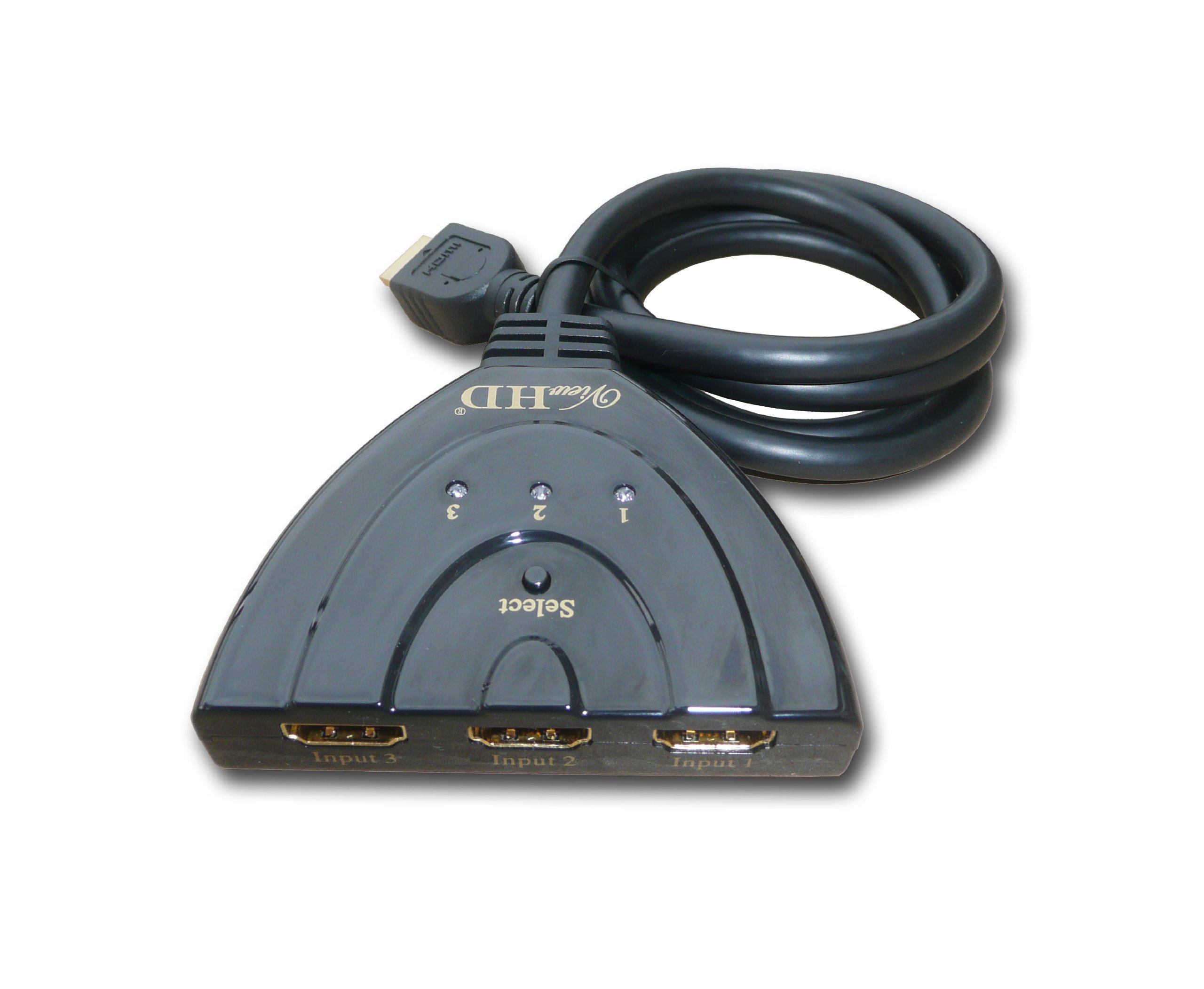
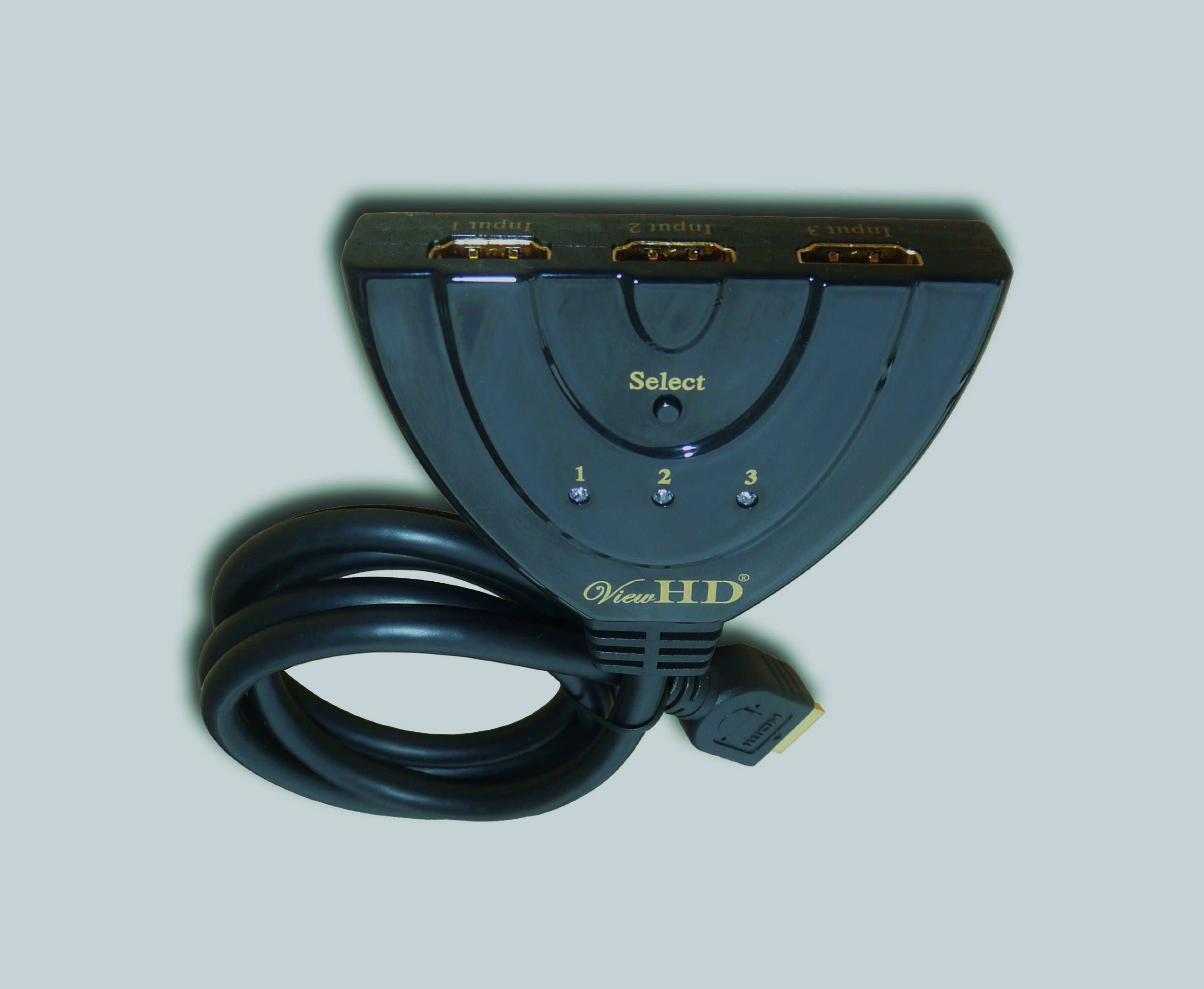
🎮 Elevate Your Entertainment Experience!
The ViewHD Premium Quality 3 Port HDMI Switcher is designed for seamless connectivity and high-definition performance. With automatic switching, it supports multiple devices like Blu-ray players and gaming consoles, delivering stunning visuals and rich audio. The included 3FT pigtail cable ensures a hassle-free setup, making it the perfect addition to any home entertainment system.
R**R
Picture looked just as good as if the hdmi for either the pc or ...
I originally went with the nicer looking/more expensive Kinivo splitter last spring to split my pc and ps4 into my one monitor hdmi port. I when through three units (one was the original, two were replacements). Afterwards I went with my fall back option, which is this very product. I plugged it in and I have been using it without issue for a year now. Picture looked just as good as if the hdmi for either the pc or ps4 was directly plugged into the monitor, and the audio was equally unchanged. The auto switch works perfectly. As soon as you turn something on, it switches over to that device, if you turn it off, it switches over to the next powered device on your switcher. But make sure you don't turn on a device if you don't plan on using it right away, cause it will switch over and you will have to manually switch it back.The only issues that I have seen with the splitter are as followed with the PS4. If you set your PS4 for rest mode instead of power off, the switcher will still recognize it as one, cause it technically is. This means if you want your PS4 in rest mode, you will have to manually switch back to whatever else you want to use. There is also an interruption when using a capture card, more specifically the Elgato HD60. Technically you are routing the PS4 through the Elgato, which is powered by the PC. Meaning that when the PC is on, the Elgato is on. This is not an issue when everything is off and you go to turn on your PC. But now when you go to turn off your PS4, the switcher does not recognize that the PS4 has turned off, because it is still receiving a signal from the Elgato. So ones again you have to manually switch with the button on the device.Now these few automatic switching issues are very specific to a small amount of people, and for the type of people they will affect, most of them will be using this at a desk, with the manual switching button within arms reach. Because 95%+ of people do not fall into this range and since it works perfectly for what I need, this is an easy 5 stars.However if you are someone who wants this for a TV and are using multiple devices that are constantly on, such as a cable box and fire tv stick, or someone who likes to keep their PS4 in rest mode, or someone who uses an Elgato from a TV/Laptop set up, you may want to go with an option that comes with a remote for when the auto switching doesn't work.
H**Y
Nice Compact HDMI Splitter, But Auto Switch Does Not Work
Great for helping to expand the number of HDMI ports on my TV and offers a number of great features compared to other HDMI splitters:1. does not require a separate power cord2. includes its own HDMI cord to connect to a single source on the output side3. small and easy to hide (mounted mine to back of TV using 3M double back tape)That being said, the only problem I am having with the unit I purchased is that it does not automatically switch between sources when one is powered up (product name states "Auto Switch"). The 2 devices that I have plugged in are my Fire TV and a DVD player.Obviously if both devices are powered up I can see that there would be a conflict on which to select, but since the DVD player has a power button (Fire TV does not), the Auto Switch should cut back to the Fire TV when the DVD player's power is turned off which it does not.So not sure if I received a defective unit, but I have to manually switch between sources using the button on the top.Also as some others have mentioned, there is a few seconds of audio static when the TV is first turned on or sometimes when switching between sources.Overall I like this device and find it very useful but was really hoping that it would switch between my input sources so I would not have to get up to do it manually.
M**K
works perfect.
10/11/2013-I have a 4 hdmi slot tv. i needed a 5th due to the xbox1 and ps4 coming out. i have an xbox 360, ps3, wiiu hooked up currently on different slot ports. i unhooked all cables and plugged those 3 into this. I tested it on slot 1 and i must say it works like a charm. Auto switch works great. Turned on one system and it lit up. Tested on all 3 and they all work great. only downside is the cable is 3 feet long only. I have my tv mounted so i had to hide it behind the tv ,but hey it worked. 10/12/2013- day 2 into this and the screen loses connection occassionally. It has disconnected 4 times already . I have to unplug and plug back. When this stays on it works great. Gonna contact the company and see what they say. 10/17/2013 - Contacted the company and they gave info that i already knew. That the power comes from the source blah, blah, and blah. The issue has been corrected. The Wiiu was off,but it had a disc in it, so it was keeping the system powered on. So when my screen turning off , it was actually changing to the WiiU. I didnt notice it because the WiiU wasnt actually on, it was just using power since it had a disc in it. So i just moved the Wiiu to a HDMI port on the tv and now just have the 360 and ps3 together. Works great! The thing i love about this product is as soon as i turn off the ps3 and move to the 360 , it just changes.For the pigtail to work properly ,only one device can be turned on at a time, or at least make sure the other devices are not generating any power.
T**6
Works "ok" but not perfectly
We installed the HDMI switcher for use with our XBox 360 and Blu-ray player. We have experienced several hiccups in the use and have isolated it to the switcher. First, we have to have to select the HDMI port that we wish to use (on the TV) before we turn on the device we wish to use. Failing that the switcher will not we send a signal to the TV and we have to manually operate the switcher. We know it's the switcher since the same sequencing is not required if the Blu-ray or XBox is plugged into the TV's HDMI port directly. Ultimately it's not a big inconvenience, but since this was supposed to be automatic it is irritating.The item was sufficiently inexpensive, so we'll make due with the minor inconvenience.
Trustpilot
Hace 2 meses
Hace 1 día