
Descargar la aplicación


Servicios al cliente
Sobre nosotros
Copyright © 2025 Desertcart Holdings Limited
Descargar la aplicación
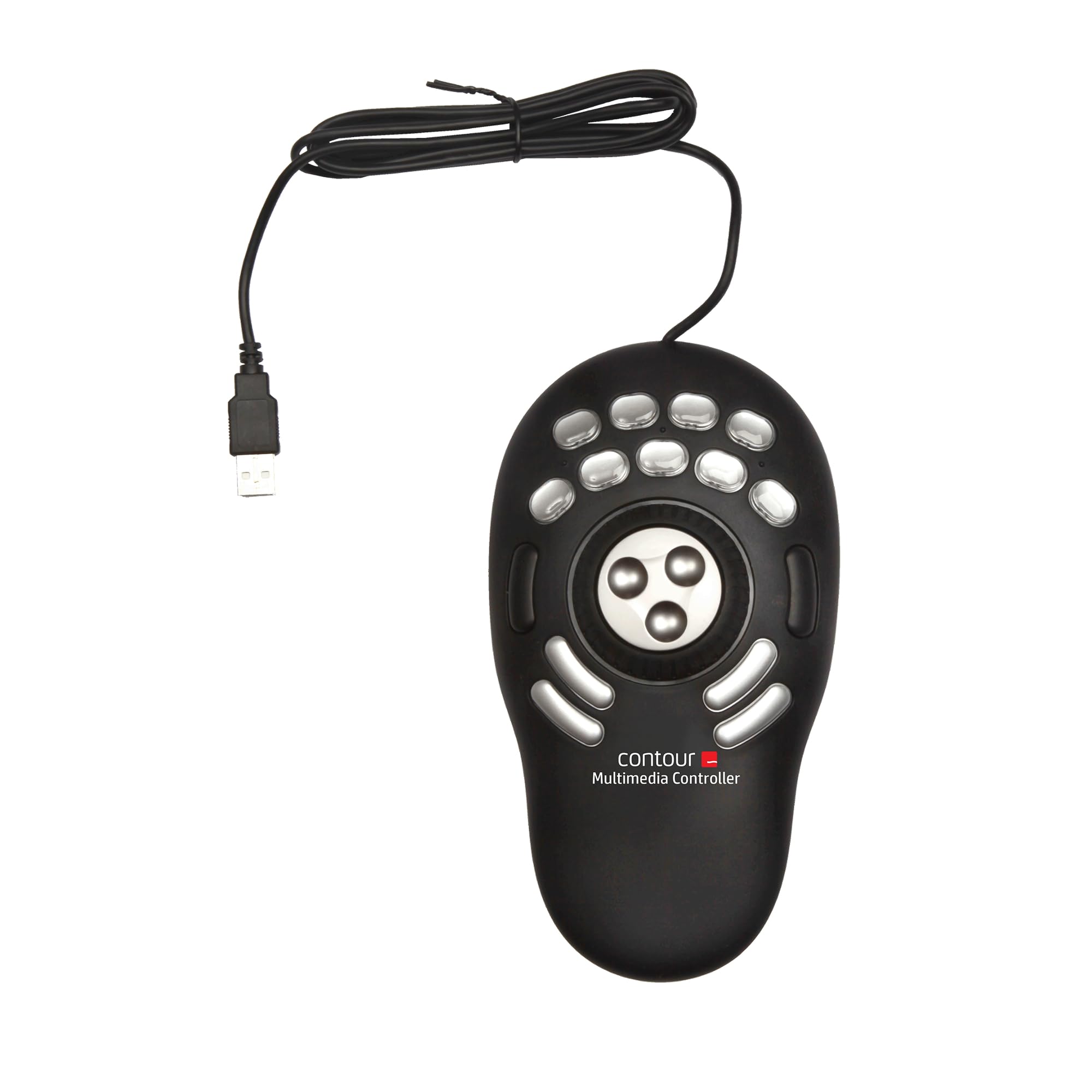
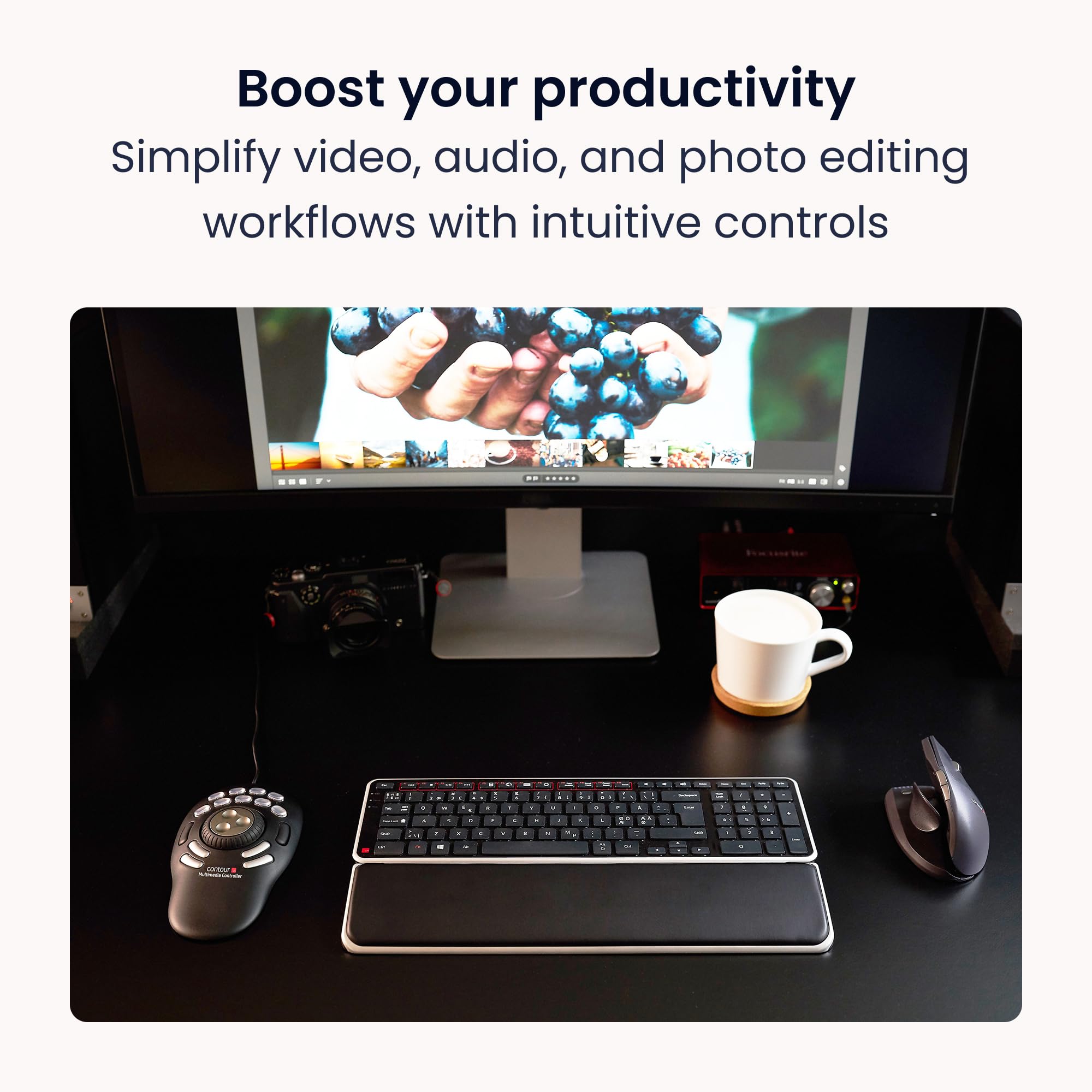
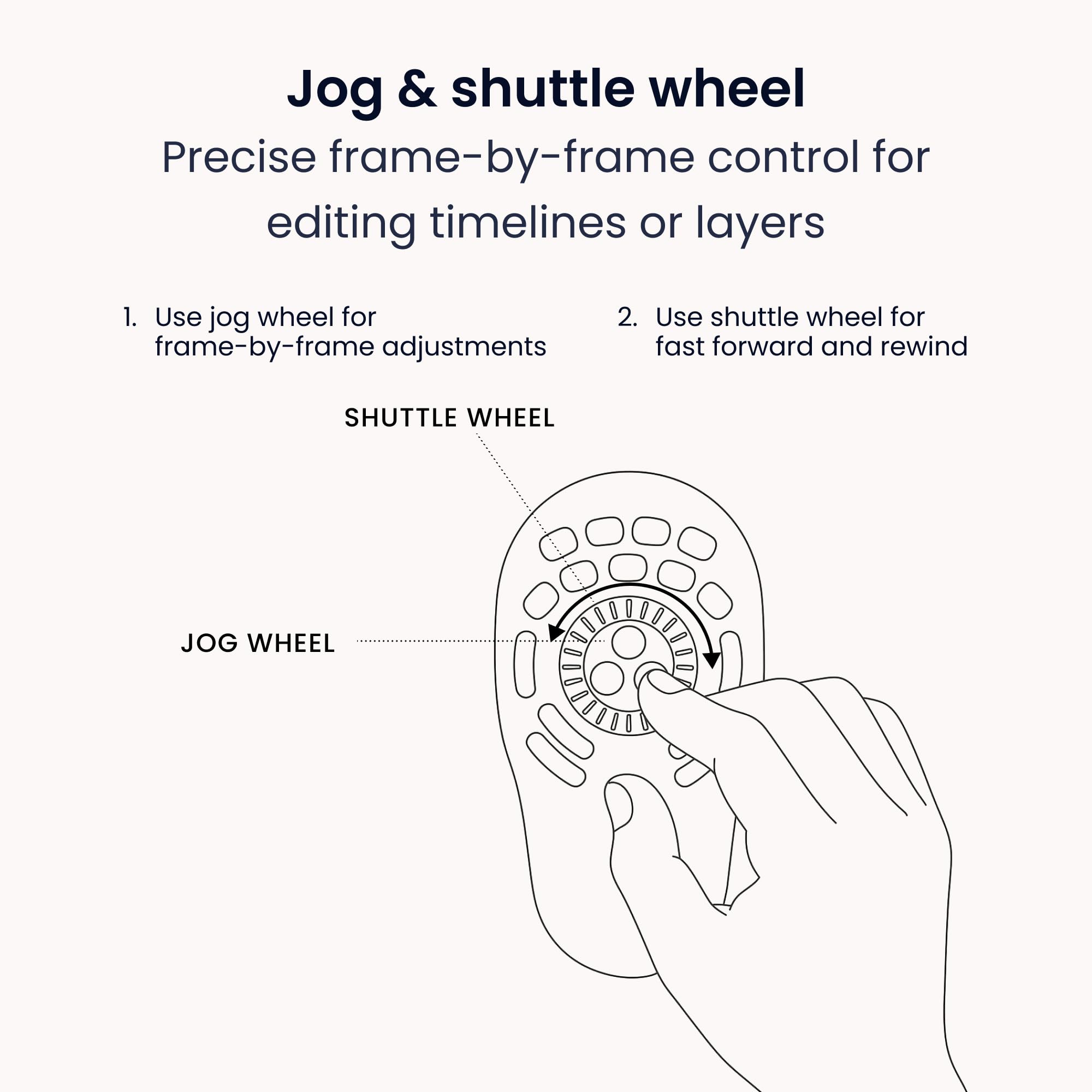
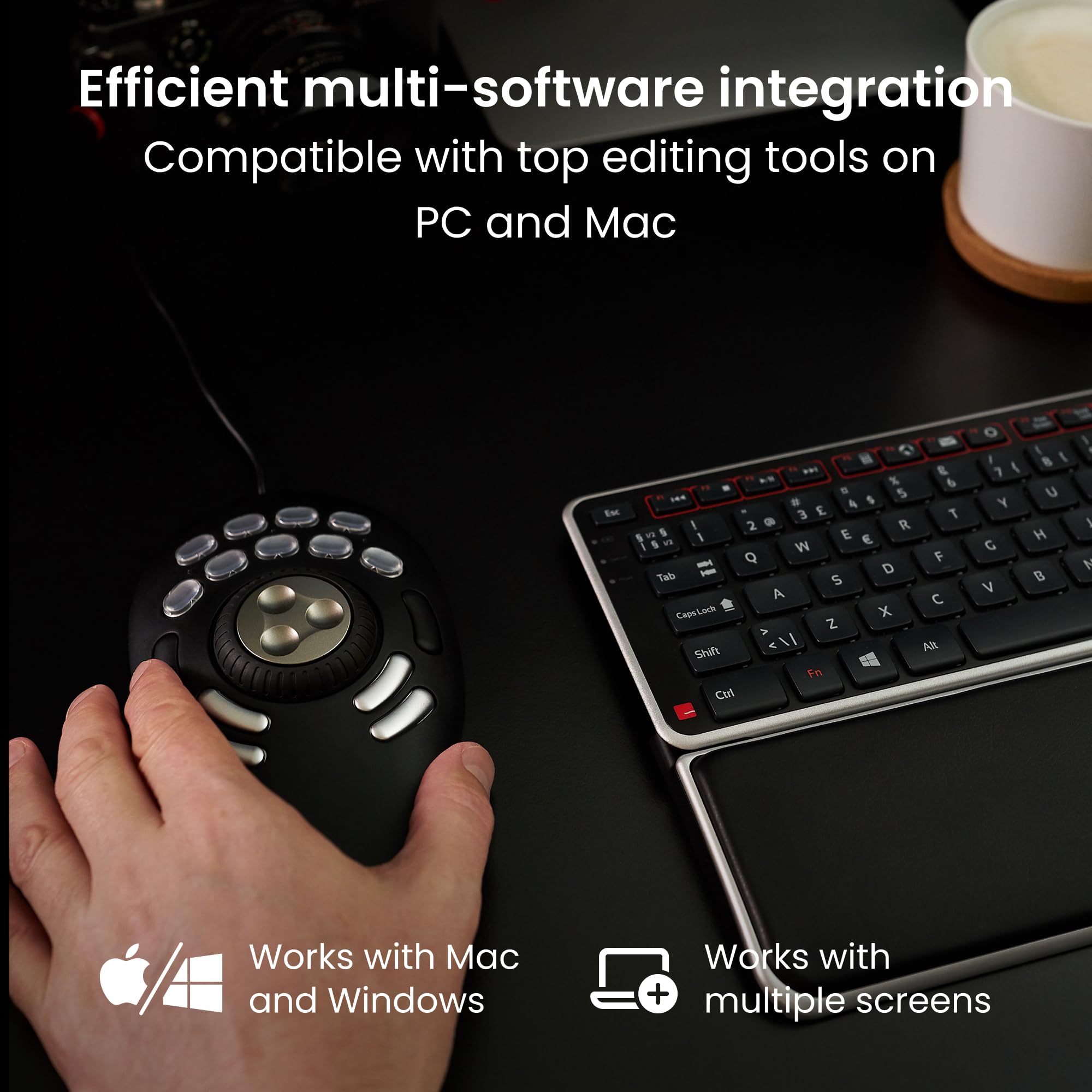
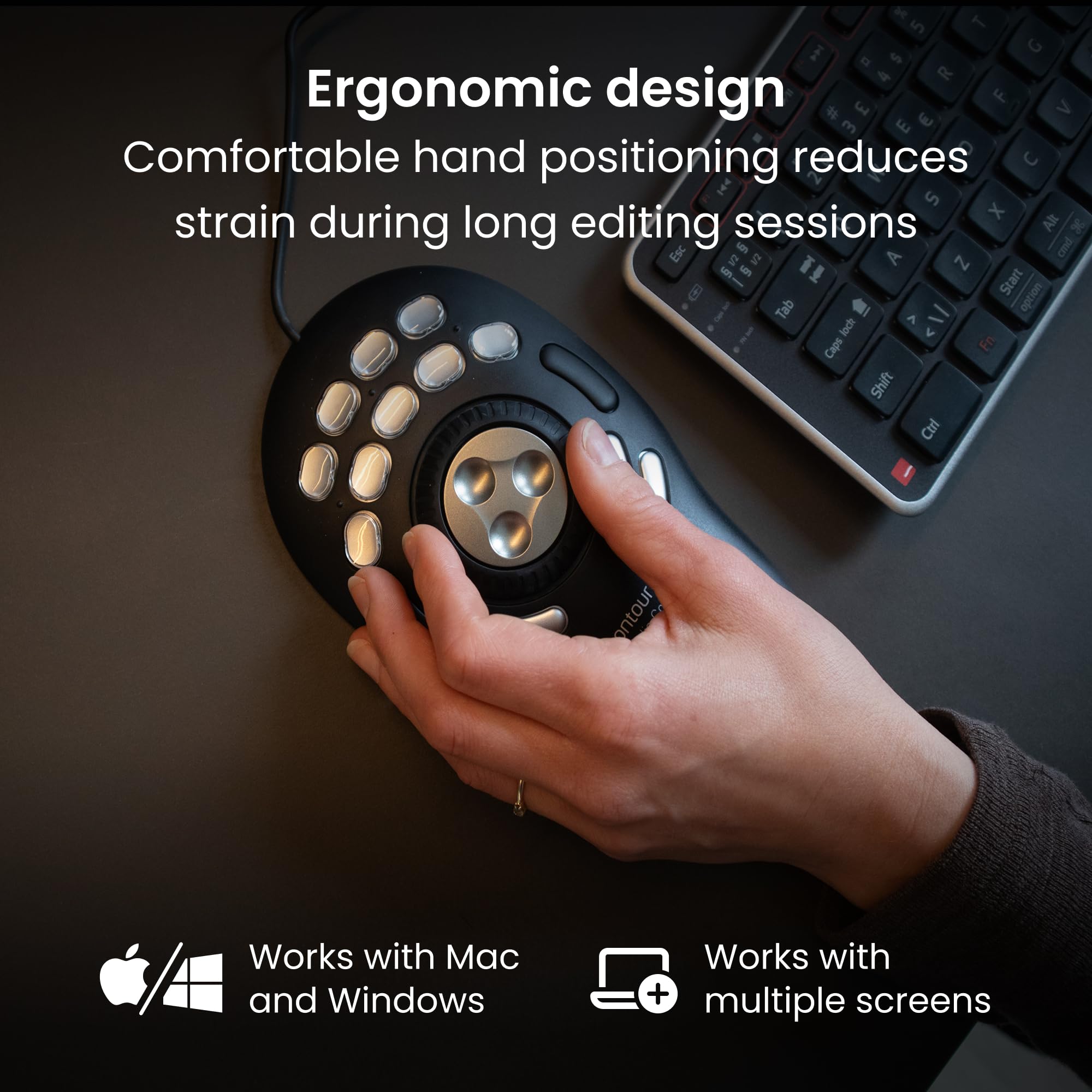
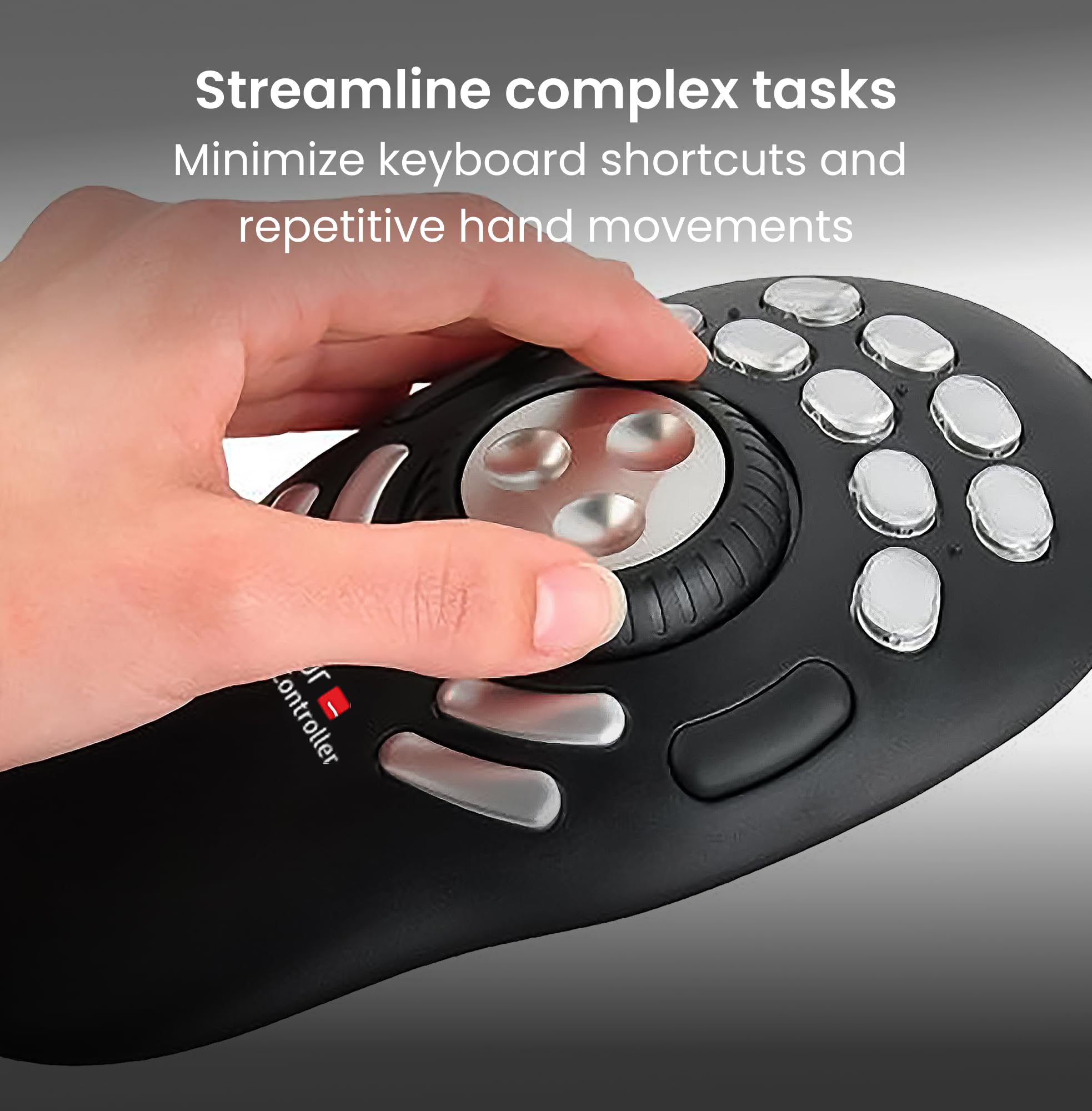
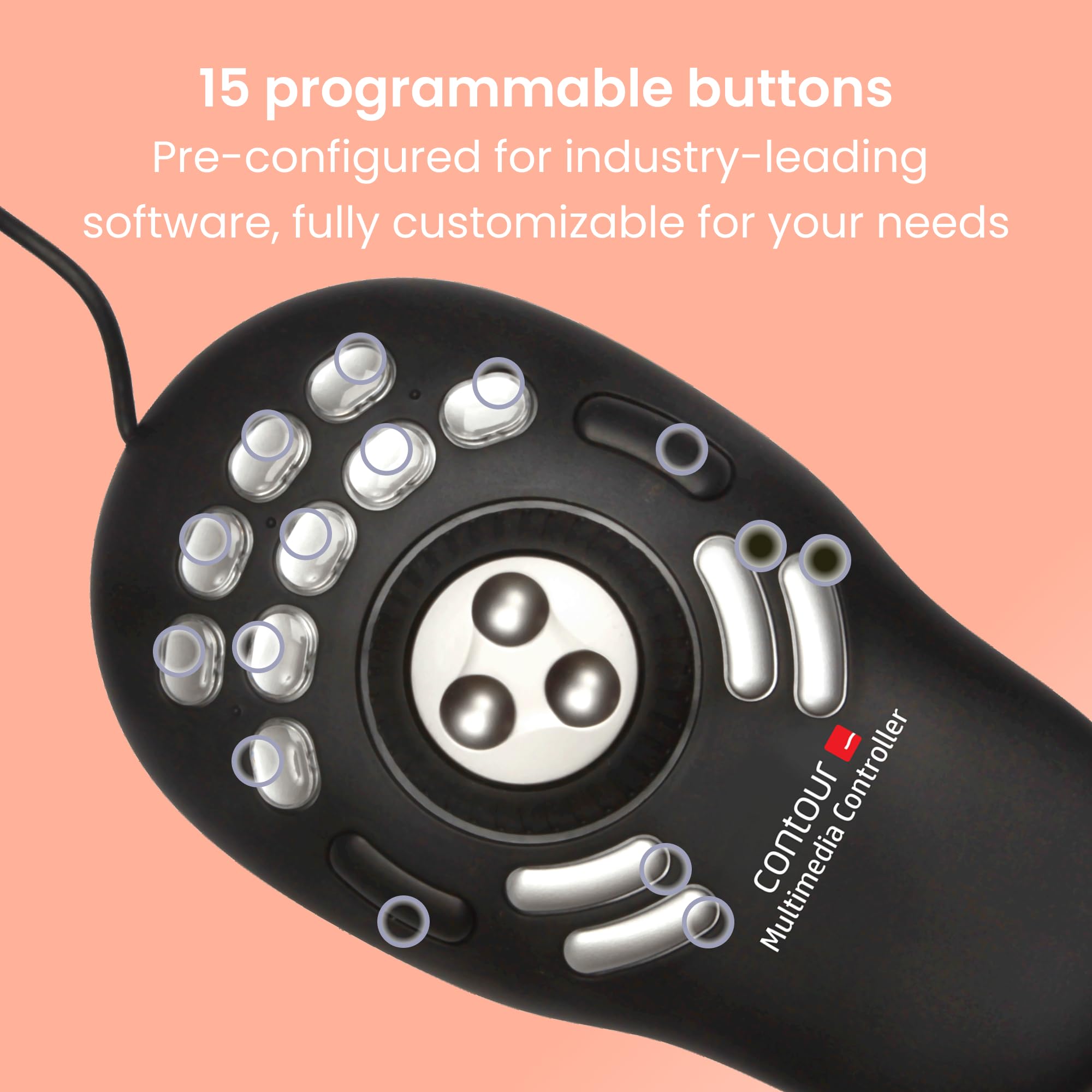
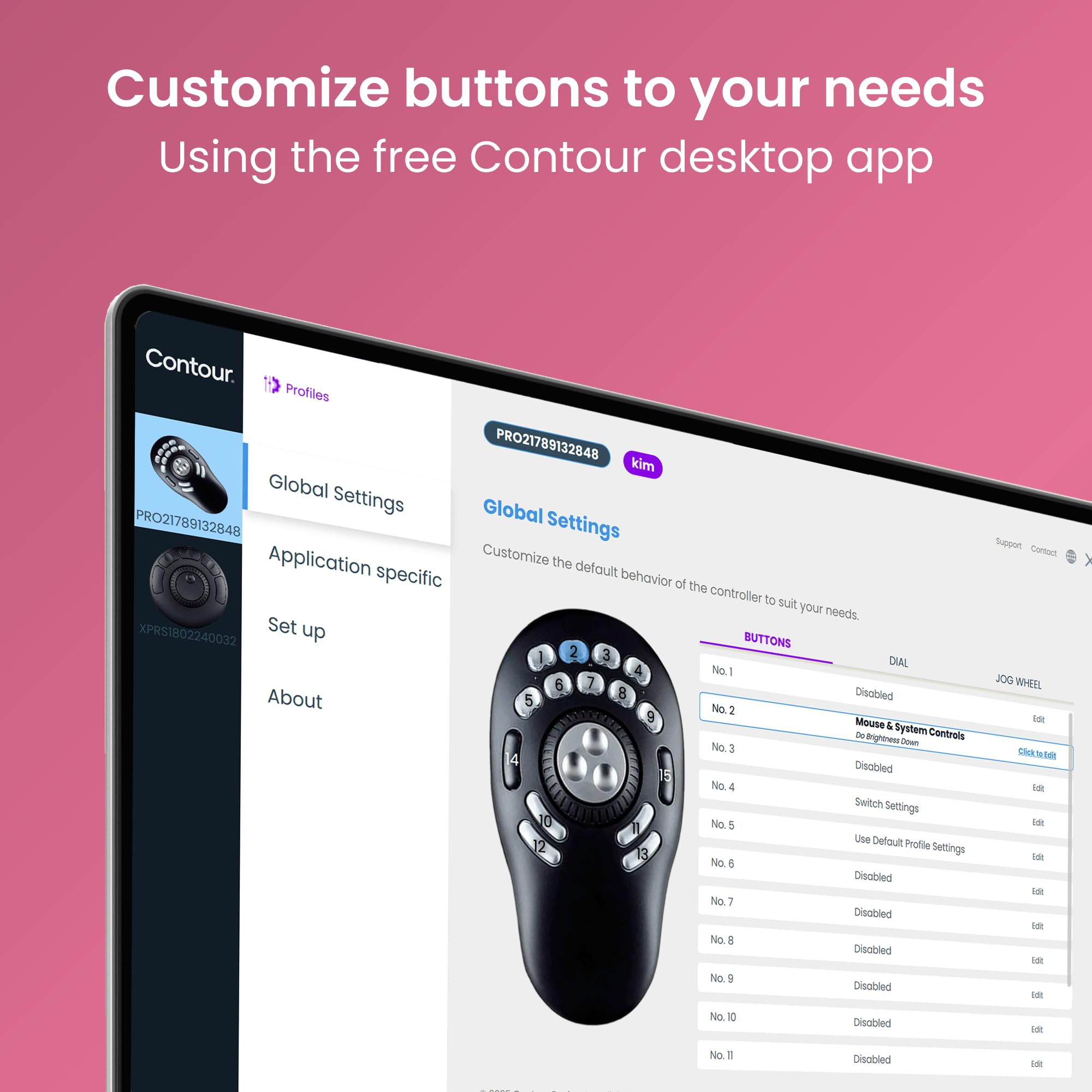
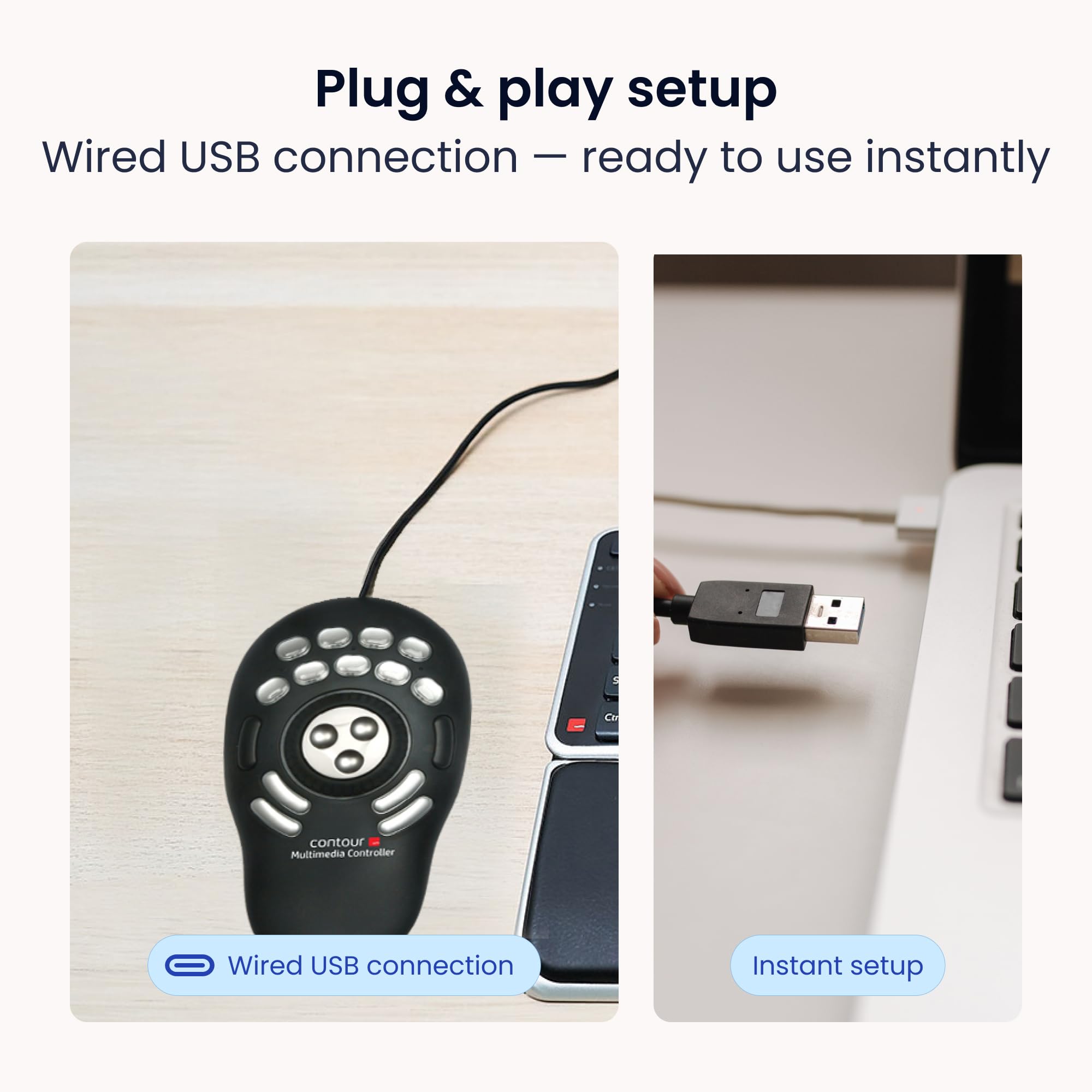
🎯 Master your workflow with the Shuttle Pro V.2 — control redefined.
The Contour Design Shuttle Pro V.2 is a wireless, IR-connected input device featuring 15 customizable buttons and a built-in trackpad. Weighing just 260 grams and designed in the USA, it enhances precision control for professional applications like video editing and software-defined radio, delivering a streamlined, cable-free experience trusted by thousands.


| ASIN | B0032XQP1K |
| Colour | Black |
| Connectivity technologies | IR |
| Country of Origin | USA |
| Customer Reviews | 4.1 4.1 out of 5 stars (689) |
| Date First Available | 7 August 2012 |
| Item Dimensions LxWxH | 23.5 x 13.3 x 5.1 Centimeters |
| Item Weight | 260 g |
| Item model number | Shuttle Pro V.2 |
| Other display features | Wireless |
| Product Dimensions | 23.5 x 13.34 x 5.08 cm; 260 g |
| Special features | Trackpad |
R**I
100% original product.
Thank Amazon and seller, product is original and working perfect, price is higher from local market, but all ok. Packing and all is fine. 100% recommend. M use this for vmix reply, it's working great. Very easy to use.
D**.
nothing to dislike, I use this with Software Defined Radio application SDRuno RSPDX and makes using this application a breeze.
P**D
Best $99 bucks I have spent in years! I do a lot of audio editing, and the ability to swap out keystroke short cuts for the press of one button has cut my editing time probably by half. The real power of the shuttle pro v2 is the Key Composer, a way to create macros that can be assigned to buttons. Simple example: when I want to paste some room tone over a breath, I used to tap a key to find the zero crossing before Ctrl+V. Now I have a macro that fires off zero crossing and then it pastes. I assigned this paste macro to a button on the shuttle pro. Now instead of two actions, I only do 1. Add to this the fact that my mouse never leaves the right hand and the shuttle pro is always on the left hand, so there is no jumping from the mouse to the keyboard and back each time I want to execute a command. That is far more then a 50% increase in efficiency! Long example: I've created several macros called Special Processing [client name] that contains all of the special effects processing needed depending on client. With one press of a button, the macro fires off high pass filter, noise gate, compressor, eq, and normalization. Boom! I don't have to remember, let alone execute, a complex set of commands once I set up the macro. It's cool that the shuttle pro knows what application I am in so has the commands available right away. Yes, there are preset button assignments for a ton of applications, but I ended up re-assigning all the buttons to my habits and workflow anyway (most assigned to macros, even Delete needs zero crossing as a first step.) HIGHLY recommended.
K**A
Wow. Only had this for a day and really impressed. Once the software is downloaded it works with most programs out of the box effectively. The software detects the current software in use and automatically maps the keys according to presets. I use for Davinci Resolve 16 and its brilliant. There are pre-named button labels included and also blanks so you can name them yourself. It has really speeded up my editing in Davinci already and i'm not used to it so looking good for the future.
M**Z
Empujado por la experiencia de un amigo con un dispositivo destinado al mismo fin, me decidí por éste, al ser directamente dedicado para la función. Todo un acierto. La experiencia ha sido tan satisfactoria que solicité otra unidad para casa. La ergonomía, en mi caso,la encuentro sobresaliente, mucho más favorable que con los teclados gaming que se dedican a estas tareas mediante Paddy. Los materiales son de calidad pero el acabado en gris de una de las unidades, no está tan bien rematado por la parte que se apoya en la mesa y la superficie de contacto con la mano, es más delicada y proclive a sufrir algún arañazo.De hecho,la segunda unidad que solicité, en color gris, llegó con un par de arañazos en esa zona debido seguramente al contacto con el cartón protector, que lo inmoviliza perfectamente pero parece resultar demasiado duro y contundente para el fin que se le supone. La funcionalidad y configuración posible, me ahorra muchos minutos en la ejecución de lotes de procesado en LH, tareas en PS, video con Vegas, y operaciones con el explorador de archivos de Windows. Al principio, es un poco engorroso de programar pero una vez lo realizas, todo se facilita y aceleran las operaciones de una manera notable. Totalmente recomendable.
J**N
使いやすいデザイン! キー割付設定はちょっと…(英語マニュアルなので…) 動画編集がすごく楽でイチオシアイテムです。
Trustpilot
Hace 3 semanas
Hace 2 días