
Descargar la aplicación


Servicios al cliente
Sobre nosotros
Copyright © 2025 Desertcart Holdings Limited
Descargar la aplicación


⌨️🖱️ Work smarter, scroll faster, last longer — the ultimate wireless duo for pros on the move!
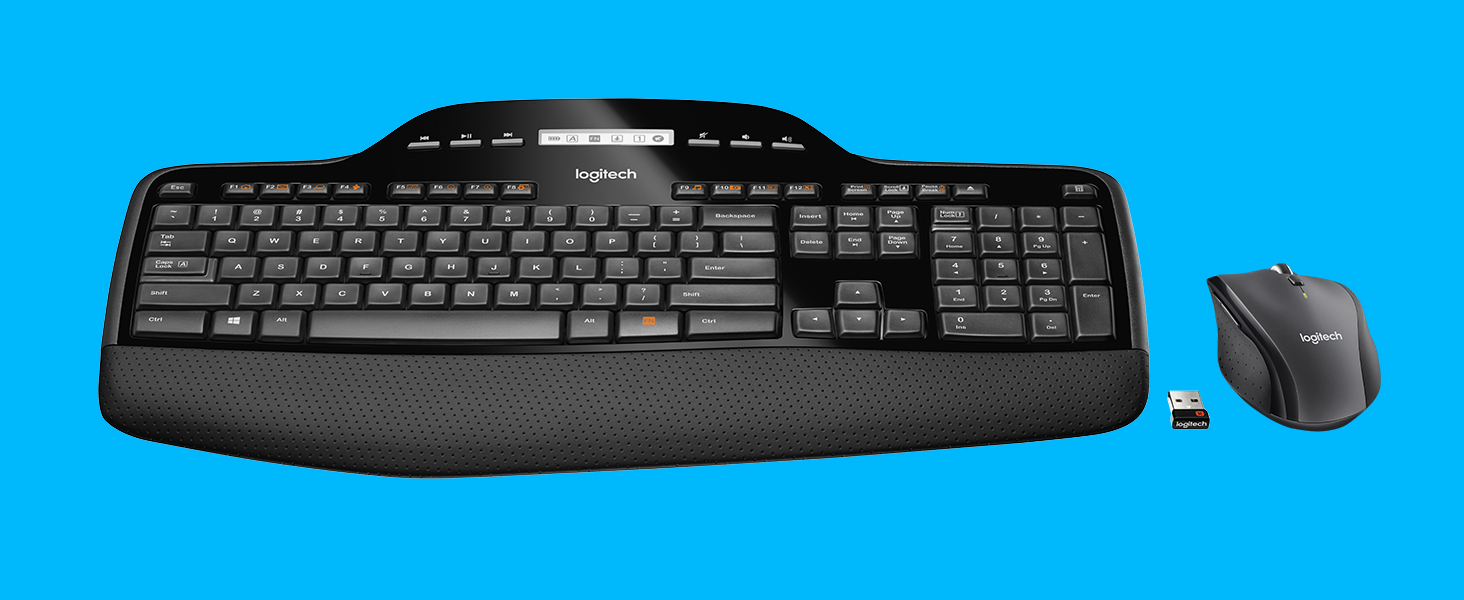
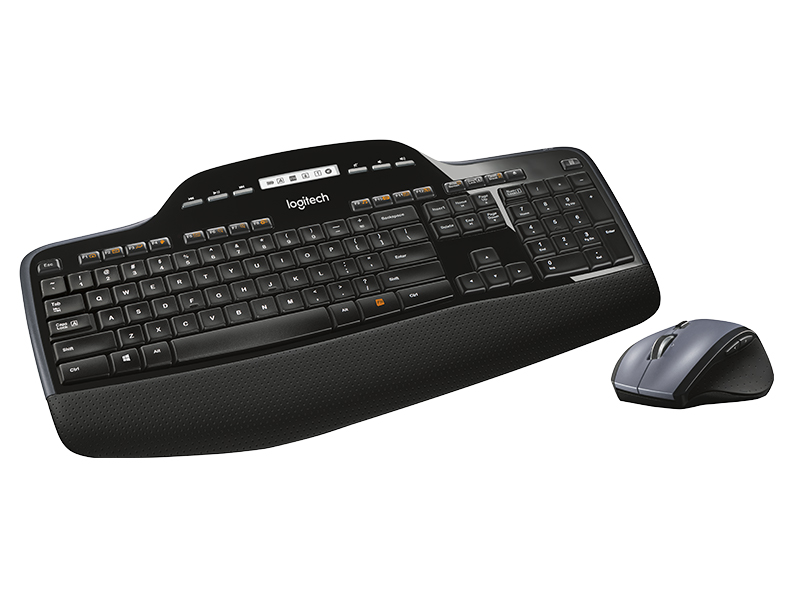
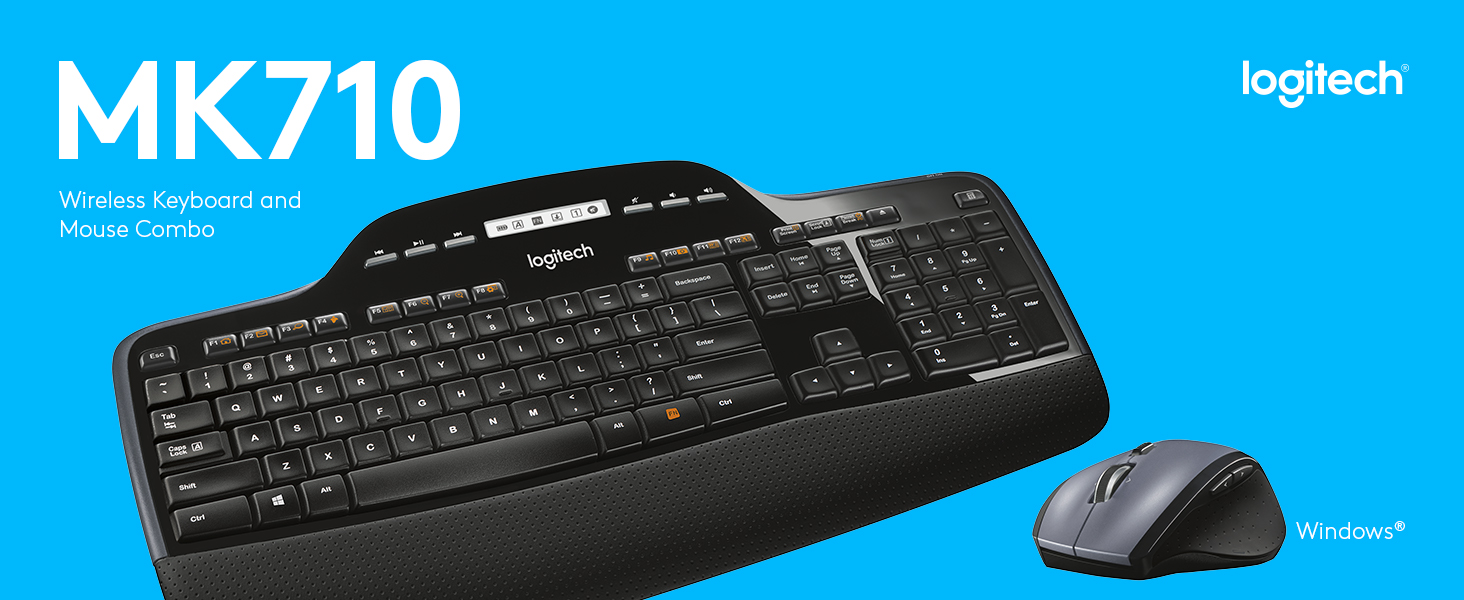
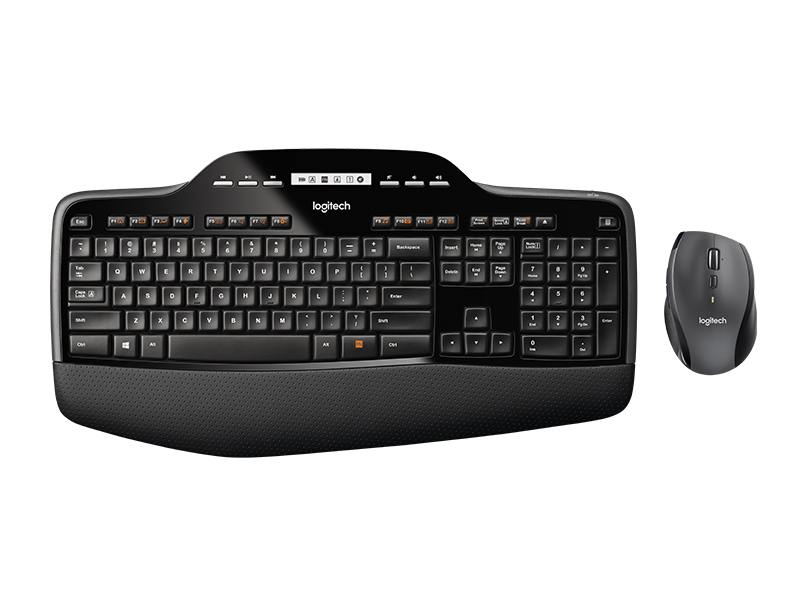
The Logitech MK710 Wireless Keyboard and Mouse Combo delivers professional-grade comfort and productivity with up to three years of battery life, an ergonomic keyboard featuring concave Incurve keys and cushioned palm rest, and a hyper-fast, dual-mode scroll wheel mouse. Its built-in LCD dashboard provides real-time status updates, while the compact Logitech Unifying receiver enables seamless multi-device connectivity, making it a top-tier choice for busy professionals seeking reliable, stylish wireless input devices.







| ASIN | B0036E8V08 |
| Batteries | 1 Lithium Polymer batteries required. (included) |
| Best Sellers Rank | #816 in Computer Keyboard & Mouse Combos |
| Customer Reviews | 4.5 4.5 out of 5 stars (5,123) |
| Date First Available | February 10, 2010 |
| Department | Computer Hardware, Supplies & Data Storage |
| Is Discontinued By Manufacturer | No |
| Item Weight | 1 pounds |
| Item model number | 920-002416 |
| Language | English |
| Manufacturer | Logitech |
| Product Dimensions | 18.9 x 9.9 x 2.9 inches |
M**T
Full-featured and great quality!
I purchased the MK710 Keyboard/Mouse combo mainly to replace the HP wireless keyboard/mouse that I got with my desktop computer. I've had great experiences with Logitech products in the past, so I expected a high-quality product, and they did not disappoint! While I've only used it for a few hours so far, I am definitely happy with my purchase. Marathon mouse: This is a full-sized yet portable mouse that's specifically designed to be used with the right hand. It's very comfortable to use for long periods of time. I work from home, and am switching the receiver between my laptop during work hours and desktop during off hours, so I'll be using this mouse for easily 10 hours a day, sometimes more -- I feel like this mouse is ready for that! This is the first time I've had a mouse with extra buttons. There are three buttons on the right side: two obvious buttons near the top that are set to forward and back, and a button toward the bottom of the mouse. With the included software, you can completely customize the buttons to do whatever you'd like. I'm also a huge fan of the scroll wheel. You can quickly switch between "normal" scrolling and hyperscrolling for longer documents. It also can be held side-to-side to scroll left/right on things like spreadsheets where you have a lot of columns. VERY useful. I'd read some complaints about it not working well as a "normal" scroll wheel but I haven't found that to be the case. When it's engaged in normal mode, it acts just like any other scroll wheel I've used. The included software currently says I have over 900 days remaining on my mouse batteries. That's incredible! Keyboard: I'm impressed at how quiet the keys are. They are also rounded to feel more comfortable for long periods of typing. The markings on the F and J keys seem to stick up a bit more than on other keyboards I've used, but I don't find it bothersome at all. It took me a few minutes to feel comfortable with the feel of the keys and their response when typing, but I adjusted pretty quickly. The cushion below the main keyboard area is actually a cushion with a little squish to it. I expected hard plastic, so that's a nice touch. Also, if you're into putting an incline on your keyboard, there are actually two sets of legs, allowing you to choose between a 4 degree and 8 degree angle. I personally keep my keyboard flat to minimize carpal tunnel, but this could be useful to those who want to get that angle just right when typing. For the most part the function keys worked pretty well out of the box, but I used the included software to make some quick customizations. I also switched it so that you only hold the FN key when you want to use one of the F commands, so the quick-launch options are even easier to use. It's a silly feature, but I really like having the calculator key. I can't tell you how many times I pull up the calculator program during the day! And its location by the number pad makes perfect sense. I think my only complaint is that the length of the keyboard, once you include the wrist rest and the top section with LCD, is definitely bigger than I'm used to. I typically store the keyboard under my monitor when not in use, and it sticks out more than I'd like. But the keyboard is still very thin, and easy enough to tuck out of the way. Overall, I'm really pleased with this set. My old HP set used to have receiver issues, but this combo works flawlessly. Definitely worth the price, especially if you spend a lot of time at your computer.
B**K
wireless excellence
Superb keyboard and mouse - best I have had in 30 years' using PCs at home and work. I bought the Logitech MK710 wireless keyboard and mouse because I wanted a keyboard display of caps/number/scroll lock settings, something difficult to find especially in a wireless set. So many times I've had to rewrite passages and passwords and been frustrated with numbers not working and odd scrolling behavior because these settings had been mistakenly changed. A glance at the keyboard display helps avoid those problems. Happily, not only did I get an up-front, easy to read display, but an excellent keyboard and mouse - and wireless to boot! Keyboard: Tactile feel of the keys and palm wrest is great. Just the right amount of friction to let your hands and fingers slide around without being slippery. Keypress is perfect for me, too, taking a positive action, helping to avoid typos, but too hard and not too long. Key action is fairly silent, with just enough audible feedback. Text entry follows each keypress quickly and reliably. Function keys are nicely arranged at the top, easy to find, but not too large. Each function key also has a handy shortcut option, for example Fn-F1 opens browser homepage, Fn-F2 = email, Fn-F7 = zoom, Fn-F9 = music, etc. Additionally, there are separate buttons to control sound level, disc/file player operation (play/pause etc.), eject disk, and start calculator. Keyboard angle can be adjusted among three settings by opening/closing feet under keyboard. I find little to fault. Personally, I would like a palm rest that was a little wider, but my hands are large and fingers extra-long. I suspect the palm rest would be just fine for normal hands. Mouse: This is the M705 mouse. It has left and right buttons; dual-mode (see below) scroll wheel with horizontal as well as vertical scrolling plus middle-button functionality; forward and back buttons; and a trick application switch. Scroll wheel mode can be changed easily between smooth, fast free-wheel scrolling and fine-control click-stop scrolling by simply pressing a button on top of the mouse; very nice. Forward/back buttons are nicely positioned by the thumb (IF you are right-handed), are nicely sized to be out of the way until you want to use them, and take a positive but not-too-hard action to press. The application switcher works by pressing the thumb rest (again, for right-handed folks only) which causes your open applications to display as windows arrayed across the screen - simply point and click on the application you want; sweet. I find the mouse reasonably comfortable to use, though I would like one a bit larger - again, the large hand / long fingers thing. Wouldn't it be nice if you could get a mouse in small/medium/large sizes, and shaped for lefties as well as righties? Straight out of the box, the pointer movement was a bit faster than I prefer, but that is adjustable to your taste in the Logitech Setpoint software that comes with the mouse. After a few minutes, I was able to adjust pointer speed and acceleration to my personal preference. By now you probably think I have a personal connection with Logitech. Let me assure you, I do not. I just think this is a terrific keyboard/mouse combo with excellent quality at a reasonable price.
A**ー
会社の偉い人が使うので、助かりました。ありがとうございます。
G**A
Primera observación, debesde tener cuidado si requieres un teclado con configuración en español porque este no la tiene. El teclado tiene todas las teclas iguales, sin diferencias en Shift, backspace y enter haciendo un poco complicado el uso. El mouse es muy bueno y con excelentes funciones de uso. El teclado traía un pequeño desperfecto en la parte vinil.
M**V
Perfect
S**A
2021 September UPDATE: Nearly 3 years since receiving this item, and I still see full 3-bars on the battery indicator on the keyboard. Have not needed to put batteries in it!! Amazing!! And still working great. The mouse, however, has required battery replacement twice I think. Cannot complain about this! I did not truly expect keyboard to go for several years on original battery, but it is! And we use it regularly. I have however come to not love the shape of the mouse; it is a bit weird, unless you are sitting at a desk where the mouse is always in the same spot and your hand is always at same angle and arm resting on a desk; we pass the mouse back and forth, while using the computer from sitting on the living-room couches, and the mouse is awkward, especially if you have any problem with full use of your hand or fingers. And the side-buttons can be easily clicked by accident while handling the mouse. Functionally, it works great, but I just don't care for the shape. All in all, still pleased with this Logitech product. My original review below: Basically I love it. NOTE that scroll-lock does not seem to be indicated on the "LCD Dashboard", only battery, CAPS, and NUM locks. No big deal. At first the mouse felt very light and plasticky (cheap) but after adding batteries and using it for a bit, I got accustomed to it. It IS plastic like everything else in the world, but is of good quality; the free-wheeling scroll-wheel is great (little button to dis/engage free-wheeling), it spins freely by itself for quite a while, scrolls long pages or console output very quickly.. Cannot yet speak to long-term durability, but hoping it lasts. LINUX users NOTE: if unifying receiver not detected or not working for you, or not showing any paired devices, ensure you are a member of PLUGDEV group on your Linux system. If that doesn't work, maybe your kernel is just too old.
L**A
Great keyboard and mouse
Trustpilot
Hace 3 semanas
Hace 1 día