We remain fully operational. Our teams are working around the clock to ensure your deliveries continue safely.

Descargar la aplicación


Servicios al cliente
Sobre nosotros
Copyright © 2025 Desertcart Holdings Limited
Descargar la aplicación

📺 Elevate your screen game—mirror smarter, not harder!
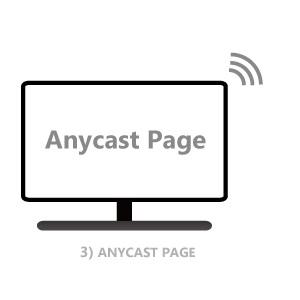
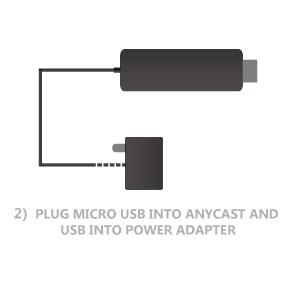
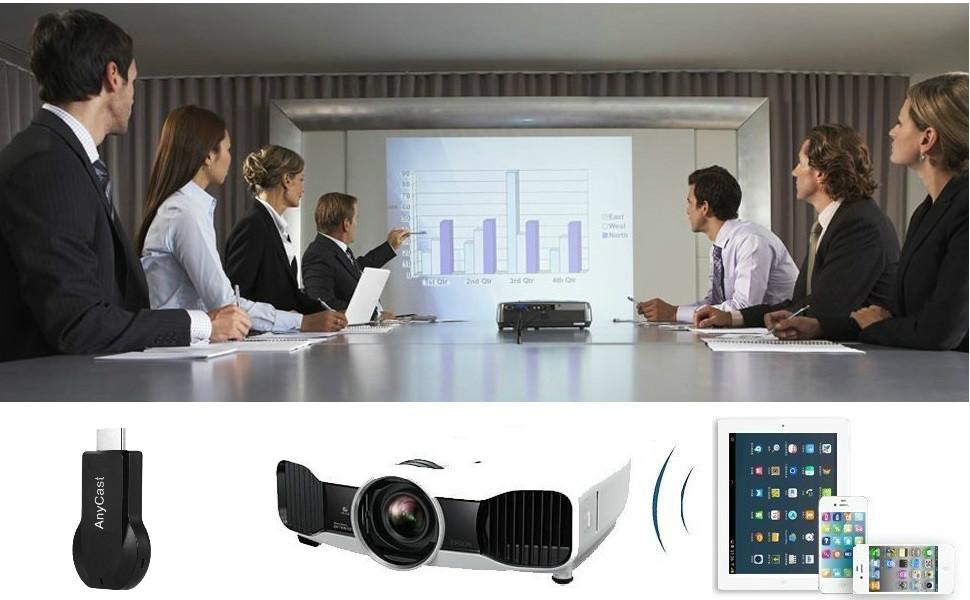
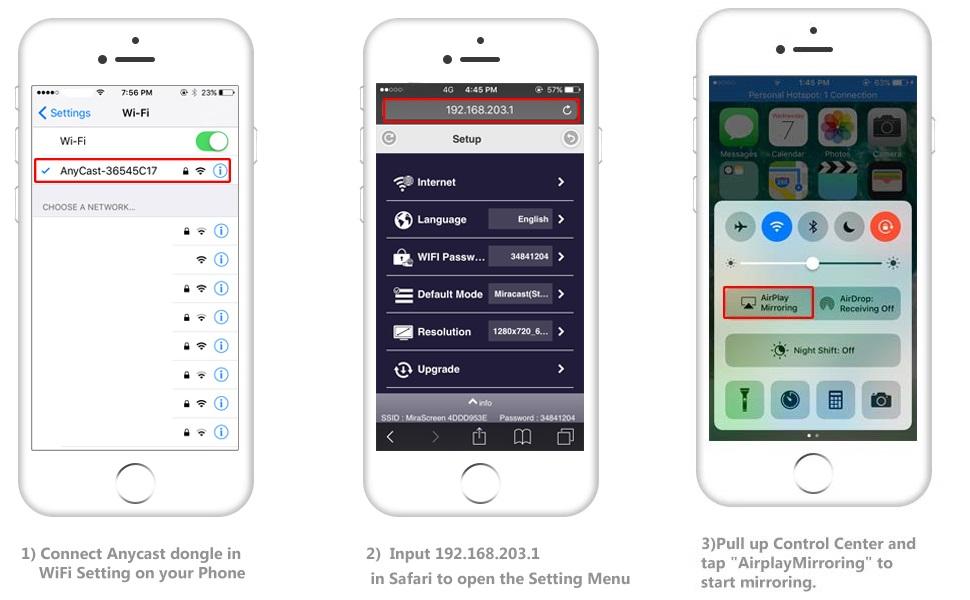
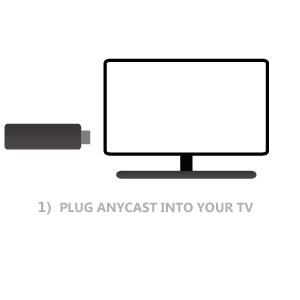
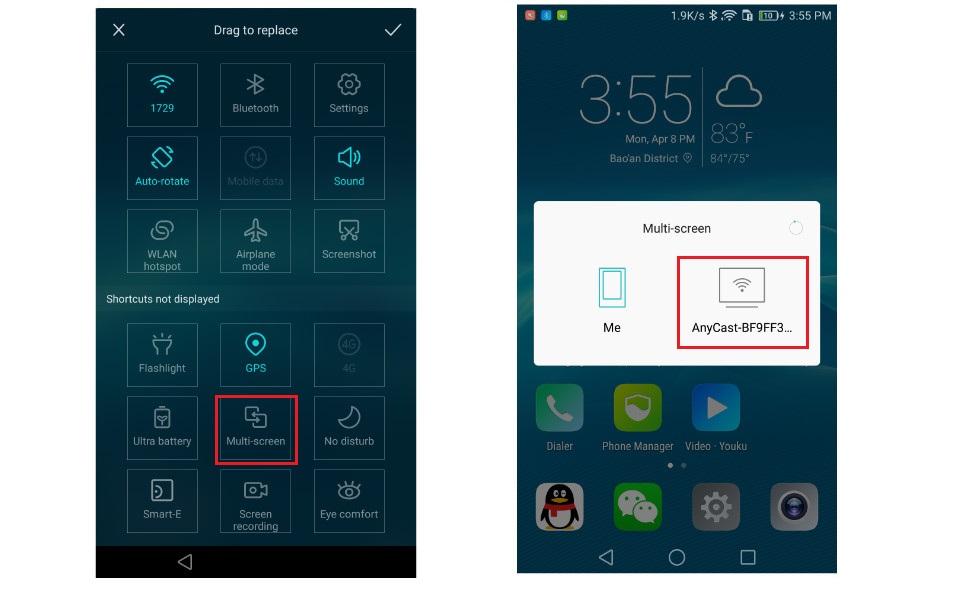
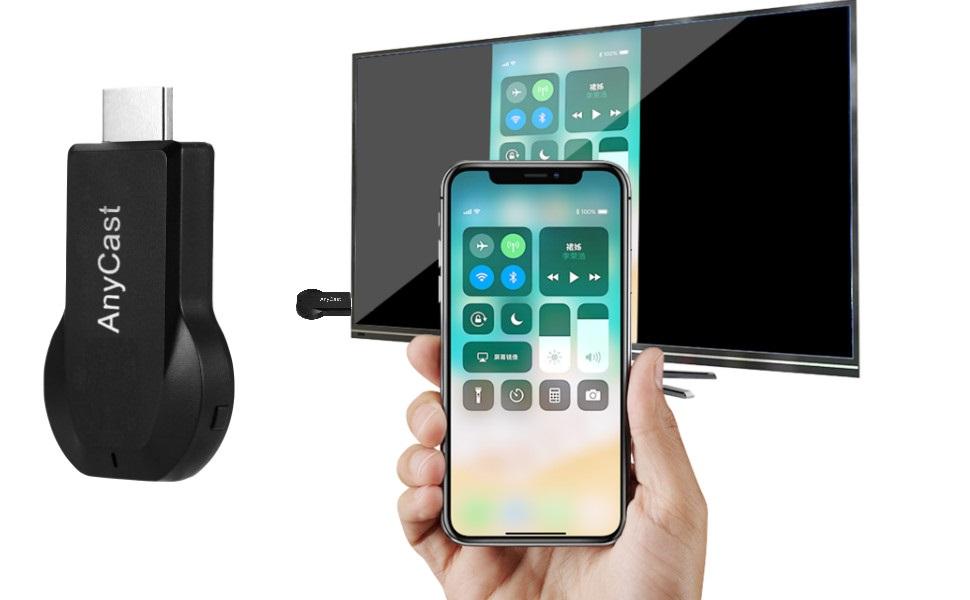
The SmartSee Anycast HD Wireless Display Adapter is a compact, plug-and-play dongle that wirelessly mirrors your mobile or PC screen in 1080P HD to TVs, projectors, or monitors. Compatible with iOS, Android, Mac, and Windows devices via AirPlay, Miracast, and DLNA, it requires no apps or drivers and supports automatic OTA firmware updates. Ideal for professional presentations, education, home entertainment, and mobile use, it transforms any display into a smart screen with seamless multi-platform connectivity.







| ASIN | B07QDLNGFZ |
| Best Sellers Rank | #7,363 in Electronics ( See Top 100 in Electronics ) #50 in Streaming Media Players |
| Brand Name | SmartSee |
| Color Name | Black |
| Customer Reviews | 3.4 3.4 out of 5 stars (2,442) |
| Date First Available | April 7, 2019 |
| Item Weight | 2.08 ounces |
| Item model number | STCD0073JP |
| Product Dimensions | 2.56 x 1.38 x 0.59 inches |
| Special Features | Airplay, DLNA, Miracast |
M**R
Highly recommended!
I recently purchased this adapter, and its performance is simply flawless! Setting it up is incredibly simple—just plug it in, connect to Wi-Fi, and my laptop or phone screen is instantly mirrored. The picture is crisp and sharp, with no lag or flicker, making it perfect for video playback, presentations, and even casual gaming. I also love its compact portability, making it easy to take to meetings or use in different rooms of the house. The connection is consistently stable, and it handles multiple devices effortlessly. For anyone looking for a reliable, high-quality wireless display solution, this HD wireless display adapter is definitely worth the money. Highly recommended!
B**.
Does not work as described -requires WiFi to barely function
I purchased this device because the description said that it works without local WiFi. Unfortunately it will not allow streaming of any videos that I was able to find through the devices WiFi. After 15 minutes the device was incredibly hot to the touch. Audio only seems to cast fine. It sort of works without local local WiFi but there is a significant lag between the audio and video. It does require an external USB power supply so if you’re going to buy this you’ll want to purchase a USB extension cord for setup.
T**O
great wireless mirroring solution.
This dongle works flawlessly with both my Android phone and my MacBook. It’s perfect for streaming movies or sharing presentations on a big screen without messy cables. The connection is stable and the resolution is excellent. Highly recommend it! The 1080P video looks great and it connects very fast. It's a fantastic and affordable way to make any TV smart
M**A
Serves the purpose. Seems a bit flaky
I am using this with an older Toshiba tv/monitor that doesn't seem to have miracast. I am using it mostly to play videos and movies from my Samsung galaxy tab active5. It seems a bit finicky at times. For instance it might not appear as available unless you unplug and plug it back in. I'm not sure all of the situations one might use it in. I had an older roku that doesn't allow me to connect to the TV but this works for what I am looking for and the price was right. I'm giving 4 stats just because it is a bit temperamental. I will check back after I have some time using it.
T**G
Wirelessly connects many types of devices to a TV fairly easily, but there are shortcomings.
- Anycast device can do either AirPlay or Miracast, but not both. Must be switched via button on device. - This device has firmware that claims to accept both at once, but it costs a little more: https://www.amazon.com/dp/B07GR971W2 - WiFi only, and WiFi is 2.4 GHz only. I would prefer to have an Ethernet adapter available so I can connect this behind a network switch, but there does not appear to be an Ethernet adapter available. - The volume control on the iPhone does not work when casting via AirPlay from apps, but it does work when mirroring the display via AirPlay. - Web UI can be used to join the device to home WiFi and set its device name for AirPlay and Miracast, but the Web UI is only accessible when device is in AirPlay mode. - If Anycast is joined to an external WiFi network, then Miracast and AirPlay both use the security of that WiFi network as their security. Anyone who is authenticated to the WiFi network can cast to the device via AirPlay or Miracast. - Anycast sometimes takes a minute to display on the device, both for AirPlay and for Miracast. But once it is connected, it seems fairly stable. I returned it due to the limitations with device mode switching, no Ethernet, and volume control.
C**E
Easy to connect
Great for casual screen mirroring, but setup could be easier.” I’ve been using this SmartSee Anycast wireless display adapter for a few weeks now to mirror my phone and laptop to the TV. When it works, the picture looks clear in 1080P, and it’s super handy for showing photos, videos, and presentations on a bigger screen. I like that it supports AirPlay, Miracast, and DLNA, so it connects with both my iPhone and Android devices without needing extra cables.
S**O
Doesn’t work just buy Crome cast
Total garbage doesn’t work at all. Forces you to use a different Wi-Fi so then you can’t actually use it. Don’t buy this stupid thing.
A**W
AnyCast mirroring device.
This does work, but it has some lag issues, and there is not many apps that work with this device. If you buy this product, it has a specific purpose in mind for its design, and the only way it can work smoothly is with an app that can connect an outside device to this "mirroring" device. And that's not available. It's just ridiculous to provide a product to the open public and not ensure its flawless functionality.
J**S
Me funciono muy bien
S**Y
I love this product, I had to install the app because my phone is older and doesn't have mirroring, now I can even cast to TVs that have casting options without this casting device, but this casting device is cheap small and doesn't listen to the household lol, I highly recommend it to upgrade any TV to a smart TV.
M**A
I used the SmartSee Anycast to mirror my phone to the TV, and it worked okay after some trial and error. Setup took a bit longer than expected, and the connection dropped a couple of times. When it worked, the video was decent, though there was some lag with streaming. It’s fine for casual use like showing photos or presentations, but not the best for smooth video playback.
P**Z
Falla mucho la conexión con el proyector
D**L
To much lag and lag between vid & sound. Went in the bin
Trustpilot
Hace 1 semana
Hace 5 días